Material Widgets

4.50

Information

Category:

Personalisation

Price:

$ 0.49

Rank:

37

Rating:

4.50

Overview

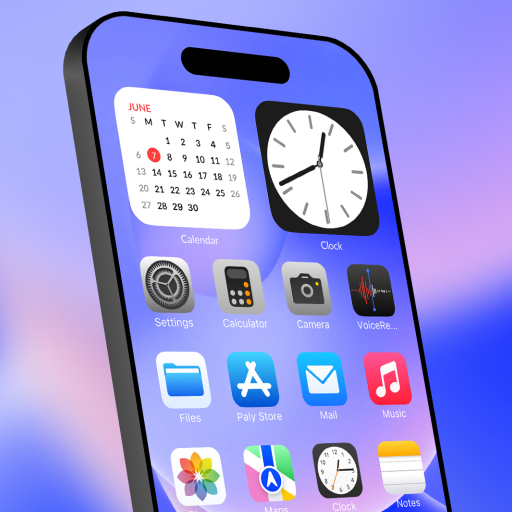
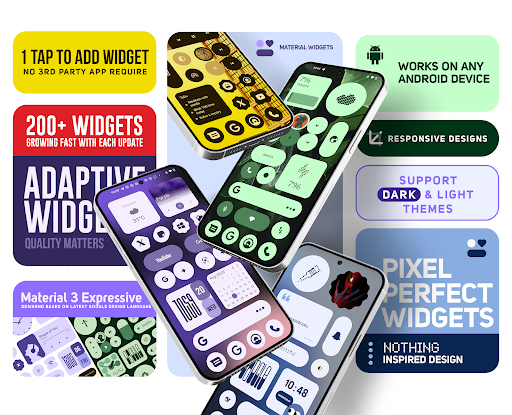
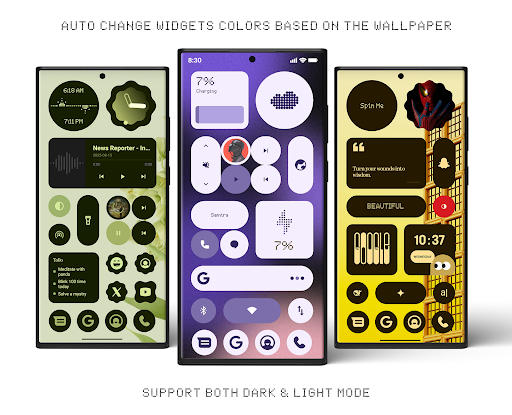
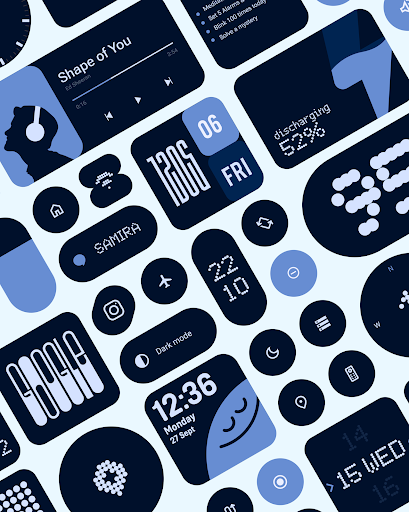
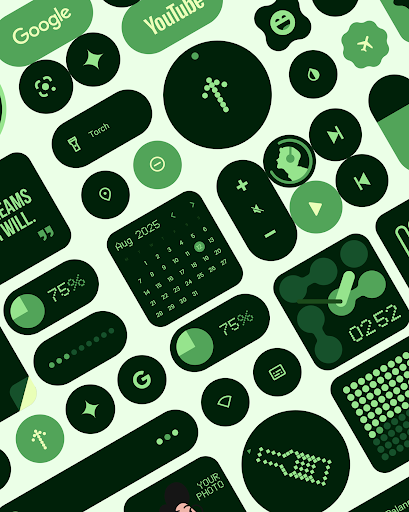
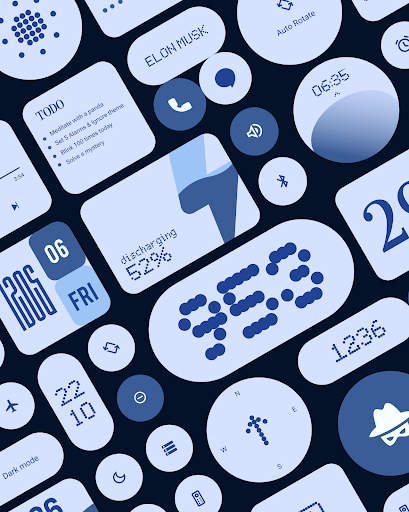
Material Widgets is a personalization app that brings Google's Material 3 design to your home screen. With over 200 widgets, it offers dynamic theming that adapts to your wallpaper and system colors, ensuring a fresh and personalized experience.

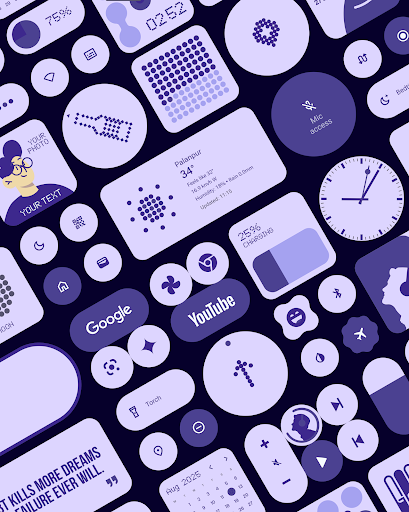
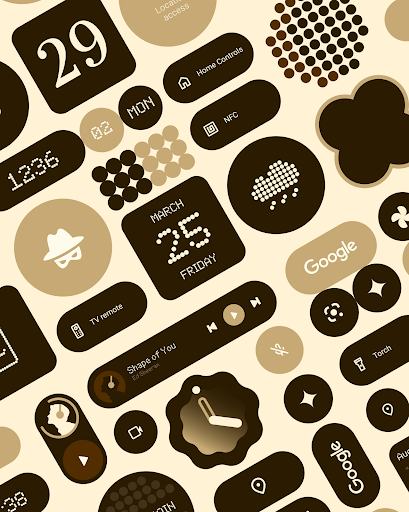
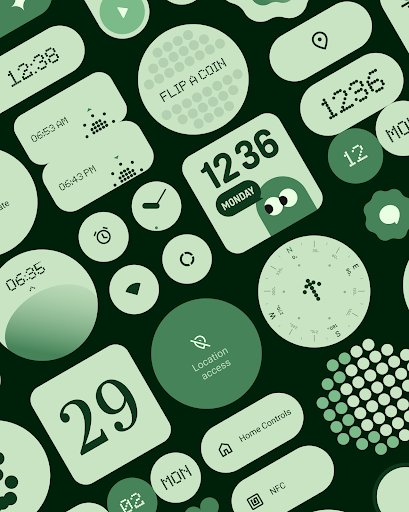
The app provides a variety of widget types including clocks, calendars, weather, and quick settings, all designed with modern shapes and bold typography. These widgets are fully resizable, allowing for customization from compact sizes to full-screen layouts.

Whether you want to track your steps, check the weather, or organize your tasks, Material Widgets enhances your home screen functionality while maintaining an expressive and cohesive aesthetic.

Features

One of the standout features of Material Widgets is its native functionality. Unlike other widget packs, it doesn't require third-party apps like KWGT. You can simply tap and add widgets directly to your home screen.

Each widget is crafted following Google’s Material 3 guidelines, featuring adaptive designs that adjust seamlessly to both dark and light modes. The app also includes matching wallpapers, completing the personalized look.

With regular updates and new widgets on the horizon, Material Widgets continues to expand its offerings, focusing on quality and usability. This ensures users have access to the latest in expressive design without compromising performance.

Customization options variety

Customization options variety refers to the range and flexibility of personalization features available within an application allowing users to tailor their experience to match their preferences and needs This is particularly important in personalization apps like Material Widgets where users expect to have control over the appearance and functionality of their home screens Material Widgets offers an extensive array of customization options with over 200 widgets that cater to different aspects of home screen management These widgets include clock and calendar widgets battery indicators weather displays quick settings controls contact widgets photo frames and productivity tools Each widget is designed following Googles Material 3 expressive design guidelines ensuring modern shapes bold typography and dynamic theming that automatically adjusts to the users wallpaper and system colors The app provides fully resizable and adaptive widgets which means users can scale them from compact sizes to fullscreen layouts This level of customization ensures that every user can create a home screen that feels fresh dynamic and uniquely theirs without needing any thirdparty apps Furthermore Material Widgets includes matching wallpapers that pair perfectly with the widgets enhancing the overall aesthetic appeal By offering such a wide variety of customization options Material Widgets empowers users to express their individuality and optimize their home screens for both functionality and visual appeal This comprehensive approach to customization sets the app apart as a powerful tool for personalizing Android devices

Theme compatibility

Theme compatibility refers to an applications ability to seamlessly integrate with and adapt to various thematic elements such as color schemes typography and design styles ensuring a cohesive and visually pleasing user interface In the context of Material Widgets theme compatibility is a crucial feature that enhances the overall user experience by allowing widgets to dynamically adjust their appearance based on the users wallpaper and system settings This ensures that the widgets always look harmonious and wellintegrated with the rest of the home screen Material Widgets achieves superior theme compatibility through its implementation of Googles Material 3 design principles Each widget is crafted to not only follow modern design aesthetics but also to be highly adaptive changing its colors and styles to match the users chosen wallpaper and system themes This dynamic theming capability allows for a personalized and consistent look across the users device whether they prefer light or dark modes or frequently change their wallpapers Moreover the app includes over 100 Material Youinspired wallpapers which are specifically designed to complement the widgets This thoughtful inclusion ensures that users can achieve a perfect match between their widgets and background images further enhancing the visual coherence of their home screens The emphasis on theme compatibility in Material Widgets extends beyond mere aesthetics It also encompasses functional aspects such as readability and usability ensuring that text and icons remain clear and accessible regardless of the background By prioritizing theme compatibility Material Widgets delivers a user experience that is both visually stunning and highly functional making it an excellent choice for those who value a harmonious and adaptive home screen environment

Props

User-friendly interface

Dynamic color adaptation

Wide range of widget types

Fully resizable options

Native app functionality

Cons

Limited to Android devices

Requires manual updates

No iOS version available

Some widgets may overlap

Design consistency varies

Features and Functions

What is this app and what can I use it for?

A customizable widget pack for personalizing your home screen.

How do I download and install this app on my device?

Visit Google Play Store, search for Material Widgets, and tap Install.

How do I get started after opening the app for the first time?

Pick a widget, tap to add, and position it on your home screen.

What are the main features and capabilities of this app?

Offers 200+ widgets including clocks, weather, and productivity tools.

How can I customize my experience and adjust preferences?

Adjust widget size and position directly on the home screen.

How do I save or bookmark my favorite content for later access?

Long-press the widget and select Save to Home Screen option.

How can I share content with friends or on social media?

Use share button within widget settings to post on social media.

How do I access detailed information and explore more content?

Tap widget for detailed info; explore more via widget menu.

What permissions does this app need and how do I manage them?

Requires basic permissions; manage in device settings.

How do I check for updates and keep the app running smoothly?

Check Google Play Store regularly for updates and enable auto-updates.
Show more

User Reveiws

{{ comment.reviewer_name }}
{{ comment.review_date_formatted}}
{{ comment.review_content }}
{{ tab.name }}
{{ comment.reviewer_name }}
{{ comment.review_date_formatted}}
{{ comment.review_content }}
No reviews with this rating