
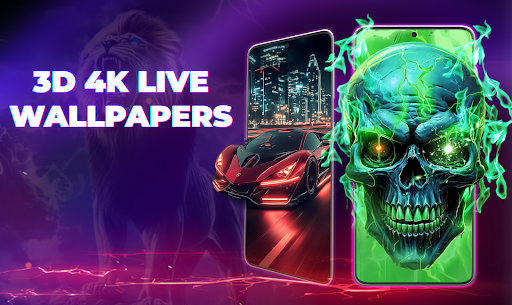
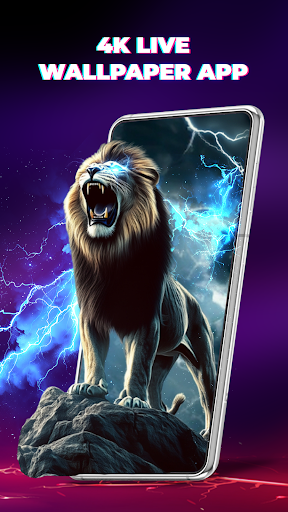
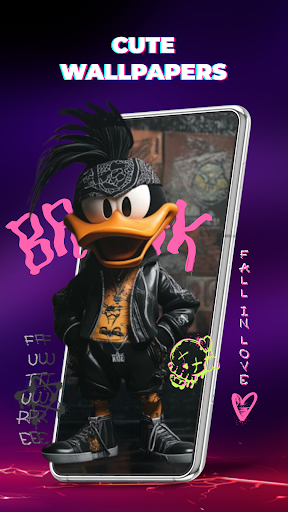
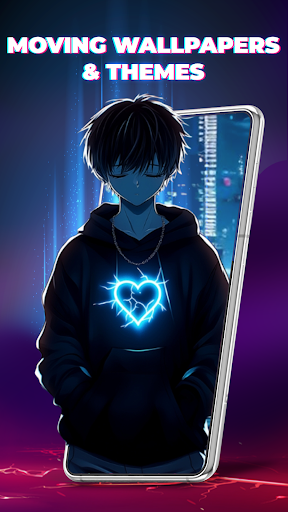
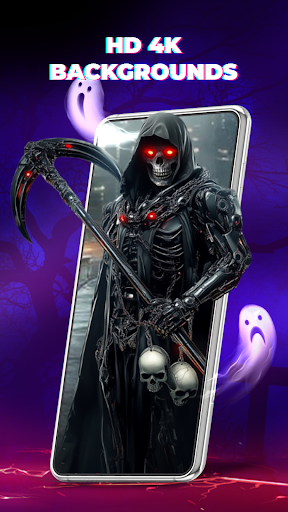
Wallpaper 3D Live is a premier personalization app that redefines your device's screen with stunning 3D wallpaper experiences. This app offers an immersive gallery of high-quality 3D visuals and motion effects, making it one of the most powerful wallpaper apps available. Whether you're into futuristic art, cute designs, or mesmerizing animations, Wallpaper 3D provides an exclusive collection tailored to every mood.
The app features over 2000 dynamic and artistic options, including bold abstract styles and soft cute wallpapers. With its unique 3-layer depth engine, users can enjoy next-level 3D live effects on both home and lock screens. The app supports dual-screen setups, allowing different themes for each screen, and includes vivid 4K wallpaper options optimized for smooth performance without draining your battery.
Wallpaper 3D Live is perfect for those looking to express their style through customizable, high-quality visuals. Its daily updates and extensive library ensure that users always have fresh content to explore, making it an essential tool for personalizing your device.
Wallpaper 3D Live boasts a range of impressive features designed to enhance your device's aesthetics. One standout feature is the unique 3-layer depth engine, which creates next-level 3D live effects, providing a realistic multi-layer depth on your screen. This makes your device feel more alive than ever before, responding to every tilt and move with breathtaking motion effects.
The app includes a massive library of HD, Full HD, and 4K wallpapers across various categories such as fantasy, tech, galaxy, neon, nature, and cute designs. Users can easily preview and apply these wallpapers with fast loading times, ensuring a seamless experience. Additionally, the app is fully optimized for smooth, lightweight use, offering dual-screen setup capabilities where different wallpapers can be applied to the home and lock screens.
With new 3D and 4D parallax wallpapers added daily, Wallpaper 3D Live ensures that users always have fresh content to explore. This continuous update feature, combined with smart previews and easy customization options, makes it the best choice among modern wallpaper apps for fully customizing your phone’s look.
Stunning 3D effects
Extensive wallpaper library
Daily content updates
User-friendly interface
Optimized performance
Battery consumption
Limited free options
Occasional bugs
High storage usage
Premium subscription cost
Color phone with cool effects for call screen, flash alert & ringtones music
 4.50
4.50
HappyLighting is a Bluetooth lamp control software.
3.40
Handcrafted pixel art icons, widgets & wallpapers
4.60
Your home screen, just the way you like it.
4.30
Create unique, fun emojis with Funny Emoji Maker! Unlimited creativity!
4.00
Transform your phone with stunning video wallpapers and a unique, personal touch
3.80
Your home screen, just the way you like it.
3.80
10000+ Aesthetic Themes & Widgets by Themely. Customize Your Phone Easily!
4.80
Silly smile live wallpaper 4K : fun live wallpaper HD for your phone lock screen
4.50
One 8 icons glass color version
4.80
Install amazing sticker packs: endless styles, always cool.
4.70
300+ widgets inspired by Material You and Material 3 expressive design.
4.60
Create stunning widgets with Widget 2025: Aesthetic Widgets for Android!
4.60
Yandex Browser — stylish and secure, with voice search and data compression
4.40
The Powerful Antivirus & Wi-Fi Monitoring Protection App for Your Data.
4.40
Make email easy with swipe inbox access, home screen widget, and quick replies
4.10
Swipe, Snack, and Style Your Way to Fun.
4.00
Your go to Weather App & Home Screen. Get your weather at a swipe of a finger!
3.80
BATTLE ROYALE CHAPTER 5 SEASON 3 HD WALLPAPERS EMOTES SKINS AND BATTLEPASS
3.70


User Reveiws