
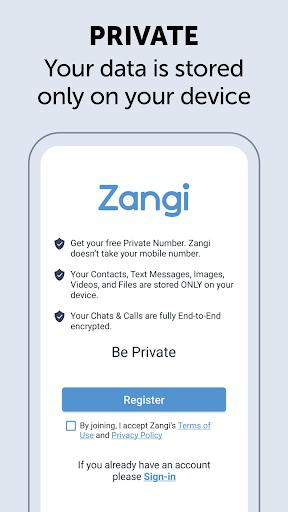
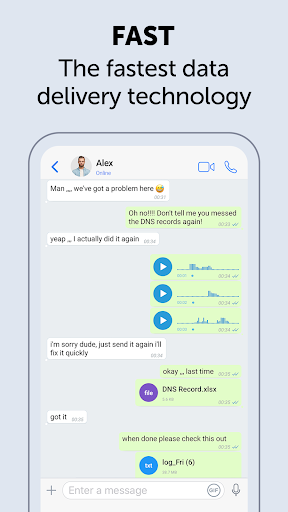
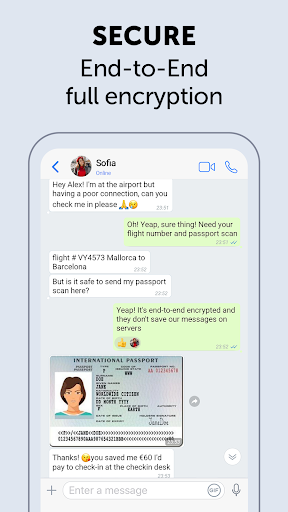
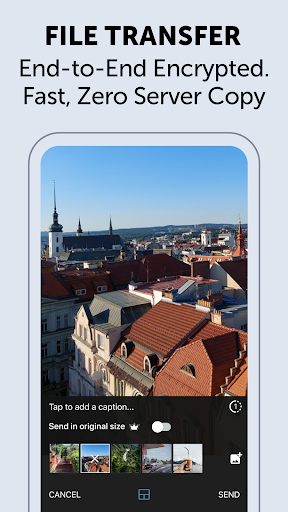
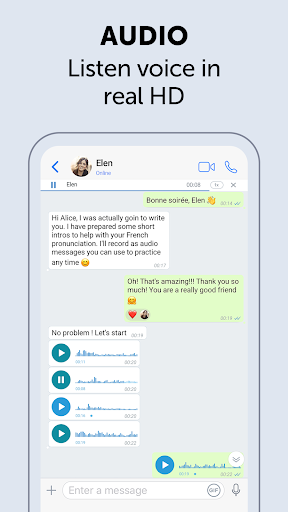
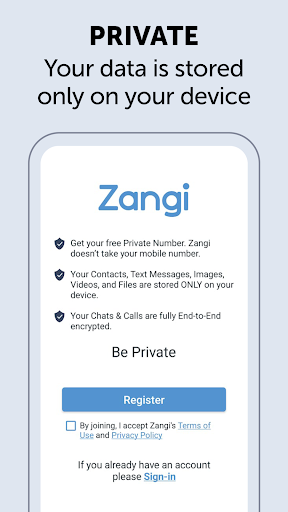
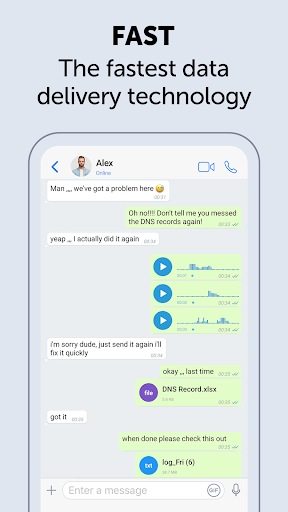
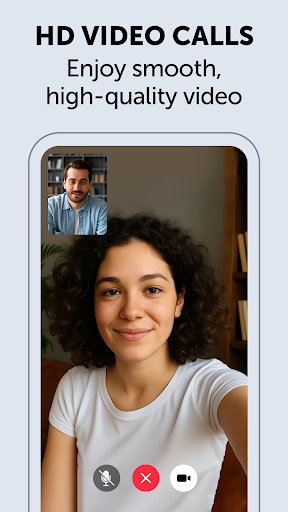
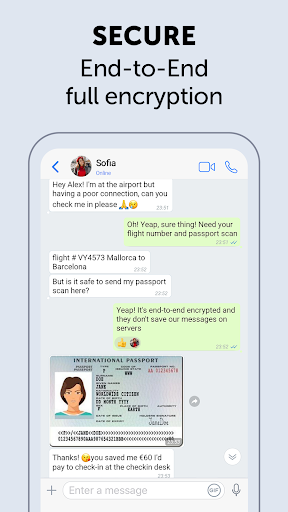
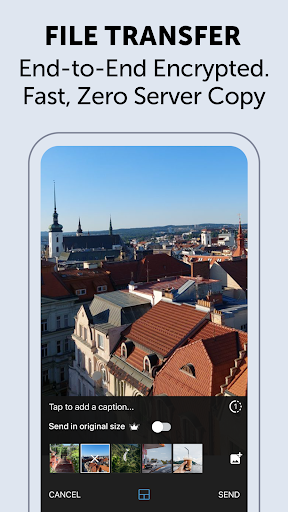
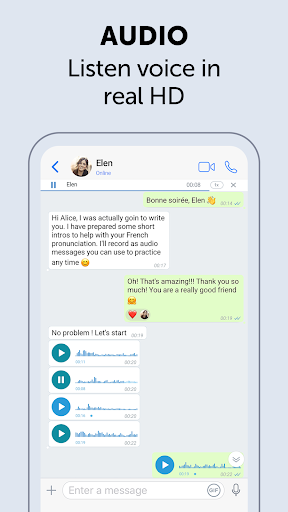
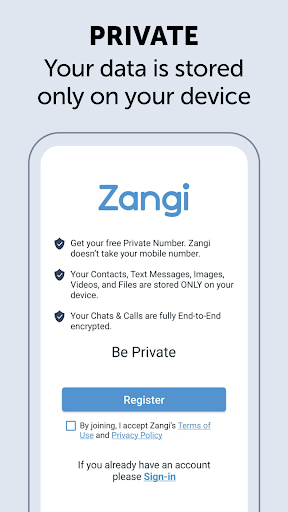
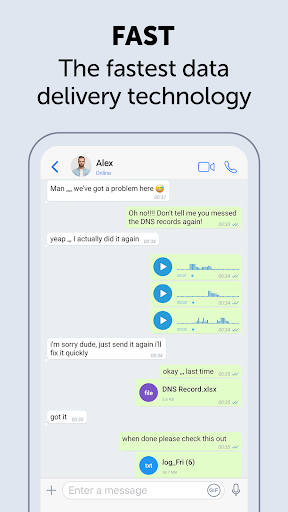
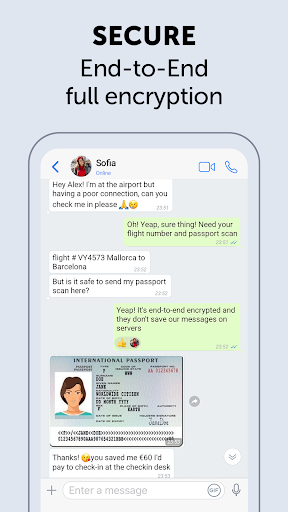
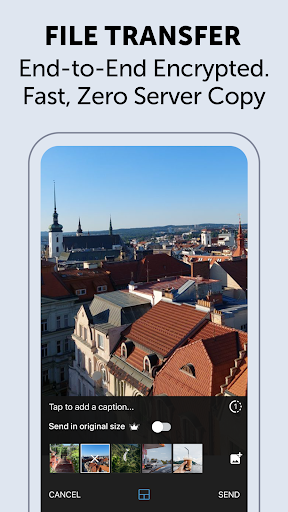
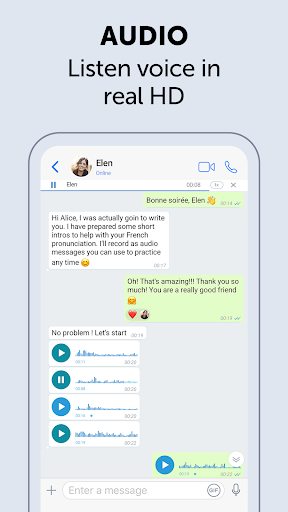
Zangi Private Messenger is a secure communication app designed for privacy-conscious users. It offers anonymous registration without requiring a phone number, ensuring protection from surveillance and hacking attempts. The app employs military-grade AES-GCM 256 encryption for all communications, including texts, voice, video calls, and file transfers.
What sets Zangi apart is its commitment to user privacy through a no-data collection policy - your information stays only on your device. Its optimized performance allows stable connections even with 2G networks or crowded WiFi environments, making it reliable in conditions where other messaging apps might fail.
This application is particularly valuable for users who prioritize security and privacy while communicating, providing peace of mind when sharing sensitive information across different formats of interaction.
Zangi distinguishes itself through several key features that enhance user privacy and communication reliability. First, the app's anonymous registration process eliminates the need for personal contact sharing, protecting users from potential surveillance threats.
The implementation of end-to-end AES-GCM 256 encryption across all communication channels represents another crucial feature. This military-grade security protocol ensures that all transmitted data, including messages, files, voice, and video calls, remains completely secure and inaccessible to unauthorized parties.
Additionally, Zangi's network optimization technology enables consistent performance even under challenging network conditions. Whether using a slow 2G connection or operating within congested WiFi environments, users can maintain stable communication sessions without significant quality degradation.
Anonymous registration
No data collection
Military-grade encryption
Reliable 2G performance
Secure file sharing
Limited user base
Fewer features than competitors
No desktop version
Smaller community
Less frequent updates

Manage your data, talk & text - affordable phone plans & data usage made simple
 4.30
4.30
We’re taking the yada yada out of wireless—now we’ve taken it out of your app.
4.70
A web browser that respects your privacy.
4.30
Save 10% automatically on your first international mobile top up.
4.60
At select facilities, you now have an easy way to video visit your loved ones!
3.30
Manage Phone Calls, call history, and contacts easily with Phone Pro.
4.0
A softphone app with seamless SIP calling and an intuitive VoIP dialer
3.50
Threema is the messenger with the most consistent focus on security and privacy.
4.00
Say “hello” to privacy.
4.60
Messenger for SMS - texting message app, faster, simpler & safer, for you.
4.70
Fast internet with AI, Adblock & VPN. Browse on a safe, incognito web browser.
4.70
Phone Dialer with Caller ID, Address Book & Contacts Manager.
4.30
Use this SMS app standalone or as a TREK: Total Interface companion.
4.30
BiP is a fast, secure, free messaging and HD video calling app!
4.10
Federated instant messaging for your mobile device (Jabber, XMPP, Snikket)
4.10
Message and video call your family and friends in HD!
3.80
Quickly and easily identify and block unknown callers
3.70
TeamSpeak - Secure Chat for Gaming & Business
3.10
Chat on the Jabber network (XMPP protocol); support for SMS and other gateways
2.10


User Reveiws