


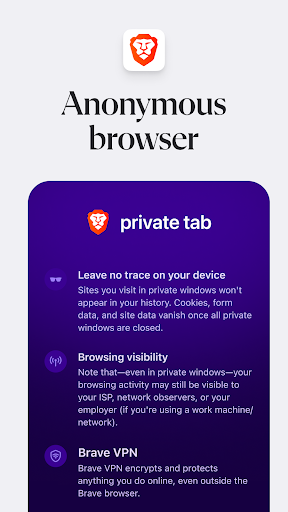
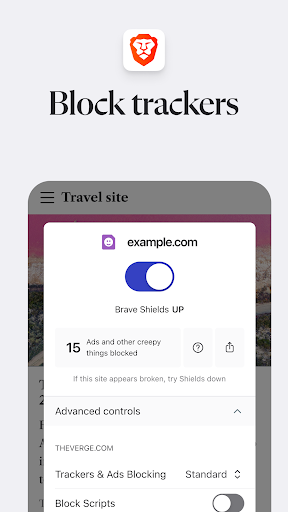



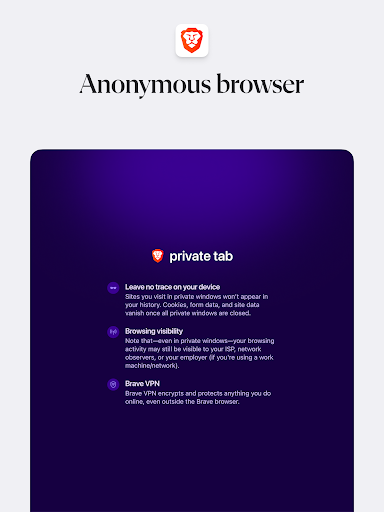
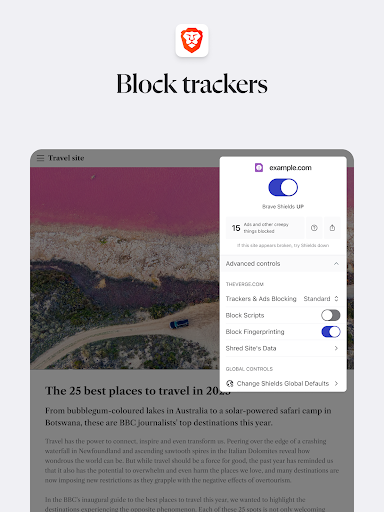
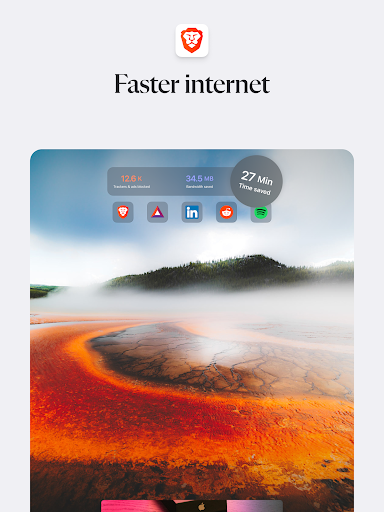


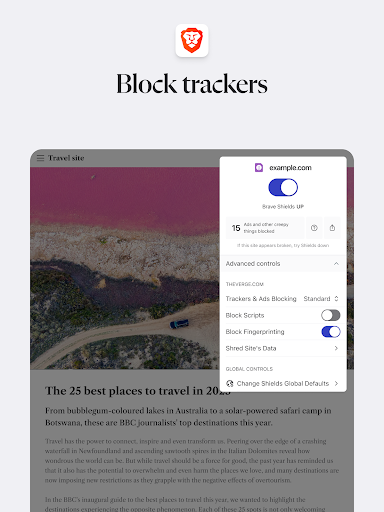
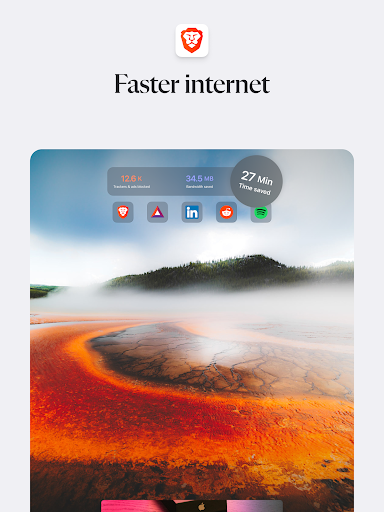
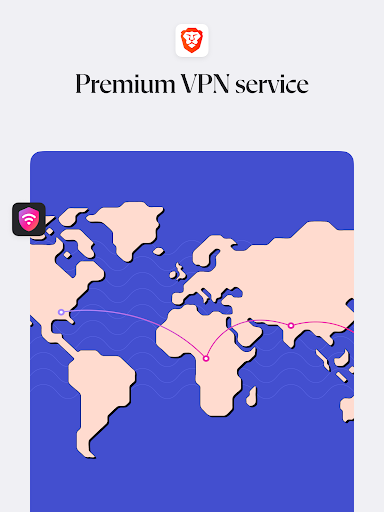
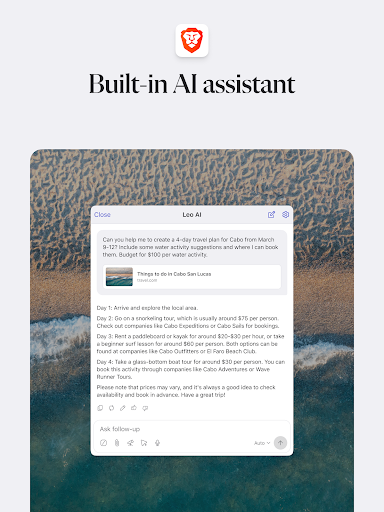
Brave Private Web Browser is a top-tier communication tool that combines privacy, speed, and innovative features to deliver an exceptional browsing experience. As a private web browser with built-in VPN capabilities, it ensures users can browse the internet securely while maintaining their anonymity. The app's powerful adblock feature eliminates intrusive ads, making web pages load up to three times faster than traditional browsers.
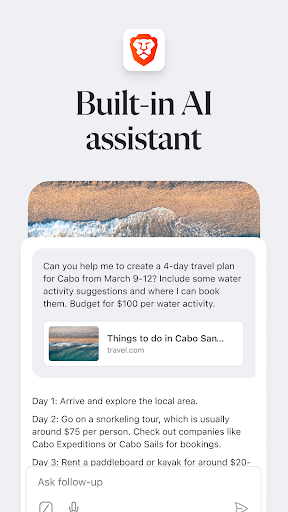
What sets Brave apart is its comprehensive approach to user privacy. It offers advanced functionalities such as HTTPS Everywhere for secure connections, script blocking, and cookie protection. Additionally, the inclusion of Brave Leo, an AI assistant, provides users with smart support for queries and translations without compromising their privacy. With support for Android 7 and above, this browser is suitable for both casual users and privacy-conscious individuals who require robust security measures during their online activities.
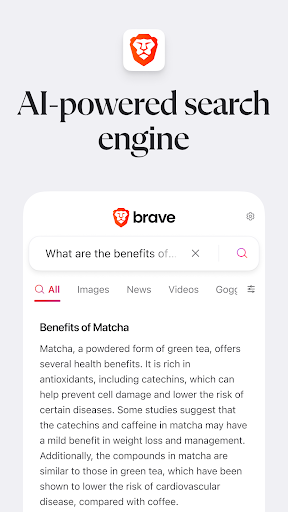
Brave Private Web Browser stands out with its rich set of features designed to enhance user experience while prioritizing privacy and security. One of its key innovations is the integration of Brave Leo, an AI assistant that helps users find information, translate languages, and more without tracking or storing their interactions. This ensures that users receive personalized assistance without sacrificing their privacy.
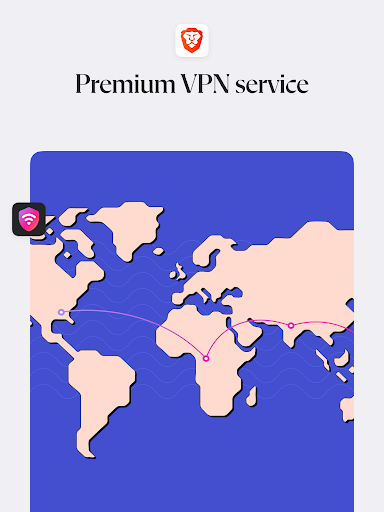
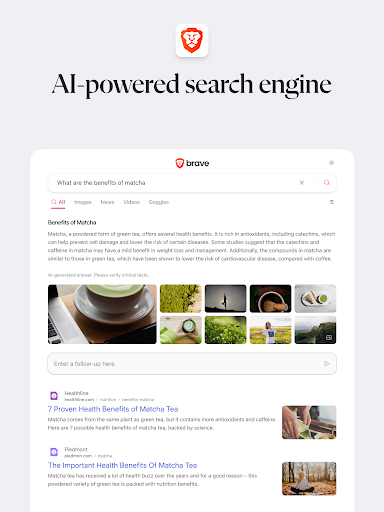
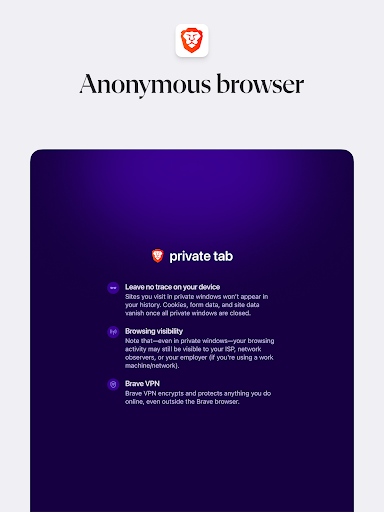
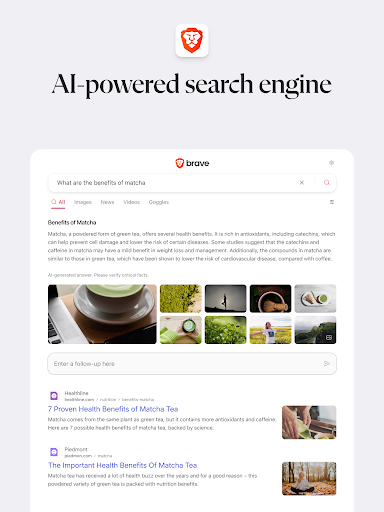
The browser also includes Brave Search, an independent search engine that doesn't profile users or track their searches. Combined with the built-in Firewall + VPN feature, users can browse the web anonymously and securely. Additional notable features include night mode for comfortable reading in low-light conditions, automatic blocking of cookie consent notifications, and removal of tracking codes when copying URLs. These features collectively create a seamless and private browsing environment that empowers users to take control of their online presence.
Fast browsing speed
Strong privacy protection
Built-in adblock
AI assistant included
Independent search engine
Limited iOS features
No native desktop sync
Occasional bugs
VPN requires subscription
Learning curve for new users

Fast and simple walkie talkie app
 4.20
4.20
SMS Messenger ensures that communication become effortless and accessible.
3.80
Enjoy secure messaging & calling. Safe Messenger: group chats, calls, messages.
4.20
Phone Dialer with Caller ID, Address Book & Contacts Manager.
4.30
Block spam calls & scam - no more annoying calls with the call blocker function
4.30
WazzapMigrator: transfer your WhatsApp history from iPhone to Android
4.00
Experience real private browsing without tracking, surveillance, or censorship.
4.50
Fun, free app that lets kids video call and message family and close friends.
3.80
Simple tool for businesses to talk to their customers.
4.40
FolderSync enables easy sync of files between cloud storage and Android devices.
4.60
Messenger, an MMS & SMS messages app with Blockers, Driving mode & Private box
4.60
Fast and mini browser with Ad Blocker,Video Downloader and Video Player
4.40
2nd Phone Number Line for Anonymous Texting, Calling, and Picture Messages
4.30
HD Video Meeting app is a fast & unlimited video conferencing app across world.
4.30
Telegram is a messaging app with a focus on speed and security.
4.00
Tether to Windows, OS X, Linux PCs or Android tablets. No root. No tether fees.
3.90
TeamSpeak - Secure Chat for Gaming & Business
3.10
Manage Phone Calls, call history, and contacts easily with Phone Pro.
4.2
An app dedicated solely to marriage, not dating, and supported by a rigorous verification mechanism to ensure seriousness.
4.1


User Reveiws