Google Chat

4.50

Information

Category:

Business

Price:

Free

Rank:

18

Rating:

4.50

Overview

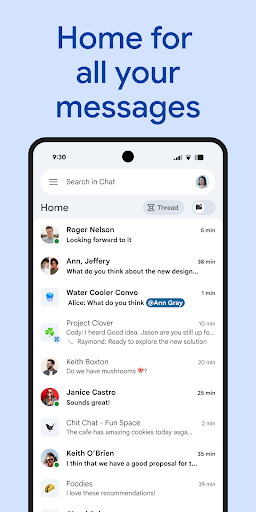
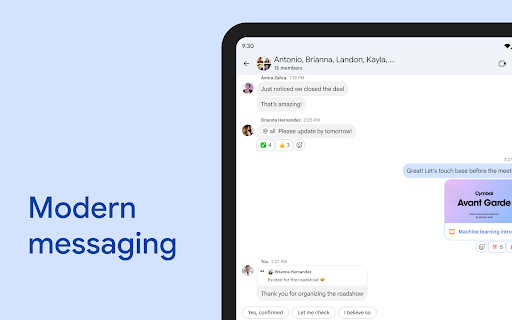
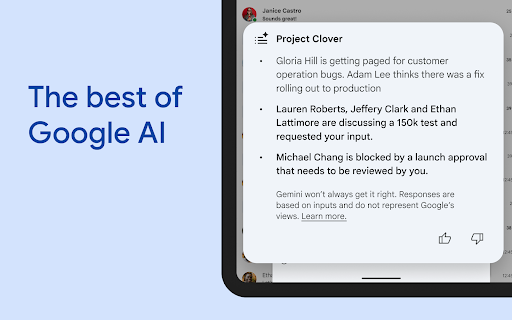
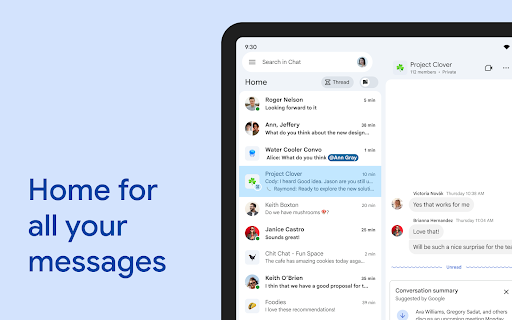
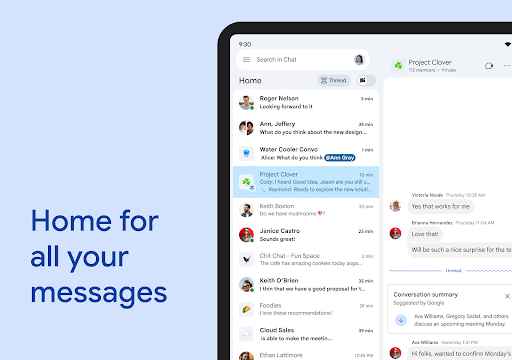
Google Chat is a robust communication and collaboration tool designed specifically for teams using Google Workspace. This AI-first messaging platform, enhanced by Gemini, offers features like automatic translation across 120 languages, AI-powered search, and conversation summaries to keep users informed and productive. The app integrates seamlessly with other Workspace apps such as Gmail, Calendar, and Drive, enabling efficient teamwork.

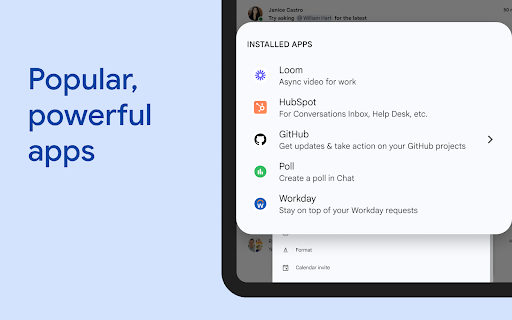
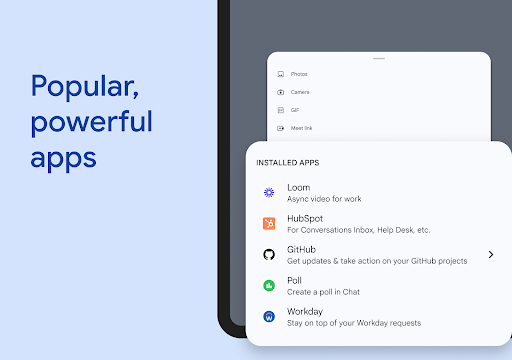
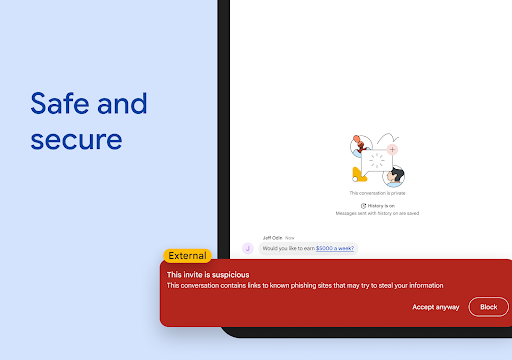
With capabilities like smart chips, personalized status updates, and audio/video messages, Google Chat provides everything teams need to stay connected and get work done. It also supports real-time collaboration through huddles and allows installation of popular third-party apps like PagerDuty and Jira. The platform's security architecture ensures data protection with zero-trust principles and AI-powered data loss prevention.

Features

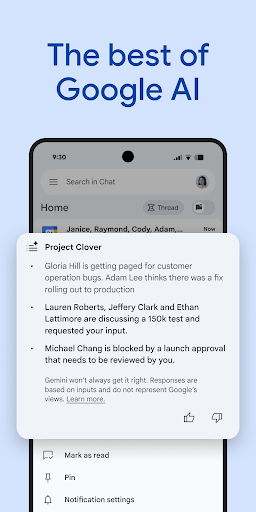
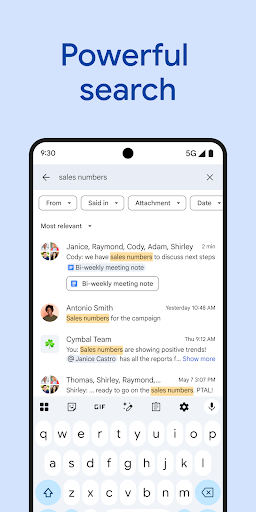
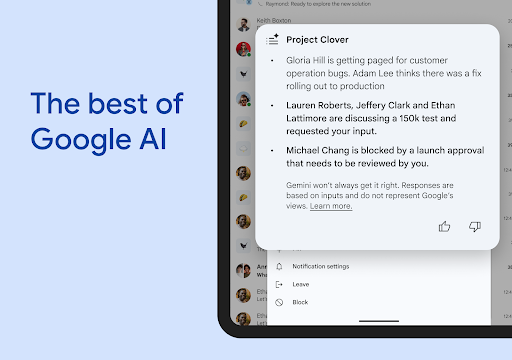
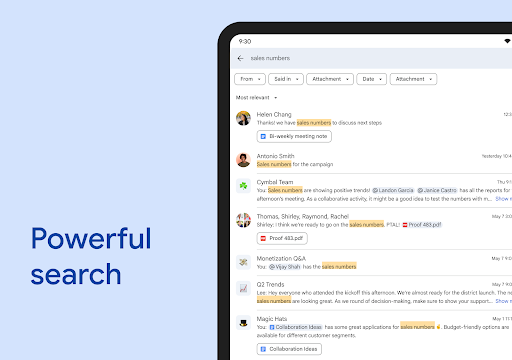
Google Chat stands out with its AI-driven functionalities that transform team collaboration. The app automatically translates messages in over 120 languages, making global communication effortless. Its AI-powered search helps users quickly find important information, while conversation summaries ensure everyone stays updated without scrolling through lengthy threads.

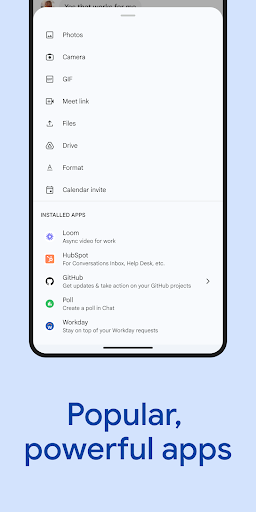
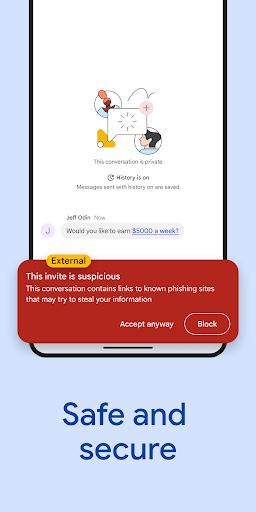
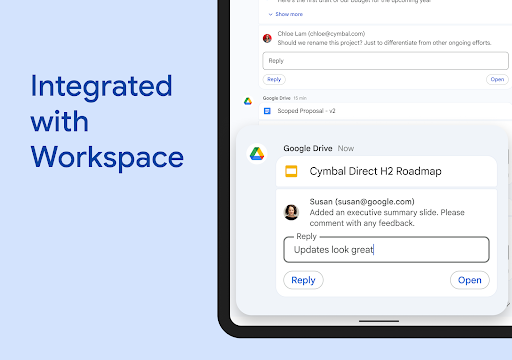
The integration with Google Workspace apps like Gmail, Calendar, and Drive streamlines workflows significantly. Smart chips allow linking files, people, and spaces directly within chats, enhancing productivity. Additionally, the platform supports powerful third-party apps such as PagerDuty and Jira, which can be built using no-code or low-code options via Chat APIs. Security features include cloud-native zero-trust architecture and AI-powered data loss prevention, ensuring comprehensive data protection.

Collaborative work features

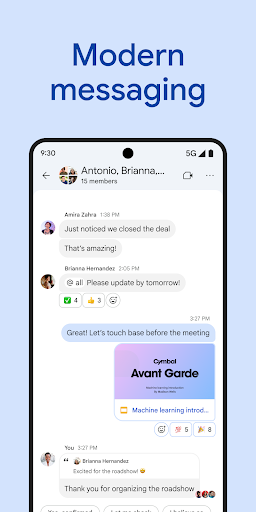
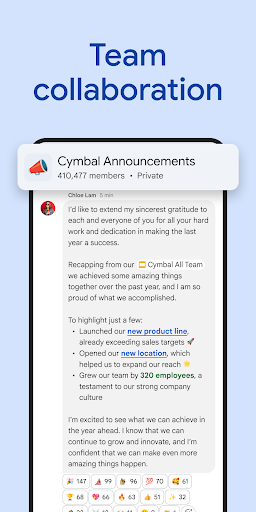
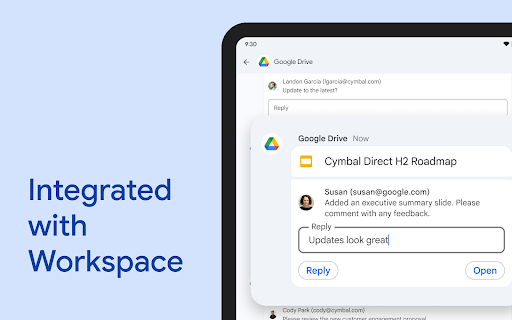
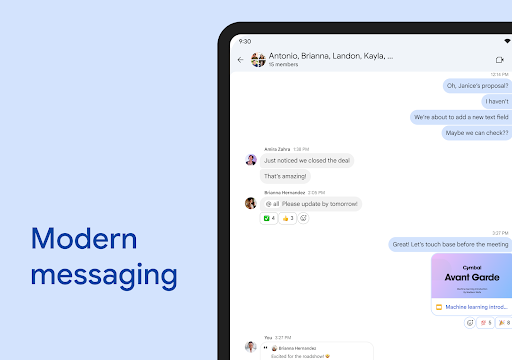
Collaborative work features are essential components of modern business applications that enable teams to work together efficiently regardless of their physical locations In the case of Google Chat these features are designed to transform traditional teamwork by integrating advanced technologies and seamless integrations with other Workspace apps The platform allows users to start chats with colleagues groups or entire teams facilitating both formal and informal communication channels One of the standout collaborative features is the ability to provide personalized status updates which helps team members understand each other's availability and focus levels This ensures that communications are timely and considerate of individual workloads Additionally Google Chat supports the sharing of detailed updates through audio and video messages allowing for richer more expressive interactions compared to text alone Real-time communication is further enhanced through huddles enabling spontaneous and immediate discussions when needed The integration with Workspace apps like Gmail Calendar Drive Tasks and Meet creates a unified ecosystem where information flows seamlessly between different tools For instance smart chips can be used to link files people and spaces directly within conversations This not only streamlines access to relevant resources but also keeps all related discussions organized in one place Moreover the Google Drive app for Chat helps teams stay on top of requests comments and approvals ensuring that important actions are not overlooked Beyond native features Google Chat also supports third-party applications such as PagerDuty Jira GitHub and Workday These integrations extend the platform's capabilities allowing businesses to customize their workflows according to specific needs Furthermore developers can leverage Chat APIs to build custom applications using no-code low-code or pro-code approaches This flexibility empowers organizations to create tailored solutions that address unique operational challenges while maintaining compatibility with existing systems Overall these collaborative work features make Google Chat an invaluable tool for businesses seeking to enhance productivity foster better communication and achieve superior teamwork

Task management

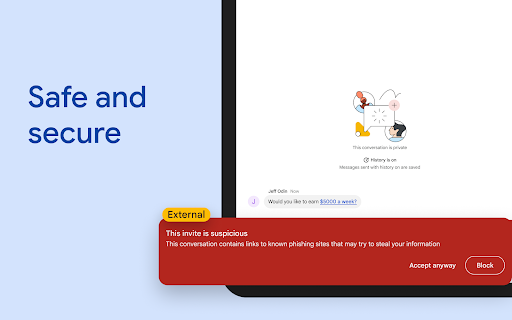
Task management is a critical aspect of any business application aimed at improving organizational efficiency and ensuring that projects progress smoothly In Google Chat task management capabilities are thoughtfully integrated into the platform's design to help teams capture action items maintain accountability and track progress effectively One of the key strengths of Google Chat in this area is its ability to automatically generate conversation summaries These summaries distill lengthy discussions into concise overviews highlighting key decisions action items and next steps This feature ensures that everyone remains informed and aligned without having to sift through extensive chat histories Additionally the platform supports AI-powered search functionality which enables users to quickly locate specific tasks discussions or documents This saves valuable time and reduces the cognitive load associated with managing complex projects Another notable feature is the automatic translation of messages across more than 120 languages This capability is particularly beneficial for global teams as it breaks down language barriers and facilitates clearer communication around task assignments and expectations To further enhance task management Google Chat integrates with popular project management tools such as Jira and GitHub Through these integrations users can create update and track tasks directly from their chat interface eliminating the need to switch between multiple applications This streamlined workflow helps maintain momentum and prevents important details from slipping through the cracks The platform also offers robust notification systems that keep team members informed about task updates deadlines and changes in priority levels These notifications can be customized to suit individual preferences ensuring that users receive relevant information without feeling overwhelmed Moreover Google Chat's integration with Google Drive allows teams to attach relevant documents and resources to specific tasks This ensures that all necessary information is readily available and properly contextualized within the conversation thread Security is another crucial consideration in task management and Google Chat addresses this through its comprehensive security framework The platform employs Google's cloud-native zero-trust architecture which protects sensitive task-related information from unauthorized access Additionally AI-powered data loss prevention (DLP) mechanisms help prevent accidental sharing of confidential data while phishing and malware detection systems safeguard against malicious activities These security measures ensure that task management processes remain both efficient and secure By combining these various elements Google Chat provides a comprehensive task management solution that enhances team coordination improves project visibility and ultimately drives better business outcomes

Props

AI-powered features

Seamless Workspace integration

Multi-language support

Enhanced security protocols

Real-time collaboration tools

Cons

Premium features require subscription

Limited offline functionality

Dependent on Google ecosystem

Occasional sync issues

Steep learning curve for new users
Features and Functions

What is this app and what can I use it for?

A messaging app for Workspace teams to collaborate efficiently.

How do I download and install this app on my device?

Download from Google Play Store and install it on your device.

How do I get started after opening the app for the first time?

Sign in with your Workspace account and set preferences.

What are the main features and capabilities of this app?

AI-powered chat, multi-language support, and Workspace integration.

How can I customize my experience and adjust preferences?

Adjust notification settings and personalize status updates.

How do I save or bookmark my favorite content for later access?

Use starred messages or save attachments to Drive.

How can I share content with friends or on social media?

Share content directly via chat or export to other platforms.

How do I access detailed information and explore more content?

Search conversations or browse linked files and apps.

What permissions does this app need and how do I manage them?

Manage permissions through Workspace admin settings.

How do I check for updates and keep the app running smoothly?

Check for updates in the Play Store or Workspace admin console.
Show more

User Reveiws

{{ comment.reviewer_name }}
{{ comment.review_date_formatted}}
{{ comment.review_content }}
{{ tab.name }}
{{ comment.reviewer_name }}
{{ comment.review_date_formatted}}
{{ comment.review_content }}
No reviews with this rating