

FX File Explorer

4.10

Information

Category:

Business

Price:

$ 2.99

Rank:

9

Rating:

4.10

Overview

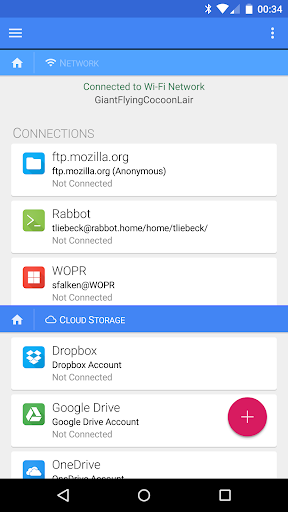
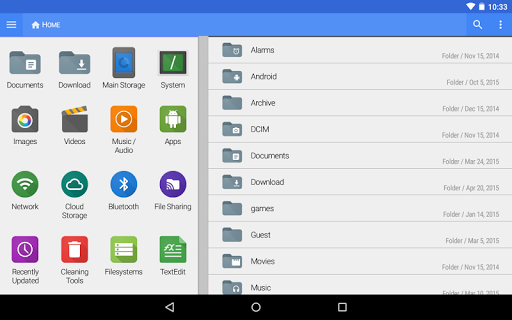
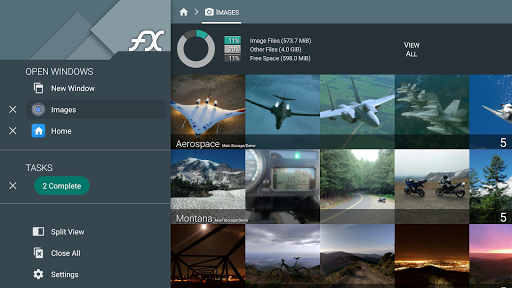
FX File Explorer is a comprehensive file management application designed for business users who require advanced capabilities in media, networking, and cloud storage. The app offers AES-encrypted zip file creation and extraction, allowing secure browsing of file contents without decryption. It also provides extensive network functionalities including Windows networking (SMB), FTP, SSH FTP, WebDAV, and cloud storage integration with services like Google Drive, Dropbox, and more.

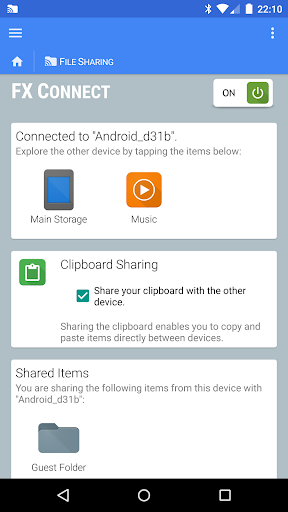
One of the standout features is FX Connect, which enables direct file transfers between devices using NFC or Wi-Fi. Additionally, FX Web Access allows users to manage files from their computer's web browser. These robust features make it an ideal tool for professionals needing secure and versatile file management solutions across multiple platforms.

Features

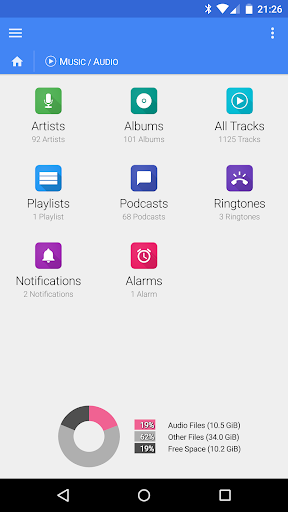
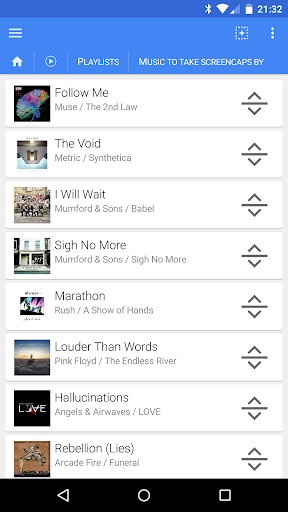
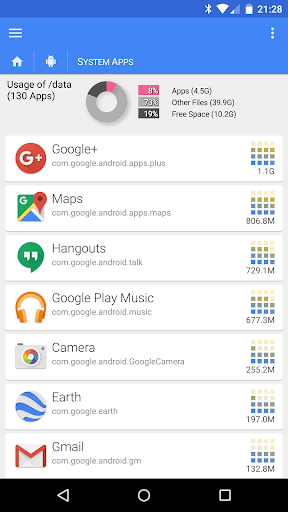
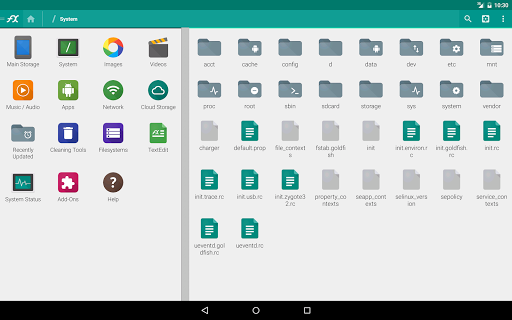
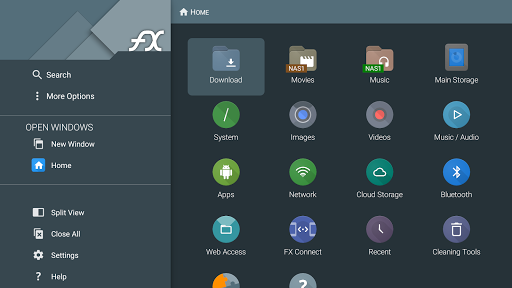
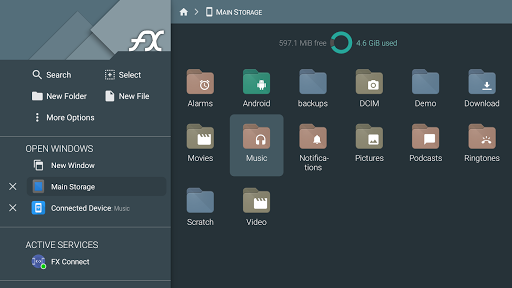
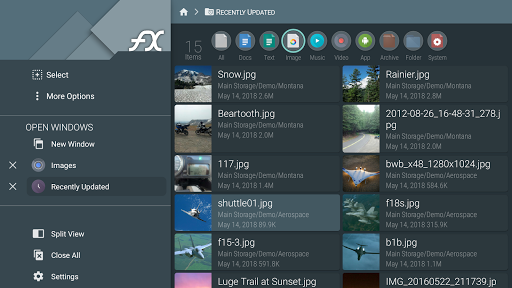
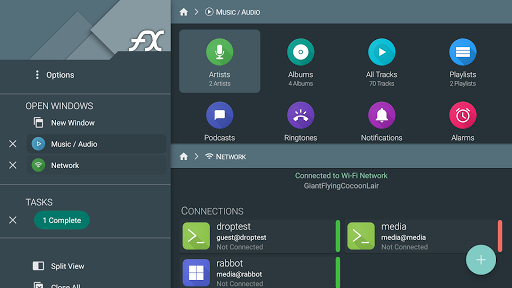
The app boasts an array of powerful features tailored for business environments. Users can browse and manage installed applications, organize image and video collections, and handle audio files by artist, album, or playlist. The drag-and-drop functionality simplifies playlist management. Network capabilities are equally impressive, supporting various protocols such as FTP-S, FTP-ES, and SSH FTP.

FX File Explorer also excels in cloud integration, offering seamless access to Google Drive, Dropbox, SugarSync, Box, and SkyDrive. It supports streaming media files from these services directly to media player applications. Furthermore, the encrypted keyring ensures sensitive passwords remain secure, even in public settings or in case of device theft. This combination of local and cloud-based tools makes FX File Explorer a versatile solution for modern businesses.

Collaborative work features

In the realm of business applications like FX File Explorer with FX Plus add-on the importance of collaborative work features cannot be overstated. These features are designed to facilitate seamless interaction and cooperation among team members regardless of their physical locations. FX File Explorer offers a comprehensive suite of networking and cloud capabilities that significantly enhance collaborative efforts. Through its support for various network protocols including Windows networking SMB FTP SSH FTP WebDAV and cloud storage solutions such as Google Drive Dropbox SugarSync Box and SkyDrive teams can effortlessly share and manage files across different platforms and devices. The application's FX Connect feature allows direct file and media transfer between two phones using NFC or Wi-Fi which is particularly beneficial for immediate team collaborations. Additionally FX Web Access enables users to browse and manage files and media via their computer's web browser providing another layer of accessibility for remote team members. This extensive networking capability ensures that all collaborators have timely access to necessary resources thereby streamlining workflows and boosting productivity. For businesses engaged in multimedia projects FX File Explorer's ability to stream video and audio media files from various sources directly to media player applications proves invaluable. Teams can preview and work on media files without the need for downloading thus saving time and storage space. Moreover the encrypted keyring feature adds an extra layer of security ensuring that sensitive information remains protected during collaborative exchanges. Overall these collaborative work features not only simplify file sharing and management but also foster a more cohesive and efficient working environment by bridging geographical gaps and ensuring secure accessible data exchange.

Task management

Task management is a critical component of any business tool and FX File Explorer with its FX Plus add-on excels in providing robust task management capabilities tailored for professional environments. At its core task management involves organizing tracking and prioritizing tasks to ensure efficient workflow and timely completion of projects. FX File Explorer addresses these needs through its advanced file and media management features which serve as the foundation for effective task organization. One of the standout functionalities is the ability to create and extract AES-128 and AES-256 encrypted zip files allowing users to securely bundle related files together for easier distribution and management. This feature is particularly useful when handling confidential documents as it enables teams to keep sensitive information secure while maintaining easy access for authorized personnel. Furthermore the application's capacity to browse and manage installed applications along with its detailed image video and audio collection management tools provides users with a centralized platform for overseeing various project elements. The drag-and-drop playlist rearrangement feature exemplifies how FX File Explorer simplifies task prioritization and organization. By enabling users to visually reorder files and playlists the application makes it straightforward to adjust project priorities and sequences according to evolving requirements. Another significant aspect of FX File Explorer's task management prowess lies in its network and cloud capabilities. With support for multiple network protocols and cloud storage services teams can synchronize their tasks across different devices and locations ensuring that everyone stays updated with the latest project developments. The local network browsing feature for Windows shares and the ability to discover FTP and SSH FTP local network shares using multicast DNS service discovery further enhance task coordination by allowing users to quickly locate and access shared resources. These networking features combined with the application's comprehensive file management tools create a powerful task management ecosystem that empowers businesses to maintain control over their projects while adapting to changing circumstances. The inclusion of Bluetooth capabilities such as OBEX Push and Bluetooth FTP Client adds another dimension to task management by facilitating quick file transfers and device pairing directly from the application interface. This versatility ensures that users can efficiently handle various tasks without being constrained by traditional connectivity methods. In summary FX File Explorer's sophisticated task management features offer businesses a comprehensive solution for organizing tracking and executing tasks with precision and security ultimately contributing to improved operational efficiency and project success.

Props

Advanced encryption

Wide protocol support

Cloud service integration

Secure keyring

Media streaming

Cons

Complex interface

Paid add-on required

No standalone use

Limited free version

High learning curve

Features and Functions

What is this app and what can I use it for?

A business file manager with cloud and network support

How do I download and install this app on my device?

Search FX File Explorer on Google Play, tap Install, and open after download

How do I get started after opening the app for the first time?

Grant necessary permissions and follow setup wizard instructions

What are the main features and capabilities of this app?

File encryption, cloud sync, media streaming, and network sharing

How can I customize my experience and adjust preferences?

Adjust settings via Preferences menu for personalized experience

How do I save or bookmark my favorite content for later access?

Use Favorites feature to bookmark important files or folders

How can I share content with friends or on social media?

Tap Share button to send files via email, Bluetooth, or social apps

How do I access detailed information and explore more content?

Browse detailed file info by tapping Properties option

What permissions does this app need and how do I manage them?

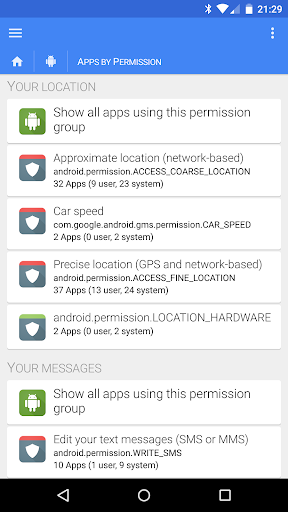
Requires storage and network access; manage in Settings

How do I check for updates and keep the app running smoothly?

Enable auto-updates in Google Play Store app settings
Show more

User Reveiws

{{ comment.reviewer_name }}
{{ comment.review_date_formatted}}
{{ comment.review_content }}
{{ tab.name }}
{{ comment.reviewer_name }}
{{ comment.review_date_formatted}}
{{ comment.review_content }}
No reviews with this rating