Windows App

3.70

Information

Category:

Business

Price:

Free

Rank:

59

Rating:

3.70

Overview

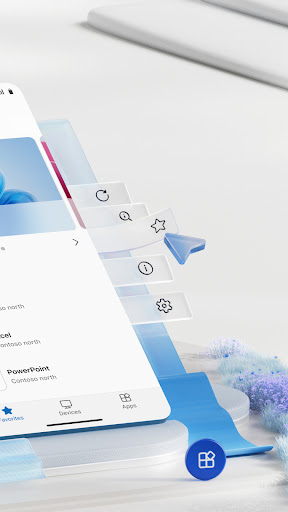
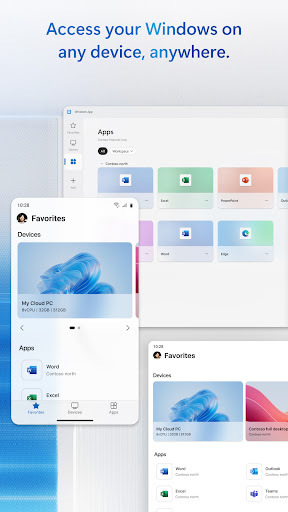
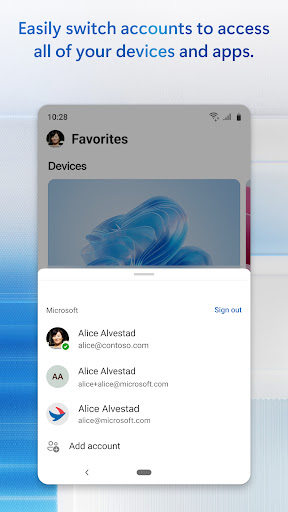
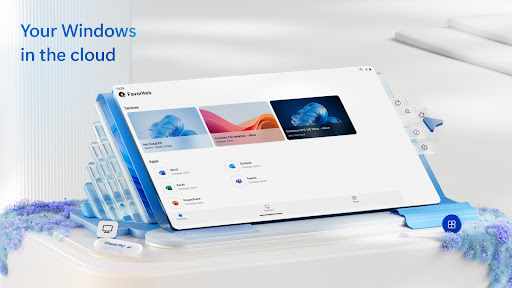
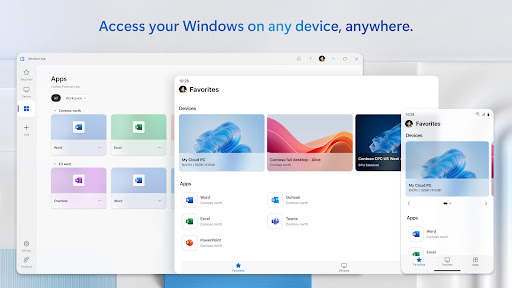
Windows App is a powerful business tool that enables secure remote connections to various Windows environments. These include Azure Virtual Desktop, Windows 365, Microsoft Dev Box, Remote Desktop Services, and remote PCs. It ensures users can access their desktops and apps from anywhere, providing flexibility and continuity in work operations.

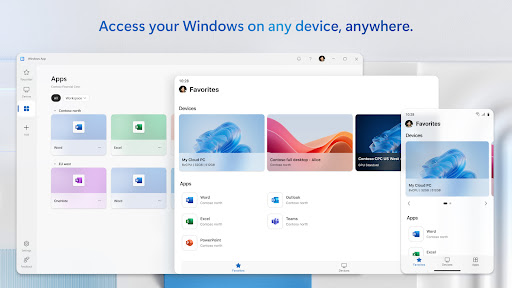
The app is optimized for Android devices running version 11 and above, including tablets, smartphones, VR headsets, and Chromebooks with Play Store support. This broad compatibility makes it an essential solution for professionals who require reliable access to their Windows systems while on the go.

Features

Windows App offers a comprehensive set of features designed to enhance remote work capabilities. One standout feature is its support for multiple remote Windows services, allowing seamless integration with Azure Virtual Desktop and other platforms. This versatility ensures that users can connect to different environments without hassle.

Another key aspect is the app's optimization for Android 11 and newer versions, ensuring smooth performance across a range of devices such as tablets, smartphones, and even VR headsets. Additionally, security measures are robust, safeguarding data during transmission and maintaining privacy standards expected by businesses today.

Collaborative work features

Collaborative work features are essential for modern business applications as they enable teams to work together efficiently regardless of their physical locations. Windows App excels in this area by providing secure connections to various remote Windows experiences such as Azure Virtual Desktop, Windows 365, Microsoft Dev Box, Remote Desktop Services, and remote PCs. This allows users to access their desktop environments from Android devices running Android 11 and above, including tablets, smartphones, VR headsets, and Chromebooks that support apps from the Play Store. The application ensures that all collaborative activities, such as file sharing, real-time document editing, and virtual meetings, can be conducted seamlessly across different platforms. Users benefit from the ability to collaborate on projects without being tied to a specific device or location, thus enhancing productivity and flexibility. Moreover, the app's integration with Microsoft's ecosystem provides additional layers of collaboration tools like Microsoft Teams and OneDrive, making it an indispensable tool for businesses looking to foster a connected and efficient work environment.

Task management

Task management is a critical component of any business application aimed at improving organizational efficiency and ensuring that projects are completed on time. Windows App offers robust task management capabilities by allowing users to connect securely to their remote Windows environments where they can manage tasks using familiar tools and interfaces. Whether it's tracking project milestones, setting deadlines, or assigning responsibilities, the app provides a seamless experience across supported Android devices running Android 11 and above. This includes tablets, smartphones, VR headsets, and Chromebooks that support apps from the Play Store. By enabling access to full-featured desktop applications, users can leverage advanced task management software that might not be available or as functional on mobile platforms alone. Additionally, the app supports multitasking and window management features inherent to Windows operating systems, which further enhances task organization and execution. As a result, businesses can maintain high levels of productivity and ensure that team members have the necessary tools to manage their workloads effectively, regardless of their location or the device they are using.

Props

Secure remote connections

Wide device compatibility

Supports multiple services

Optimized performance

Regular updates

Cons

Limited to Android 11+

No iOS support

Requires stable internet

Complex setup

Premium features cost

Features and Functions

What is this app and what can I use it for?

A business app for secure remote access to Windows environments

How do I download and install this app on my device?

Visit Google Play Store, search for Windows App, and tap install

How do I get started after opening the app for the first time?

Sign in with your account and follow the setup wizard for configuration

What are the main features and capabilities of this app?

Remote desktop access, multi-service support, secure connections

How can I customize my experience and adjust preferences?

Adjust settings via the preferences menu to customize your experience

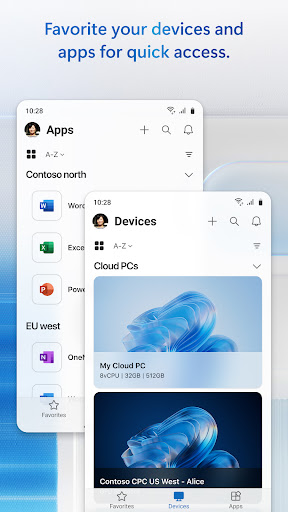
How do I save or bookmark my favorite content for later access?

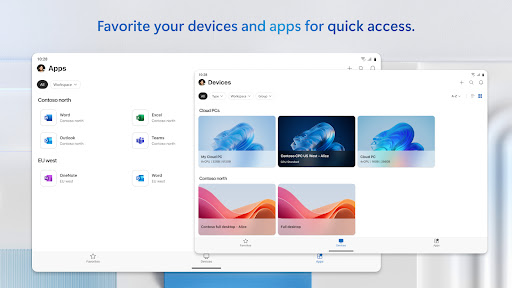
Use the bookmark feature to save favorite remote sessions for later

How can I share content with friends or on social media?

Share session details directly through integrated sharing options

How do I access detailed information and explore more content?

Explore detailed guides and resources at aka.ms/WindowsApp website

What permissions does this app need and how do I manage them?

Needs network permissions; manage in app settings or device settings

How do I check for updates and keep the app running smoothly?

Enable auto-updates in Google Play Store to keep the app current
Show more

User Reveiws

{{ comment.reviewer_name }}
{{ comment.review_date_formatted}}
{{ comment.review_content }}
{{ tab.name }}
{{ comment.reviewer_name }}
{{ comment.review_date_formatted}}
{{ comment.review_content }}
No reviews with this rating