



AnExplorer Pro File Manager

4.10

Information

Category:

Business

Price:

$ 29.99

Rank:

4

Rating:

4.10

Overview

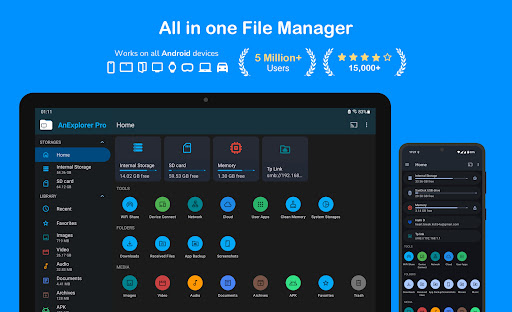
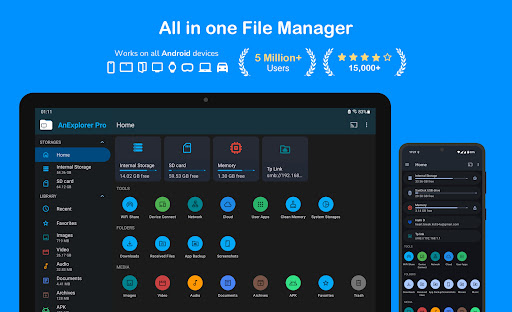
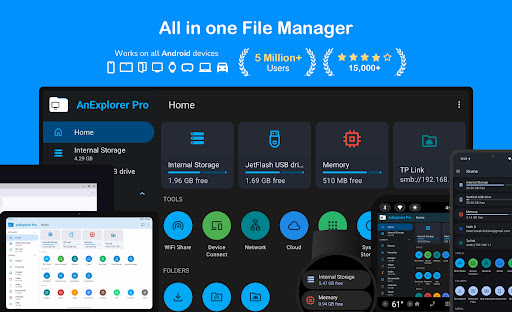
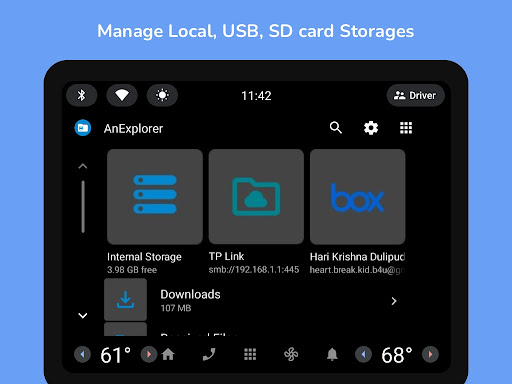
AnExplorer Pro File Manager is a versatile business tool designed for managing files across various Android devices and platforms. This powerful file manager offers seamless navigation and control over local, network, and cloud storage systems, making it an essential utility for professionals who need efficient data management solutions.

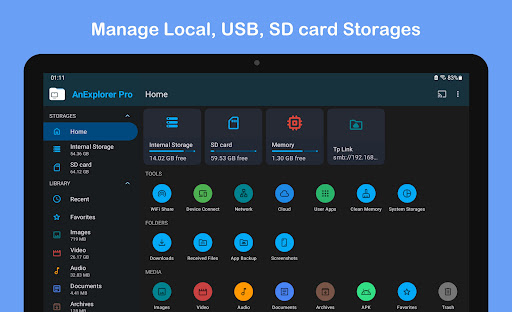
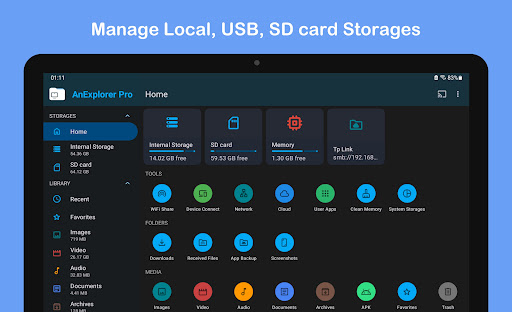
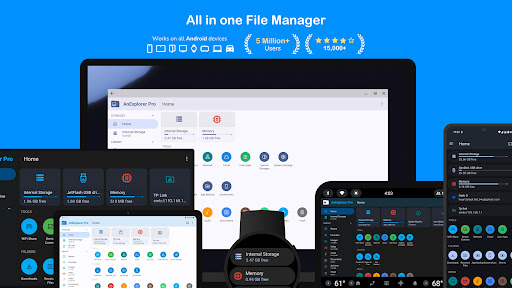
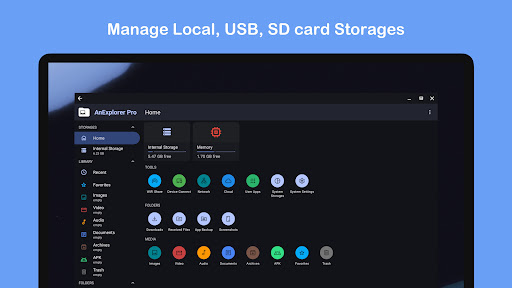
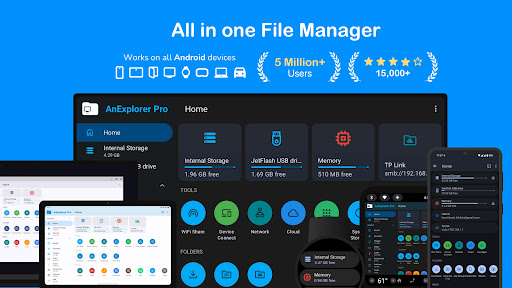
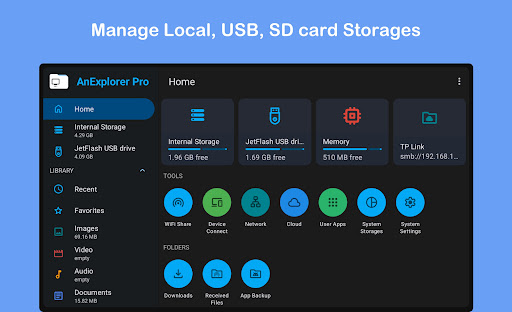
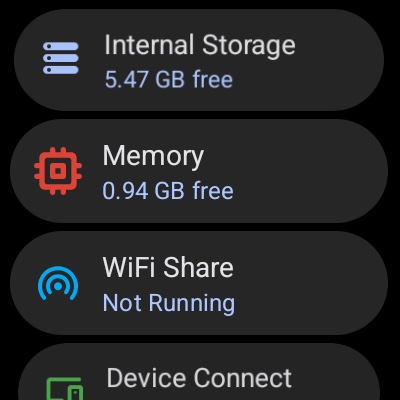
The app's standout feature is its extensive compatibility with different storage types including USB drives, SD cards, and network-attached storages (NAS). It also supports RTL languages and provides detailed folder size information across all storage mediums. With dedicated functionalities for Android TVs, VR/XR headsets, Chromebooks, and even Wear OS devices, AnExplorer Pro ensures comprehensive file management in diverse business environments.

Features

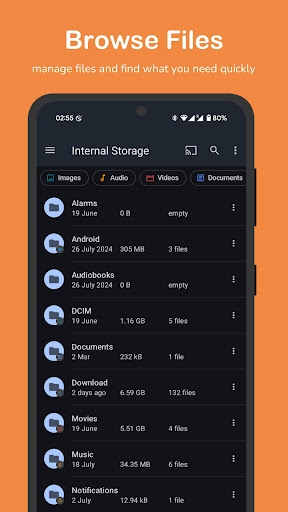
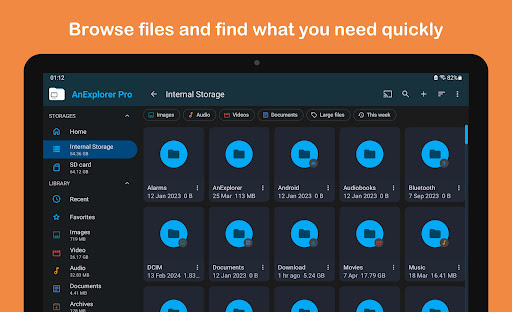
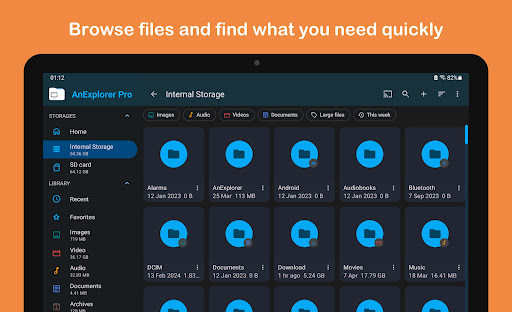
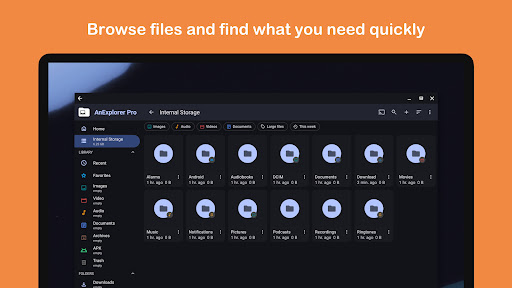
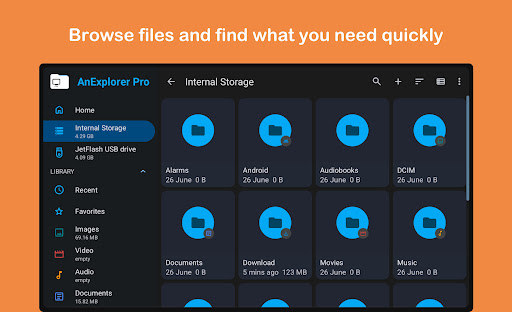
AnExplorer Pro stands out with its rich feature set tailored for business users. The app serves as a complete file organizer allowing users to browse, copy, move, rename, delete, compress, and extract files effortlessly. Its advanced search and filter capabilities enable precise file location by name, type, size, or date.

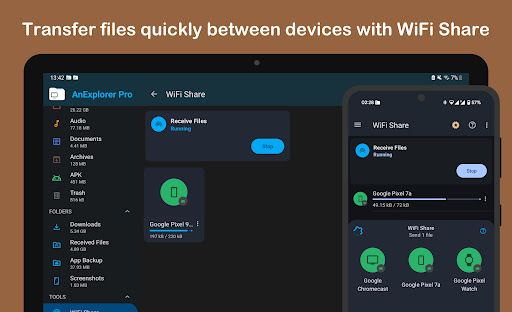
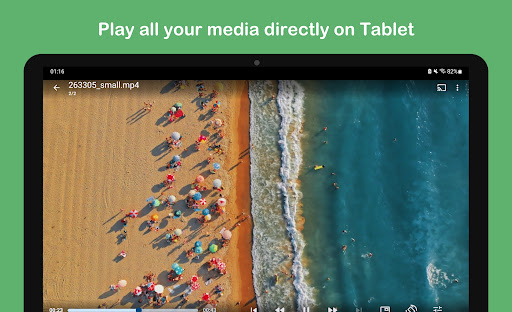
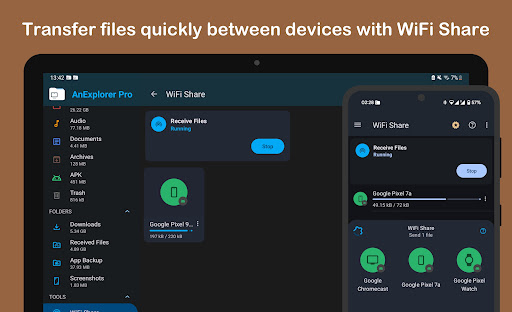
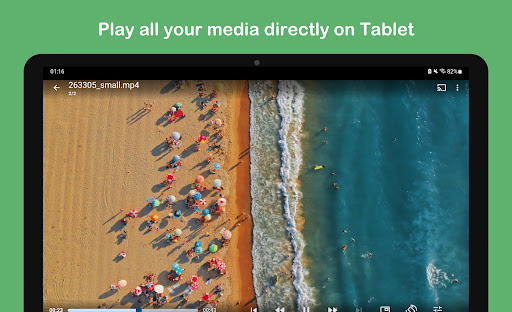
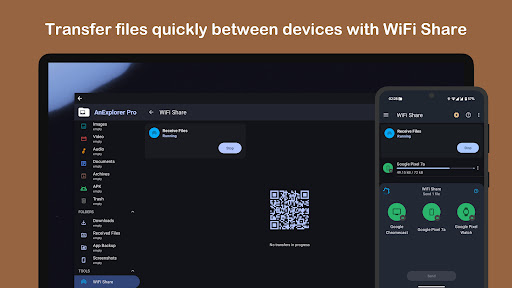
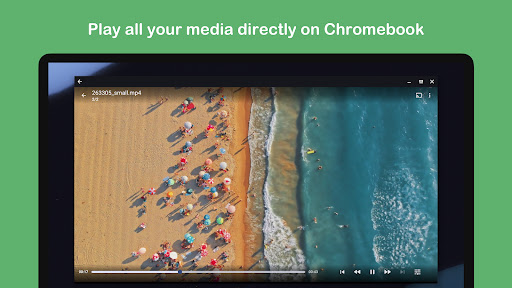
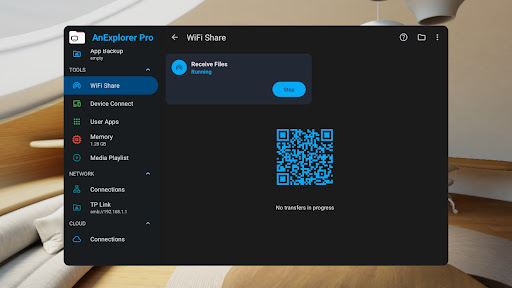
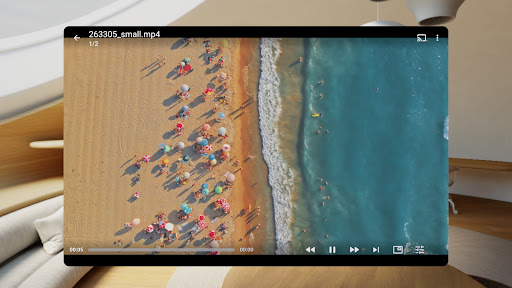
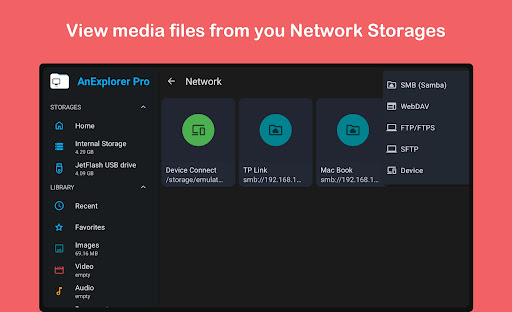
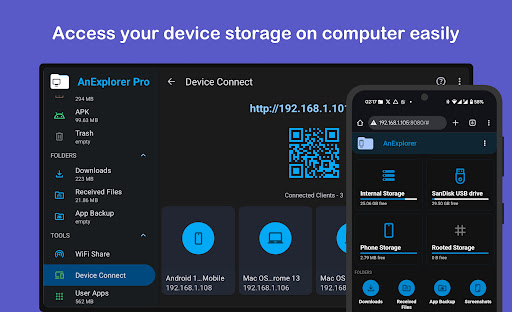
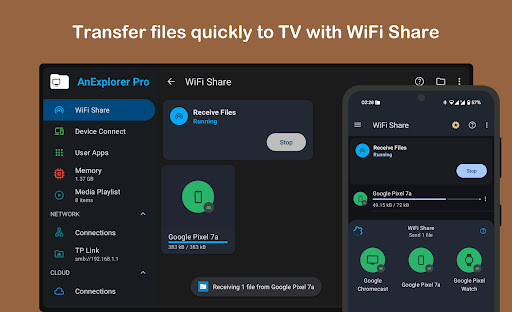
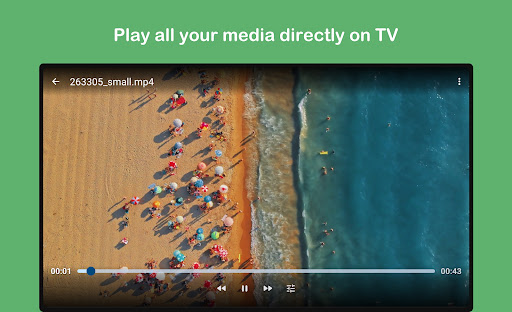
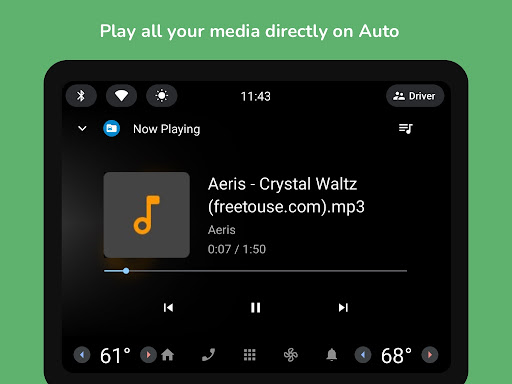
Beyond basic file management, the app includes specialized tools like a photo viewer with slideshow support, a music and video player with playlist management, and a text editor that handles various formats including PDFs. The inclusion of root mode allows system-level file editing, while the network file manager connects to FTP, SMB, and WebDAV servers. Additionally, its offline WiFi sharing and device connection features facilitate effortless file transfers without needing cables or hotspots.

Collaborative work features

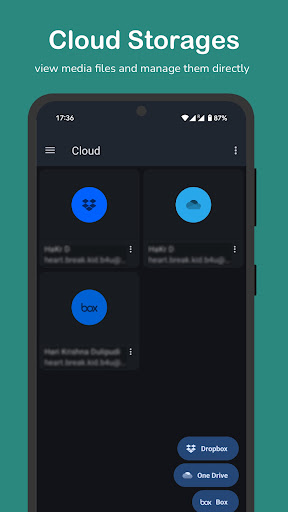
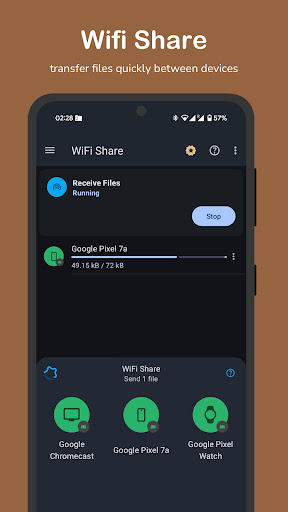
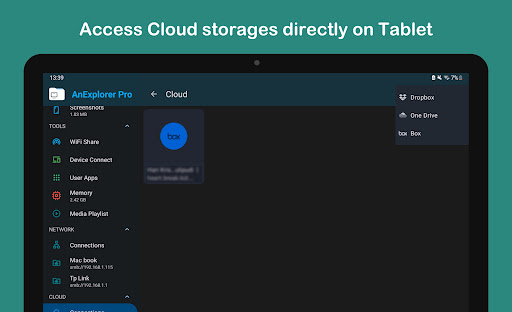
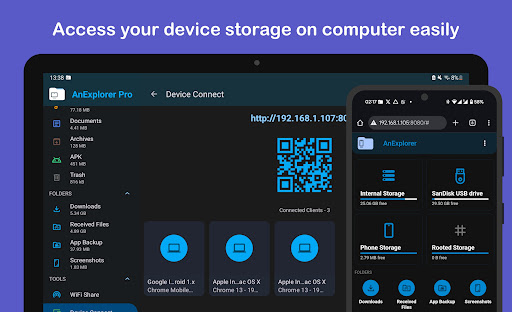
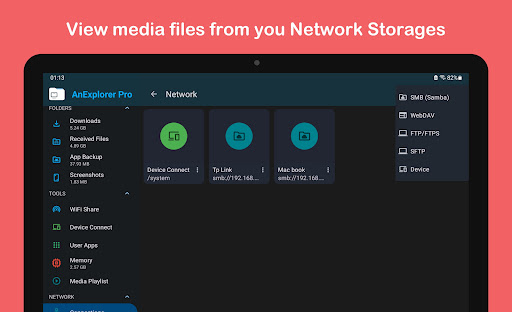
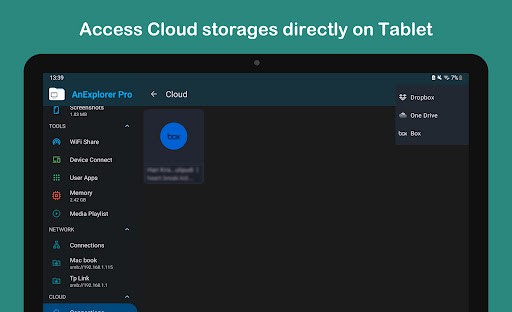
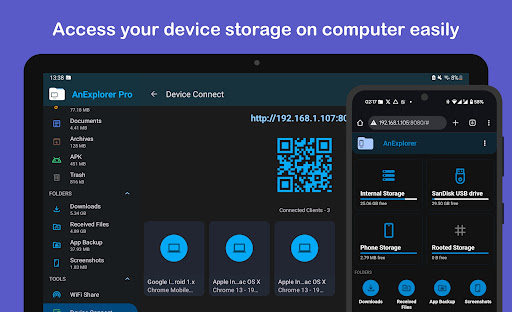
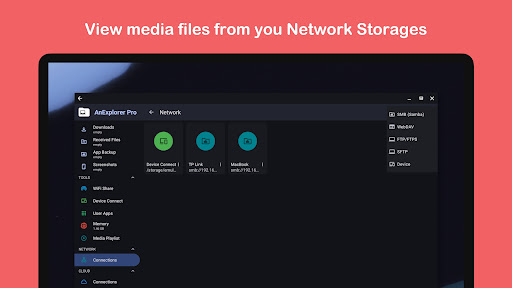
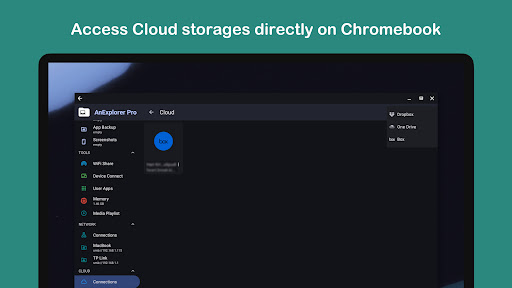
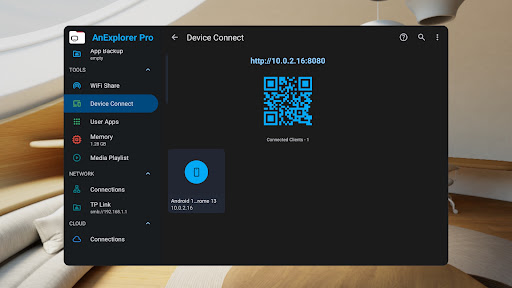
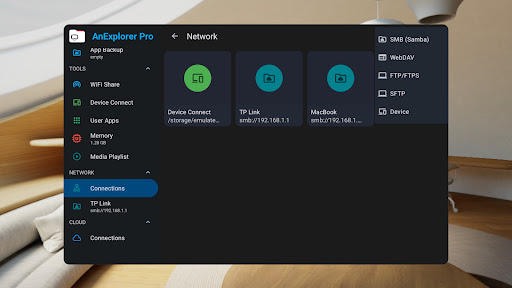
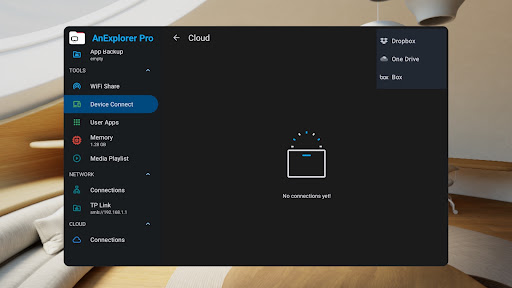
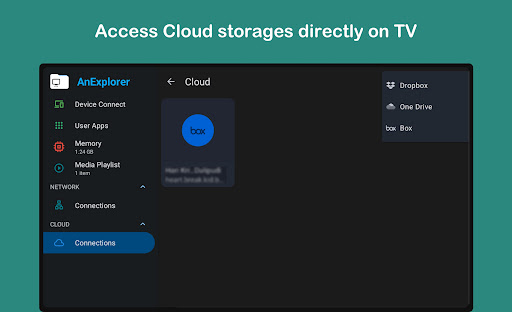
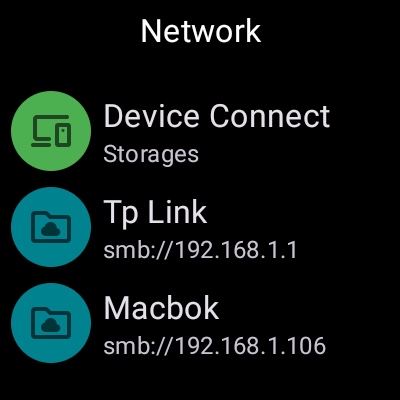
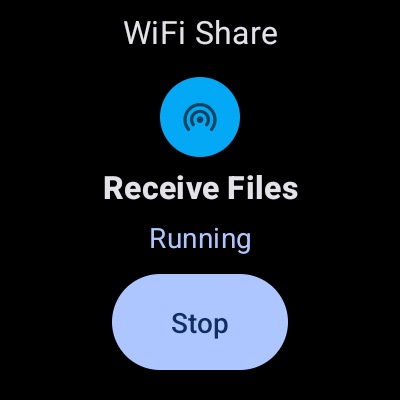
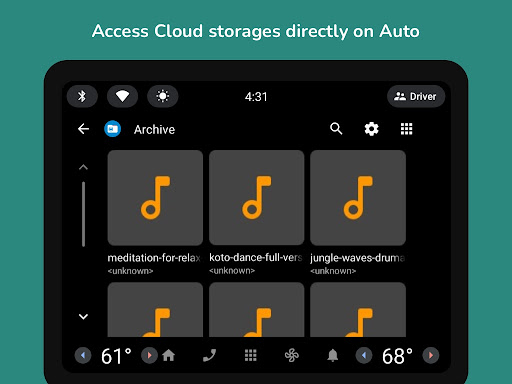
Collaborative work features in AnExplorer Pro File Manager are designed to enhance team productivity and streamline file sharing across multiple devices. This powerful file manager allows users to connect to various network storages including FTP, FTPS, SMB, and WebDAV servers, making it easy to stream and transfer files from NAS devices and shared folders. The offline WiFi share functionality enables wireless file transfers between Android devices without the need for a hotspot, allowing teams to send multiple files instantly over the same WiFi network. Additionally, the app's ability to turn any device into a server provides unparalleled accessibility, as users can access files from a browser by simply entering the IP address. These collaborative features are particularly beneficial for businesses that rely on seamless file sharing and remote access. The app also supports cloud storage management for services like Box, Dropbox, and OneDrive, enabling users to upload, download, delete, or preview media directly in the cloud. With its comprehensive network file management capabilities, AnExplorer Pro ensures that teams can efficiently manage their digital assets regardless of location or device. The inclusion of Chromecast support further enhances collaboration by allowing users to stream media to various devices including Android TVs and Google Home. These robust collaborative features make AnExplorer Pro an essential tool for modern businesses seeking to improve their workflow efficiency and cross-device compatibility.

Task management

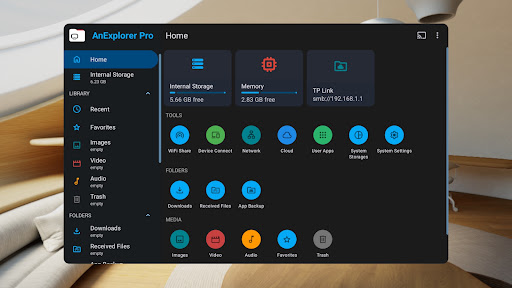
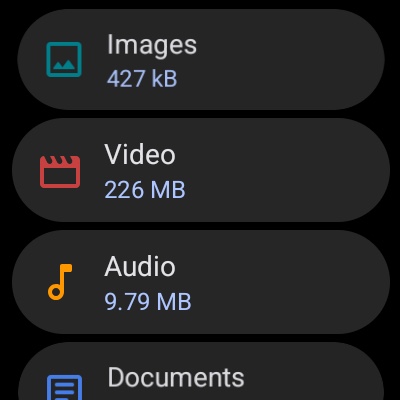
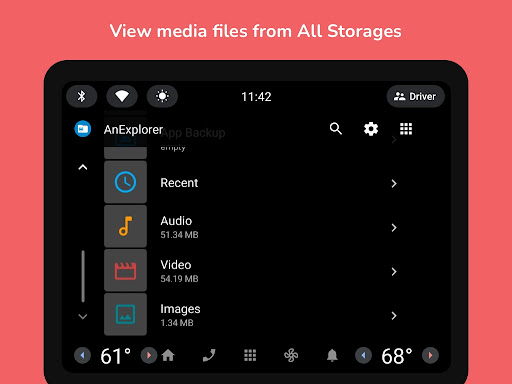
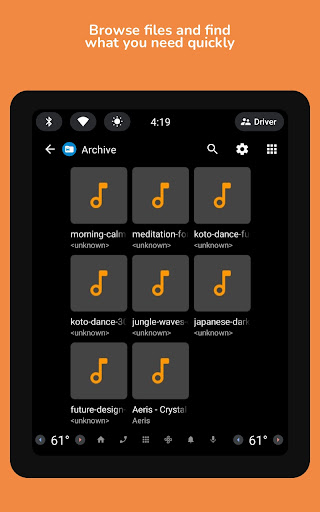
Task management within AnExplorer Pro File Manager is implemented through a comprehensive set of organizational tools that help users maintain control over their digital assets. The application offers advanced file organizing capabilities, allowing users to browse, copy, move, rename, delete, compress, and extract files and folders with ease. Its sophisticated search functionality enables users to find files by name, type, size, or date, while also providing filters for different media types. The file manager shows hidden folders and thumbnails, and displays folder sizes across all storage types, giving users complete visibility into their storage usage. Particularly noteworthy is its full support for various file systems including FAT32 and NTFS, which ensures compatibility with SD cards, USB OTG, and pen drives. For enhanced productivity, the app includes a built-in memory cleaner that helps free up RAM and boost device speed by deep cleaning cache and junk files through its storage analyzer. The media library manager automatically categorizes files into images, videos, music, documents, archives, and APKs, while also organizing downloads and Bluetooth transfers. Users can bookmark favorite folders for quick access, and the social media file manager helps organize WhatsApp media efficiently. These task management features collectively provide users with a powerful toolkit for maintaining an organized digital workspace, making AnExplorer Pro File Manager an invaluable asset for both personal and professional use cases where efficient file management is crucial.

Props

User-friendly interface

Extensive format support

Advanced search options

Cloud integration

Cross-platform compatibility

Cons

Paid version only

Complex for beginners

Occasional bugs

Heavy on resources

Limited customer support

Features and Functions

What is this app and what can I use it for?

A powerful file manager for Android devices with extensive storage compatibility.

How do I download and install this app on my device?

Visit Google Play Store, search for AnExplorer Pro, and tap Install.

How do I get started after opening the app for the first time?

Grant necessary permissions and follow the setup wizard for initial configuration.

What are the main features and capabilities of this app?

File management, media playback, cloud integration, and network connectivity tools.

How can I customize my experience and adjust preferences?

Adjust settings via the Preferences menu to personalize your file management experience.

How do I save or bookmark my favorite content for later access?

Use the Bookmark feature to save favorite folders for quick access later.

How can I share content with friends or on social media?

Select Share option to send files directly to friends or social media platforms.

How do I access detailed information and explore more content?

Tap on any file or folder to view details and explore additional content options.

What permissions does this app need and how do I manage them?

The app requires storage and network permissions; manage these in device Settings.

How do I check for updates and keep the app running smoothly?

Enable automatic updates in Google Play Store or manually check for updates there.
Show more

User Reveiws

{{ comment.reviewer_name }}
{{ comment.review_date_formatted}}
{{ comment.review_content }}
{{ tab.name }}
{{ comment.reviewer_name }}
{{ comment.review_date_formatted}}
{{ comment.review_content }}
No reviews with this rating