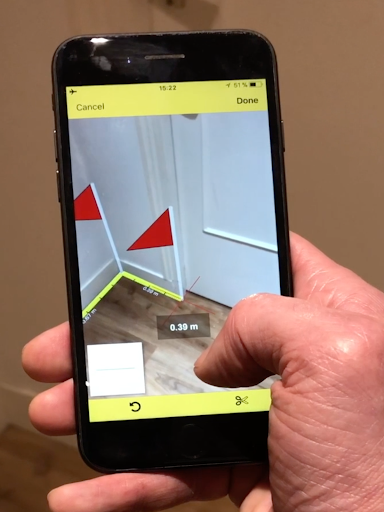
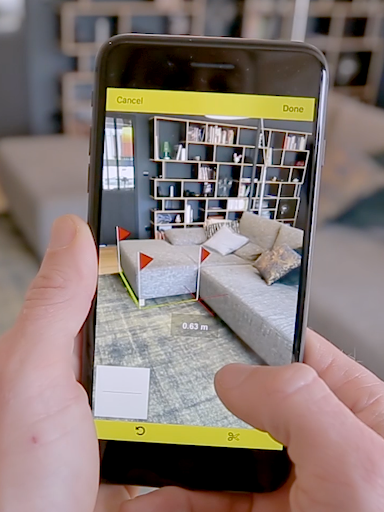

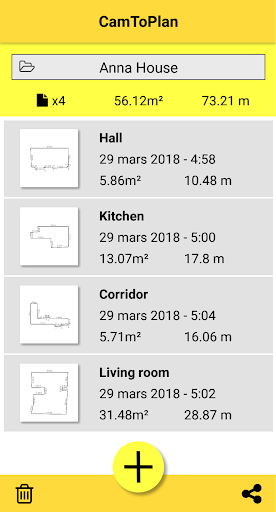
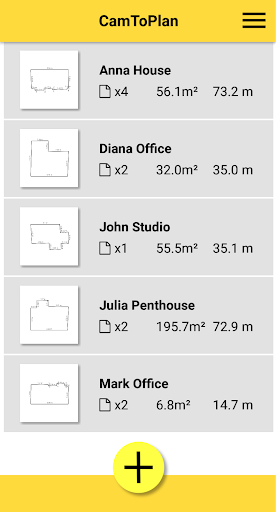
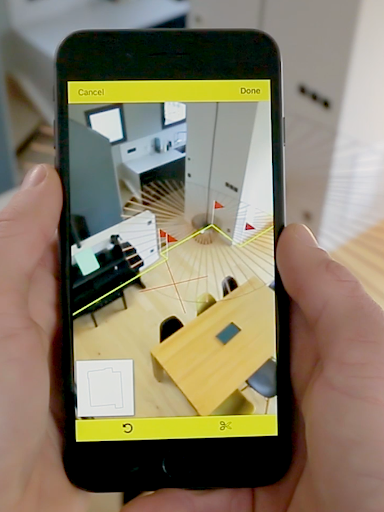

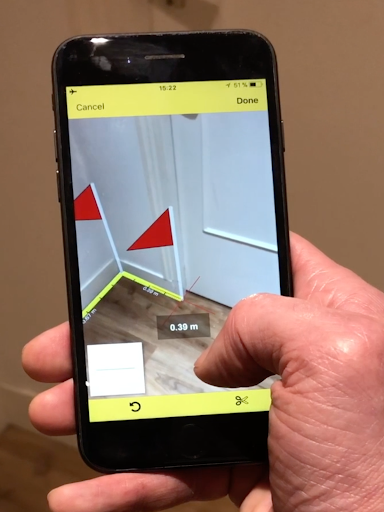
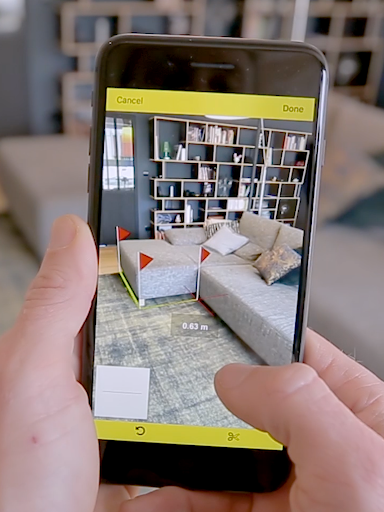
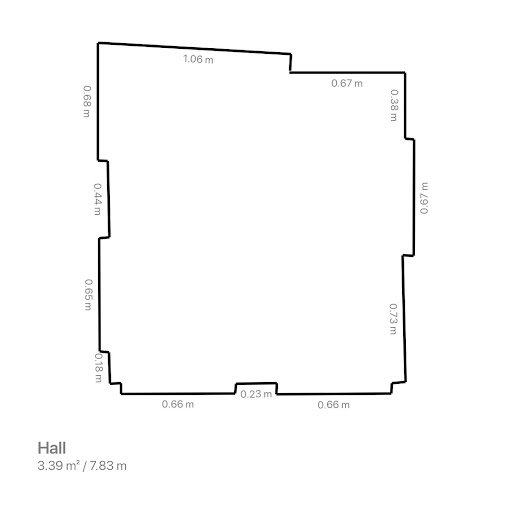
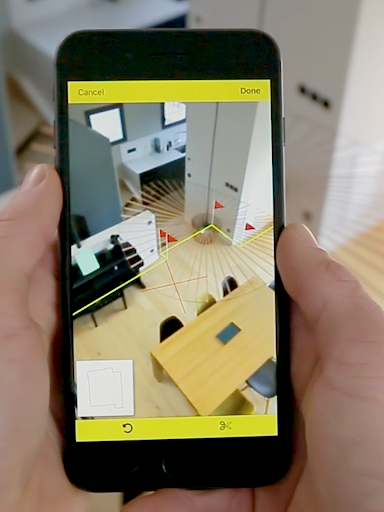
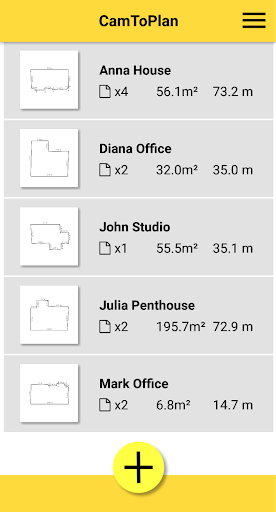
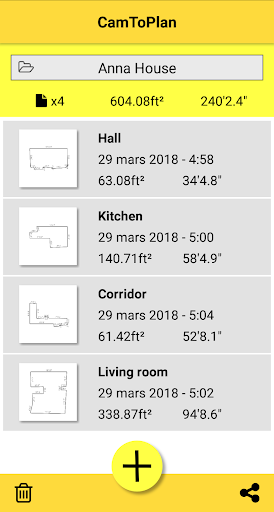
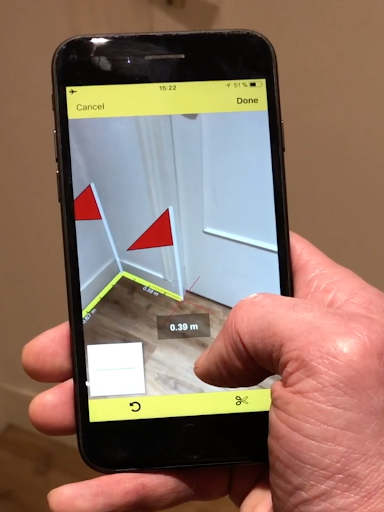
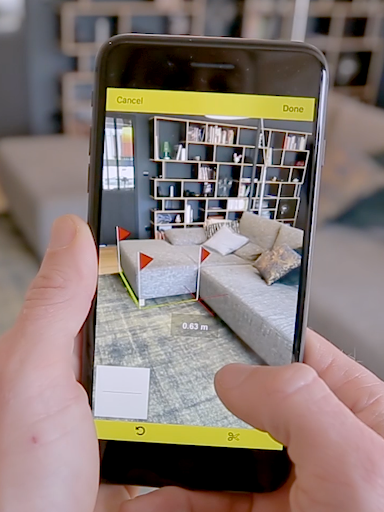
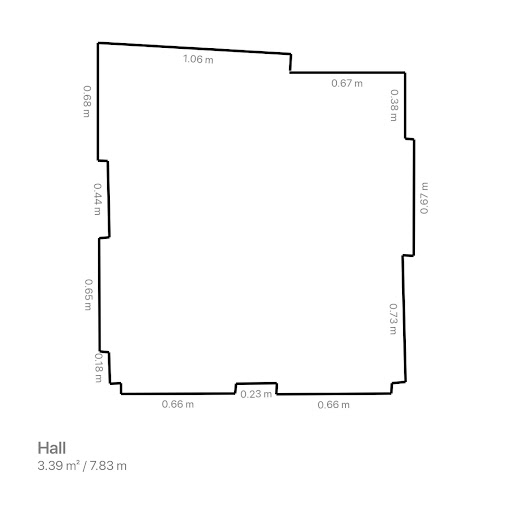
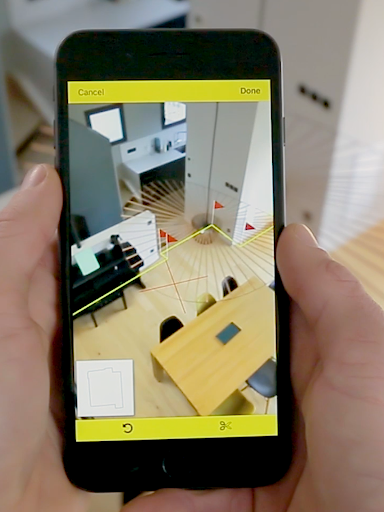
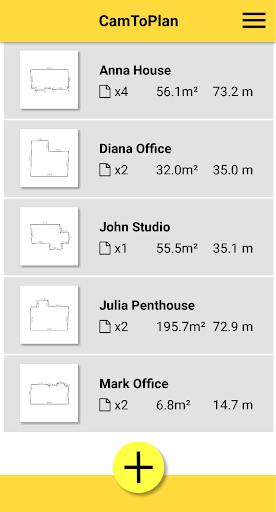
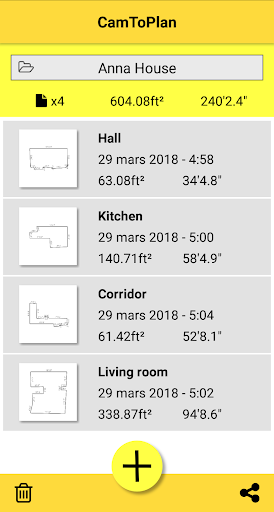
CamToPlan is a revolutionary business application that leverages augmented reality to measure distances and surfaces, as well as draw plans with ease. Using your device's camera, it simulates a 3D tape measure on your screen, allowing effortless measurement of baseboards, walls, furniture dimensions, and more without the need to kneel or manually mark points. The app caters especially to professionals like architects and decorators, offering precise area calculations in square meters or feet while generating ready-to-share room plans.
The app stands out through its innovative ability to automatically determine intersection points between the floor and target measurements, even when obstructed by furniture. It supports both Metric and Imperial units, making it versatile for global use. While its accuracy depends on optimal conditions such as good lighting and textured floors, CamToPlan provides an intuitive solution for measuring both horizontal and vertical planes. This makes it invaluable for professionals and DIY enthusiasts alike who seek efficiency and precision in their projects.
CamToPlan offers a robust set of features designed to streamline measurement tasks. Its core functionality lies in its ability to measure distances both horizontally and vertically using augmented reality. This eliminates the need for traditional tools like rulers or laser rangefinders, providing users with a virtual tape measure that operates seamlessly through their device’s video feed. The app also calculates surface areas instantly, presenting results in either square meters or square feet depending on user preference.
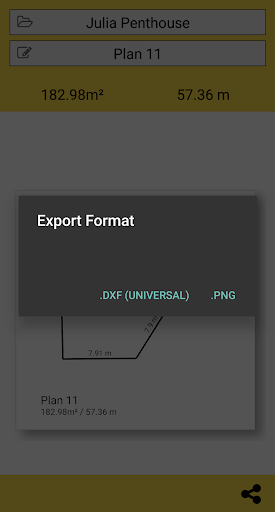
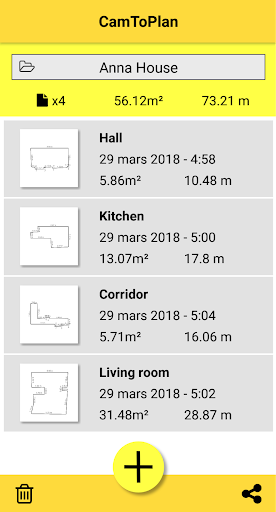
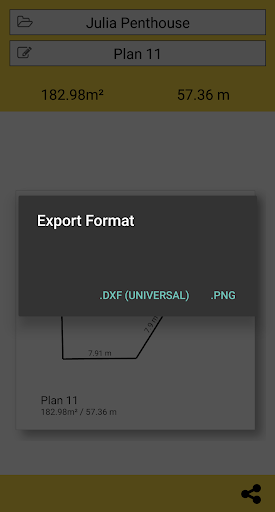
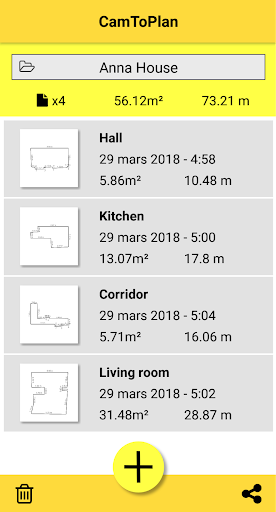
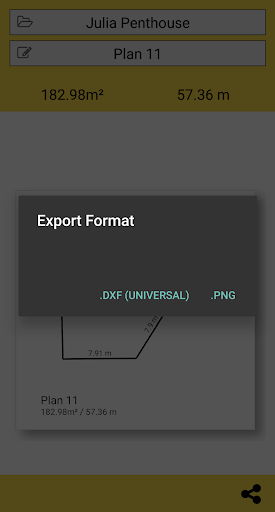
One of the standout features is its capability to export data in PNG or DXF formats, enabling easy integration with professional workflows. Additionally, CamToPlan allows users to manage folders directly within the app, ensuring organized project handling. With one-click sharing options via email, messaging apps, or social media, collaboration becomes effortless. The app further enhances usability by supporting both Metric and Imperial systems, catering to an international audience. These comprehensive features make CamToPlan indispensable for anyone involved in design, construction, or home improvement projects.
Augmented reality
Effortless measurements
Instant area calculation
Exportable data formats
Versatile unit support
Lighting dependent
Floor texture issues
No guaranteed accuracy
Limited to visual details
Requires optimal conditions
FX Plus adds media, networking, and cloud capabilities to FX File Explorer.
 4.10
4.10
Find the right fit, faster.
4.70
enjoy effortless PDF reading anytime, anywhere
3.90
All document reader, pdf viewer app, read docs & excel files
3.80
Roadie connects people with stuff to send with drivers already going that way.
3.50
Earn money with the driver & delivery partner app for Uber, UberEats & Postmates
4.60
ADP Mobile Solutions is an employee self service app
4.50
We help people get jobs
4.70
Make money as a delivery driver with DoorDash and work when you want as a Dasher
4.30 4.70
4.70
Use Generative Summary to understand your rental or insurance docs in seconds.
4.70
Mobile POS for any business: sales, invoices, retail, restaurants & appointments
4.60
Chat, meet, and collaborate to achieve more together, all in one place on Teams
4.60
From Gone to Back Again — In Just a Few Taps
4.50
Collaborate seamlessly with Google Chat, part of Google Workspace
4.50
The All-in-One File Manager for Phone, TV, Watch, Cars, XR / VR, Chromebook
4.10
Windows App allows you to connect to remote PCs and virtual apps.
3.70
Take the stress out of storage with the all-in-one app to manage your space.
3.70
We are a dynamic team of creatives people of design, marketing, web & apps
3.00


User Reveiws