Hondata

4.80

Information

Category:

Tools

Price:

$ 9.99

Rank:

41

Rating:

4.80

Overview

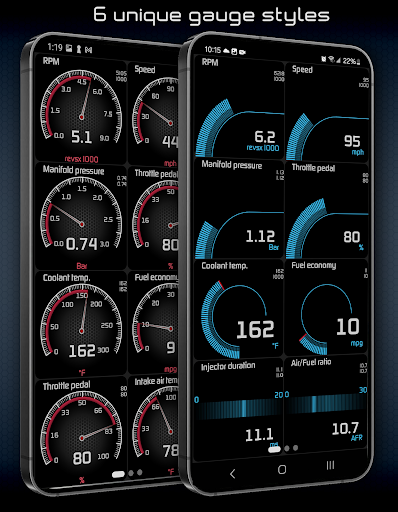
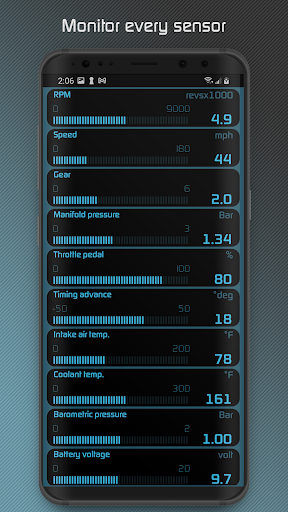
Hondata app transforms your Android device into a comprehensive performance tracking and troubleshooting tool for Honda vehicles. It allows real-time monitoring of up to 80 sensors through customizable gauges, providing insights into fuel economy, boost pressure, battery voltage, and more.

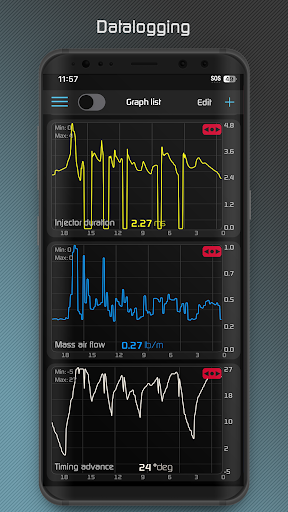
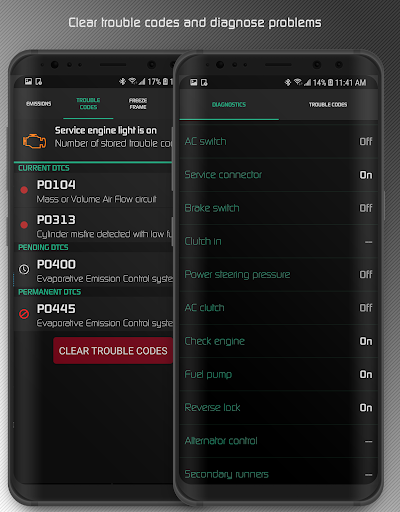
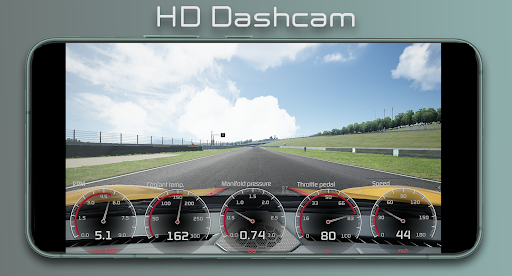
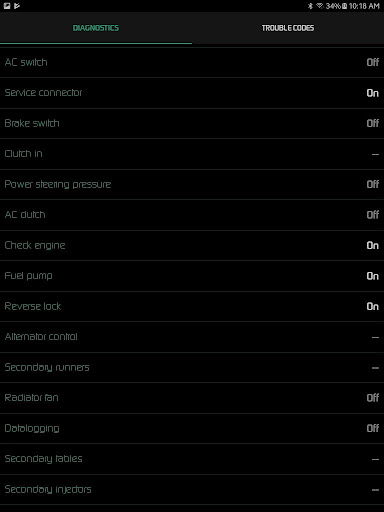
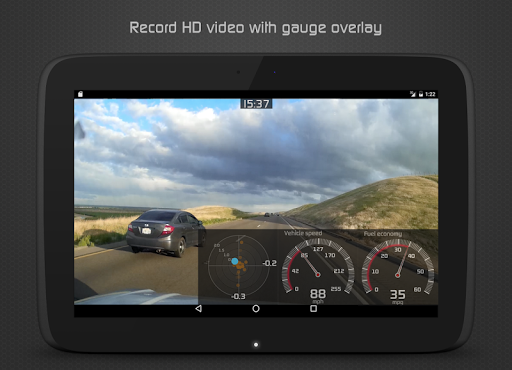
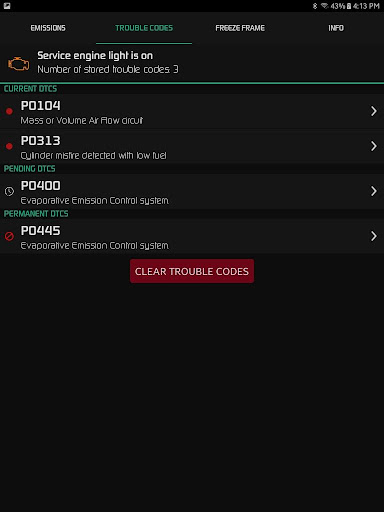
One standout feature is its diagnostic capability, enabling users to read and clear vehicle trouble codes, reset service engine lights, and access detailed diagnostics parameters. The app also offers advanced data logging features, including exporting sensor data to CSV files and recording HD videos with superimposed gauges.

Designed for both casual drivers and automotive enthusiasts, Hondata is particularly useful for those looking to optimize their vehicle's performance while maintaining better control over maintenance costs. Its compatibility with specific Hondata hardware ensures reliable functionality for supported Honda models.

Features

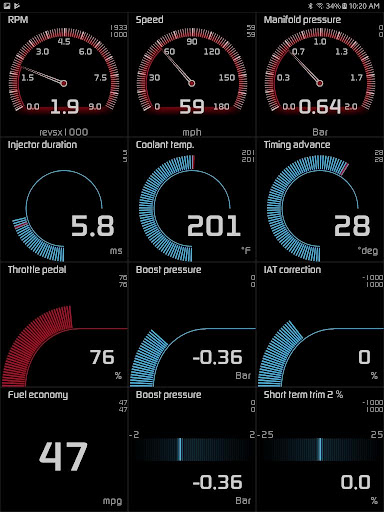
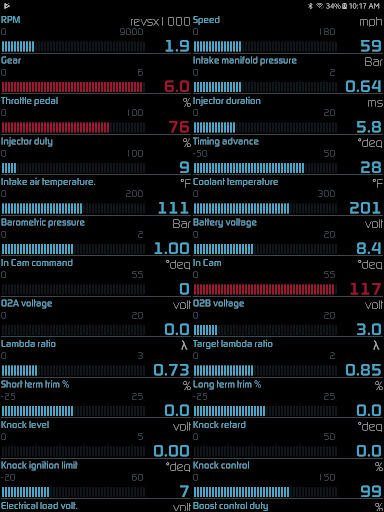
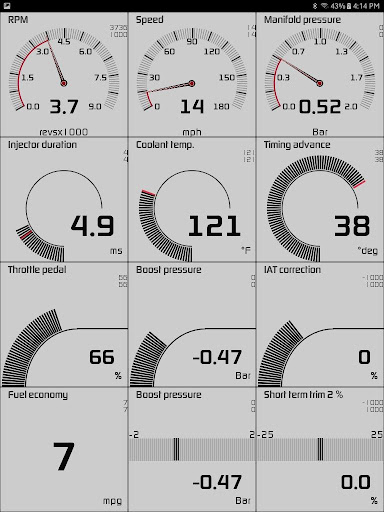
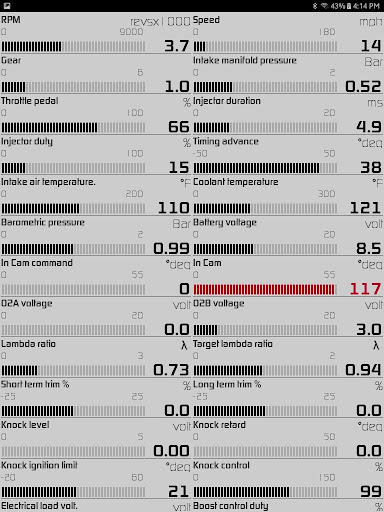
The Hondata app boasts an impressive array of features designed to enhance vehicle performance monitoring. Users can customize interactive gauges to track real-time data from 80 different sensors, including essential metrics like fuel economy, turbo boost pressure, and G-force measurements.

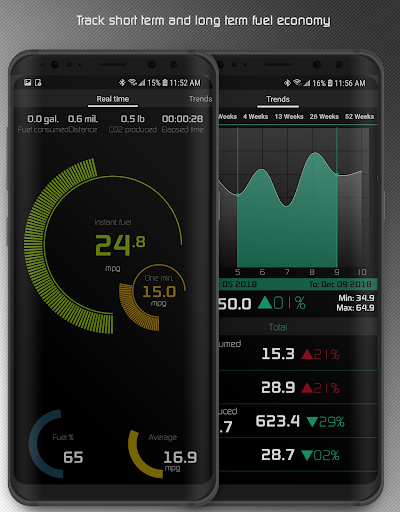
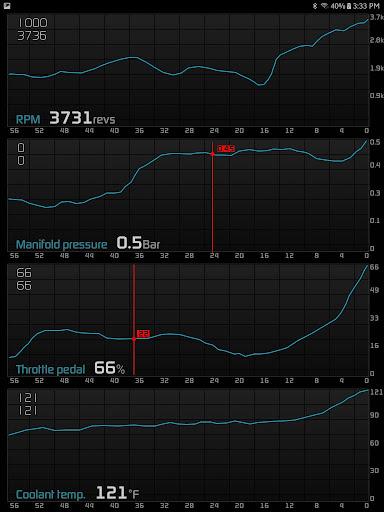
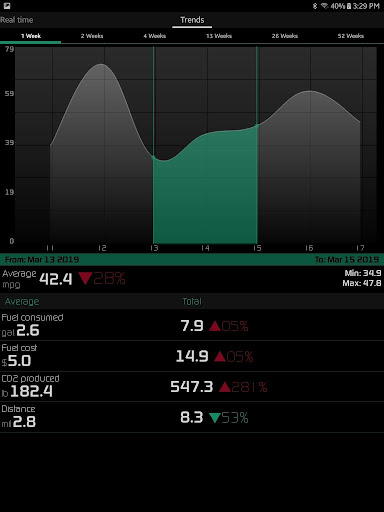
Data visualization is taken to the next level with interactive graph plotting capabilities, allowing simultaneous recording of up to four sensor streams. The app supports both metric and imperial units across all displays and includes specialized tools such as long-term fuel economy tracking with adjustable time intervals and visual/sound alerts for user-defined sensor thresholds.

Racetrack enthusiasts will appreciate dedicated features for performance measurement, including drag race timing, lap time tracking, and GPS-based circuit recording. These capabilities, combined with professional-grade video recording options and comprehensive diagnostic tools, make Hondata an indispensable companion for serious Honda owners.

Core function accuracy & effectiveness

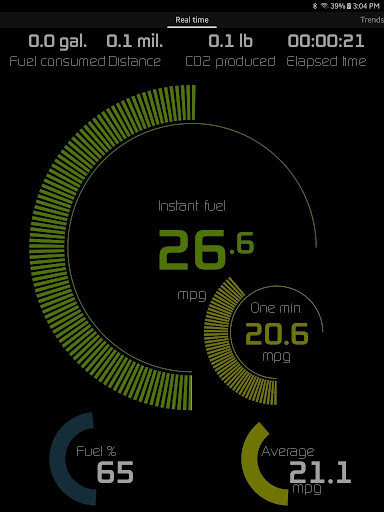
The Hondata app provides an extensive suite of tools designed to transform your Android device into a comprehensive performance tracking and troubleshooting system for your Honda vehicle. At the core of its functionality is the ability to monitor up to 80 real-time sensors, including critical parameters such as fuel economy, boost pressure, battery voltage, and G-force measurements. This level of detail ensures that users can accurately track their vehicle's performance with precision. The app also supports advanced diagnostics by allowing users to access and interpret data from the onboard Engine Control Unit (ECU), which includes reading and clearing trouble codes, resetting service engine lights, and monitoring over 40 diagnostic parameters like engine knock count and VTEC pressure. These features collectively ensure that the app delivers accurate and actionable insights about the vehicle's condition. Additionally, the Hondata app offers specialized tools for fuel economy tracking, enabling users to save money on gas by optimizing their driving habits. With five different methods of calculating fuel economy and support for multiple units of measurement, the app caters to a wide range of user preferences. Users can also benefit from customizable alerts that notify them when sensor readings reach predefined thresholds, ensuring timely interventions to prevent potential issues. For those interested in performance metrics, the app provides drag race timing, lap times, and real-time GPS-based track positioning, making it an invaluable tool for automotive enthusiasts who demand both accuracy and effectiveness in their vehicle monitoring solutions.

Interface simplicity & intuitiveness

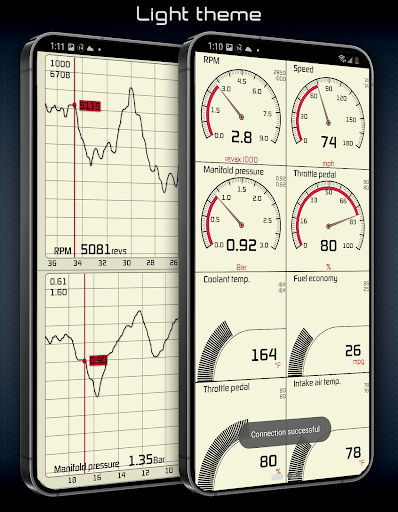
Despite its sophisticated capabilities, the Hondata app maintains an interface that prioritizes simplicity and intuitiveness, ensuring that users of all technical backgrounds can easily navigate and utilize its features. The app offers customizable gauges that allow users to tailor the display to show only the most relevant information, reducing clutter and enhancing usability. With two selectable themes and landscape mode availability across all views, users can adjust the visual presentation to suit their preferences and improve readability during day or night driving conditions. The inclusion of a heads-up display (HUD) gauge further simplifies nighttime monitoring by projecting essential data in a clear and unobtrusive manner. Additionally, the app's layout logically groups related functions, such as performance tracking and diagnostic tools, streamlining the user experience. For instance, the racetrack feature consolidates all pertinent racing statisticsu2014including drag race times, lap times, and gap timesu2014into a single, easy-to-access section, providing a seamless experience for performance enthusiasts. Furthermore, the app simplifies complex tasks like exporting recorded sensor data to CSV files for further analysis, making it accessible even to users without technical expertise. Overall, the Hondata app strikes a balance between delivering powerful functionality and maintaining an intuitive interface, ensuring that users can harness the full potential of their vehicle's data without being overwhelmed by unnecessary complexity.

Props

Comprehensive sensor monitoring

Advanced diagnostic capabilities

Customizable data visualization

Professional-grade video logging

Detailed performance tracking

Cons

Limited hardware compatibility

No Android Auto support

Potential head unit issues

Specialized sensor requirements

Complex setup process

Features and Functions

What is this app and what can I use it for?

Hondata app monitors Honda vehicle performance in real time.

How do I download and install this app on my device?

Download Hondata from Google Play Store on your Android device.

How do I get started after opening the app for the first time?

Connect your device to compatible Hondata hardware to begin.

What are the main features and capabilities of this app?

Real-time monitoring, diagnostics, data logging, and performance tracking.

How can I customize my experience and adjust preferences?

Customize gauges, units, and notification preferences in settings.

How do I save or bookmark my favorite content for later access?

Save recorded data as CSV files for future reference.

How can I share content with friends or on social media?

Share performance data via exported CSV or video files.

How do I access detailed information and explore more content?

Access detailed information through interactive graphs and diagnostics.

What permissions does this app need and how do I manage them?

App needs Bluetooth permission to connect with vehicle hardware.

How do I check for updates and keep the app running smoothly?

Check Google Play Store regularly for Hondata app updates.
Show more

User Reveiws

{{ comment.reviewer_name }}
{{ comment.review_date_formatted}}
{{ comment.review_content }}
{{ tab.name }}
{{ comment.reviewer_name }}
{{ comment.review_date_formatted}}
{{ comment.review_content }}
No reviews with this rating