
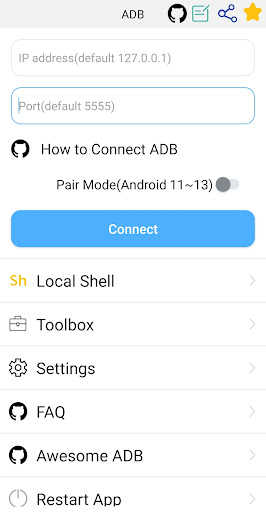
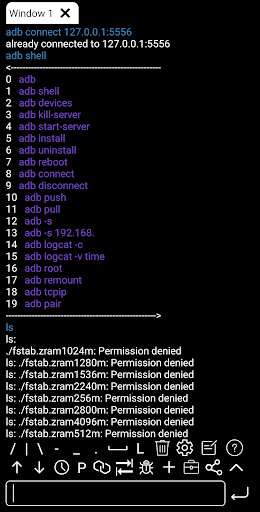
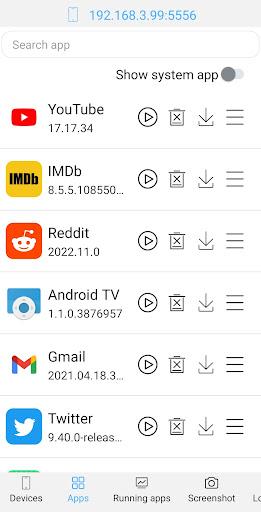
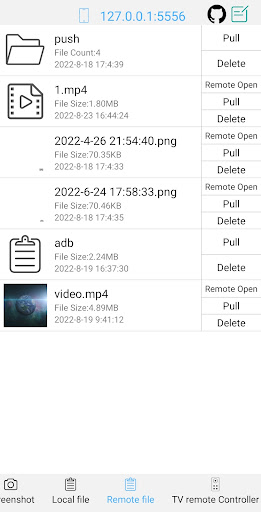
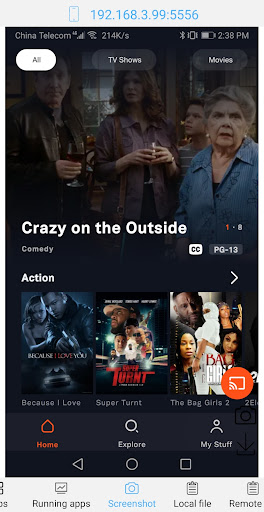
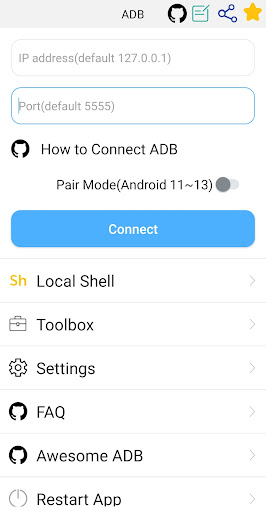
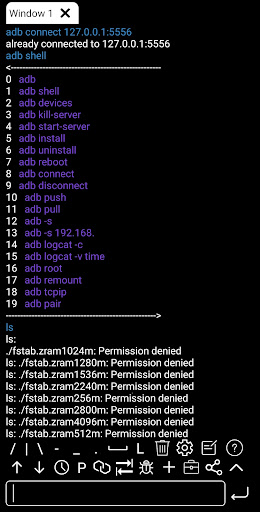
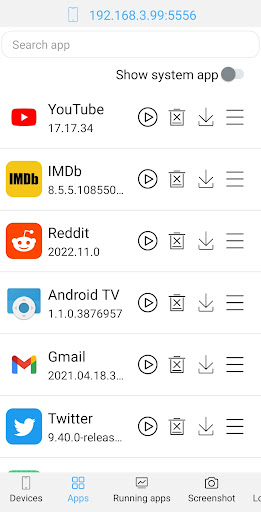
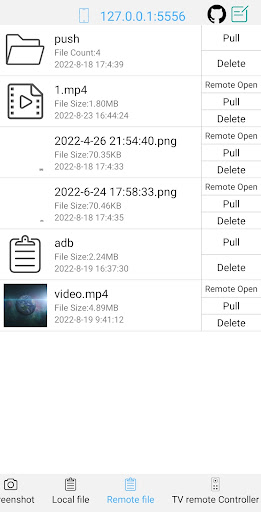
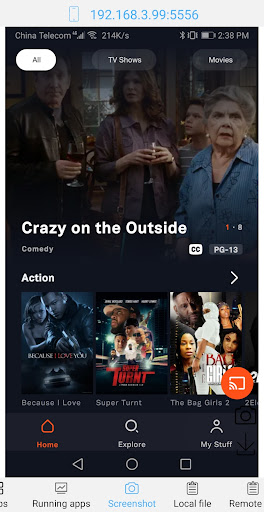
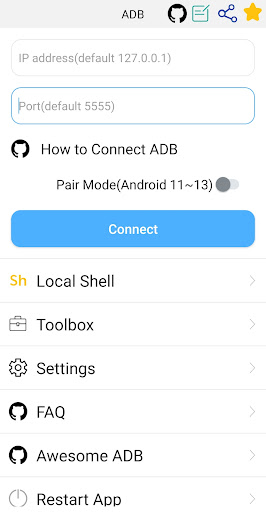
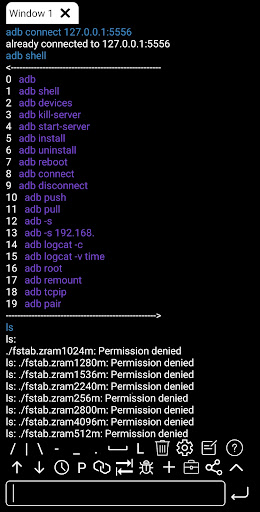
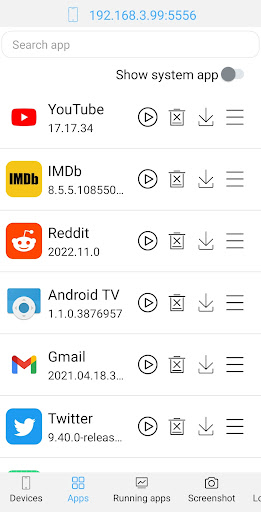
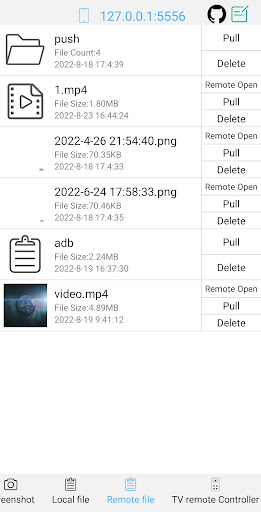
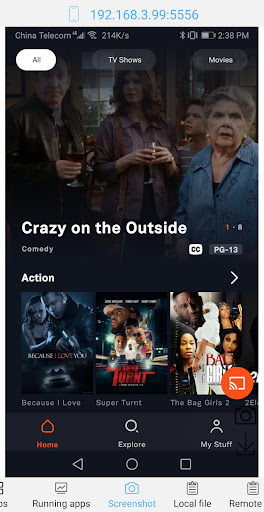
ADB Shell is a comprehensive and powerful toolbox application designed for Android developers and power users. The app provides an extensive set of features to manage Android devices, including launching, uninstalling, downloading, and managing applications, as well as taking screenshots, transferring files, and installing APKs.
In addition to its robust device management capabilities, ADB Shell offers advanced shell functionalities. It supports Android versions from 4.X to Android 13, wireless pair mode, WiFi wireless ADB, local shell ADB, and various other command-line tools. With support for multi-window operations, color text, background execution, and logcat, this app is an indispensable tool for Android debugging and development.
Whether you're a developer looking to streamline your workflow or a power user wanting greater control over your Android device, ADB Shell delivers the tools you need in one convenient package.
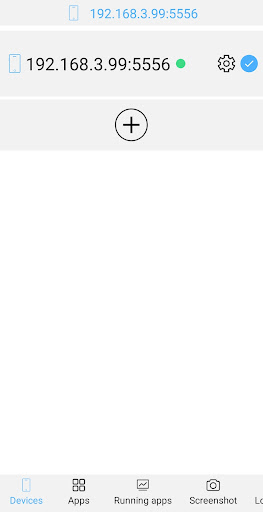
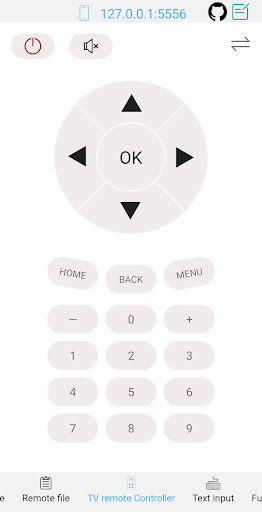
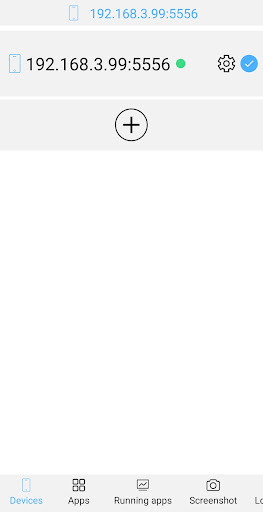
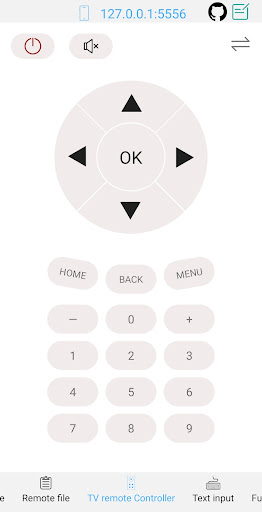
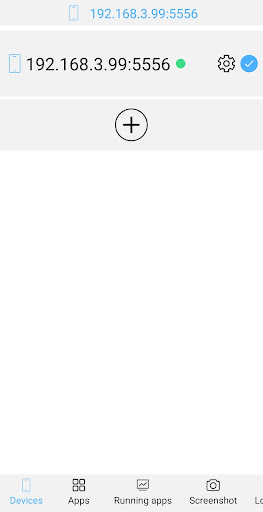
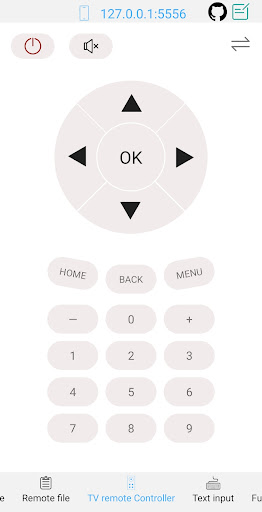
ADB Shell stands out with its dual functionality as both a toolbox and a shell terminal. The toolbox component allows users to perform essential device management tasks such as launching and uninstalling applications, viewing running apps, taking screenshots, transferring files, and more. These features are crucial for maintaining and troubleshooting Android devices efficiently.
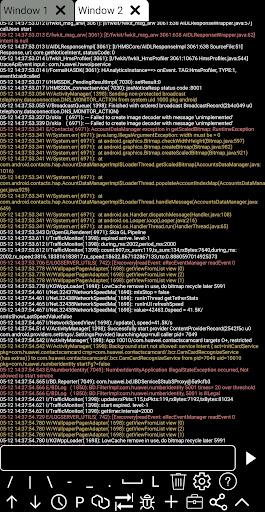
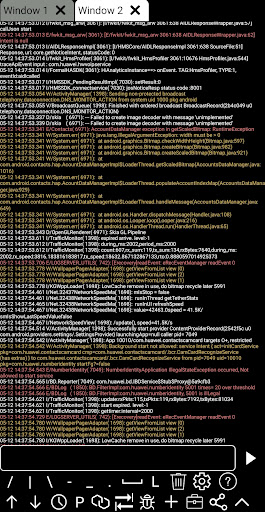
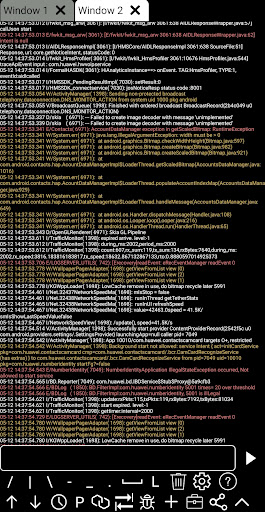
The shell feature set is equally impressive, supporting Android versions from 4.X to 13 and offering wireless pair mode, WiFi wireless ADB, and local shell ADB. Users can benefit from associative input, autosave output, command history, fast copy commands, multi-window support, color text display, background execution, recommended commands and files, prefab commands, and logcat functionality. This wide array of features ensures that users have all the necessary tools at their fingertips for effective Android development and debugging.
With its comprehensive feature set, ADB Shell empowers users to perform complex operations with ease, making it an invaluable asset for both professional developers and tech-savvy individuals.
Comprehensive Toolbox
Advanced Shell Features
Multi-Window Support
Wireless ADB
Efficient Device Management
Complex for Beginners
Requires Technical Knowledge
Limited UI Appeal
No iOS Support
Advanced Features Only

 4.50
4.50
1-Click close all background apps on Android TV
3.90
Smart and comfortable browsing experience.
3.80
Detect hidden spy camera with advanced scanning {{ Premium version }}
4.00
The Ultimate Bluetooth Keyboard & Mouse. Securely control your PC, Mac, and more
4.50
Play your X-Box games remotely in 1080p with any controller and zero latency
4.60
Game Booster, GFX Tool is now compatible with newer game update
4.50
Fast VPN USA for any country. Super secure VPN for calls, streaming, games, TV.
4.40
The ideal app to be the digital eye of your family
3.40
Connect wirelessly to your computer to watch movies, browse the web, play games
5.00
Change your GPS location instantly. Simulate routes anywhere in the world.
4.90
FV File Manager Pro, Fast and powerful file manager for Android
4.60
Use your phone as a webcam on your computer over WiFi or USB.
4.40
Complete kernel toolbox with features to manage and tweak your rooted device
4.30
pdf merge, word to pdf, jpg to pdf, edit pdf, convert to pdf and much more!
4.20
App that Recover your pictures, videos or files after you delete them.
4.20
Carry a FTP server in your pocket and avoid USB cables for file transfer
4.20 4.10
4.10
Amateur Radio app for APRS: Track friends, exchange messages, get tactical info.
3.90


User Reveiws