DS PRO

4.20

Information

Category:

Tools

Price:

$ 5.99

Rank:

81

Rating:

4.20

Overview

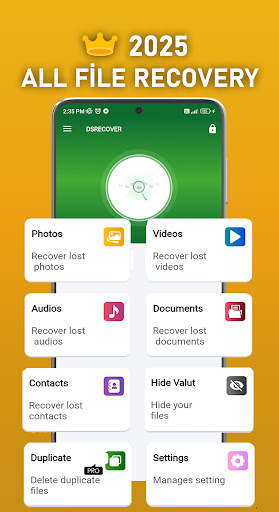
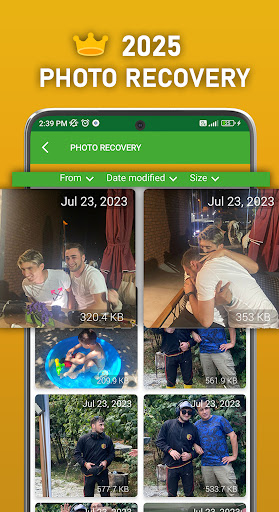
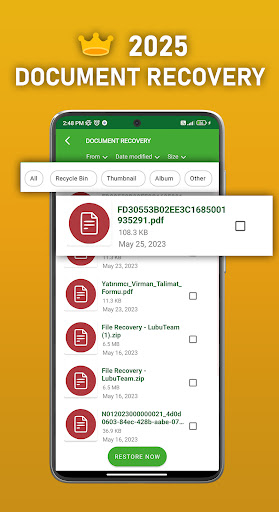
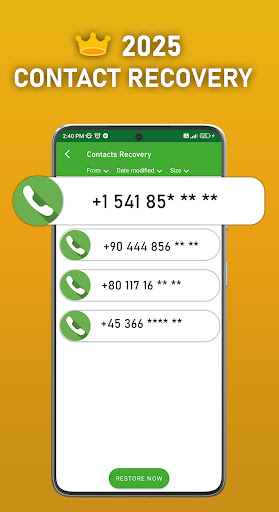
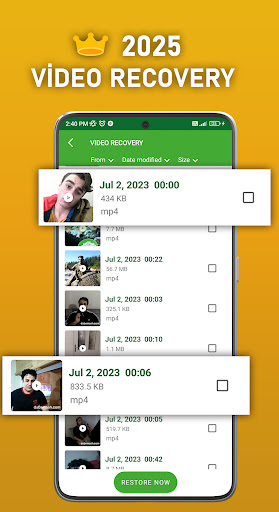
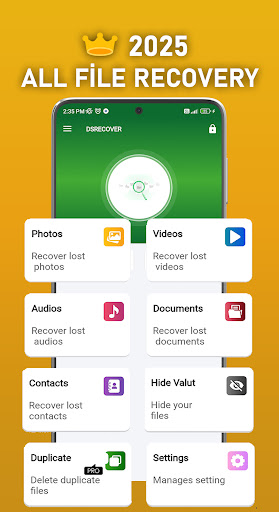
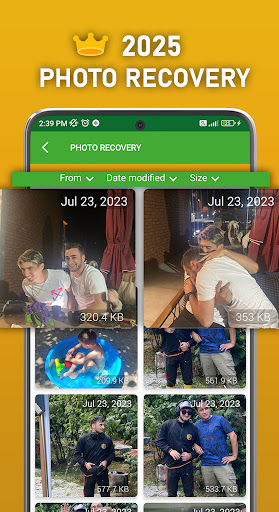
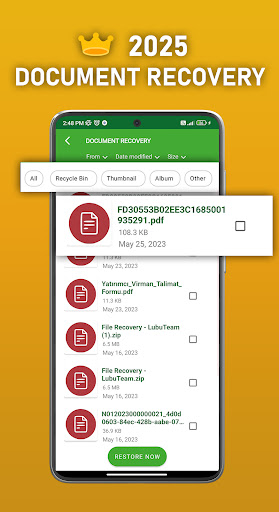
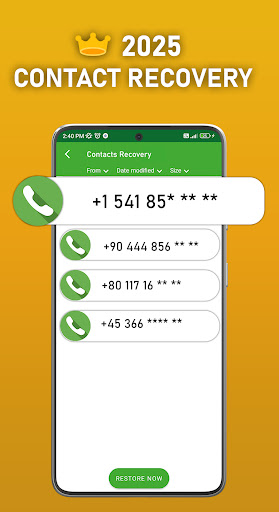
DS PRO is a comprehensive recovery tool designed to retrieve deleted files across multiple categories on Android devices. The app's core functionality revolves around recovering lost photos, videos, audio files, contacts, and documents without requiring root access. Its powerful scanning algorithms can detect and restore files from both internal storage and SD cards.

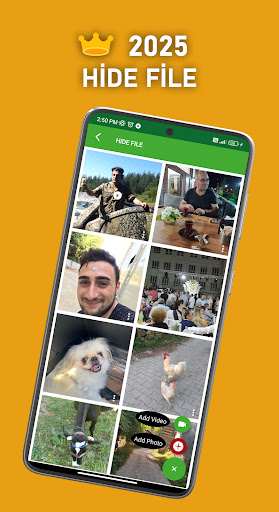
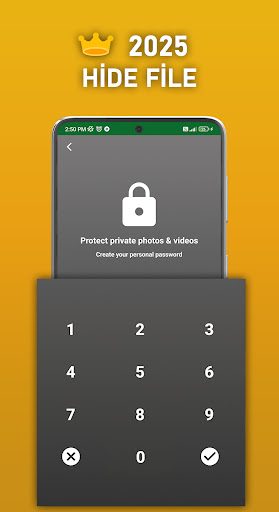
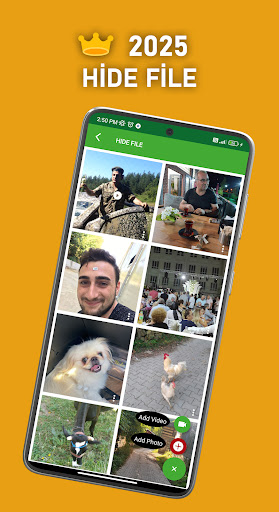
Beyond basic recovery features, DS PRO offers advanced capabilities including file hiding with password protection and duplicate file detection. The application's intuitive interface guides users through simple recovery steps while maintaining high success rates. Whether you've accidentally deleted important media or need to retrieve crucial documents, DS PRO provides a reliable solution for data recovery needs.

The app proves particularly valuable in emergency situations where important memories or critical business documents have been lost. Its ability to recover various file formats and maintain original quality makes it an essential tool for both personal and professional use cases.

Features

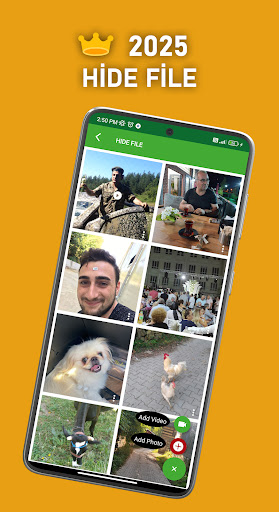
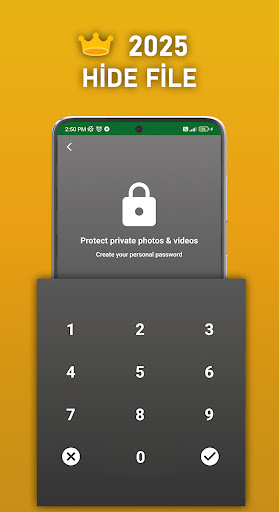
DS PRO distinguishes itself through several innovative features that enhance the recovery process. The application employs advanced scanning technology capable of detecting deleted files across different storage locations, including internal memory and external SD cards. Its unique file hiding feature allows users to password-protect sensitive media, keeping private photos and videos secure from unauthorized access.

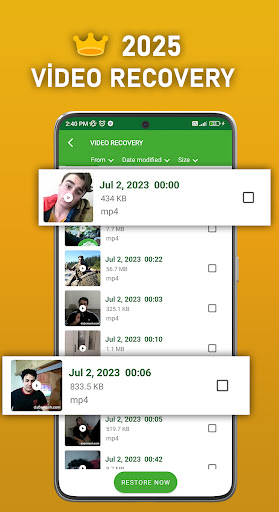
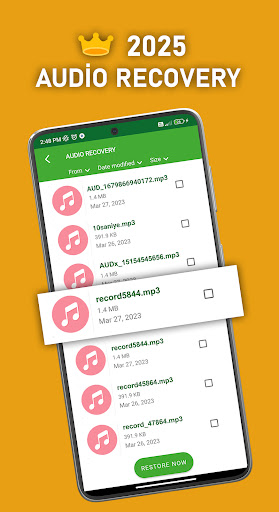
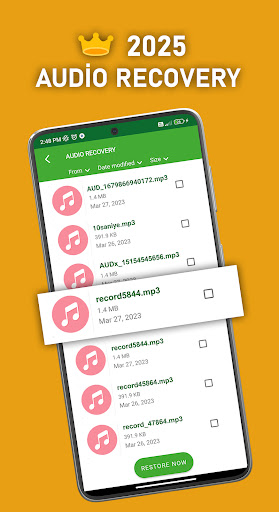
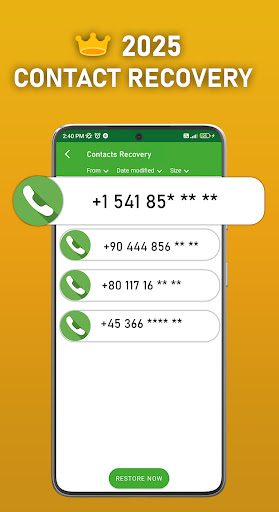
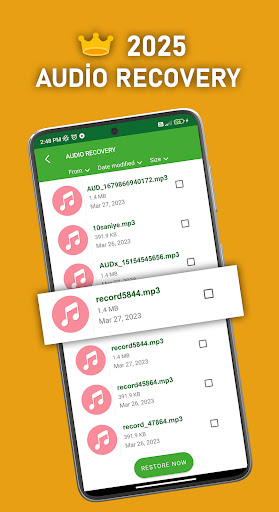
The app's capability to identify and remove duplicate files streamlines storage management while its comprehensive recovery options cover multiple file types. Users can restore images in various formats, recover video files including MP4s, and retrieve audio files such as MP3s. The inclusion of contact recovery adds another layer of utility, making it a versatile tool for complete data restoration.

Notably, DS PRO operates independently without requiring PC connections or additional software installations. The application maintains recovered files' original quality and supports batch recovery operations, significantly improving efficiency when handling large-scale data loss incidents.

Core function accuracy & effectiveness

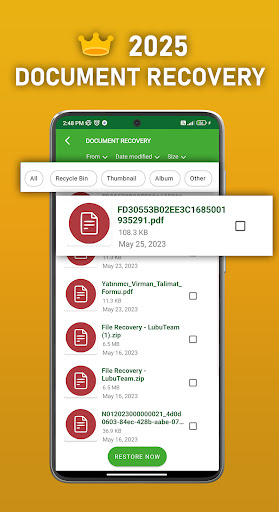
The core function of DS PRO centers around its ability to accurately and effectively recover deleted files including photos videos audio and documents from Android devices This functionality is crucial for users who have accidentally deleted important files or lost data due to unforeseen circumstances The app employs advanced scanning algorithms that thoroughly search the device's internal memory and SD card for recoverable files These algorithms are designed to identify various file types ensuring a comprehensive recovery process Furthermore DS PRO offers an instant restore feature which allows users to quickly retrieve deleted apps and files by simply accessing the recycle bin within the app and selecting the desired item This streamlined process eliminates the need for complex recovery programs or connecting the device to a PC thereby enhancing user convenience In addition to its primary recovery functions DS PRO includes a file hide feature This feature enables users to conceal sensitive pictures and videos behind a password ensuring privacy and security By providing both robust recovery capabilities and privacy protection DS PRO delivers significant value to its users allowing them to maintain control over their digital content while offering peace of mind in knowing that lost files can be easily restored

Interface simplicity & intuitiveness

DS PRO excels in providing an interface that is both simple and intuitive making it accessible to users of all technical backgrounds The application's design emphasizes ease of use with clearly labeled features and straightforward navigation paths Users can effortlessly initiate the recovery process through a few simple steps eliminating the need for extensive technical knowledge or expertise The app's main screen presents all available recovery options including photo video audio document and contact recovery in a clear and organized manner Additionally DS PRO incorporates helpful recommendations and tips throughout the interface guiding users on best practices for recovering different file types such as videos in MP4 format and audio files in MP3 format The inclusion of an FAQ section and customer support contact information further enhances the user experience by providing readily available assistance when needed Moreover the app's request for necessary permissions such as Access all files is presented in a transparent and understandable way ensuring users are fully informed about the app's requirements for optimal performance This combination of clear functionality intuitive design and supportive resources makes DS PRO an exceptionally user-friendly tool for managing and recovering digital content

Props

User-friendly interface

Comprehensive file recovery

No root required

Batch processing support

Advanced scanning technology

Cons

Premium version required

Storage permission needed

Recovery success varies

Limited free features

Processing time varies

Features and Functions

What is this app and what can I use it for?

A professional-grade recovery tool for retrieving deleted photos videos and documents.

How do I download and install this app on my device?

Visit Google Play Store search for DS PRO download and install the application.

How do I get started after opening the app for the first time?

Launch the app grant necessary permissions and follow the initial setup wizard.

What are the main features and capabilities of this app?

Recovers photos videos audio files contacts and documents from Android devices.

How can I customize my experience and adjust preferences?

Adjust scan settings set preferred file types and configure notification preferences.

How do I save or bookmark my favorite content for later access?

Use the built-in bookmarking system to save specific recovery sessions for future reference.

How can I share content with friends or on social media?

Share recovered files directly through supported messaging and social media applications.

How do I access detailed information and explore more content?

Access detailed recovery logs and explore additional content through the main dashboard.

What permissions does this app need and how do I manage them?

Requires storage access permissions manage these through device settings.

How do I check for updates and keep the app running smoothly?

Enable automatic updates in Google Play Store settings for seamless version management.
Show more

User Reveiws

{{ comment.reviewer_name }}
{{ comment.review_date_formatted}}
{{ comment.review_content }}
{{ tab.name }}
{{ comment.reviewer_name }}
{{ comment.review_date_formatted}}
{{ comment.review_content }}
No reviews with this rating














