Messages: SMS Messaging App

4.10

Information

Category:

Communication

Price:

Free

Rank:

58

Rating:

4.10

Overview

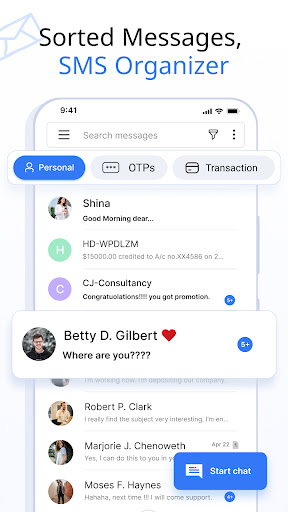
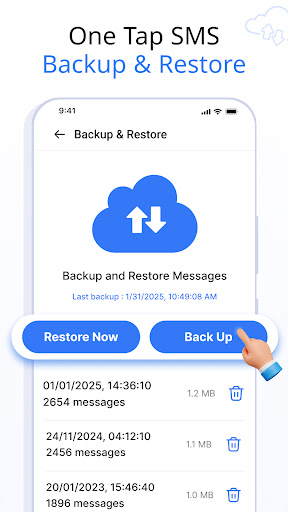
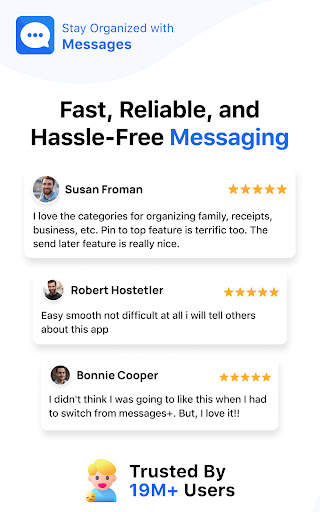
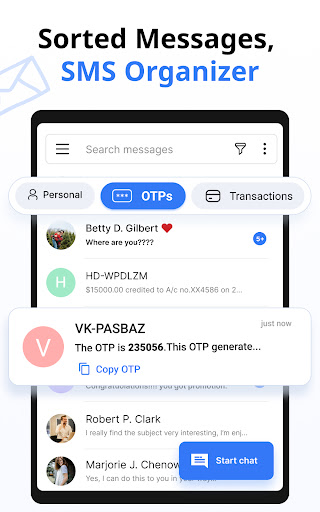
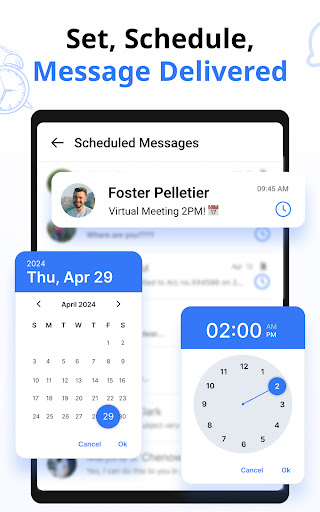
Messages is a feature-rich SMS and MMS messaging app designed to provide users with a smart, fast, and secure communication experience. The app automatically organizes text messages into categories such as Personal, Transactions, OTPs, and Offers, making it easy to manage conversations. With over 16 million users, Messages offers advanced functionalities like scheduling messages, backing up and restoring chats, and customizing notifications for individual contacts.

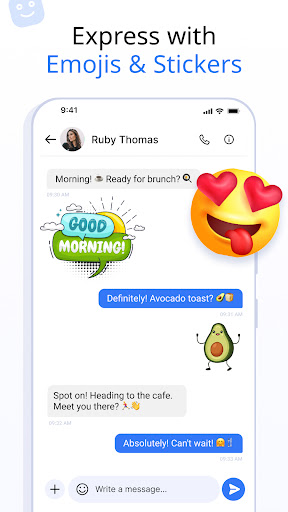
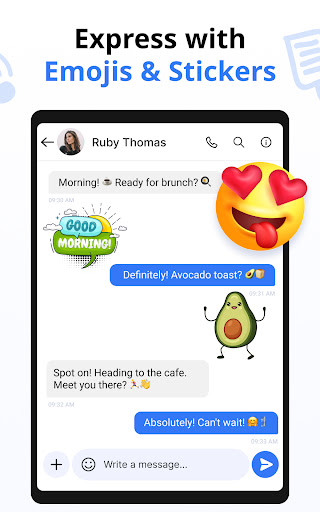
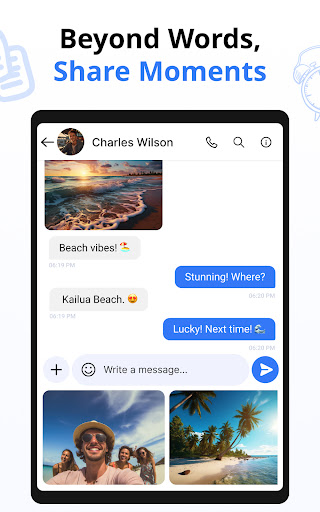
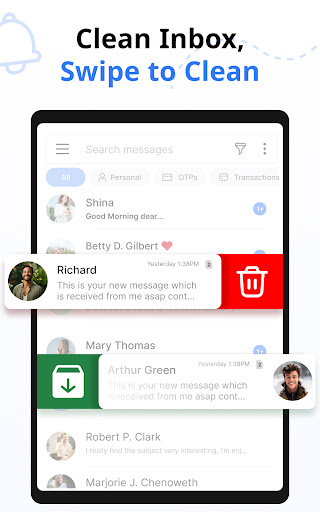
The app supports expressive communication through emojis, stickers, and GIFs while providing practical features like delivery confirmation and auto-deletion of conversations. Its swipe actions allow users to archive, delete, or mark messages efficiently. Additionally, the app includes voice call support and works seamlessly across popular Android devices and versions, ensuring broad compatibility and reliability for staying connected with friends and family.

Features

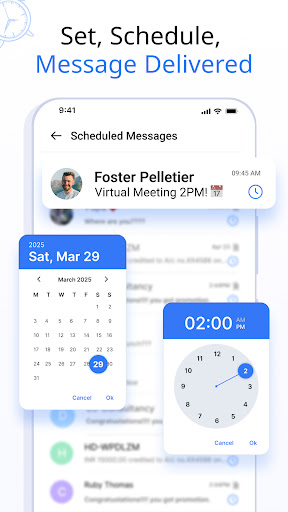
Messages stands out with its comprehensive set of features tailored to enhance user experience. One key feature is the ability to customize notification alerts for different contacts and chats, allowing users to personalize settings such as ringtones, vibration patterns, and Do Not Disturb modes. Another notable functionality is the message scheduling tool, which lets users compose texts in advance and have them delivered at specific times, perfect for sending reminders or greetings.

The app also provides robust backup and restore capabilities, enabling users to save their SMS conversations securely to internal storage and retrieve them easily when needed. Delivery confirmation ensures that users know when their messages are successfully sent, while the auto-delete feature helps maintain an organized inbox by removing unnecessary chats automatically. Moreover, the inclusion of swipe actions adds convenience by letting users perform tasks like archiving or deleting messages with simple gestures, streamlining the overall messaging process.

Real-time messaging speed & reliability

Real-time messaging speed and reliability are crucial factors that determine the effectiveness of any communication application. In today's fast-paced world, users expect their messages to be delivered instantly and without fail. The Messages SMS Messaging App excels in this aspect by ensuring that every text message is sent and received with minimal delay. This app uses optimized data transmission protocols to enhance the speed of message delivery across different networks and devices. Whether you're sending a simple text or an MMS with multimedia content, the app ensures that your communication reaches its destination promptly. The reliability factor is equally important as speed because users need assurance that their messages will not be lost or delayed due to technical issues. To address this concern, the Messages app incorporates robust error-checking mechanisms and automatic retry features that guarantee message delivery even under challenging network conditions. Furthermore, the app provides delivery confirmation notifications which give users peace of mind knowing that their messages have been successfully received by the intended recipient. This combination of high-speed performance and dependable service makes the Messages app stand out among other communication tools available on the market today. Users can rely on this application for all their personal and professional messaging needs without worrying about delays or failures in communication.

Media sharing support

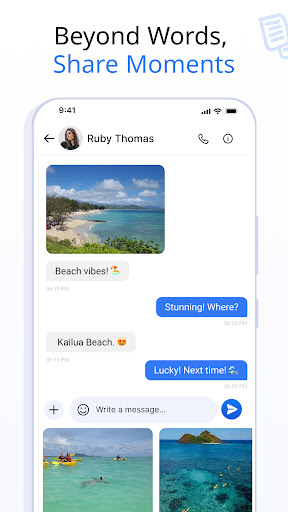
Media sharing support is an essential feature for modern messaging applications as it allows users to exchange various types of digital content beyond plain text messages. The Messages SMS Messaging App offers comprehensive media sharing capabilities that enable seamless transfer of photos videos audio files and documents between contacts. With built-in support for popular file formats such as JPEG PNG MP4 MP3 PDF and more users can easily send and receive rich media content directly within their conversations. This versatility enhances the overall messaging experience by allowing individuals to express themselves creatively through images GIFs stickers and emojis while also facilitating efficient collaboration through document sharing. Moreover the app includes intuitive attachment options that simplify the process of selecting and sending media files from both local storage and cloud services like Google Drive or Dropbox. Another advantage of using the Messages app for media sharing is its ability to compress large files without compromising quality thus reducing data usage and speeding up transmission times especially when dealing with limited bandwidth connections. Additionally recipients can preview shared media before downloading which helps conserve storage space on their devices. Overall these advanced media sharing features make the Messages app a powerful tool for staying connected with friends family colleagues and business partners alike providing them with everything they need to communicate effectively in todayu2019s multimedia-driven world.

Props

User-friendly interface

Advanced customization options

Secure backup and restore

Wide device compatibility

Efficient message organization

Cons

Limited iOS support

Occasional sync issues

Ads in free version

Large app size

Complex settings for beginners

Features and Functions

What is this app and what can I use it for?

A messaging app for secure SMS/MMS communication with features like scheduling and backups.

How do I download and install this app on my device?

Download from Google Play Store and follow installation prompts on your Android device.

How do I get started after opening the app for the first time?

Grant necessary permissions and set up your profile or preferences initially.

What are the main features and capabilities of this app?

Key features include message scheduling, backup, customizable notifications, and more.

How can I customize my experience and adjust preferences?

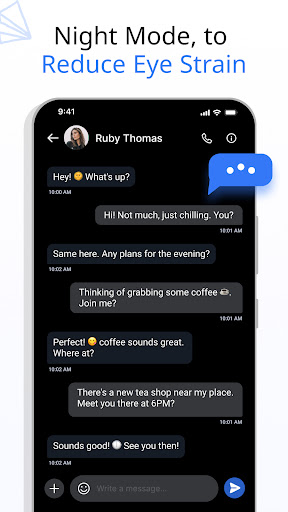
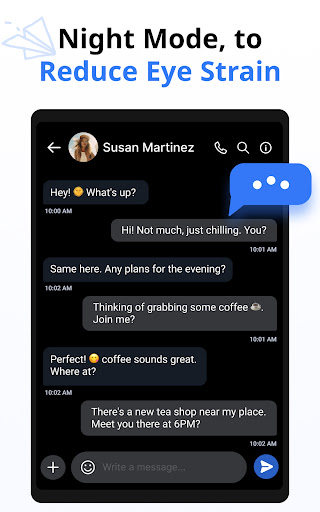
Adjust notification settings, themes, and other preferences in the app's settings menu.

How do I save or bookmark my favorite content for later access?

Use the backup feature to save conversations and restore them later if needed.

How can I share content with friends or on social media?

Share content via integrated options for social media platforms or direct messages.

How do I access detailed information and explore more content?

Access detailed information through categorized message views and search functions.

What permissions does this app need and how do I manage them?

The app requires standard SMS permissions; manage these in your device settings.

How do I check for updates and keep the app running smoothly?

Check Google Play Store for updates and enable auto-update in app settings.
Show more

User Reveiws

{{ comment.reviewer_name }}
{{ comment.review_date_formatted}}
{{ comment.review_content }}
{{ tab.name }}
{{ comment.reviewer_name }}
{{ comment.review_date_formatted}}
{{ comment.review_content }}
No reviews with this rating