
Yahoo Mail

4.40

Information

Category:

Communication

Price:

Free

Rank:

11

Rating:

4.40

Overview

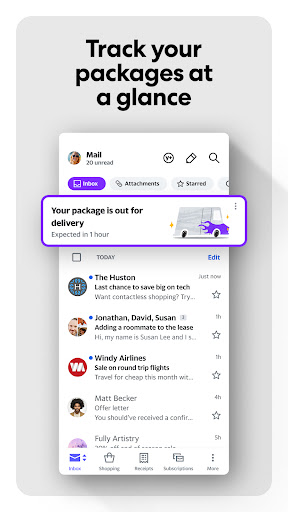
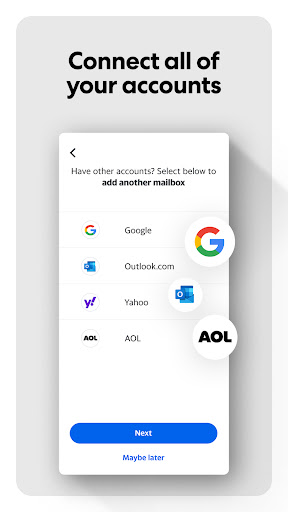
Yahoo Mail is a communication app designed to simplify email management. It offers advanced features like quick sorting, junk elimination, and package tracking. The app ensures inbox security with warnings for suspicious emails and supports multiple account integration including Gmail and Outlook.

With accessibility options like high contrast themes and VoiceOver compatibility, Yahoo Mail caters to all users. Additionally, the Yahoo Mail+ subscription provides an ad-free experience with enhanced privacy and 24/7 support, making it a comprehensive solution for efficient email handling.

Features

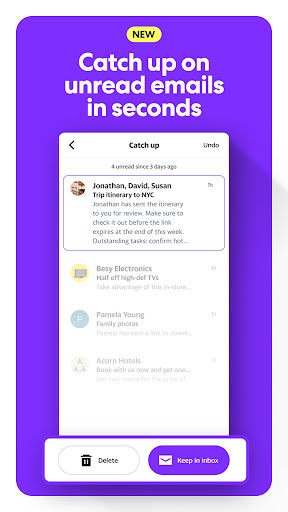
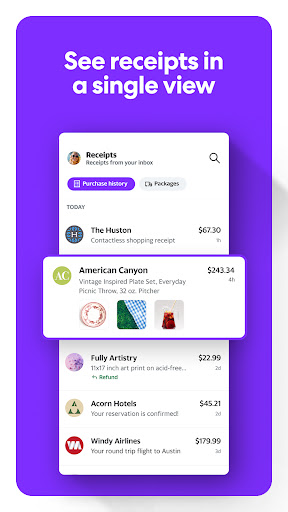
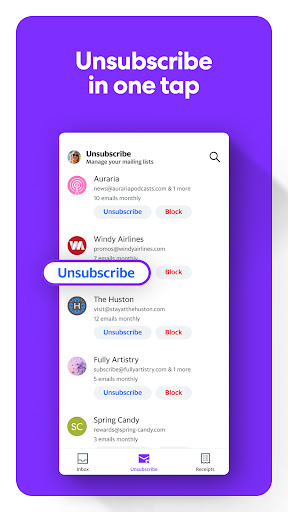
Yahoo Mail stands out with its gamified email sorting and one-tap unsubscribe options, streamlining the way users manage their inboxes. Its ability to track packages and find receipts directly from the inbox view adds convenience to everyday tasks.

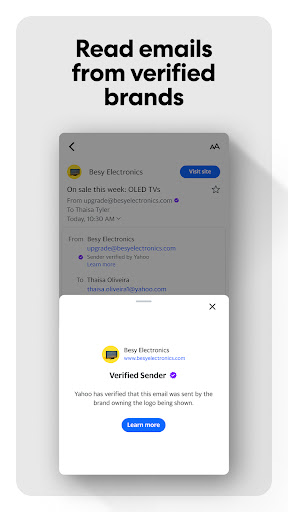
The app's security measures warn users about potentially harmful emails, ensuring a safer communication environment. Integration capabilities allow seamless management of various email accounts from a single platform, while accessibility features such as dynamic text resizing make navigation intuitive for everyone.

Real-time messaging speed & reliability

Real-time messaging speed and reliability are crucial factors in ensuring seamless communication experiences within an email application. Yahoo Mail excels in this area by providing users with a fast and dependable platform for sending and receiving messages. The app is engineered to deliver emails instantly, ensuring that users can engage in timely conversations without delays. This immediacy is particularly important in professional settings where quick responses can impact business outcomes. Yahoo Mail achieves this high level of performance through optimized server infrastructure and efficient data processing algorithms. These technical foundations ensure that even during peak usage times, the app maintains its responsiveness and reliability. For users, this means they can trust Yahoo Mail to deliver their important messages without lag or downtime. Furthermore, the app's robust architecture supports uninterrupted access, allowing individuals to stay connected regardless of their location or time zone. This consistent performance enhances productivity and enables users to manage their communications effectively. In addition to speed, Yahoo Mail places a strong emphasis on message delivery reliability. The app employs advanced error detection and correction mechanisms to prevent message loss or failure. This comprehensive approach to message handling ensures that every email sent through the platform reaches its intended recipient. Users benefit from this reliability by experiencing fewer instances of missed communications or delayed responses. The peace of mind that comes from knowing messages will be delivered consistently adds significant value to the overall user experience. Moreover, Yahoo Mail's commitment to maintaining high standards of performance demonstrates its dedication to meeting the evolving needs of modern communicators.

Media sharing support

Media sharing support represents an essential functionality in contemporary email applications, enabling users to exchange various types of digital content efficiently. Yahoo Mail addresses this need by offering comprehensive media sharing capabilities that accommodate different file formats and sizes. The application supports attachments ranging from standard document types to multimedia files, including images, videos, and audio recordings. This versatility allows users to share rich content directly through their email communications without relying on external services or platforms. The implementation of this feature demonstrates Yahoo Mail's understanding of modern communication requirements where visual and interactive content often complements textual information. To enhance the media sharing experience, Yahoo Mail incorporates several user-friendly mechanisms. The app provides intuitive interfaces for selecting and attaching files, streamlining the process of content sharing. Additionally, Yahoo Mail offers generous attachment size limits, enabling users to send large files without encountering restrictions. This capacity proves particularly valuable when sharing high-resolution images or lengthy video recordings that might exceed limitations imposed by other email services. The application also includes preview functionality for certain media types, allowing senders to verify their attachments before transmission. Beyond basic file sharing, Yahoo Mail integrates advanced features that improve the overall media exchange process. The app automatically optimizes image sizes and resolutions to balance quality with transmission efficiency. This optimization helps maintain reasonable email sizes while preserving acceptable visual fidelity. Furthermore, Yahoo Mail implements robust security measures to protect shared media during transmission. The application utilizes encryption protocols to safeguard sensitive content, ensuring that private or confidential files remain secure throughout the sharing process. These protective measures instill confidence in users when transmitting important documents or personal media. The combination of versatile format support, user-friendly interfaces, and security enhancements makes Yahoo Mail's media sharing capabilities particularly appealing to both personal and professional users who require reliable content exchange solutions.

Props

User-friendly interface

Advanced security alerts

Multi-account support

Accessibility options

Efficient inbox cleanup

Cons

Premium features locked

Occasional sync issues

Limited customization

In-app ads present

Subscription cost

Features and Functions

What is this app and what can I use it for?

Yahoo Mail simplifies email management with advanced features like quick sorting and package tracking

How do I download and install this app on my device?

Download Yahoo Mail from Google Play Store and install by following on-screen instructions

How do I get started after opening the app for the first time?

Sign in with your email account and follow the setup wizard for initial configuration

What are the main features and capabilities of this app?

Key features include gamified sorting, package tracking, and multi-account integration

How can I customize my experience and adjust preferences?

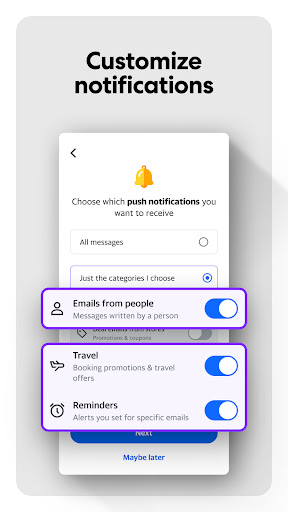
Customize settings through the app's preferences menu to adjust notification and theme options

How do I save or bookmark my favorite content for later access?

Save important emails by starring them or creating specific folders for easy access later

How can I share content with friends or on social media?

Share content using integrated sharing options to send emails or attachments via other apps

How do I access detailed information and explore more content?

Access detailed information by opening specific emails or using search functions within the app

What permissions does this app need and how do I manage them?

Manage permissions in device settings, granting access to contacts, storage, and notifications as needed

How do I check for updates and keep the app running smoothly?

Check updates via Google Play Store or app settings for smooth operation
Show more

User Reveiws

{{ comment.reviewer_name }}
{{ comment.review_date_formatted}}
{{ comment.review_content }}
{{ tab.name }}
{{ comment.reviewer_name }}
{{ comment.review_date_formatted}}
{{ comment.review_content }}
No reviews with this rating