Niagara Launcher ‧ Home Screen

4.70

Information

Category:

Personalisation

Price:

Free

Rank:

41

Rating:

4.70

Overview

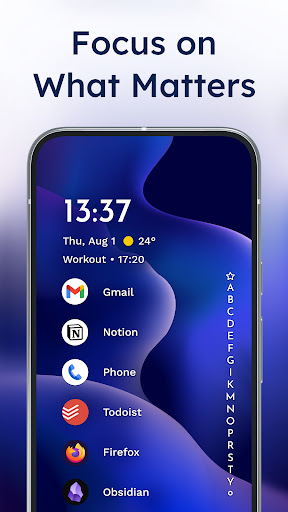
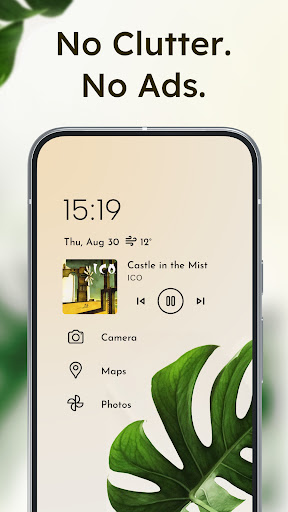
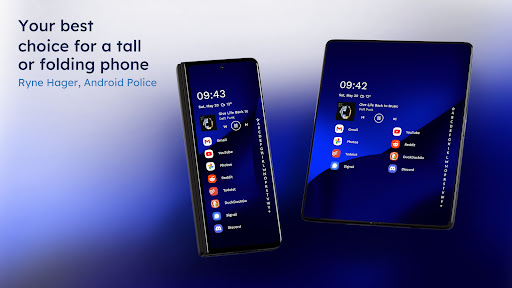
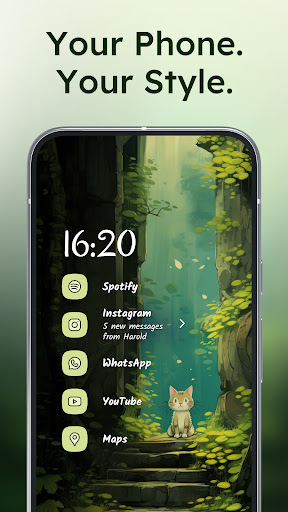
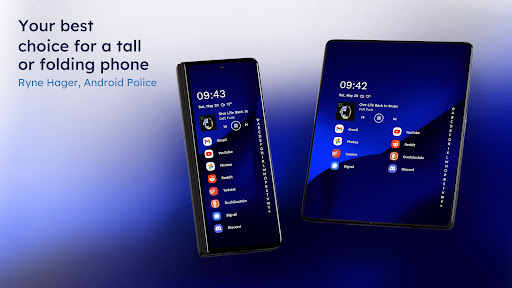
Niagara Launcher is a minimalist home screen app designed to make smartphone interaction more efficient and focused. Unlike traditional launchers, it emphasizes one-hand usability regardless of phone size, featuring an adaptive list layout that dynamically adjusts to user needs.

The launcher provides essential functionalities through innovative features like the wave alphabet navigation, embedded notifications, and Material You theming. These elements not only enhance accessibility but also offer a personalized and decluttered experience. Niagara Launcher is particularly suitable for users seeking a distraction-free, fast, and customizable home screen solution.

Features

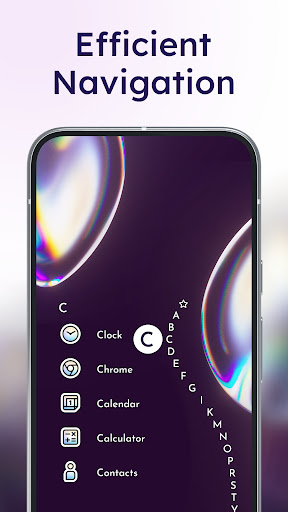
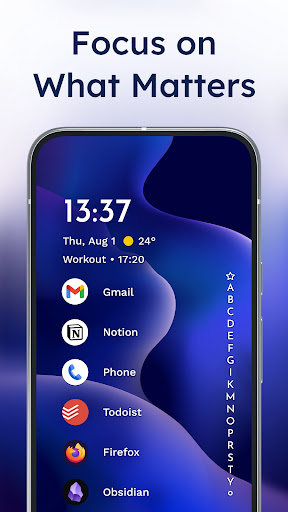
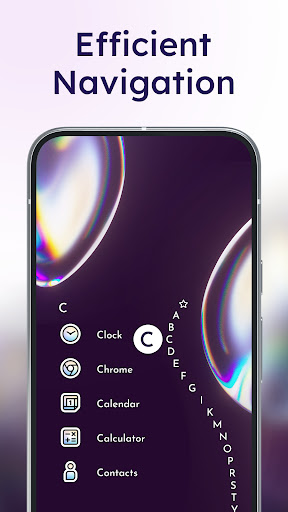
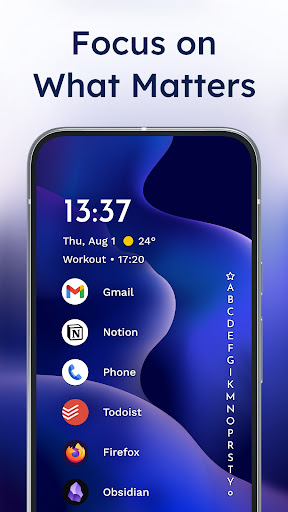
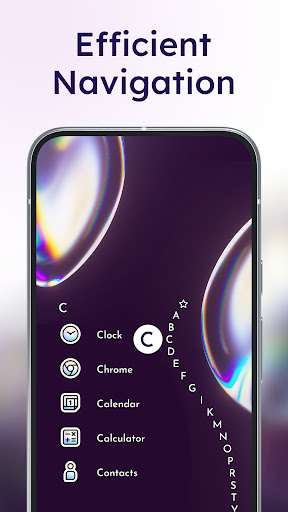
Niagara Launcher stands out with its unique set of features tailored for efficiency and personalization. The wave alphabet navigation allows users to reach any app effortlessly without opening an app drawer, providing both ergonomic and aesthetic satisfaction.

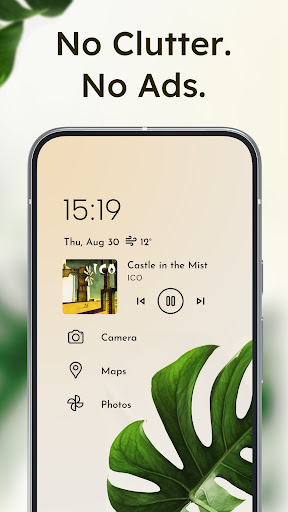
Another key feature is the adaptive list interface, which replaces the conventional grid layout. This design integrates media controls, notifications, and calendar events seamlessly into the home screen. Additionally, the Material You theming engine enables dynamic customization based on wallpapers, making the interface visually cohesive and expressive.

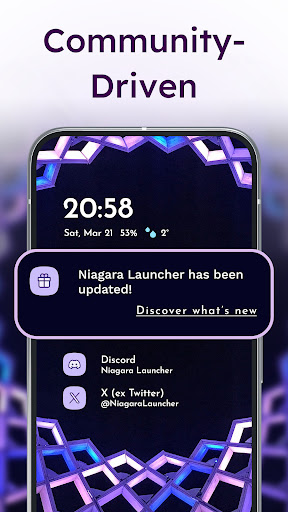
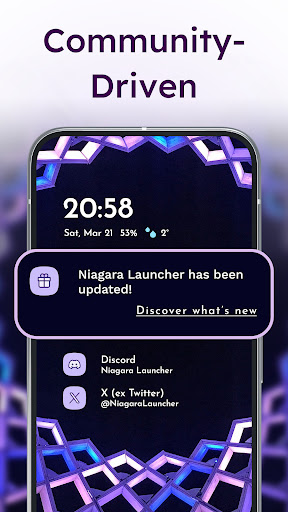
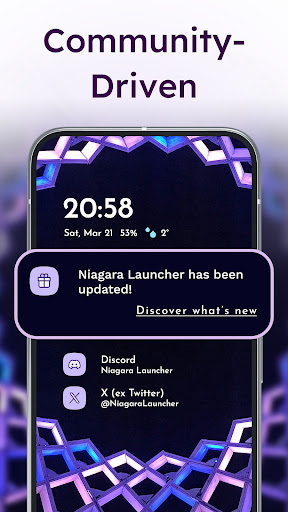
The launcher also focuses on performance, being lightweight and optimized for speed. Its active development and strong community support ensure continuous improvements and user engagement, making it a reliable choice for those who value both form and function in their mobile experience.

Customization options variety

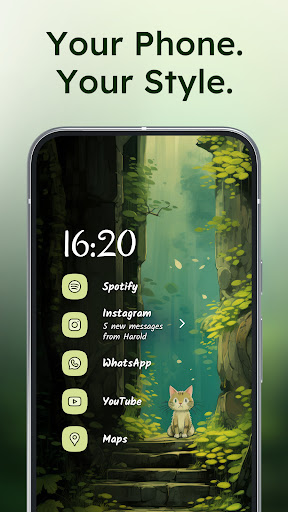
Customization options variety refers to the range and flexibility of personalization features available within an application allowing users to tailor their experience according to their preferences and needs. In the case of Niagara Launcher this aspect is one of its core strengths as it offers a highly customizable home screen environment that adapts to individual usage patterns and aesthetic choices. The launcher provides an adaptive list layout which dynamically adjusts to show relevant information such as media controls messages or calendar events exactly when needed. This ensures that the most pertinent details are always accessible without cluttering the interface. Additionally Niagara Launcher includes the Wave Alphabet feature which allows efficient one-handed navigation through apps by presenting them in a wave-like alphabetical order eliminating the need for a traditional app drawer. Users can further personalize their home screens with integrated icon packs fonts and wallpapers or even use their own images to create a unique look. The adoption of Material You Theming takes personalization a step further by automatically adjusting themes based on the user's chosen wallpaper thus creating a cohesive and personalized visual experience. These customization options not only enhance usability but also contribute to a more engaging and enjoyable interaction with the device. By offering such a diverse array of customization possibilities Niagara Launcher empowers users to craft a home screen that truly reflects their personality and optimizes their daily digital activities.

Theme compatibility

Theme compatibility pertains to an application's ability to seamlessly integrate with various design themes ensuring a consistent and visually appealing user interface across different contexts. For Niagara Launcher theme compatibility is achieved through its implementation of Material You Theming Googleu2019s modern design language which enables deep personalization and harmonization of visual elements. This innovative approach allows the launcher to automatically adjust its appearance based on the user's selected wallpaper creating a dynamic and personalized aesthetic that resonates throughout the entire home screen. Beyond just color schemes Niagara Launcher extends Material You to all Android versions providing a unified theming experience regardless of the deviceu2019s operating system version. This means that users with older devices can still enjoy contemporary design trends and personalized themes that were previously exclusive to newer Android iterations. Furthermore Niagara Launcher supports extensive customization options including icon packs fonts and wallpapers giving users the tools to fine-tune every aspect of their home screenu2019s appearance. Whether opting for pre-designed themes or crafting a bespoke look using personal images the launcher maintains high standards of theme compatibility ensuring smooth transitions and uniformity across all visual components. This dedication to theme compatibility not only enhances the overall user experience but also sets Niagara Launcher apart as a forward-thinking solution in the realm of home screen personalization.

Props

One-handed usability

Adaptive list layout

Embedded notifications

Lightweight performance

Active community support

Cons

Limited widget support

No live wallpapers

Basic icon pack

Fewer animations

Not for power users

Features and Functions

What is this app and what can I use it for?

A minimalist home screen app for efficient one-hand use.

How do I download and install this app on my device?

Search Niagara Launcher on Google Play Store and tap Install.

How do I get started after opening the app for the first time?

Grant necessary permissions and customize your home screen layout.

What are the main features and capabilities of this app?

Wave navigation, adaptive list, embedded notifications, Material You theming.

How can I customize my experience and adjust preferences?

Adjust themes, fonts, and wallpapers via the settings menu.

How do I save or bookmark my favorite content for later access?

Use the favorite feature to pin important apps or contacts.

How can I share content with friends or on social media?

Share content directly via integrated app options or notifications.

How do I access detailed information and explore more content?

Tap and hold items to access detailed menus and settings.

What permissions does this app need and how do I manage them?

Needs accessibility service for gesture-based screen off functionality.

How do I check for updates and keep the app running smoothly?

Enable auto-updates in Google Play Store or manually check for updates.
Show more

User Reveiws

{{ comment.reviewer_name }}
{{ comment.review_date_formatted}}
{{ comment.review_content }}
{{ tab.name }}
{{ comment.reviewer_name }}
{{ comment.review_date_formatted}}
{{ comment.review_content }}
No reviews with this rating