

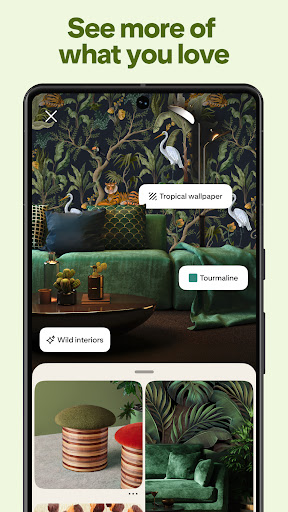
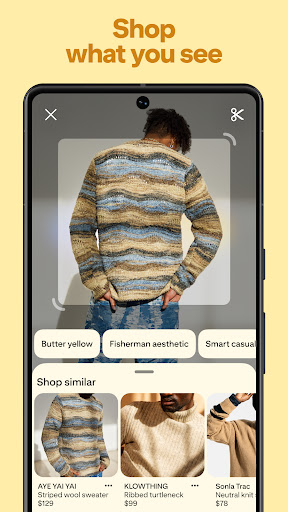
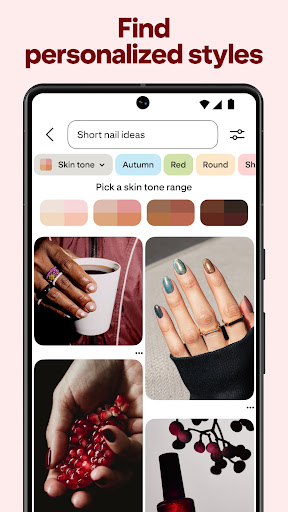
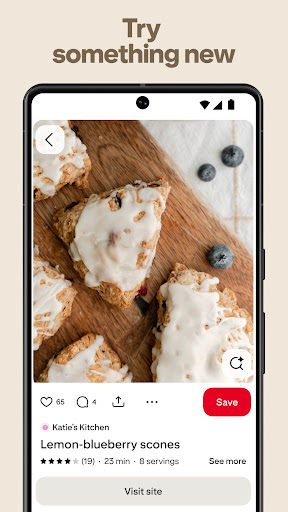
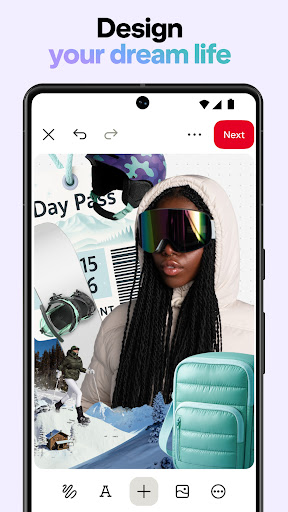

Pinterest is a visual discovery engine for finding ideas like recipes, home and style inspiration, and more. With billions of Pins to explore, users can search for specific topics or browse recommended content tailored to their interests. The platform's intuitive interface allows seamless navigation across various lifestyle categories.
One of Pinterest's standout features is its powerful saving and organization system. Users can create themed boards to collect and categorize their favorite Pins, making it easy to plan projects, save gift ideas, or organize future plans. The app's visual-centric approach helps people discover new possibilities and bring their ideas to life.
Whether you're looking to redesign your living space, find new recipe ideas, or plan your dream wedding, Pinterest serves as an invaluable source of inspiration. Its ability to connect users with relevant content makes it particularly useful for creative professionals, DIY enthusiasts, and anyone seeking fresh ideas for their daily lives.
Pinterest distinguishes itself through its unique visual discovery mechanism. The app employs sophisticated algorithms that analyze user behavior to deliver increasingly personalized content recommendations over time. This ensures that users are constantly exposed to relevant and inspiring ideas tailored to their evolving interests.
The platform's robust search functionality enables users to find specific inspiration quickly. Advanced filters allow searching by color, category, or popularity, while the visual search tool lets users identify objects within images. Pinterest also integrates shopping features, allowing users to purchase products directly from Pins.
Collaboration tools make Pinterest especially valuable for group projects. Multiple users can contribute to shared boards, making it ideal for wedding planning, team brainstorming sessions, or community initiatives. The app's offline access feature ensures saved Pins remain accessible even without internet connection, enhancing its practicality for on-the-go use.
User-friendly interface
Vast content library
Powerful search tools
Inspiring visual format
Effective organization system
Limited video content
Occasional irrelevant suggestions
Heavy data usage
Interface can feel overwhelming
Some links lead to paywalled content

Chat, meet genuine singles in your area. Real connections start with being real.
 4.30
4.30
Countdown to Christmas 2025 with festive games & activities in a virtual village
4.80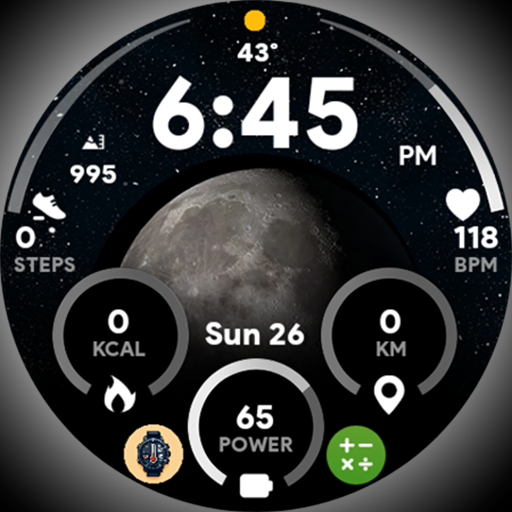
Unique informative Dial with Live Moon Phase at a glance!
3.60
Discover how to help puppies stay calm around noise with this helpful app.
4.0
The all-new Cync app. The simple, connected app for Cync and C by GE.
4.50
Spiritus Ghost Box is an Audio and Visual ITC tool for paranormal research.
4.00
PARAVOX 4 is a professional ITC paranormal research application.
4.50
Subwoofer school’s in session! You’ve now enrolled into KICKER U.
3.80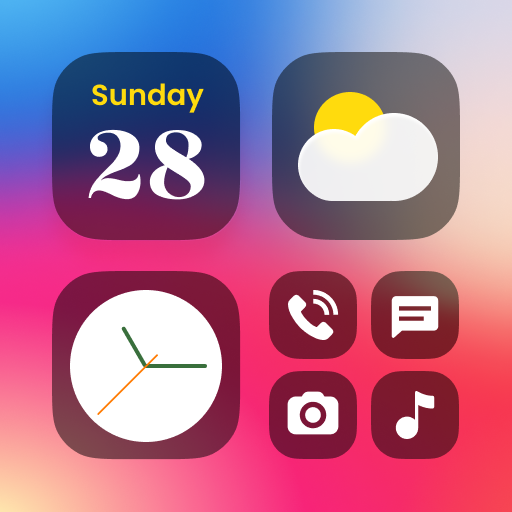
Decorate your home screen with custom icons, color widgets, themes & wallpapers
4.70
Play. Earn. Repeat. Get rewarded for playing mobile games. Welcome to Mobius!
4.80
Retro animated weather with hourly forecast Watch Face for Wear OS
4.60
Premium floor cleaning robots
4.50
This app is intended to support professional EMDR therapy.
4.50
This is a simple and highly functional alarm clock "Smart Alarm" paid version.
4.20
What is my face shape? Find out your face shape from picture, see fitting frames
3.90
Easily manage your child's playtime, spending messaging and more.
3.50
Take Hobby Lobby with you wherever you go!
3.40
Unique Dual Colors with 6 Custom Complications for Wear OS watches!
3.40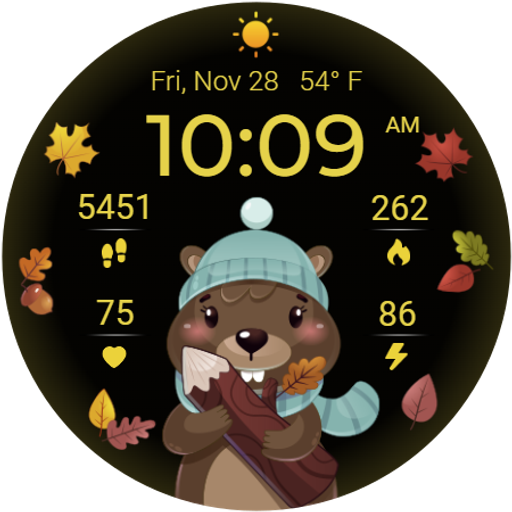
The cutest Autumn watchface featuring the adorable Mr. Squirrel
4.4


User Reveiws