Portable WiFi

4.40

Information

Category:

Communication

Price:

Free

Rank:

31

Rating:

4.40

Overview

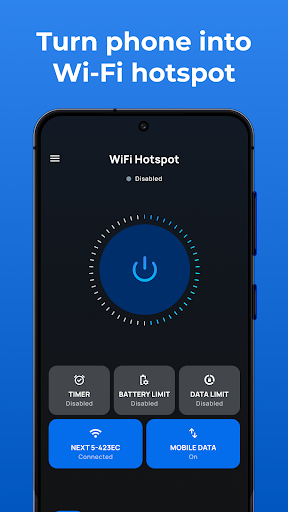
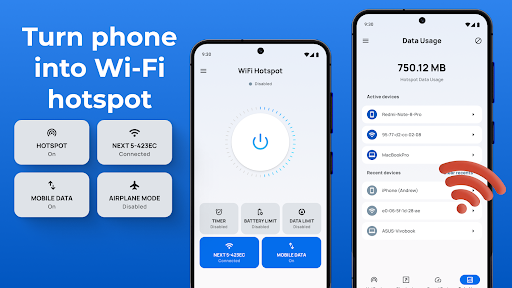
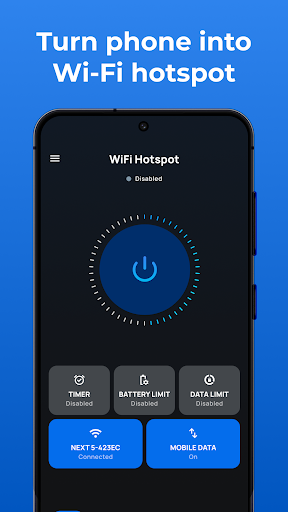
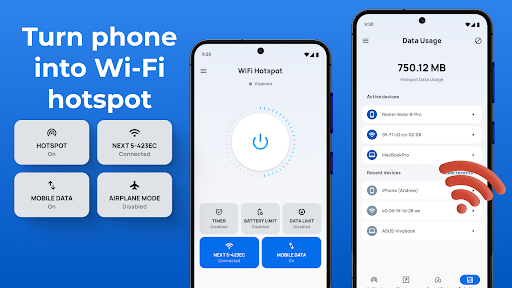
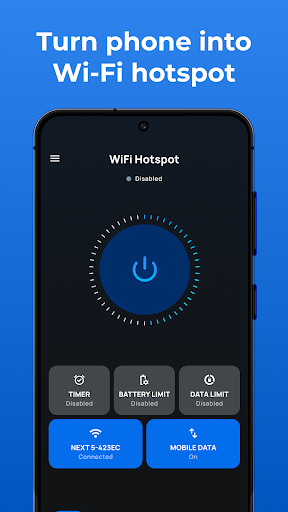
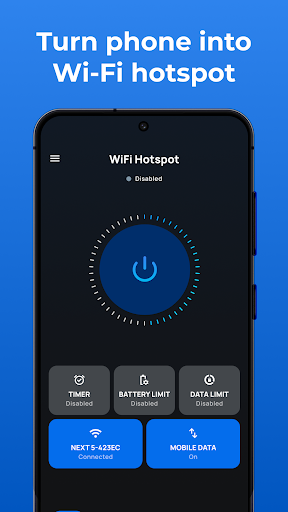
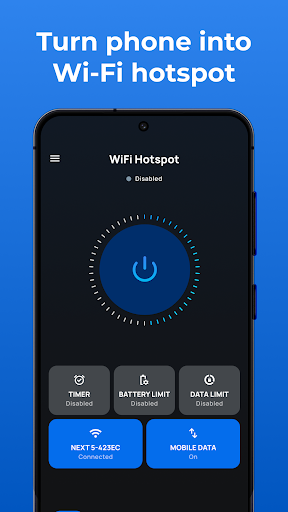
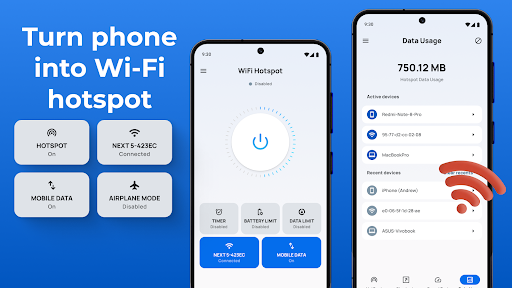
Portable WiFi is a powerful communication app designed to transform your Android device into a mobile hotspot. The application allows users to share their internet connection with other devices via WiFi, Bluetooth, or USB tethering. With its user-friendly interface, the app makes it simple to create a secure and personalized hotspot network.

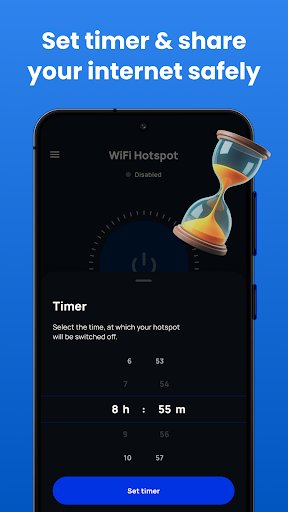
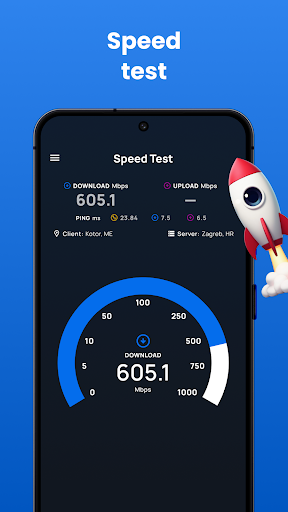
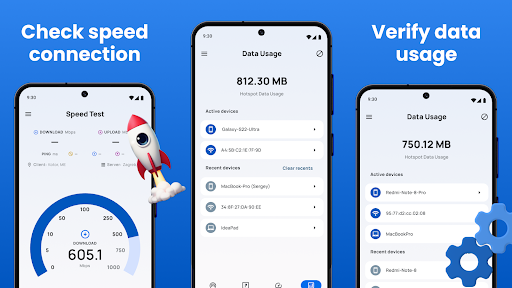
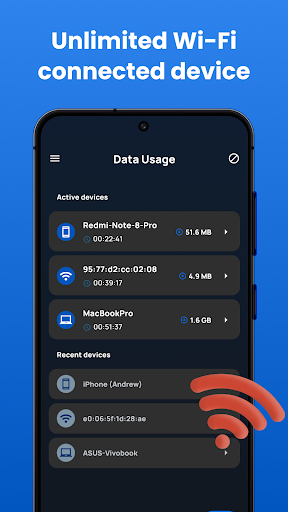
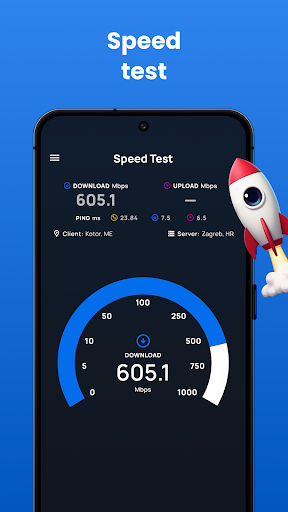
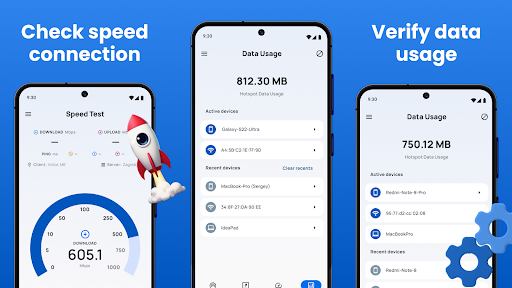
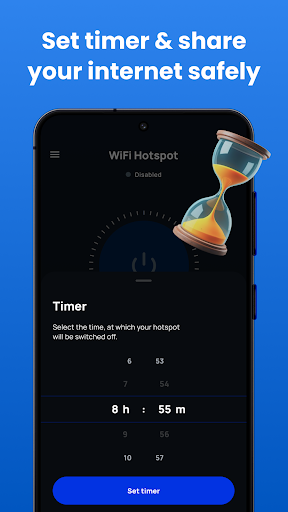
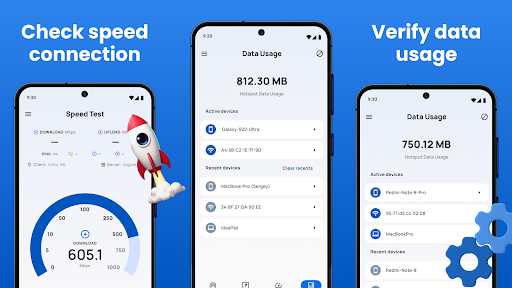
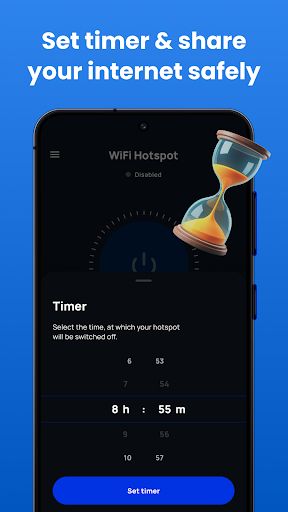
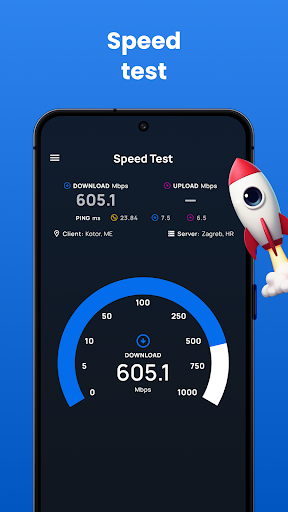
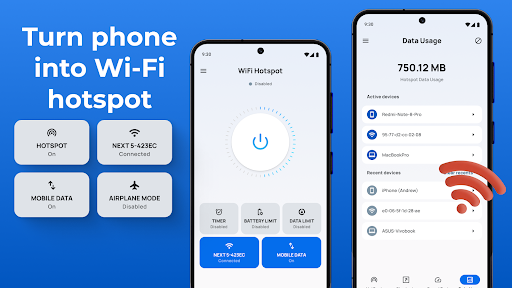
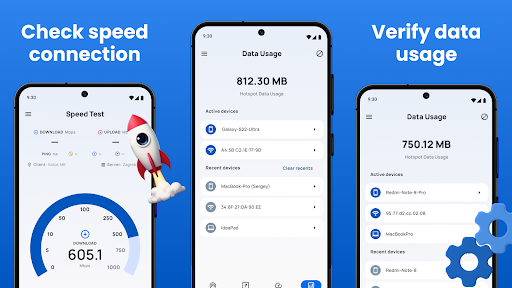
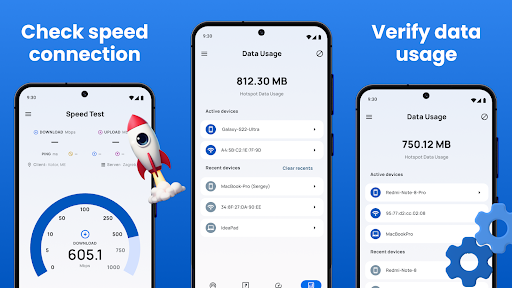
The app offers advanced features such as data usage tracking, speed testing, and customizable time limits for hotspot sessions. Whether you need to share internet access with friends and family or require a portable solution for your personal use, Portable WiFi provides a seamless experience. Its intuitive design ensures compatibility across all Android phones and tablets, making it an essential tool for anyone in need of mobile internet sharing capabilities.

Features

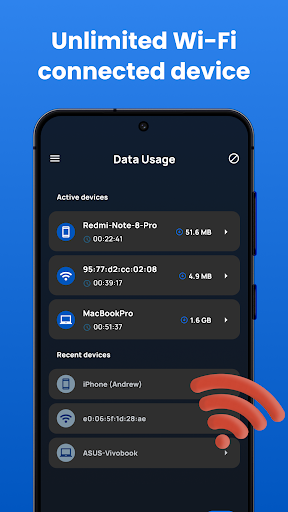
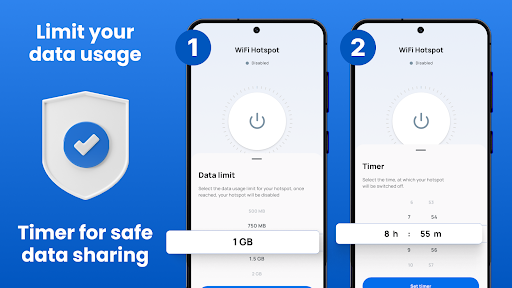
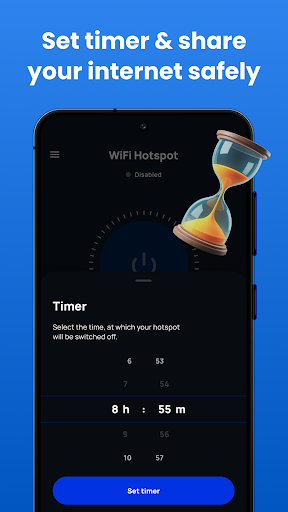
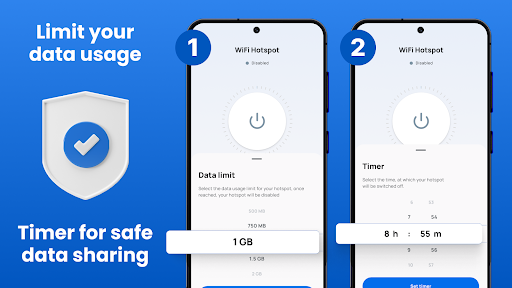
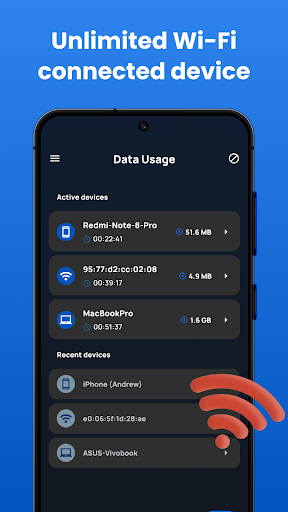
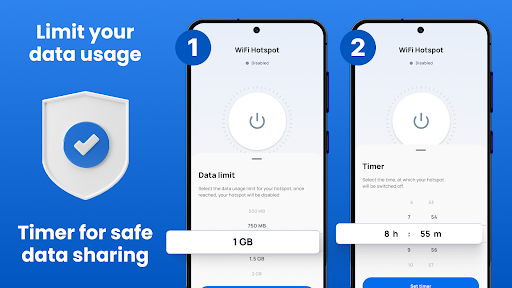
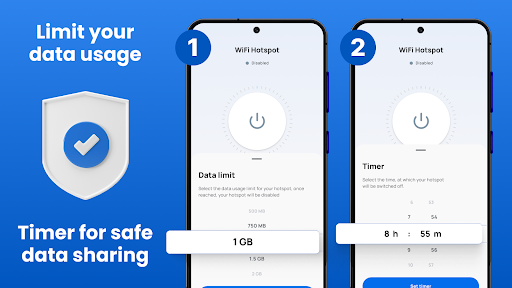
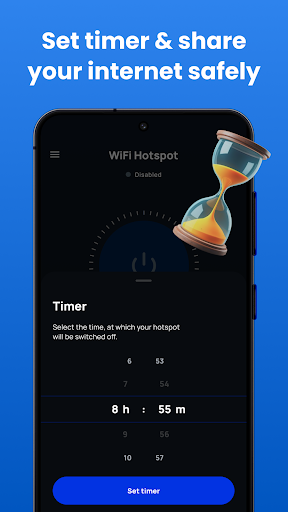
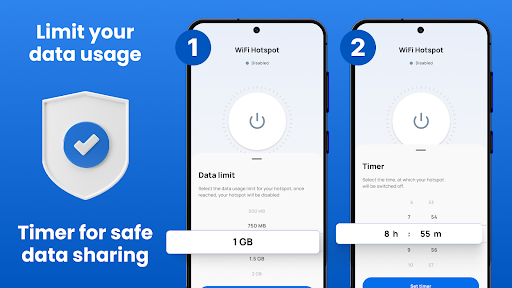
Portable WiFi stands out with its comprehensive feature set tailored for seamless internet sharing. The app includes a convenient widget that allows users to quickly toggle the hotspot on or off, providing instant access to free WiFi and Bluetooth tethering. Users can also set data and time limits by session, day, or monthly period, ensuring optimal control over their data usage.

Security is a top priority, and Portable WiFi enables users to share internet through a secure mobile hotspot with password protection using WPA2_PSK encryption. The app's sleek interface displays essential information like data usage statistics and network speed, while maintaining compatibility with various screen sizes. Additional features include USB tethering support and the ability to customize hotspot settings such as SSID name and password. These robust capabilities make Portable WiFi an indispensable tool for managing mobile data sharing efficiently and securely.

Real-time messaging speed & reliability

Real-time messaging speed and reliability are crucial factors in communication applications as they determine how quickly and consistently messages are delivered between users. In the case of Portable WiFi this functionality is integral to its purpose of sharing internet connections seamlessly across devices. The app ensures that data usage tracking hotspot activation and other essential notifications are delivered instantly providing users with up-to-date information on their shared network status. This immediacy allows users to manage their mobile hotspot efficiently without delays or missed updates. Portable WiFi achieves reliable real-time messaging by leveraging robust backend infrastructure which supports continuous synchronization between the app and connected devices. Whether itu2019s activating the hotspot widget monitoring data usage limits or receiving alerts about session durations all interactions within the app occur without perceptible lag. Furthermore the app employs advanced algorithms to monitor connection stability ensuring that even under fluctuating network conditions critical messages regarding connectivity issues or exceeded data caps reach the user promptly. For users this level of reliability translates into peace of mind knowing they can depend on the app to keep them informed at all times. They can set timers adjust settings or respond to potential problems such as unauthorized access immediately thereby maintaining better control over their shared internet resources. Overall Portable WiFi excels in delivering fast and dependable messaging capabilities enhancing the overall experience for those relying on its tethering functionalities.

Media sharing support

Media sharing support is an essential feature in modern communication apps enabling users to exchange various types of files including photos videos and documents effortlessly. While Portable WiFi primarily focuses on creating a personal hotspot for internet sharing it also facilitates media sharing indirectly by allowing multiple devices to connect through its secure mobile hotspot. Once connected these devices gain access to the internet which opens up possibilities for cloud-based file transfers and streaming services. The app enhances media sharing experiences by offering high-speed internet tethering options via WiFi Bluetooth and USB connections. Users can choose the most suitable method based on their specific needs whether itu2019s transferring large video files wirelessly over a stable WiFi connection or syncing smaller documents using Bluetooth tethering. Additionally the ability to monitor data usage in real time ensures that users do not exceed their allocated bandwidth while engaging in resource-intensive activities like HD video streaming. Another notable aspect of Portable WiFiu2019s media sharing capability is its emphasis on security. By letting users configure WPA2_PSK encryption for their hotspots the app safeguards sensitive media files from unauthorized access during transmission. Moreover the option to limit hotspot sessions by time or data volume adds another layer of control preventing excessive consumption of shared resources. These features collectively contribute to a seamless and protected environment where users can confidently share media content without worrying about privacy breaches or unexpected data charges. Ultimately Portable WiFi transforms any Android device into a versatile tool for both internet and media sharing making it an invaluable asset for individuals who frequently collaborate with others or require flexible solutions for distributing digital content.

Props

User-friendly interface

Secure WiFi sharing

Customizable settings

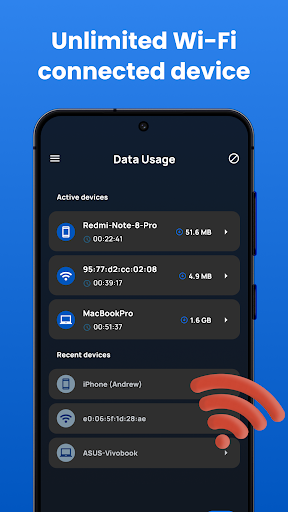
Data usage tracking

Multiple tethering options

Cons

Requires Android device

No iOS compatibility

Basic features only

Limited customization

Ads may appear

Features and Functions

What is this app and what can I use it for?

Portable WiFi turns your Android into a mobile hotspot for internet sharing.

How do I download and install this app on my device?

Download Portable WiFi from Google Play Store and install it on your Android device.

How do I get started after opening the app for the first time?

Open Portable WiFi, select desired settings, and activate the hotspot feature.

What are the main features and capabilities of this app?

Main features include WiFi sharing, data tracking, speed testing, and customizable settings.

How can I customize my experience and adjust preferences?

Adjust preferences through the app's settings menu for personalized experience.

How do I save or bookmark my favorite content for later access?

Bookmark favorite settings directly within the Portable WiFi app interface.

How can I share content with friends or on social media?

Share hotspot details via text or social media through built-in sharing options.

How do I access detailed information and explore more content?

Access detailed usage statistics and explore more features in the app dashboard.

What permissions does this app need and how do I manage them?

The app needs location and WiFi permissions which can be managed in settings.

How do I check for updates and keep the app running smoothly?

Check for updates in Google Play Store to keep Portable WiFi running smoothly.
Show more

User Reveiws

{{ comment.reviewer_name }}
{{ comment.review_date_formatted}}
{{ comment.review_content }}
{{ tab.name }}
{{ comment.reviewer_name }}
{{ comment.review_date_formatted}}
{{ comment.review_content }}
No reviews with this rating