



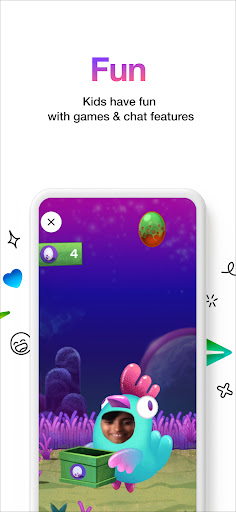
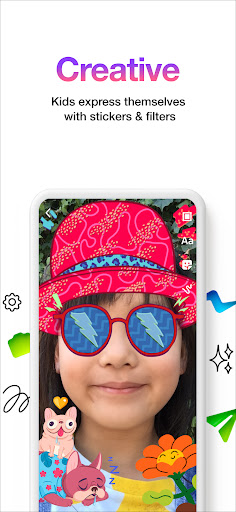


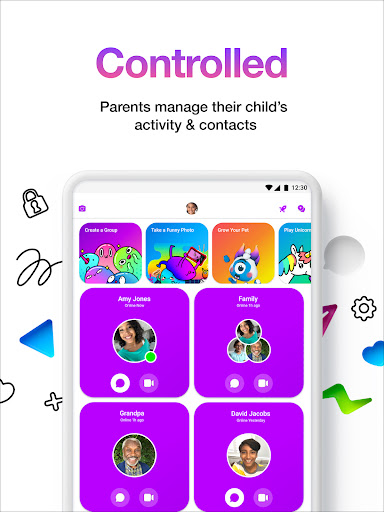

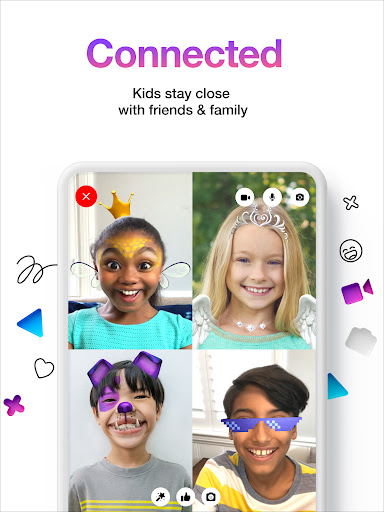
Messenger Kids is a communication app designed specifically for children, offering a safe and controlled environment for messaging and video calls. The app allows kids to stay connected with friends and family through a parent-managed contact list.
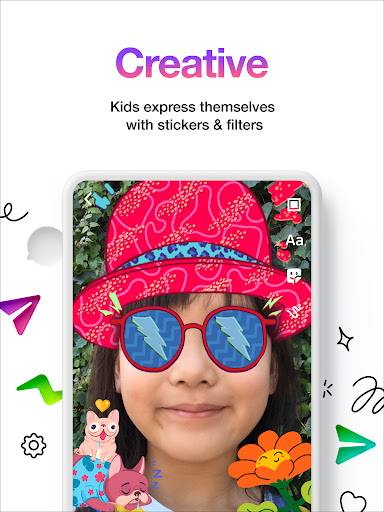
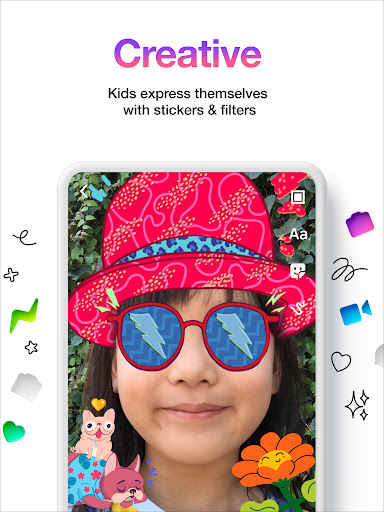
With fun filters, reactions, and sound effects, video chats become an engaging experience. Parents can set usage limits, ensuring a balanced screen time for their children. The app also provides creative tools like stickers, GIFs, and emojis for more expressive conversations.
This app is ideal for families looking to introduce digital communication to their children in a secure and monitored way, without worrying about ads or in-app purchases.
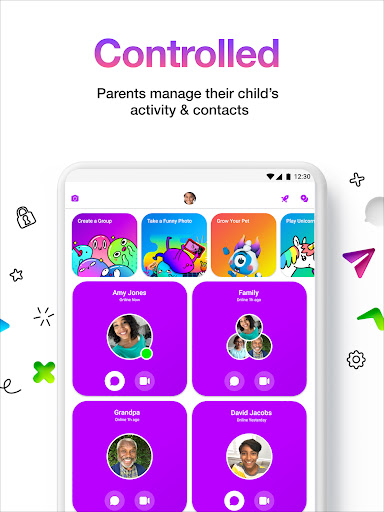
Messenger Kids stands out with its comprehensive parental controls. Through the Parent Dashboard, parents can manage contacts, monitor messages, and receive notifications when their child blocks someone. This ensures a safe communication space tailored for kids.
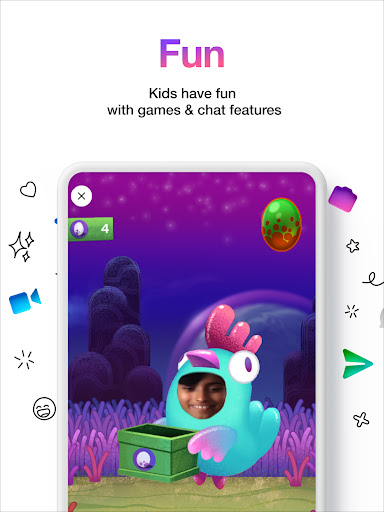
The app offers a variety of kid-friendly features such as fun filters and sound effects that make video chatting enjoyable. With no phone number required, it simplifies the connection process for young users while eliminating common barriers to entry.
Additionally, Messenger Kids promotes creativity in conversations by providing drawing tools, stickers, and GIFs. These features allow children to express themselves freely while keeping them engaged in a positive digital environment.
Parental control
Kid friendly design
No ads or purchases
Fun engagement tools
Secure messaging
Limited to Facebook
Requires setup
Age restrictions
Feature limitations
Privacy concerns

At select facilities, you now have an easy way to video visit your loved ones!
 3.30
3.30
WazzapMigrator: transfer your WhatsApp history from iPhone to Android
4.00
2nd Phone Number Line for Anonymous Texting, Calling, and Picture Messages
4.30
Chill zone on your phone: relax with fun reels & hype shorts!
4.20
TeamSpeak - Secure Chat for Gaming & Business
3.10
An app dedicated solely to marriage, not dating, and supported by a rigorous verification mechanism to ensure seriousness.
4.4
Measure BHP, Torque & 0-60 Clear car OBD faults View engine data in Google Earth
4.00
BE PRIVATE
Anonymous. No Trace. Fast.
4.20
Say “hello” to privacy.
4.60
Enhance browsing with AI-powered features and Copilot.
4.70
Messenger for SMS - texting message app, faster, simpler & safer, for you.
4.70
Adblock & VPN Browser: Blocks banners, pop-ups and video ads, fast downloader!
4.60
FolderSync enables easy sync of files between cloud storage and Android devices.
4.60
Create a secure hotspot on-the-go with Portable WiFi - Mobile hotspot.
4.40
A web browser that respects your privacy.
4.30
BiP is a fast, secure, free messaging and HD video calling app!
4.10
Call Forwarding is easy and simple application to use.
3.80
Caller ID, Spam Call & SMS Blocker
3.80
Radio communication simulator for gaming communities
4.5


User Reveiws