
Messenger - Texting App

4.60

Information

Category:

Communication

Price:

Free

Rank:

50

Rating:

4.60

Overview

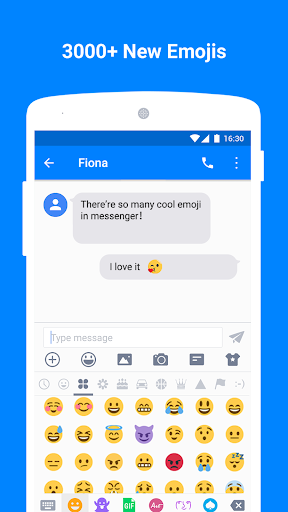
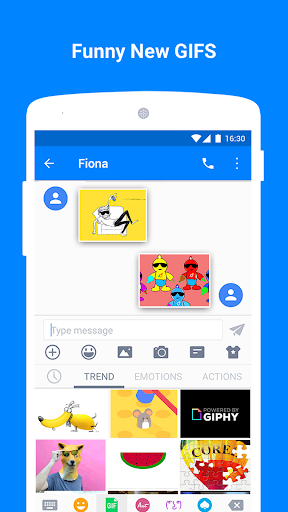
Messenger - Texting App is a feature-rich communication tool that goes beyond basic texting. This app serves as an enhanced SMS platform, offering users a variety of creative and practical features to enrich their messaging experience. With over 3000 emojis, animated GIFs, and customizable layouts, it allows for personalized and engaging conversations.

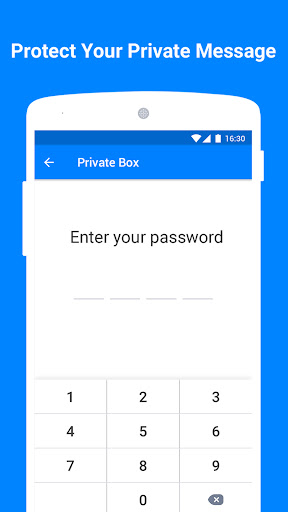
The app also includes privacy-focused tools like the Private Box, which encrypts messages and hides them from view, ensuring secure communication. Additionally, its Driving Mode and Auto Reply functions help minimize distractions while on the go. Messenger - Texting App is suitable for anyone looking to add fun and functionality to their daily text interactions, making it more than just a simple texting application.

Features

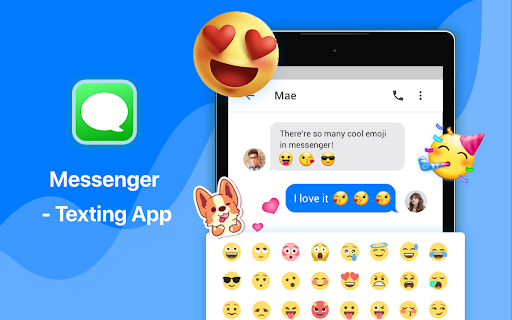
Messenger - Texting App stands out with its extensive range of features designed to enhance user interaction. The Emoji Art & Animated GIF function provides access to a vast library of emojis and GIFs, allowing users to express themselves in more dynamic ways. These visual elements can be shared via MMS & SMS, adding creativity and personality to every message.

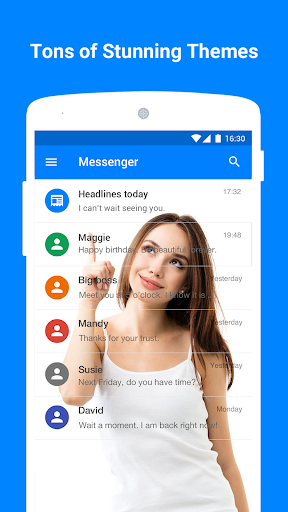
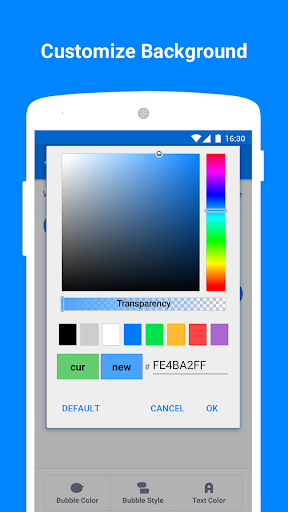
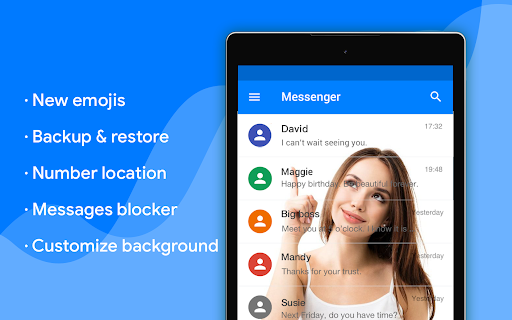
Customization is at the heart of this app, with options to personalize wallpapers, bubble styles, text colors, fonts, and sizes. Users can tailor nearly every aspect of the interface to suit their preferences. Furthermore, advanced functionalities such as Backup & Restore, Blocker, Schedule SMS, and Android Wear compatibility ensure that the app not only looks good but also performs reliably across different scenarios and devices.

Real-time messaging speed & reliability

Real-time messaging speed and reliability are crucial factors that determine the effectiveness of any communication application. In today's fast-paced world, users expect their messages to be delivered instantly and without fail. Messenger - Texting App excels in this aspect by providing a seamless texting experience that ensures messages are sent and received in real-time with high reliability. The app achieves this through optimized data transmission protocols and robust server infrastructure that handles message delivery efficiently even under high load conditions. Users benefit from knowing that their communications will reach the intended recipients without delays or failures which is particularly important for time-sensitive conversations or professional settings where prompt responses are expected. Moreover the app's integration with MMS and SMS systems ensures that multimedia content such as emojis GIFs and images are also transmitted reliably maintaining the context and emotion behind each message. This reliability extends to its backup and restore feature which safeguards messages against accidental deletion or device loss ensuring users never lose important information. With driving mode and auto-reply features the app further enhances reliability by managing notifications effectively so users can focus on their immediate environment when needed while still maintaining communication continuity. Overall Messenger - Texting App delivers an exceptional level of real-time messaging performance that meets modern user expectations for speed and dependability.

Media sharing support

Media sharing support is an essential component of contemporary communication applications enabling users to exchange various forms of digital content beyond plain text. Messenger - Texting App offers comprehensive media sharing capabilities allowing users to send emojis animated GIFs images and other file types via MMS and SMS seamlessly within conversations. This versatility enriches the messaging experience making interactions more engaging and expressive. The inclusion of over 3000 emojis including popular sets like Emoji One provides users with a vast array of options to convey emotions and reactions visually enhancing the depth of their conversations. Additionally the availability of animated GIFs adds dynamism to exchanges offering a playful way to respond or react to messages. Beyond static and animated visuals the app facilitates the sharing of personal photos taken directly from the camera or selected from the gallery integrating smoothly with the deviceu2019s native functionalities. Customization features such as personalized wallpapers bubble styles and text formatting empower users to tailor their media presentations according to their preferences creating unique and comfortable interfaces for interaction. Furthermore the app supports group messaging enabling collective media sharing among multiple participants simultaneously fostering collaborative discussions and social engagements. With these extensive media sharing options Messenger - Texting App not only meets but exceeds user expectations for versatile and interactive communication tools ensuring that every conversation can be as vivid creative and meaningful as possible.

Props

User-friendly interface

Highly customizable

Secure private messaging

Vast emoji and GIF library

Practical driving mode

Cons

Occasional bugs reported

Some features require premium

Heavy on system resources

Notifications may lag

Interface can feel cluttered

Features and Functions

What is this app and what can I use it for?

A versatile texting app with emojis, GIFs, and customization.

How do I download and install this app on my device?

Visit Google Play Store, search 'Messenger - Texting App', tap Install.

How do I get started after opening the app for the first time?

Open the app, grant necessary permissions, and start customizing settings.

What are the main features and capabilities of this app?

Offers emojis, GIFs, private box, customization, backup, blocker, and more.

How can I customize my experience and adjust preferences?

Adjust settings for wallpaper, bubble style, text color, font, and size.

How do I save or bookmark my favorite content for later access?

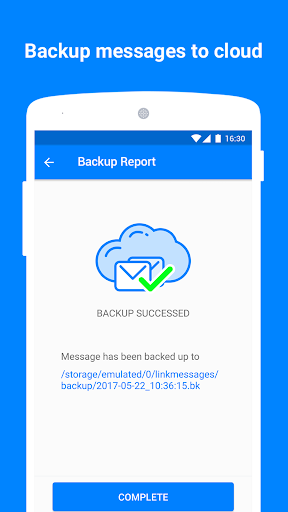
Use Backup & Restore feature to save messages locally or on the cloud.

How can I share content with friends or on social media?

Select content, tap Share, choose friends or social media platforms.

How do I access detailed information and explore more content?

Browse through categories, use search function, explore detailed options.

What permissions does this app need and how do I manage them?

Needs storage, camera, contacts permissions; manage in app settings.

How do I check for updates and keep the app running smoothly?

Enable auto-updates in Google Play Store or manually check for updates.
Show more

User Reveiws

{{ comment.reviewer_name }}
{{ comment.review_date_formatted}}
{{ comment.review_content }}
{{ tab.name }}
{{ comment.reviewer_name }}
{{ comment.review_date_formatted}}
{{ comment.review_content }}
No reviews with this rating