Discord

4.30

Information

Category:

Communication

Price:

Free

Rank:

4

Rating:

4.30

Overview

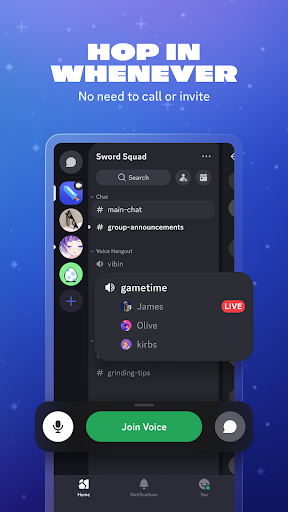
Discord is a versatile communication platform designed primarily for gamers but suitable for any community. It offers text, voice, and video chat capabilities, allowing users to create customized spaces for their groups. Whether you're coordinating game sessions or simply socializing, Discord provides seamless interaction across multiple devices.

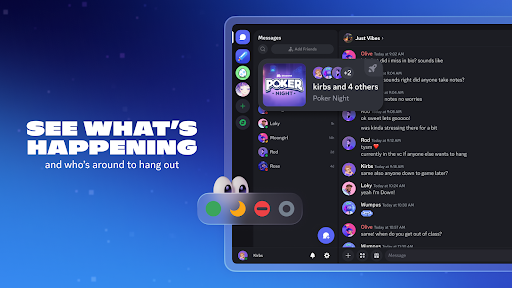
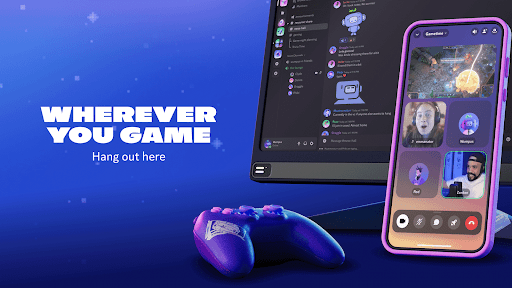
The app stands out with its customizable servers and channels, enabling users to tailor their experience. With features like custom emojis, soundboard effects, and high-quality streaming, it creates an engaging environment for communities to thrive. Its cross-platform compatibility ensures users can connect from PC, mobile, or console without missing a beat.

Features

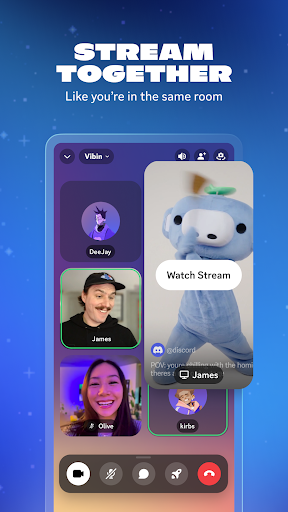
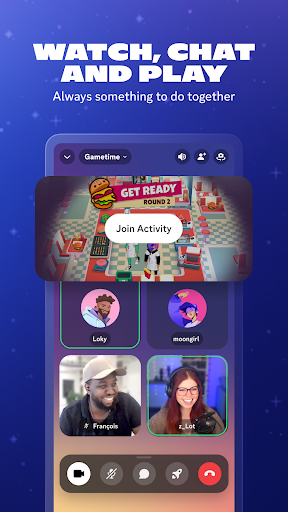
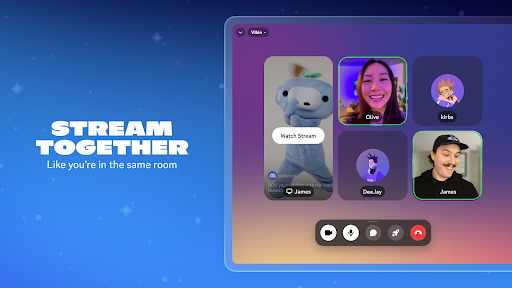
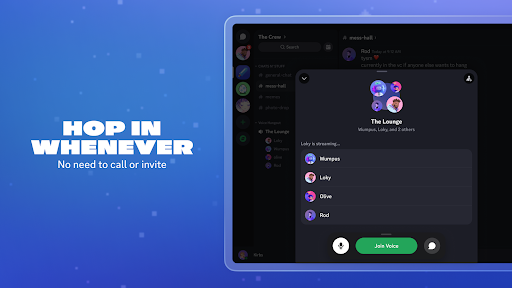
Discord's feature set is designed to enhance group interactions. The platform supports high-quality voice and video calls, with low-latency streaming that makes virtual hangouts feel natural. Users can share screens, stream gameplay, and even watch videos together in real-time.

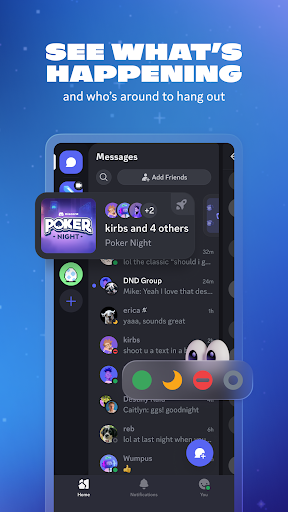
Customization is at the heart of Discord's appeal. Members can create unique emojis, set personalized statuses, and design their profiles to reflect their personalities. The app also includes practical tools like role management and permissions settings, giving server administrators robust control over their communities.

Real-time messaging speed & reliability

Real-time messaging speed and reliability are crucial elements in any communication platform as they ensure that messages are delivered promptly and consistently without delays or failures. For Discord, this functionality is at the core of its service offering, allowing users to engage in seamless text-based conversations with friends, communities, and fellow gamers. The application leverages advanced server infrastructure and optimized data transmission protocols to guarantee that messages are sent and received instantly, regardless of the geographical location of the users. This immediacy in communication fosters a dynamic and engaging environment where users can share thoughts, strategies, and media content without experiencing frustrating lags or interruptions. Moreover, Discord's reliable messaging system supports various forms of interaction, including simple text chats, emoji reactions, and more complex exchanges involving custom stickers and soundboard effects. Users benefit from this robust messaging framework by enjoying uninterrupted gaming sessions, lively discussions, and collaborative activities. The platformu2019s commitment to maintaining high standards of message delivery speed and reliability translates into an enhanced user experience, where individuals feel connected and engaged with their peers in real-time. This aspect of Discord not only meets the expectations of modern digital communication but also sets a benchmark for other platforms in the Communication category.

Media sharing support

Media sharing support represents an essential feature within communication applications, enabling users to exchange various types of digital content seamlessly. Discord excels in this area by providing comprehensive tools that facilitate the sharing of images, videos, audio files, and other media formats within its group chats. This capability significantly enriches the conversational experience, allowing users to express themselves more vividly through visual and auditory means. When playing games or participating in virtual hangouts, Discord users can instantly share screenshots of their gameplay, stream live video feeds, or broadcast music tracks that enhance the collective atmosphere. The platform ensures compatibility with a wide range of file types and sizes, thus accommodating diverse user needs and preferences. Additionally, Discord's media sharing functionalities extend beyond mere file exchange; they encompass integrated playback options that enable recipients to view or listen to shared content directly within the chat interface. This streamlined approach eliminates the need for external applications or cumbersome download processes, thereby preserving the flow of conversation. By prioritizing versatile and efficient media sharing capabilities, Discord empowers its community to create richer, more interactive environments where creativity thrives and connections deepen. As a result, users enjoy a multifaceted communication experience that transcends traditional text-based interactions, positioning Discord as a leader in the realm of multimedia-enabled social platforms.

Props

User-friendly interface

High-quality voice chat

Extensive customization options

Cross-platform compatibility

Active developer support

Cons

Steep learning curve for new users

Resource-intensive on older devices

Limited offline functionality

Occasional connectivity issues

Advanced features require Nitro subscription

Features and Functions

What is this app and what can I use it for?

Discord is a communication app for gamers and communities, offering text, voice, and video chat.

How do I download and install this app on my device?

Download Discord from Google Play Store and install by following on-screen instructions.

How do I get started after opening the app for the first time?

After opening Discord, sign up or log in, then join or create a server to get started.

What are the main features and capabilities of this app?

Key features include voice chat, video calls, screen sharing, and customizable servers.

How can I customize my experience and adjust preferences?

Customize your profile, create custom emojis, and adjust notification settings in preferences.

How do I save or bookmark my favorite content for later access?

Bookmark favorite channels by starring them for quick access later.

How can I share content with friends or on social media?

Share content by copying links or using the share button within chat windows.

How do I access detailed information and explore more content?

Access detailed information through user profiles and server settings menus.

What permissions does this app need and how do I manage them?

Discord needs microphone and camera permissions; manage these in app settings.

How do I check for updates and keep the app running smoothly?

Check for updates in the app store and keep the app running smoothly by restarting regularly.
Show more

User Reveiws

{{ comment.reviewer_name }}
{{ comment.review_date_formatted}}
{{ comment.review_content }}
{{ tab.name }}
{{ comment.reviewer_name }}
{{ comment.review_date_formatted}}
{{ comment.review_content }}
No reviews with this rating