Smart Cleaner:Phone Clean Tool

4.40

Information

Category:

Tools

Price:

Free

Rank:

57

Rating:

4.40

Overview

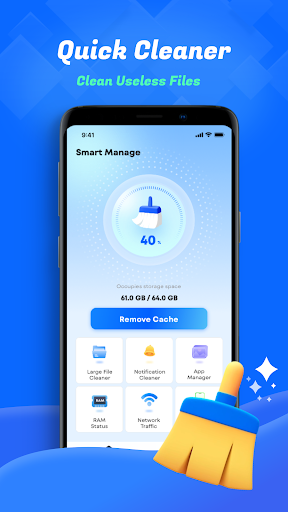
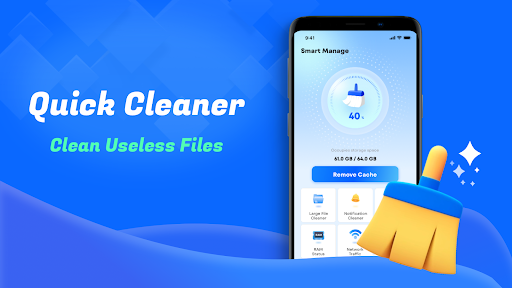
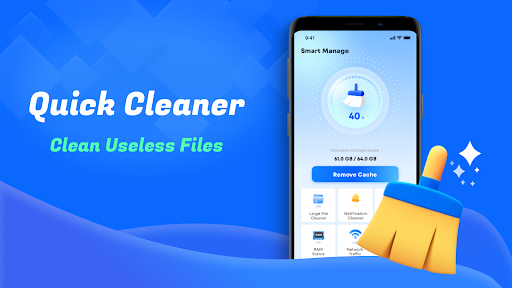
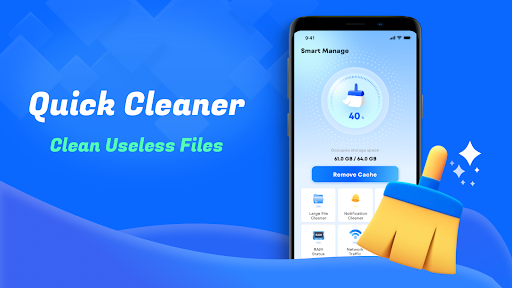
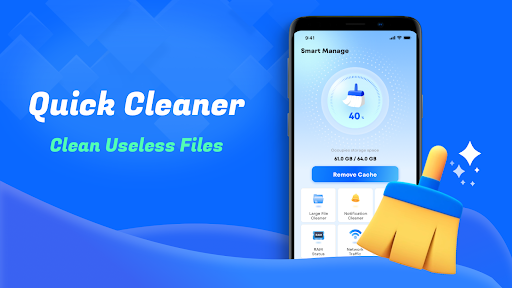
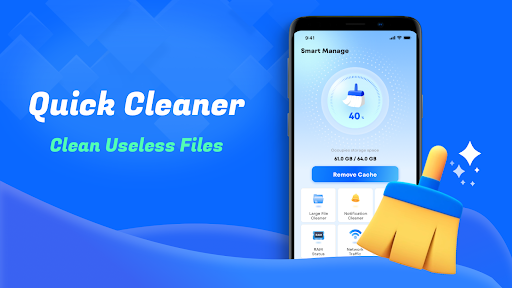
Smart Cleaner is a comprehensive phone cleaning tool designed to optimize device performance through efficient file management. The app specializes in removing unnecessary files, managing large files, and organizing media content.

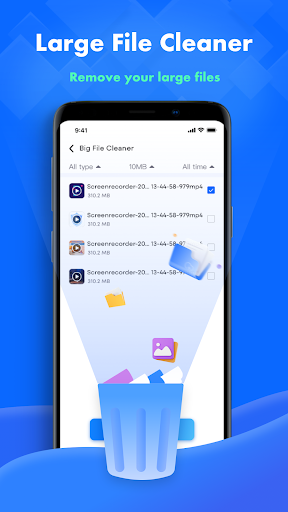
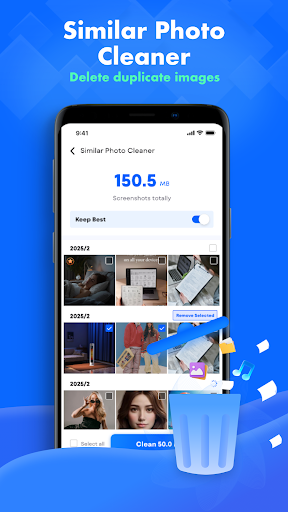
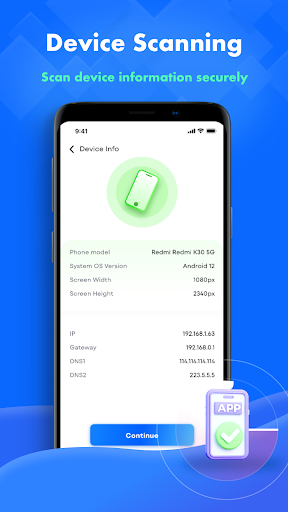
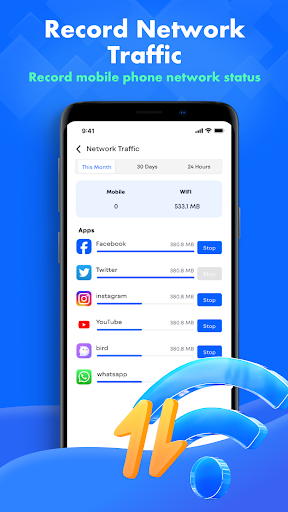
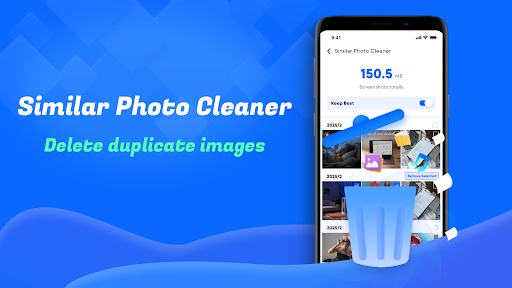
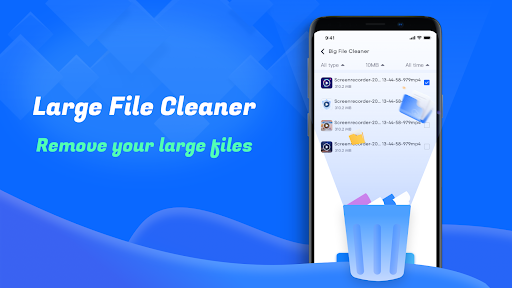
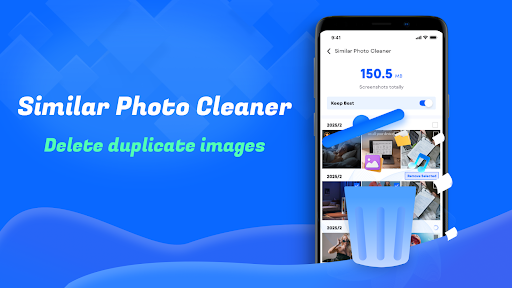
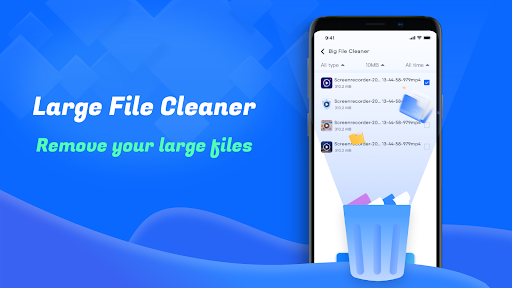
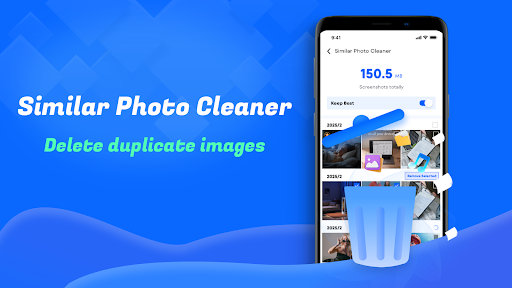
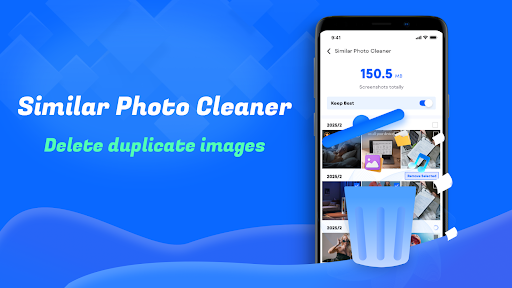
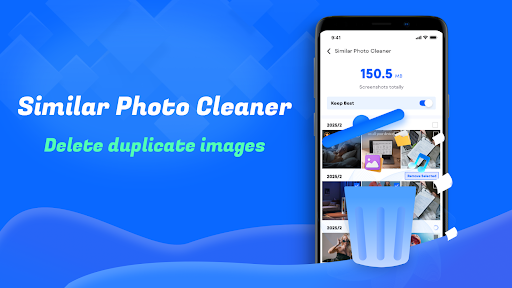
Key features include junk file cleanup, large file management, duplicate photo detection, and screenshot organization. Additionally, users can monitor device information and network usage, making it an all-in-one solution for maintaining a clean and efficient smartphone.

Ideal for users seeking to free up storage space and improve device speed, Smart Cleaner offers a simple interface with powerful functionality that enhances overall device usability.

Features

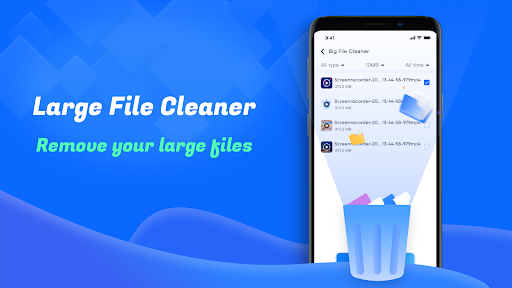
Smart Cleaner stands out with its diverse range of practical features tailored for device optimization. The app provides robust tools for cleaning junk files, identifying large files, and detecting similar photos, ensuring your device remains clutter-free.

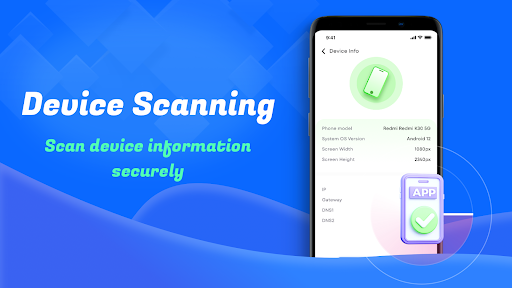
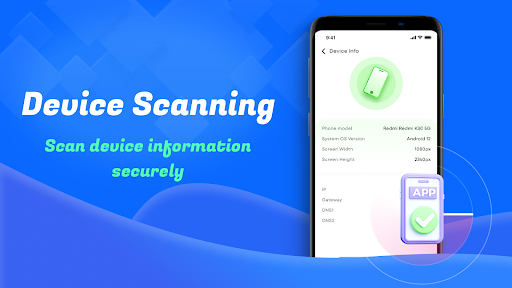
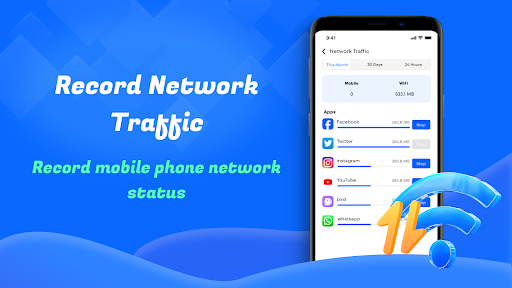
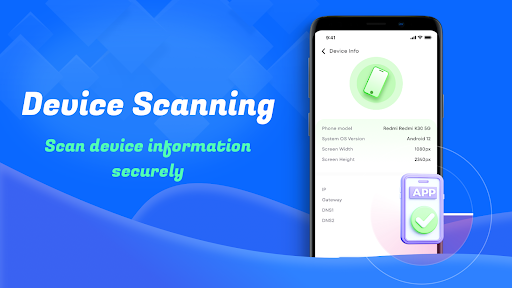
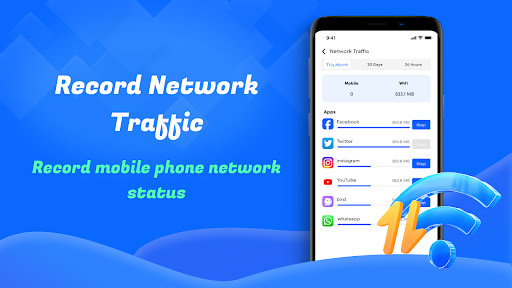
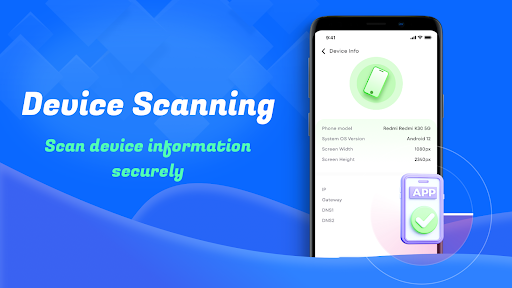
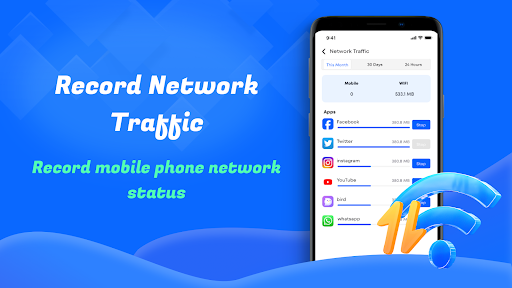
One notable feature is the detailed device info dashboard, which allows users to monitor system performance and storage metrics. Another innovative aspect is the network usage tracker, helping users manage data consumption effectively.

With its intuitive design and specialized tools, Smart Cleaner ensures both novice and advanced users can maintain their devices efficiently while maximizing available resources.

Core function accuracy & effectiveness

The core function accuracy and effectiveness of Smart Cleaneruff1aPhone Clean Tool are essential aspects that define its reliability as a tool for managing files on your device. This application is designed to offer precise identification and removal of unnecessary files, large files, similar photos, and redundant screenshots, ensuring that users can efficiently reclaim valuable storage space. The accuracy in detecting these files without affecting the system or personal data integrity is crucial. By employing advanced algorithms, the app ensures that only the targeted files are removed, leaving essential system files untouched. This precision not only enhances the device's performance but also prolongs its lifespan by preventing clutter accumulation. Users benefit from an intuitive interface that simplifies the cleanup process, making it accessible even to those with minimal technical knowledge. Furthermore, the effectiveness of this tool is evident in its ability to provide detailed insights into device information and network usage. These features empower users to make informed decisions about their data management and consumption habits. With real-time monitoring capabilities, individuals can track their progress and adjust their cleaning routines accordingly. Overall, the core function accuracy and effectiveness of Smart Cleaneruff1aPhone Clean Tool ensure that users experience a seamless, efficient, and safe cleaning process, ultimately leading to improved device functionality and user satisfaction.

Interface simplicity & intuitiveness

Interface simplicity and intuitiveness are critical components of Smart Cleaneruff1aPhone Clean Tool, ensuring that users can navigate and utilize its features with ease. A clean and straightforward design philosophy underpins the application's user interface, prioritizing accessibility and usability. Upon launching the app, users are greeted with a minimalist layout that highlights primary functions such as unnecessary file cleanup, large file removal, and similar photo identification. Each feature is represented by clear icons and labels, reducing cognitive load and enabling quick comprehension of available tools. The intuitiveness of the interface extends to its operational flow, where actions like scanning and cleaning are executed through simple taps or swipes. This streamlined approach eliminates unnecessary steps, allowing users to perform tasks swiftly and efficiently. Additionally, the app provides visual feedback during operations, such as progress bars and completion notifications, which enhance transparency and trust in the cleaning process. For more advanced features like device info checks and network usage monitoring, the interface maintains its simplicity by presenting data in digestible formats like charts and graphs. These visual aids help users understand complex information at a glance, facilitating better decision-making regarding their device management strategies. Moreover, customization options within the settings allow users to tailor the interface according to their preferences, further enhancing personalization and comfort. Overall, the interface simplicity and intuitiveness of Smart Cleaneruff1aPhone Clean Tool contribute significantly to a positive user experience, making it an indispensable tool for anyone seeking to maintain a clutter-free and high-performing device effortlessly.

Props

User-friendly interface

Effective junk cleanup

Comprehensive device monitoring

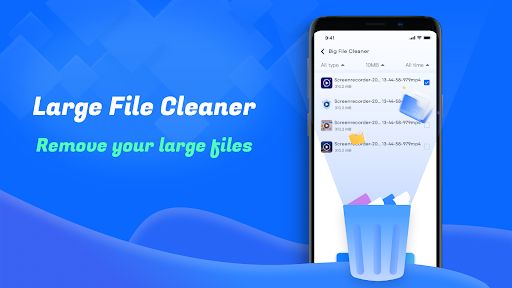
Efficient large file management

Handy network usage tracker

Cons

Limited advanced options

No cloud backup integration

Occasional slow performance

Ads in free version

Basic photo editor

Features and Functions

What is this app and what can I use it for?

A tool to clean and optimize your phone by removing junk files

How do I download and install this app on my device?

Search 'Smart Cleaner' on Google Play Store and tap install

How do I get started after opening the app for the first time?

Grant necessary permissions and follow the setup wizard

What are the main features and capabilities of this app?

Junk cleanup large file management and device monitoring

How can I customize my experience and adjust preferences?

Adjust settings in the preferences menu for customization

How do I save or bookmark my favorite content for later access?

Use the bookmark feature to save important cleaning reports

How can I share content with friends or on social media?

Share app insights via social media or messaging apps

How do I access detailed information and explore more content?

Tap on detailed stats in the dashboard for more info

What permissions does this app need and how do I manage them?

App needs storage access to clean files manage permissions in settings

How do I check for updates and keep the app running smoothly?

Enable auto-update in Google Play Store for seamless updates
Show more

User Reveiws

{{ comment.reviewer_name }}
{{ comment.review_date_formatted}}
{{ comment.review_content }}
{{ tab.name }}
{{ comment.reviewer_name }}
{{ comment.review_date_formatted}}
{{ comment.review_content }}
No reviews with this rating
















