
Ad Blocker Pro

3.80

Information

Category:

Tools

Price:

$ 3.49

Rank:

45

Rating:

3.80

Overview

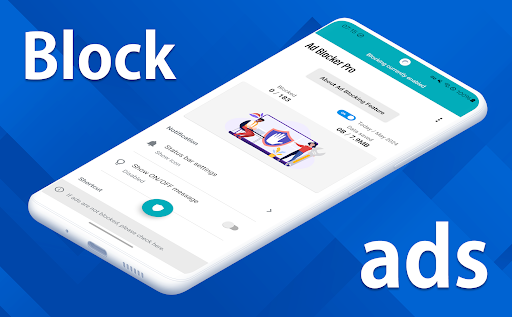
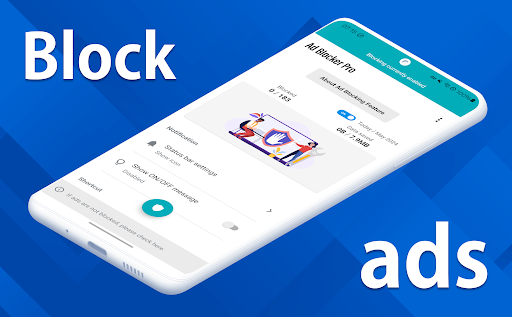
Ad Blocker Pro is a premier ad-blocking application designed to enhance the browsing experience on Android devices. The app's core functionality revolves around blocking unwanted advertisements, malware, and trackers across all browser apps, ensuring a faster, more secure, and less data-intensive internet session.

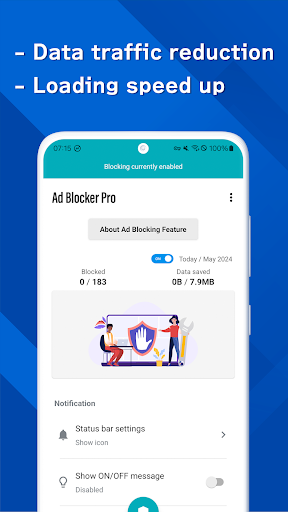
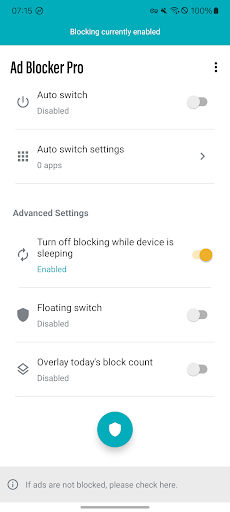
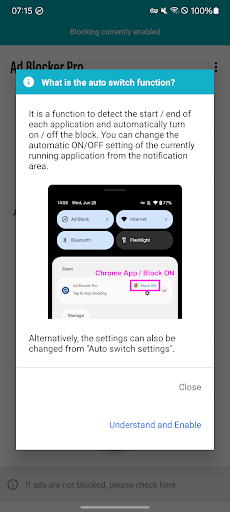
Among its standout features are the one-tap ON/OFF switch for effortless control over ad blocking, an Auto Switch that intelligently toggles ad blocking based on the app in use, and a unique overlay display showing the real-time count of blocked ads. These capabilities not only streamline web navigation but also contribute to a cleaner digital environment by reducing exposure to potentially harmful content.

Ideal for users seeking both performance and privacy, Ad Blocker Pro caters to those who prioritize speed, security, and data savings. Whether you're navigating ad-heavy websites or simply looking to optimize your online activities, this tool offers tangible benefits that elevate everyday browsing into a smoother, safer experience.

Features

Ad Blocker Pro distinguishes itself through a suite of advanced features tailored to maximize user convenience and protection. One of its hallmark traits is universal compatibility with all browser applications, allowing users unrestricted flexibility in their choice of web surfing tools.

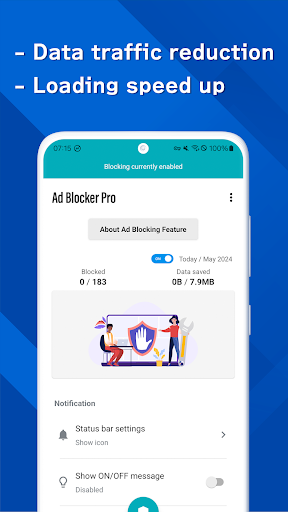
The app accelerates page loading times by preemptively halting ad content from reaching the device, which translates into swifter access to desired information. Additionally, it refines the visual presentation of websites and apps, removing clutter and presenting a streamlined interface that enhances usability. Security is further bolstered by the app's ability to obstruct malicious software and tracking scripts, safeguarding personal data against unauthorized access.

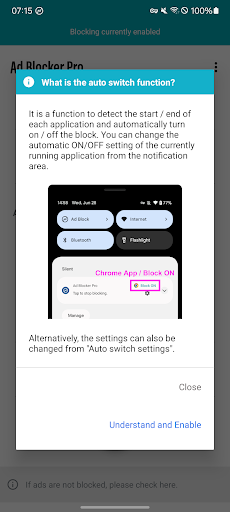
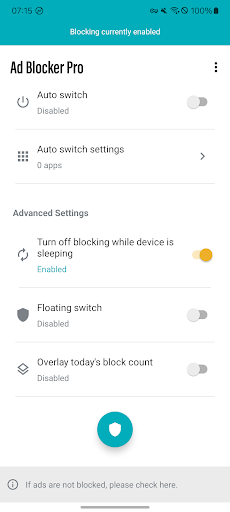
Another innovative aspect is the automatic suspension of ad blocking during device sleep mode, preventing interference with background processes like app updates. Coupled with the Auto Switch feature that selectively enables ad blocking depending on the active application, Ad Blocker Pro delivers a customized and intelligent approach to managing online advertisements.

Core function accuracy & effectiveness

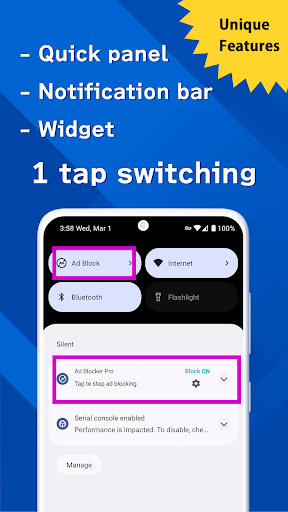
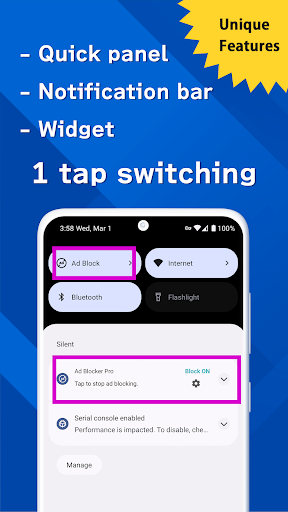
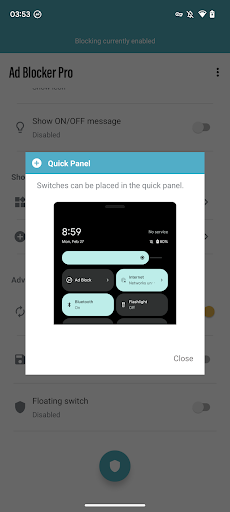
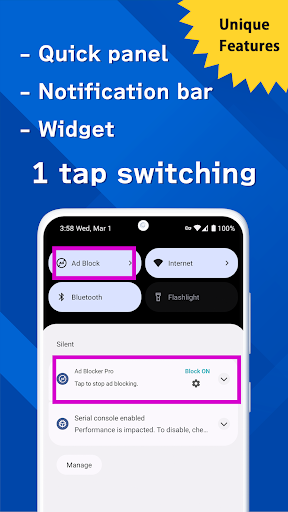
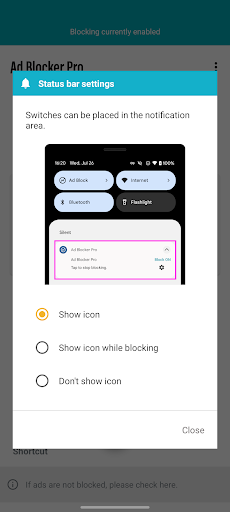
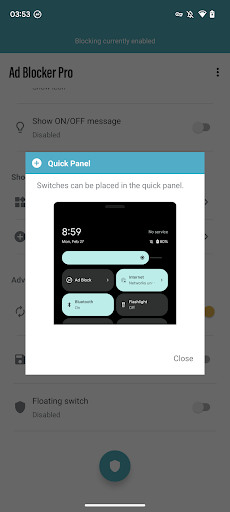
Ad Blocker Pro exemplifies the pinnacle of ad-blocking technology by delivering core functions that are both accurate and effective. The app's primary purpose is to block ads across all browser apps on Android devices, ensuring a seamless and secure browsing experience. Its accuracy lies in its ability to detect and block not only standard display ads but also malware and trackers, which enhances user security while reducing data usage. This dual-layer protection ensures that users are safeguarded from malicious content without compromising their browsing speed or comfort. The effectiveness of Ad Blocker Pro is evident in its unique features such as the one-tap ON/OFF switch, which allows users to toggle ad blocking effortlessly from various access points including the notification area, quick panel, widget, or floating switch. Additionally, the Auto Switch feature intelligently detects when specific apps are launched or terminated, automatically toggling ad blocking on or off accordingly. This level of automation ensures that users can enjoy uninterrupted browsing sessions without manual intervention. Furthermore, the overlay display of today's block count provides real-time feedback on the number of ads and trackers blocked, reinforcing the app's commitment to transparency and user empowerment. By focusing on these core functionalities, Ad Blocker Pro delivers tangible benefits to users, including faster webpage loading times, improved design aesthetics by simplifying website layouts, enhanced online safety through robust tracking prevention, and significant reductions in data consumption. These advantages collectively contribute to an optimized browsing environment where users can navigate the web with confidence and ease.

Interface simplicity & intuitiveness

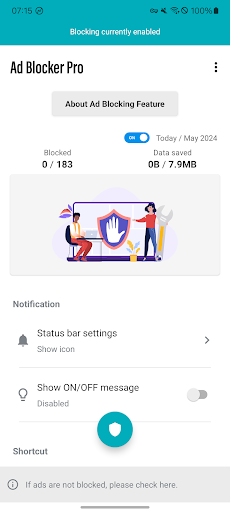
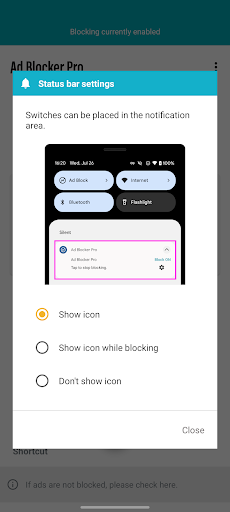
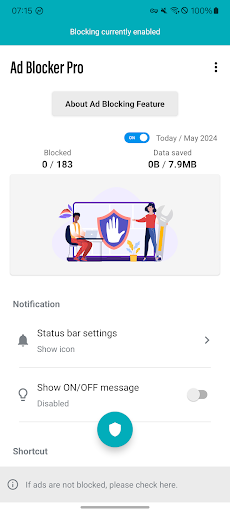
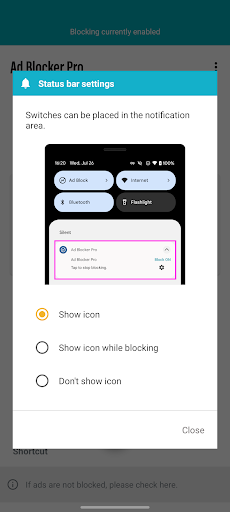
Ad Blocker Pro excels in providing an interface that is both simple and intuitive, catering to users who prioritize ease of use without sacrificing functionality. The app's design philosophy centers around creating a user-friendly environment where even those unfamiliar with ad-blocking technology can navigate effortlessly. Upon launching the app, users are greeted with a clean and organized layout that emphasizes essential features prominently. The one-tap ON/OFF switch is strategically placed for immediate access, allowing users to activate or deactivate ad blocking with minimal effort. This accessibility extends to other control points such as the notification area, quick panel, and floating switch, ensuring that users have multiple convenient options to manage their ad-blocking preferences. Moreover, the Auto Switch feature demonstrates the app's commitment to intuitive design by automating the process of toggling ad blocking based on app usage patterns. Users do not need to manually adjust settings each time they switch between applications; instead, Ad Blocker Pro intelligently adapts to their behavior, enhancing overall usability. Another aspect that underscores the app's intuitive nature is the overlay display of today's block count, which provides instant visual feedback on the app's performance. This feature not only informs users about the effectiveness of the ad-blocking mechanism but also fosters a sense of accomplishment as they witness the cumulative impact of blocked ads and trackers. Additionally, the app's compatibility with all browser apps reinforces its versatility, enabling users to enjoy consistent ad-blocking capabilities regardless of their preferred browsing platform. By prioritizing interface simplicity and intuitiveness, Ad Blocker Pro successfully bridges the gap between advanced functionality and user accessibility, making it an ideal choice for individuals seeking a hassle-free yet powerful ad-blocking solution.

Props

Fast browsing

Enhanced security

Reduced data usage

User-friendly interface

Real-time block count

Cons

Limited to browsers

Some ads can't be blocked

No iOS version

Initial cost

Occasional updates needed

Features and Functions

What is this app and what can I use it for?

An ad blocker enhancing browsing speed and security.

How do I download and install this app on my device?

Visit Google Play Store, search for Ad Blocker Pro, and tap Install.

How do I get started after opening the app for the first time?

Launch the app, enable the ON/OFF switch, and browse ad-free.

What are the main features and capabilities of this app?

Blocks ads, malware, trackers; works with all browsers.

How can I customize my experience and adjust preferences?

Adjust settings via the app menu to personalize your experience.

How do I save or bookmark my favorite content for later access?

Use the built-in bookmark feature to save favorite sites.

How can I share content with friends or on social media?

Share links directly from the browser with social media options.

How do I access detailed information and explore more content?

Tap on detailed stats in the app to explore blocked items.

What permissions does this app need and how do I manage them?

Requires standard permissions; manage them in settings.

How do I check for updates and keep the app running smoothly?

Enable auto-updates in Google Play Store for latest version.
Show more

User Reveiws

{{ comment.reviewer_name }}
{{ comment.review_date_formatted}}
{{ comment.review_content }}
{{ tab.name }}
{{ comment.reviewer_name }}
{{ comment.review_date_formatted}}
{{ comment.review_content }}
No reviews with this rating
















