
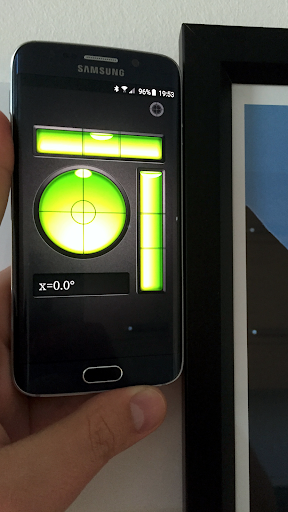
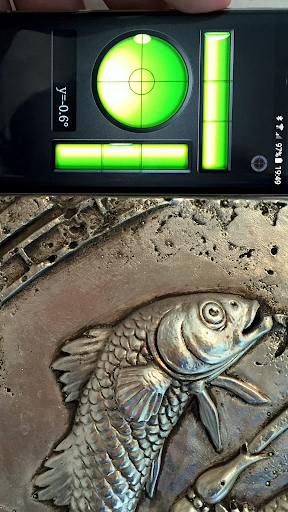
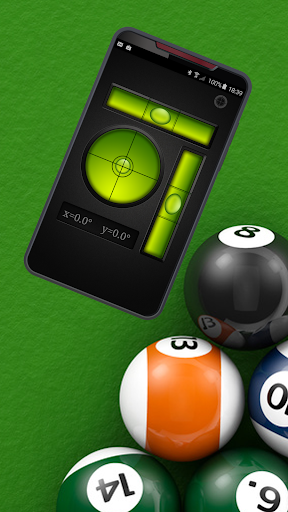
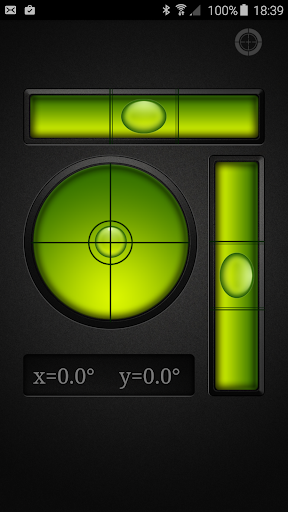
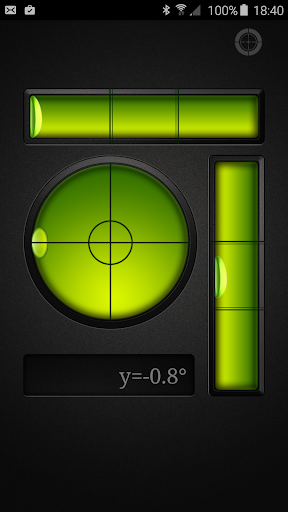
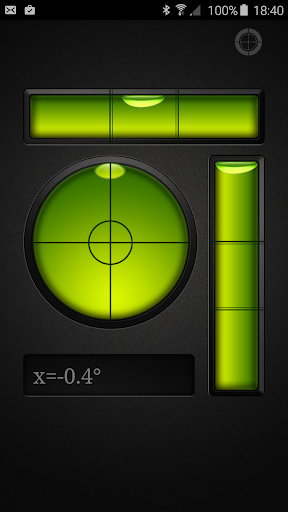
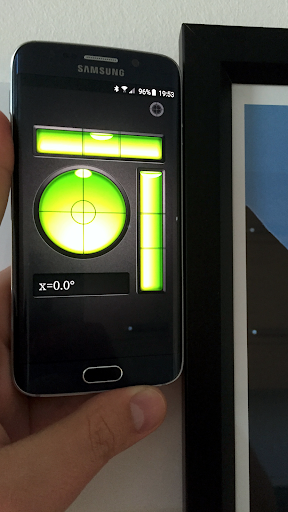
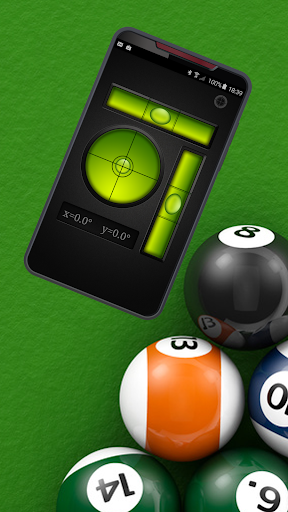
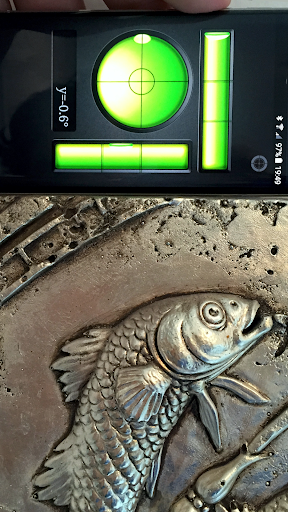

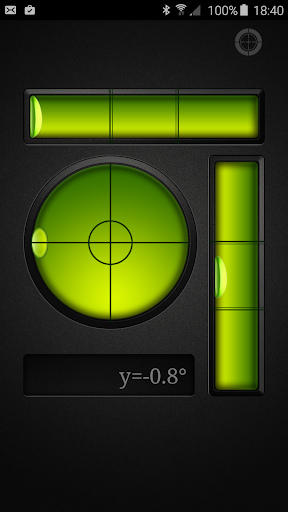
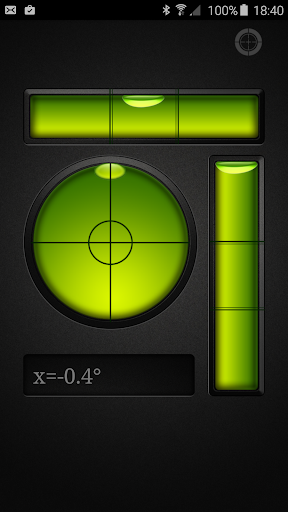
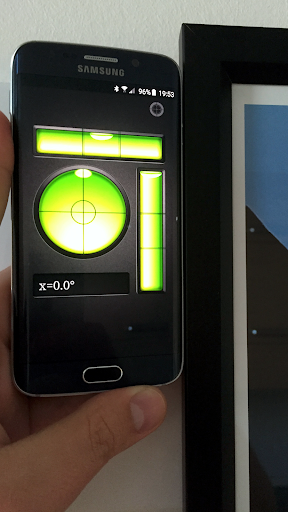
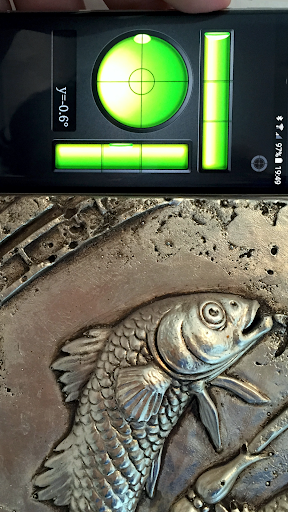
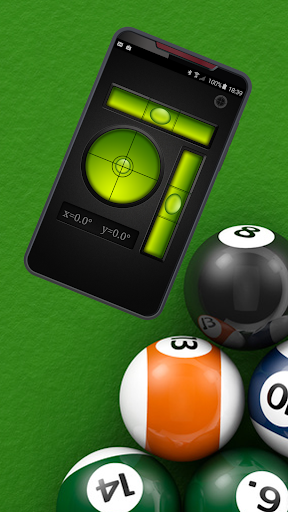

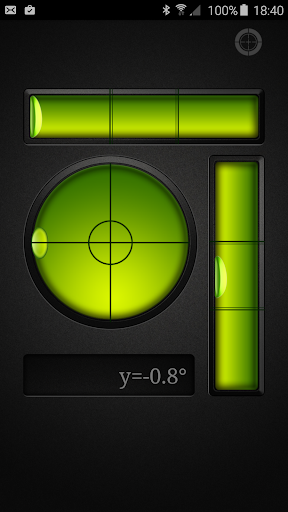
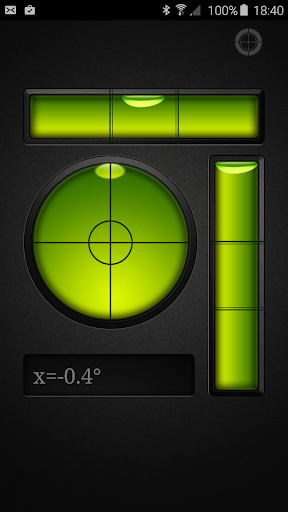
Bubble Level PRO is a premium tool application designed for Android users who need an accurate and reliable leveling instrument. This ad-free version offers all the essential features of a traditional spirit level without interruptions from advertisements. The app transforms your mobile device into a highly functional digital level meter, providing precise measurements for both horizontal and vertical alignments.
The application mimics real-world bubble levels with incredible accuracy. It includes two display modes: a classic tubular level and a bull's eye level. The tubular mode indicates alignment through a simulated air bubble within a liquid-filled tube, while the bull's eye mode provides a circular, flat-bottomed level that ensures accuracy across multiple planes. These tools are indispensable for anyone involved in construction, carpentry, or even simple home improvement projects.
Whether you're installing shelves, hanging pictures, or setting up equipment like pool tables, Bubble Level PRO delivers professional-grade precision directly to your smartphone. Its user-friendly interface and calibration feature guarantee reliable performance, making it an essential utility for ensuring perfect alignment in various tasks.
Bubble Level PRO stands out with its comprehensive feature set tailored for accuracy and ease of use. One of its primary features is the dual-mode functionality, offering both tubular and bull's eye level displays. The tubular level simulates a traditional spirit level by showing a digital bubble that moves according to the device's orientation, ensuring surfaces are perfectly horizontal or vertical.
In addition to the standard level, the bull's eye mode provides a more advanced leveling solution. This circular level allows users to check alignment across a plane rather than just along a single line, which is particularly useful for tasks requiring multidirectional precision. Both modes are designed to mimic their physical counterparts with remarkable fidelity, providing readings that are both intuitive and reliable.
The app also includes a calibration feature, enabling users to adjust the sensitivity and accuracy based on their specific device. By placing the phone on a known level surface and recalibrating, users can achieve pinpoint accuracy tailored to their hardware. This attention to detail and commitment to precision makes Bubble Level PRO an invaluable tool for professionals and DIY enthusiasts alike.
Highly accurate
User-friendly interface
No ads
Calibration option
Dual-mode display
Premium cost
Requires careful handling
Limited to device sensors
No additional tools
Dependent on phone quality

Carry a FTP server in your pocket and avoid USB cables for file transfer
 4.20
4.20
Forza Tuning Calculator App for Forza Horizon 5, Motorsport and Earlier Titles
4.40
Navigate with Ease and Style
4.90
Screen Mirroring for Roku Sticks, Roku TCL TV and Roku Hisense TV
4.50
The Ultimate Flex Drivers Utility App - Convenient Tapping & Block Filters
4.70
A simple app to back up and restore SMS & MMS messages and call logs.
4.10
Remote Play with FSR upscaling, low latency & full controller support
4.80
Pro Emulator is an easy to use game console emulator for a range of consoles.
4.40
Introducing Smart Printer, your ultimate destination for printing solutions!
4.00
WiFi Signal Strength Meter help you detect WiFi Signal Strength in real time.
4.80
Protect your device with antivirus, storage cleanup, and system monitoring
4.70
Connect instantly to a fast, encrypted VPN with one tap
4.60
FV File Manager Pro, Fast and powerful file manager for Android
4.60
Canon PRINT is a companion app for your Canon printer.
4.60
Just swipe the edge to do something!
4.40
Just one-tap to easy translate in any language after calls within seconds.
4.20
Quickly & easily calculate the spacing of handrail balusters
4.20
Effortlessly run ADB commands directly on your device without a PC.
4.20
Download any file easily and quickly with Downloader
4.3


User Reveiws