
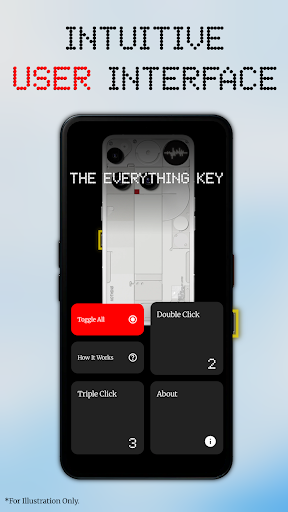
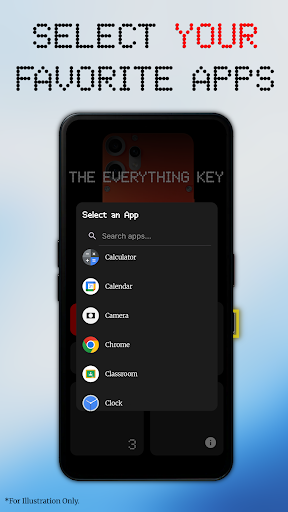
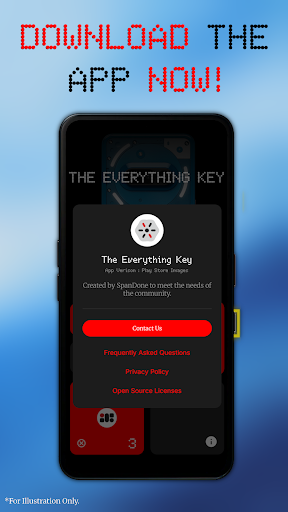
The Everything Key is a powerful tool designed to unlock the full potential of your device's special hardware button. With this app, you can remap that button to perform various actions, turning it into an instant productivity tool. The clean and intuitive interface allows you to easily assign apps to both double-press and triple-press actions.
Whether you want to launch your camera, favorite messaging app, or most-used utility with a simple press, The Everything Key has got you covered. It offers advanced control features such as enabling or disabling actions, un-mapping apps, and activating or deactivating all mappings at once. No root access is required, and it works seamlessly using standard Android features.
This app is optimized for specific devices including Nothing Phone (3a), Nothing Phone (3a Pro), Nothing Phone (3), and CMF Phone (2 Pro). Download The Everything Key today and take control of your hardware!
The Everything Key offers several key features that enhance its functionality. Firstly, it provides powerful remapping capabilities, allowing you to assign apps to both double-press and triple-press actions. This gives you the flexibility to customize your device according to your preferences.
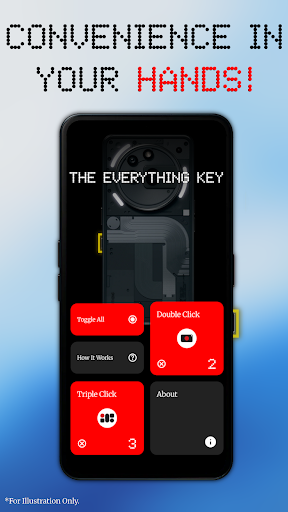
In addition, the app boasts an intuitive user interface inspired by the Nothing aesthetic. The minimalist design makes it easy to see which apps are mapped and whether they are active. You can tap a mapped card to quickly enable or disable its action, or tap the 'X' icon to permanently un-map an app.
Furthermore, The Everything Key offers advanced control options. The 'Toggle All' feature allows you to activate or deactivate all your mappings at once, providing convenience and efficiency. Rest assured, this app uses Android's Accessibility Service solely to detect physical hardware button events, ensuring your privacy and trust.
Powerful remapping capabilities
Intuitive and minimalist user interface
Advanced control options
No root access required
Optimized for specific devices
Limited to specific devices
Requires Accessibility Service
Not affiliated with device manufacturers
May not work with all apps
Privacy concerns may arise

Quickly switch to an encrypted DNS server on Android TV
 4.50
4.50
Complete kernel toolbox with features to manage and tweak your rooted device
4.30
FV File Manager Pro, Fast and powerful file manager for Android
4.60
Excellent scientific calculator with symbolic algebra, integrals, derivatives
4.80
Mirror your screen to Chromecast and Android TV - Super fast and simple
4.60
A simple app to back up and restore SMS & MMS messages and call logs.
4.10
NFC Tools can read and write NFC tags.
4.70
Automate everything from settings to photos, SMS to speech. ADC2 prize winner.
4.10
Introducing Smart Printer, your ultimate destination for printing solutions!
4.00
Best leveling tool for your Android device. Hang paintings like a pro.
4.90
Extremely fast, secure, and protects your privacy
4.80
Learn the vast amount of system information about device and monitor it's state
4.70
Creation, Learning, Entertainment & More — The All-in-One AI Search Engine
4.70
Button mapper, mouse toggle, sleep timer and a lot of another features
4.50
Unleash gamepad precision for ultimate mobile gaming dominance.
3.90
Create your own custom widget with endless possibilities
3.90
Fun lie-detection pranks for friends and parties.
3.80
Undelete and recover your lost or deleted files with DiskDigger!
3.40
Download any file easily and quickly with Downloader
4.3


User Reveiws