NFC Tools - Pro Edition

4.70

Information

Category:

Tools

Price:

$ 3.49

Rank:

5

Rating:

4.70

Overview

NFC Tools - Pro Edition is a powerful application designed to unlock the full potential of NFC technology. This tool allows users to read, write, and program tasks on NFC tags and compatible chips through an intuitive interface. It is perfect for both personal and professional use, enabling the automation of various routines by simply tapping an NFC tag.

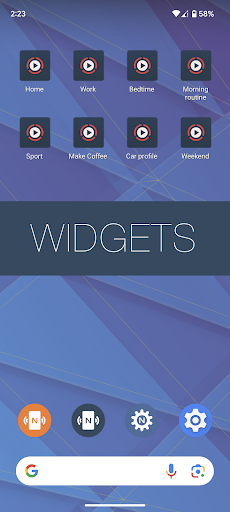
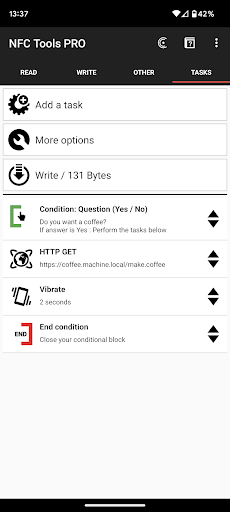
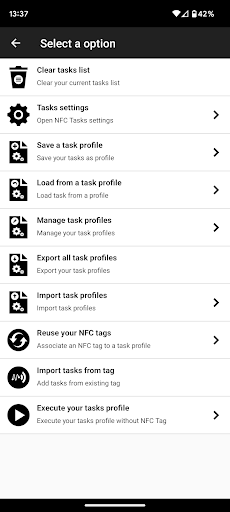
The app provides unrestricted access to all available tasks within NFC Tools, empowering users to create complex actions with conditional blocks and execute more than 200 tasks for infinite combinations. With exclusive features such as profile management, importing from existing NFC tags, executing tasks without NFC tags via home screen shortcuts, and emulating NFC tags using your device, this app offers limitless possibilities for creativity and efficiency.

Features

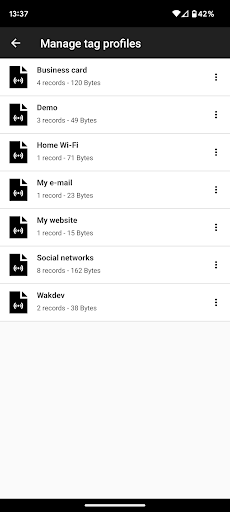
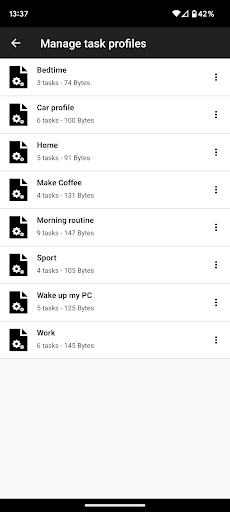
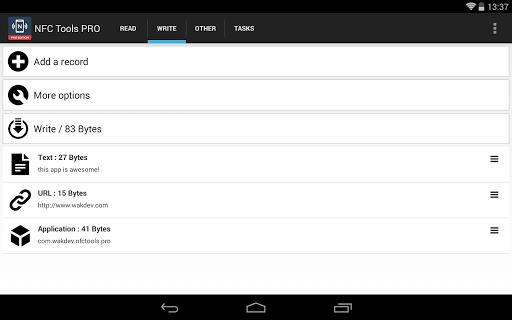
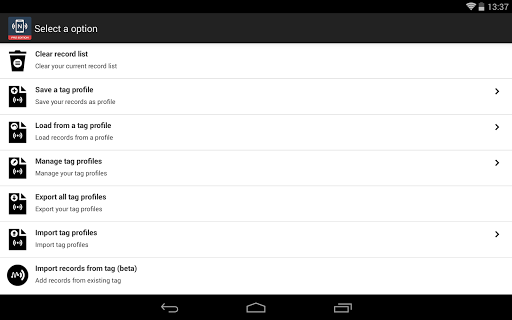
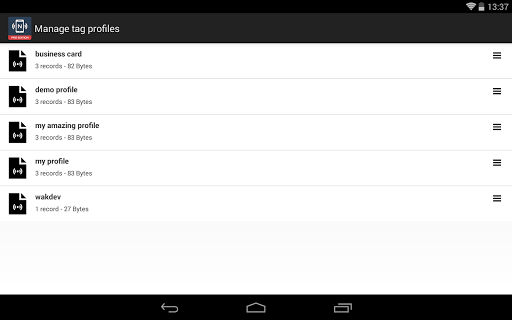
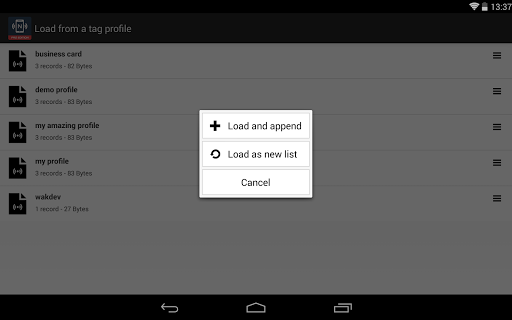
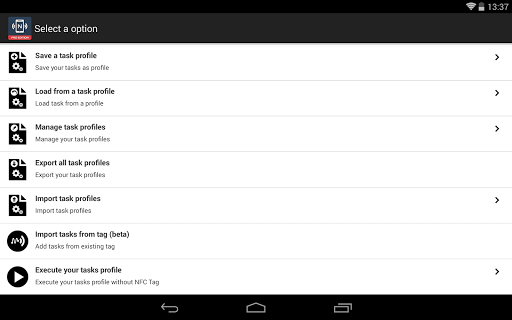
NFC Tools - Pro Edition stands out with its advanced capabilities tailored for power users. One of its key features is the profile management system, which allows you to save profiles containing records and tasks and reuse them later, streamlining your workflow significantly.

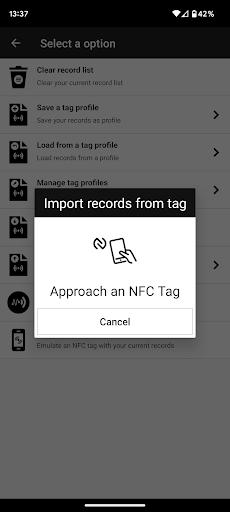
In addition to managing profiles, the app supports importing data from existing NFC tags, making it easy to edit records or tasks quickly. The ability to execute tasks without needing physical NFC tags—using shortcuts on your home screen—adds another layer of convenience. Moreover, the app can emulate NFC tags with your records (NDEF) directly from your device, offering unparalleled flexibility in how you interact with NFC technology.

With support for over 200 tasks and conditional blocks, NFC Tools - Pro Edition enables the creation of sophisticated routines that cater to specific needs, whether for home automation, business operations, or personal projects. These extensive customization options ensure that the app remains versatile and adaptable to various scenarios.

Core function accuracy & effectiveness

The core function accuracy and effectiveness of NFC Tools - Pro Edition is a critical aspect that defines its reliability and usability for users who need to work with NFC tags and chips. This application allows users to read, write, and program tasks on NFC tags with precision, ensuring that the data encoded or extracted is accurate and reliable. The app's ability to execute more than 200 tasks without limitations means that it can handle a wide variety of operations, from simple record-keeping to complex conditional actions, all with high accuracy. The inclusion of exclusive features such as profile management, importing from existing NFC tags, executing tasks without NFC tags via home screen shortcuts, and emulating NFC tags using the device itself, enhances the overall effectiveness of the app. These features not only expand the range of possibilities but also streamline workflows, making routine tasks quicker and easier to perform. For users, this level of accuracy and effectiveness translates into significant time savings and increased productivity. Whether they are managing records, automating processes, or creating custom routines, they can trust that NFC Tools - Pro Edition will deliver consistent and precise results every time. This reliability is crucial in professional environments where errors can lead to costly mistakes or inefficiencies. Moreover, the app's lightweight user interface ensures that these powerful capabilities are accessible without overwhelming the user, striking a balance between functionality and ease of use.

Interface simplicity & intuitiveness

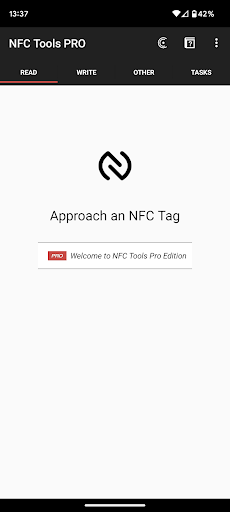
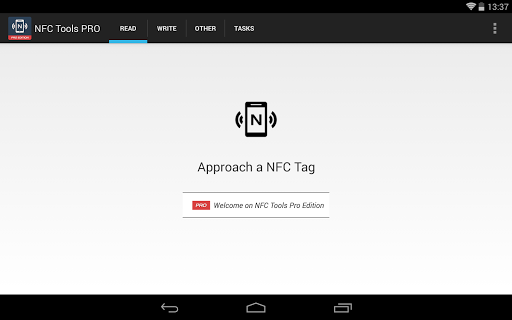
Interface simplicity and intuitiveness are essential qualities that contribute significantly to the user experience of any application, including NFC Tools - Pro Edition. A straightforward and intuitive interface ensures that users can easily navigate through the app's features without requiring extensive training or technical knowledge. In the case of NFC Tools - Pro Edition, the design focuses on providing a clean and organized layout that highlights the most important functions while keeping advanced options accessible yet unobtrusive. Users can quickly access core functionalities like reading, writing, and programming NFC tags thanks to well-placed buttons and clear instructions within the interface. Additionally, the app offers advanced features such as profile management, task execution without NFC tags, and NFC tag emulation, which are integrated seamlessly into the main workflow without cluttering the screen. This thoughtful arrangement helps maintain an uncluttered workspace where users can focus on their tasks without distraction. Furthermore, the app includes helpful tools like importing from existing NFC tags and creating conditional blocks for complex actions, which are presented in a manner that encourages exploration and learning. By reducing cognitive load and minimizing the steps required to accomplish tasks, NFC Tools - Pro Edition enables users to work more efficiently and with greater confidence. The intuitiveness of the interface also extends to error handling and feedback mechanisms, which guide users through troubleshooting steps when issues arise. Overall, the combination of a simple layout with powerful yet accessible features makes NFC Tools - Pro Edition a standout choice for both novice and experienced users looking to leverage NFC technology effectively.

Props

User-friendly interface

Extensive task library

Advanced profile management

Conditional task execution

NFC tag emulation

Cons

Requires NFC-compatible device

Premium version needed

Complex for beginners

Limited offline help

Additional app dependency

Features and Functions

What is this app and what can I use it for?

NFC Tools - Pro Edition is an app for reading, writing, and programming NFC tags with over 200 tasks.

How do I download and install this app on my device?

Download NFC Tools - Pro Edition from Google Play Store and install it on your Android device.

How do I get started after opening the app for the first time?

Upon first opening, grant necessary permissions and explore the intuitive user interface.

What are the main features and capabilities of this app?

Main features include profile management, task execution without NFC tags, and tag emulation.

How can I customize my experience and adjust preferences?

Customize your experience by creating profiles and setting up personalized tasks and routines.

How do I save or bookmark my favorite content for later access?

Save favorite content by creating profiles that can be reused later within the app.

How can I share content with friends or on social media?

Share created profiles or tasks directly through the app's built-in sharing functionality.

How do I access detailed information and explore more content?

Access detailed information about tasks and explore more content in the app's comprehensive library.

What permissions does this app need and how do I manage them?

The app requires NFC permissions; manage them in your device settings under app permissions.

How do I check for updates and keep the app running smoothly?

Check for updates in the app store and keep permissions updated for smooth operation.
Show more

User Reveiws

{{ comment.reviewer_name }}
{{ comment.review_date_formatted}}
{{ comment.review_content }}
{{ tab.name }}
{{ comment.reviewer_name }}
{{ comment.review_date_formatted}}
{{ comment.review_content }}
No reviews with this rating