
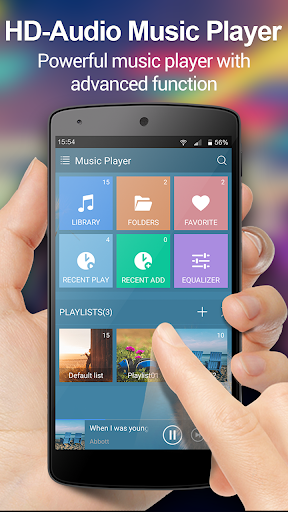
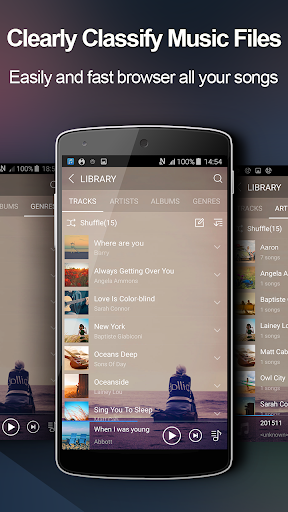
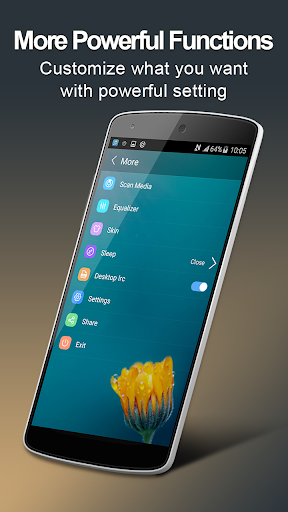
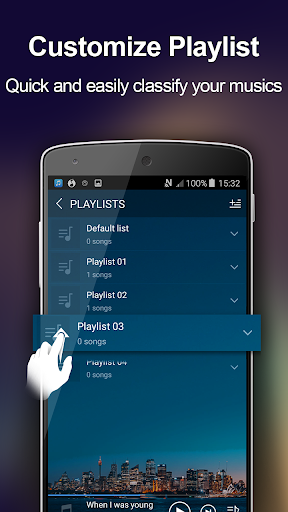

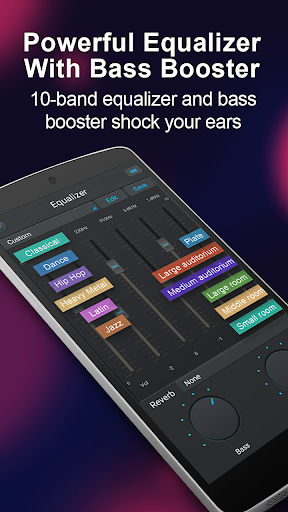
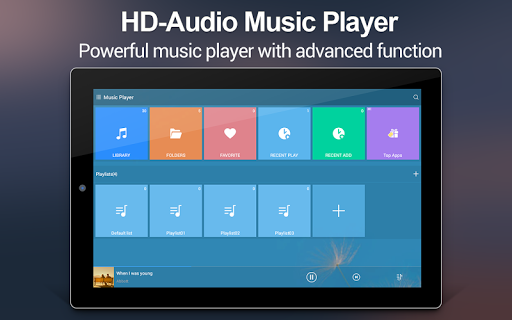
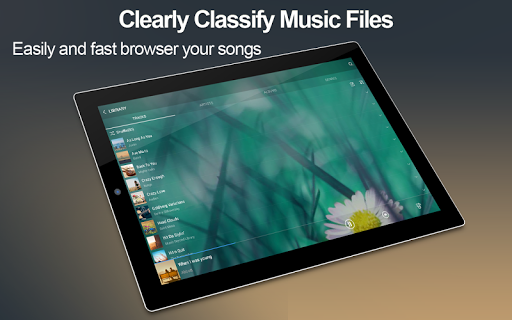
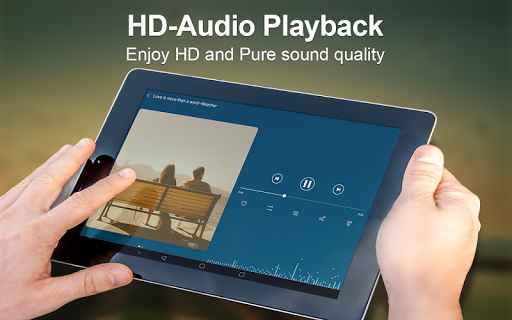
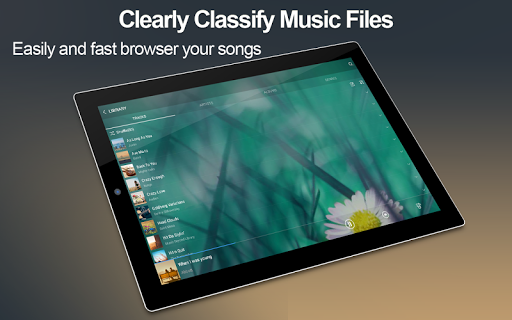
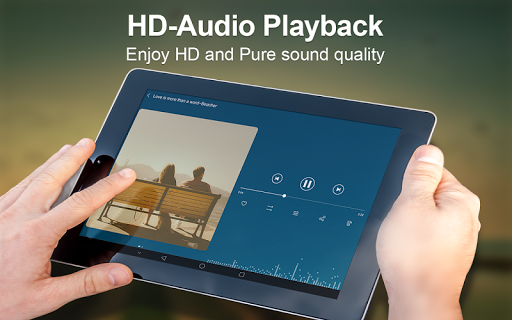

Music Player + is a feature-rich audio management application designed for Android users who demand both functionality and aesthetics. This app stands out with its powerful equalizer that enhances sound quality, offering users an unprecedented auditory experience. The quick search functionality allows users to effortlessly locate all music and audio files on their device, while supporting all popular music and audio formats.
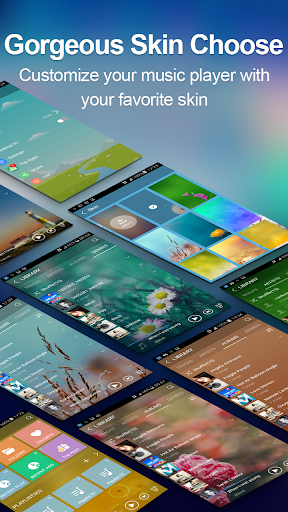
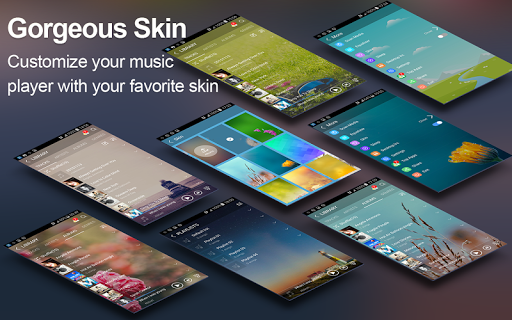
The app's customizable background skins let users personalize their interface, creating a unique and visually appealing player. With no ads to interrupt the listening experience, Music Player + ensures uninterrupted playback. Its folder-based organization system, combined with traditional artist and album categorization, provides multiple ways to manage and access your music library efficiently.
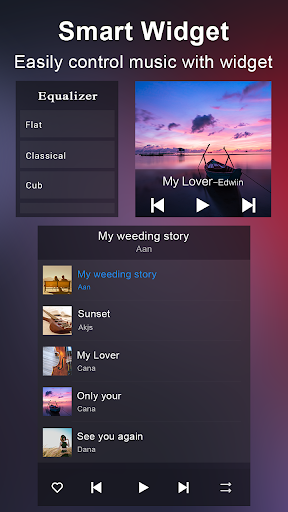
Whether you're commuting or relaxing at home, Music Player + offers a seamless music experience across various scenarios. The desktop widgets and notification controls make it particularly suitable for users who value convenience and quick access to their favorite tracks.
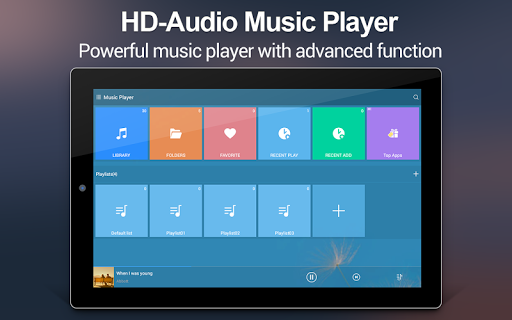
Music Player + boasts an impressive array of features that cater to both casual listeners and audiophiles. The app supports comprehensive music browsing options including albums, artists, genres, playlists, and folder structures. Its automatic lyric scanning and matching function helps users follow along with their favorite songs effortlessly.
The inclusion of three home screen widgets (4x1, 2x2, 4x1) provides instant playback control from the home screen. The notification status feature displays essential song information and playback controls, keeping users informed without needing to open the app. The five-band equalizer with eight preset tones allows for precise sound customization.
Unique features like the 'SHAKE IT' function add playful interaction, enabling track skipping through phone movement. With over 20 background skins and custom image options, users can create a personalized player appearance. Additional practical features include song detail editing, headset support, library-wide search functionality, custom playlist creation, and Bluetooth controls.
Powerful equalizer
Customizable skins
Comprehensive file support
Intuitive folder management
Ad-free experience
Complex for beginners
Occasional bugs
Heavy on resources
Limited iOS support
No cloud integration

10-Band Audio Equalizer, Sound / Bass Booster for Spotify Users & Music Players
 4.40
4.40
USB audio recording and playback finally possible on Android 3.1 or higher!
3.90
Super Sound Editor, Song Maker & Mixer, Vocal Remover, Voice Recorder & Changer!
4.60
A sleek, no-frills player designed for true music lovers.
4.20
Listen radio AM / FM Stations. Live AM / FM Radio App Station. Radio Com.
4.70
Play your hearts out on TouchTunes jukeboxes & connect with fellow music lovers.
4.80
PowerAudio is a powerful offline music player.
4.20
Full featured mp3 and audio player with Chromecast and Android Auto support.
4.40
Sing, record, and create music together — enhanced by smart voice tools.
4.00
More downloads than any other metronome. Includes drum machine & tempo trainer.
4.80
A synth that really lets you shape your sounds!
4.50
Visualize the guitar fretboard, master scales & play through changes like a pro!
4.50
DJ Music Mixer - DJ Remix: remix songs, make beat music & record mix of DJ.
4.40
Help you quickly get started with Shokz headphones
4.40
Master Salsa Rhythm quickly and with a lot of fun!
4.30
The alternative folder based music player.
4.20
Offline and always ad-free - stream in the highest quality available.
4.10
VB-AUDIO Software / VBAN-Receptor allows listening to any VBAN Streams
4.10
Turn your Android phone into a professional audio analyser with up to 120 bands.
4.00


User Reveiws