
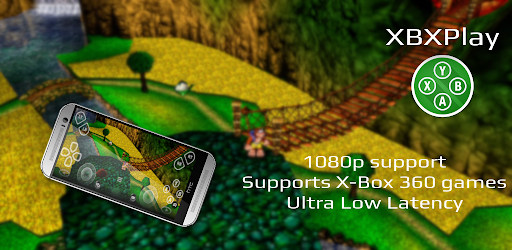
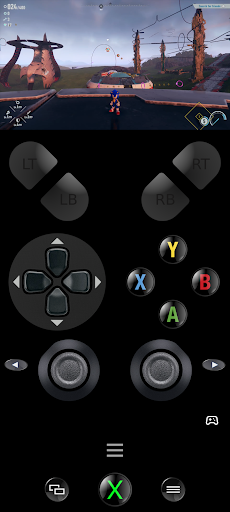

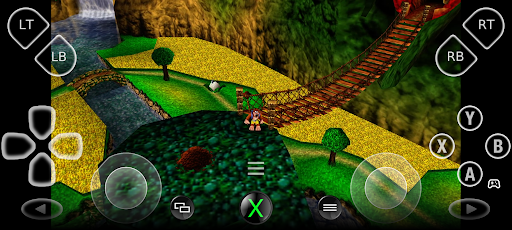
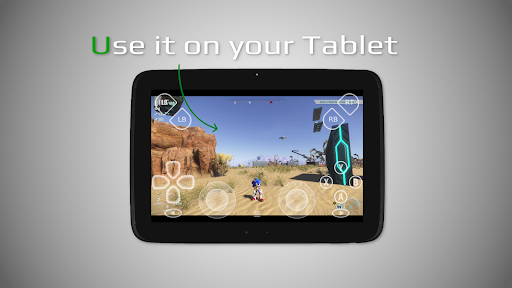
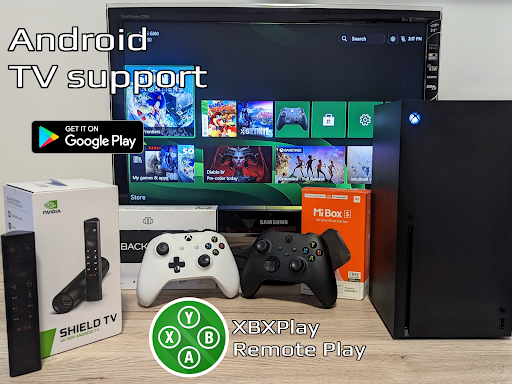
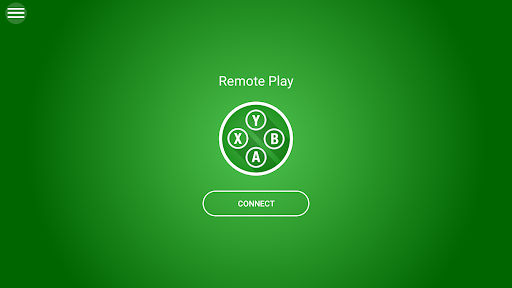

XBXPlay is a powerful remote control application designed specifically for X-Box Series X/S, X-Box One (X/S), and even X-Box 360 consoles. The app allows users to stream their favorite games in 1080p resolution while away from home, providing an optimized streaming experience with minimal latency. It supports third-party controllers and mobile data connections, making it versatile for various gaming setups.
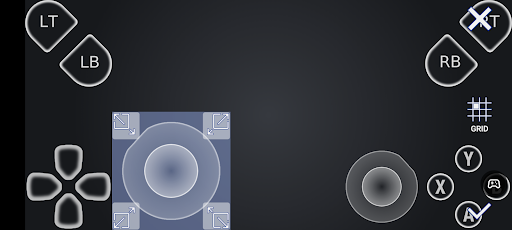
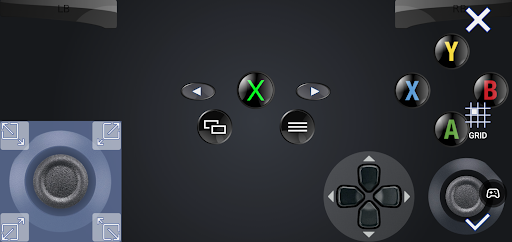
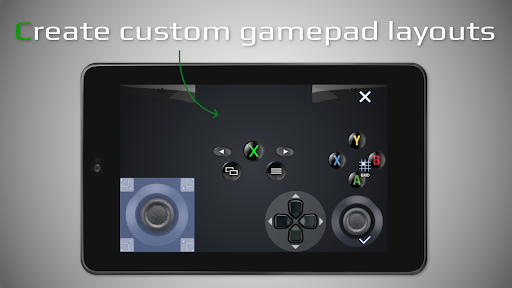
One of the standout features of XBXPlay is its customizable onscreen gamepad layout, which enables gamers to play without a physical controller by simply using touch controls. This feature caters to different gaming preferences and ensures that users can tailor the interface to suit specific games. Additionally, XBXPlay offers unique functionalities such as manual bitrate adjustments, fullscreen support, and picture-in-picture mode, enhancing the overall user experience.
The app is particularly beneficial for those who wish to enjoy console-quality gaming on the go or prefer a flexible control setup. By integrating advanced options like USB-OTG support and gamepad button mapping, XBXPlay provides a comprehensive solution for remote gaming enthusiasts. Its compatibility with both modern and backward-compatible titles further extends its utility, making it a valuable tool for any X-Box gamer.
XBXPlay stands out due to its extensive list of innovative features tailored for remote gaming. Firstly, the app supports 1080p streaming, ensuring high-definition visuals that enhance gameplay immersion. Unlike the official X-Box Remote Play app, XBXPlay also allows users to play X-Box 360 games remotely, expanding the range of compatible titles significantly.
Another key feature is the customizable onscreen gamepad layout, which lets users create personalized control schemes optimized for individual games. This flexibility not only improves gameplay comfort but also caters to diverse gaming styles. Additionally, XBXPlay includes advanced settings such as manual bitrate adjustments and fullscreen support, eliminating black bars and providing a more immersive viewing experience.
Furthermore, the app's low-latency optimization ensures smooth and responsive gameplay, even over mobile data connections. Features like picture-in-picture mode and multi-window support cater to multitasking needs, allowing users to manage multiple tasks simultaneously. With native USB-OTG support and the ability to function as a virtual gamepad, XBXPlay delivers a robust and adaptable remote gaming solution that meets the demands of modern gamers.
User-friendly interface
Customizable controls
Low latency streaming
Supports X-Box 360 games
Picture-in-picture mode
No microphone support
Requires stable internet
Limited to compatible devices
Dependent on X-Box firmware
Potential connection issues

Quickly switch to an encrypted DNS server on Android TV
 4.50
4.50
FV File Manager Pro, Fast and powerful file manager for Android
4.60
Detect hidden spy camera with advanced scanning {{ Premium version }}
4.00
Making emulation easy for everyone!
4.30
Mirror your screen to Fire TV - Super fast and simple
4.40
Fast Video Downloader, Movie Downloader, Torrent Downloader & Adblock Browser
4.70
Download any file easily and quickly with Downloader
4.2
Protect your device with antivirus, storage cleanup, and system monitoring
4.70
Your personal health butler
3.60
Enjoy smooth gameplay with Game Booster
4.90
HD Camera captures every special moment.
4.60 4.50
4.50
Screen Mirroring for Roku Sticks, Roku TCL TV and Roku Hisense TV
4.50
Complete kernel toolbox with features to manage and tweak your rooted device
4.30
VESC Tool can monitor and configure VESC-compatible devices over BLE and Wifi
4.20
A convenient photo, video, and file recovery tool.
4.00
Family Locator, Share location, StayConnect with your family in real time
3.90
Unleash gamepad precision for ultimate mobile gaming dominance.
3.90
Create your own custom widget with endless possibilities
3.90


User Reveiws