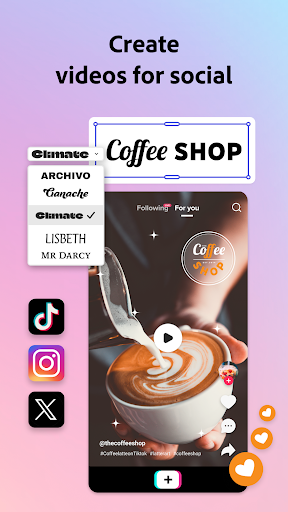

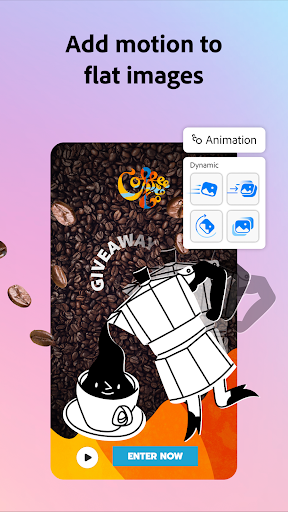
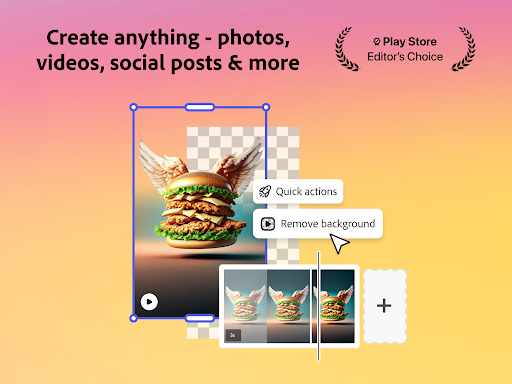
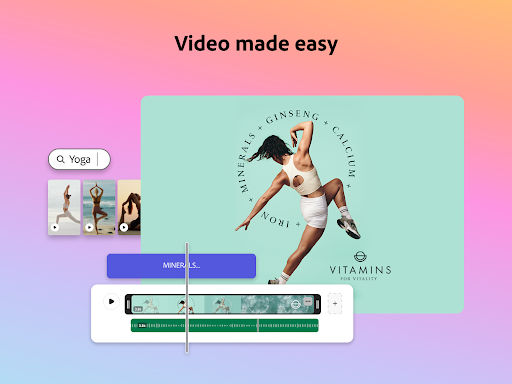
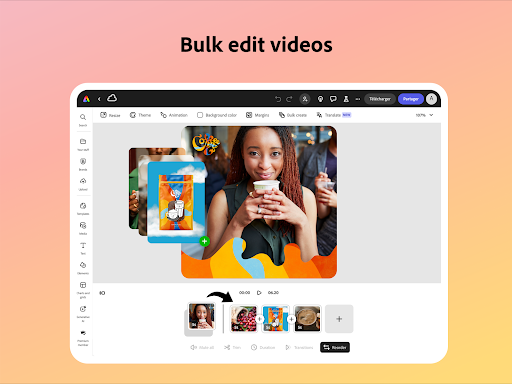
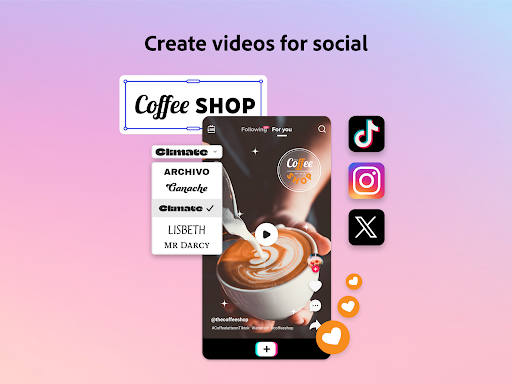
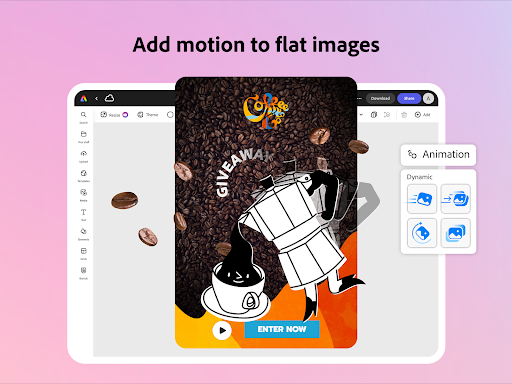
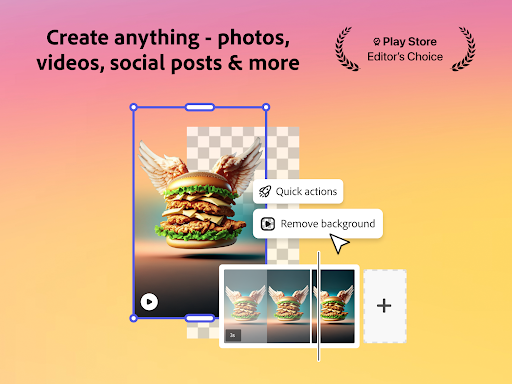
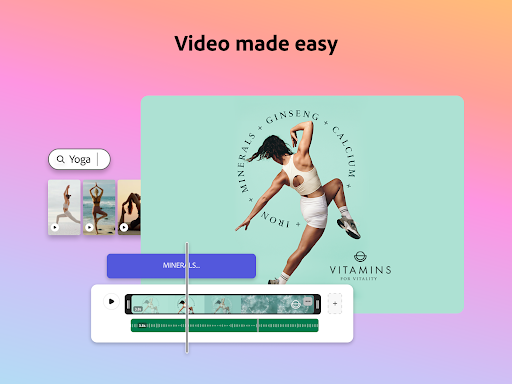
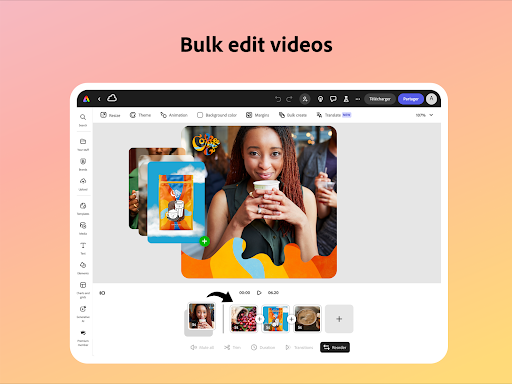
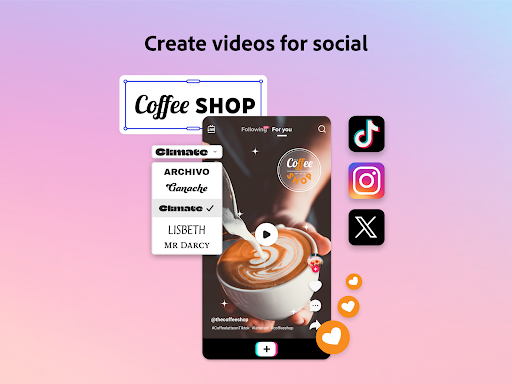
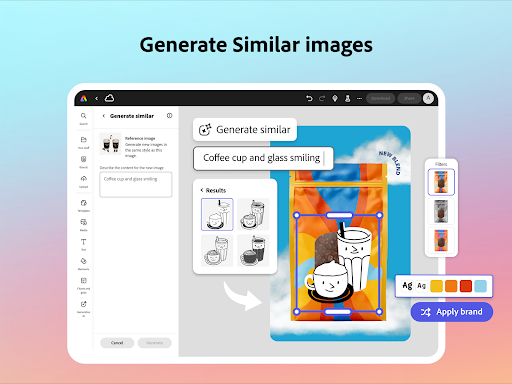
Adobe Express is a versatile design application tailored for both beginners and experienced creators. It enables users to produce high-quality marketing materials while maintaining brand consistency. The app offers an array of features including video editing, photo enhancement, background removal, and QR code generation.
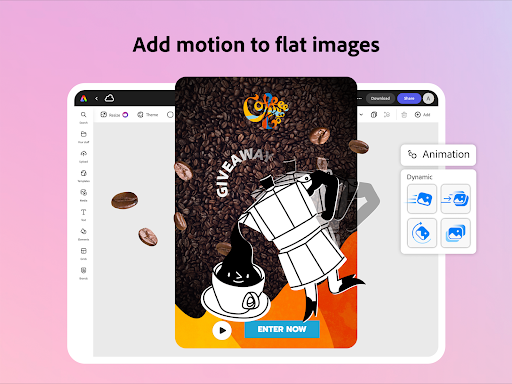
With customizable templates and AI-powered tools, Adobe Express simplifies complex tasks such as adding captions, reframing videos for social media, and creating photo art. Its Quick Action tools allow for effortless content adjustments, making it suitable for various digital platforms. Whether you need to edit PDFs or animate characters with voice, this app provides the necessary tools in one convenient location.
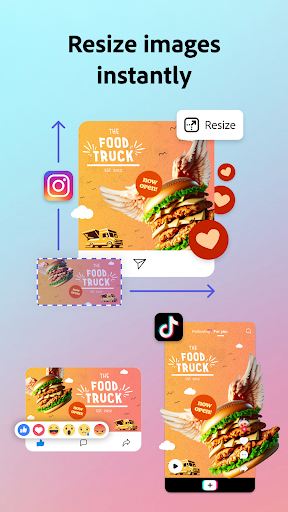
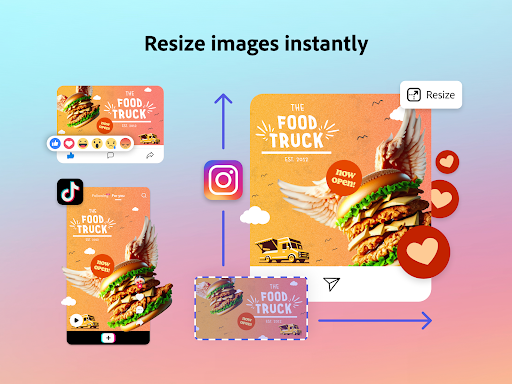
The app's Brand Kits feature ensures that all designs adhere to brand guidelines by storing fonts, colors, and logos for easy application. Adobe Express also offers a Premium membership, unlocking access to millions of royalty-free assets and advanced features like video background removal and multi-channel resizing. This makes it an invaluable tool for businesses looking to create impactful content efficiently.
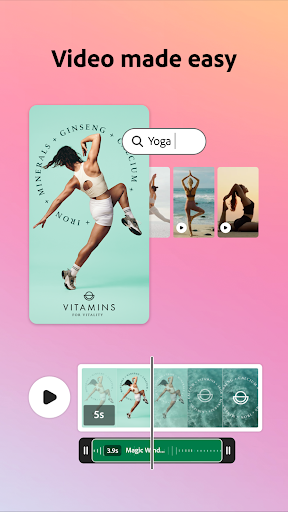
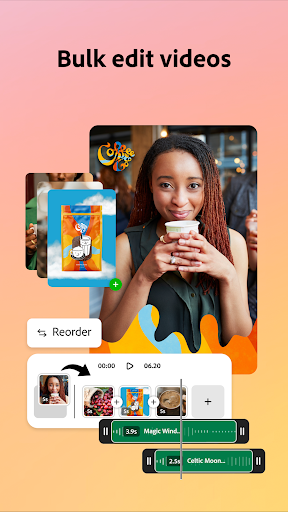
Adobe Express stands out with its comprehensive suite of creative tools designed to streamline content creation. One of its key features is the simplified video editing process, which includes trimming, combining footage, adding text, music, transitions, and sound effects. Users can also automatically generate captions and remove background noise, ensuring professional-quality videos without extensive technical knowledge.
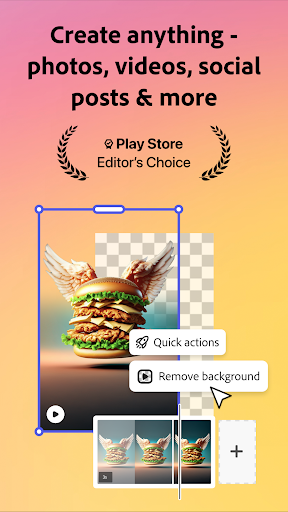
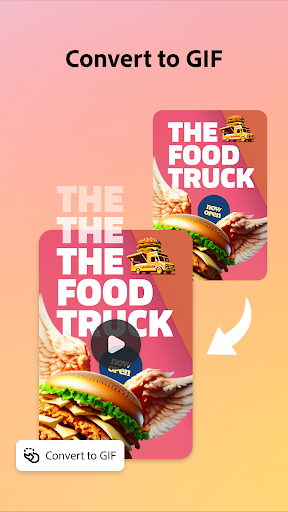
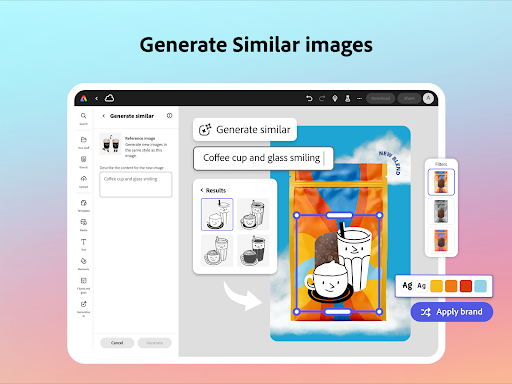
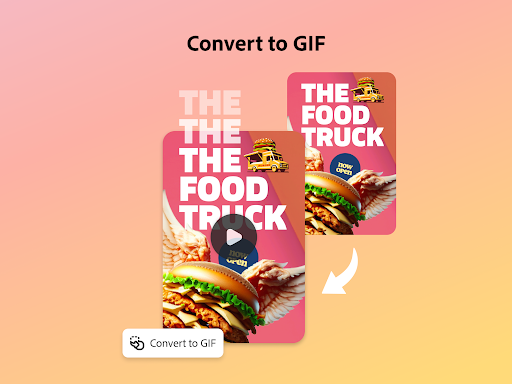
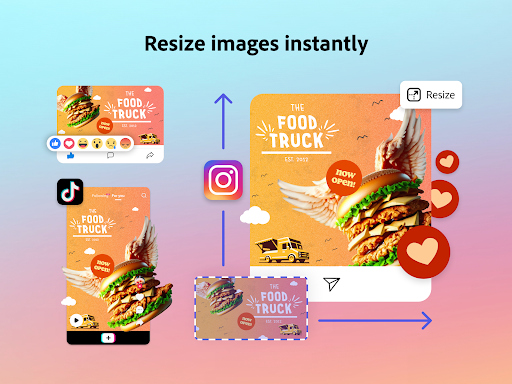
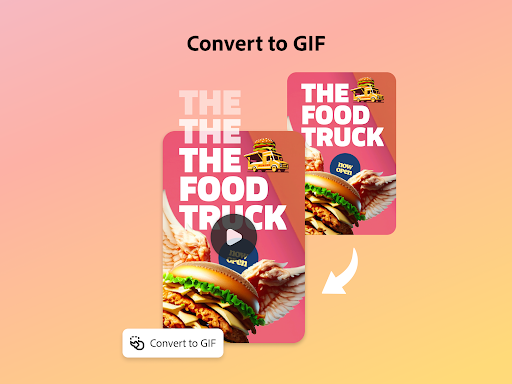
The app excels in photo editing, providing intuitive tools powered by Photoshop. With AI capabilities, users can add or remove objects from images, apply sophisticated filters, and instantly generate unique photo art. Another notable feature is the ability to remove backgrounds from photos and videos effortlessly, converting images to GIFs and resizing content with minimal effort.
For branding purposes, Adobe Express allows users to create stylish QR codes and maintain brand consistency through Brand Kits. The app supports PDF editing, enabling updates to content, images, layouts, and the addition of brand-specific visuals. These features collectively empower users to produce polished, on-brand content across multiple channels efficiently.
User-friendly interface
Extensive template library
Advanced AI tools
Brand consistency features
Comprehensive editing options
Premium features locked
Some tools device-specific
Occasional bugs reported
Limited free stock assets
Internet connection required

The ultimate tool for creating animations
 4.60
4.60
Sketch, trace and master AR drawing with awesome anime art!
3.30
Meet the magic aı 3d photo generator and smart AI video generator app.
3.20
Design unique, funny and adorable cat stickers that reflect your own style!
3.80
Draw Trace image sketch by, AR art projector app, Easy to trace any image.
4.50
Novices can also easily complete diamond painting masters
4.70
OneUI 8.5 icons ✨ Smooth, modern & based on the latest Play Store design ??
4.10
Retouch photos. Create or edit images. Endless capabilities.
2.70
How to draw anime step by step for beginner easily by AR drawing sketch & paint.
3.60
Create stunning art with AI.
4.80
Get an overview over all your embroidery threads, projects and more.
4.60
Draw anime & manga drawing, art with templates to create stunning picture!
4.50
Video AI: Revolutionize Your Content Creation with Advanced Video Generation
4.50
Create and Design Custom Logos in Seconds with AI-Powered Tools!
4.40
Remove Background, Magic Eraser, Photo Enhancer, Story Templates, Collage Maker
4.30
Unleash Your Creativity with Draw Cartoon - AR Drawing App
4.10
Design your dream room with AI. Get decor ideas & plan home interiors
3.90
Art of Combination Wear OS Watch faces (for Wear OS 5+ devices)
3.00
Your Essential Color Theory Guide: Red, Yellow, Blue (RYB)
4.5


User Reveiws