Logo Maker

4.40

Information

Category:

Art & Design

Price:

Free

Rank:

20

Rating:

4.40

Overview

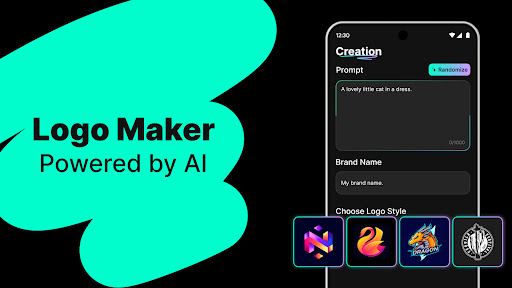
Logo Maker is an AI-powered logo design tool that enables users to create professional logos effortlessly. Designed for entrepreneurs, small businesses, and creators, it eliminates the need for design skills by generating stunning logos based on user input.

The app provides a variety of features including customizable templates, high-quality exports in multiple formats, and an intuitive drag-and-drop editor. Whether you're building a brand presence for your startup or designing logos for personal projects, Logo Maker offers a fast, budget-friendly solution without compromising on quality.

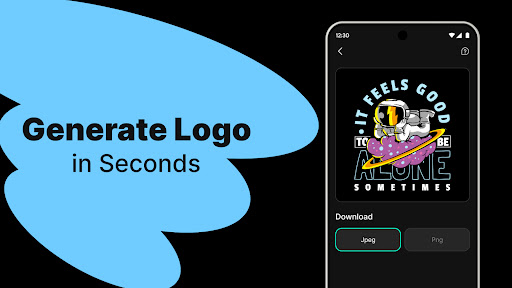
With its lightning-fast generation process and endless design possibilities, Logo Maker is perfect for freelancers, content creators, and event organizers looking to enhance their branding with minimal effort.

Features

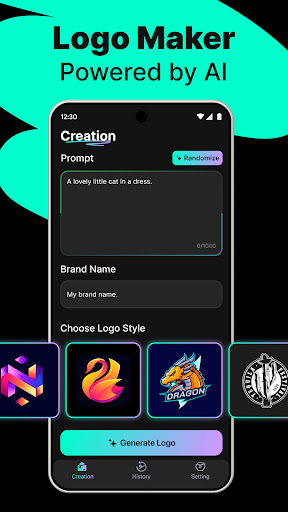
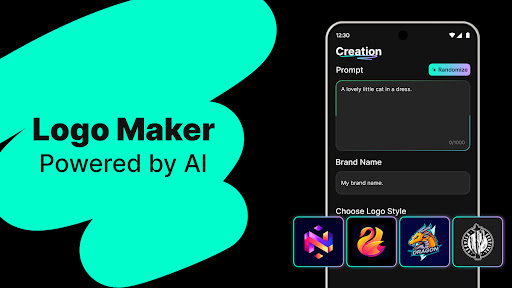
Logo Maker stands out with its powerful AI-driven logo generation capabilities. Users can enter their brand name and keywords to instantly receive multiple unique logo designs tailored to their vision.

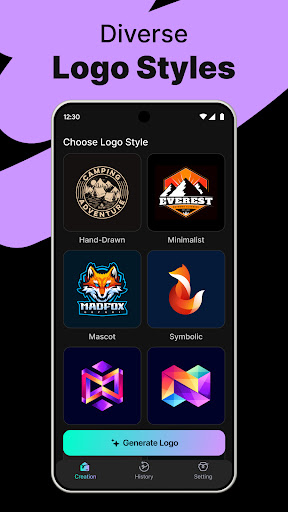
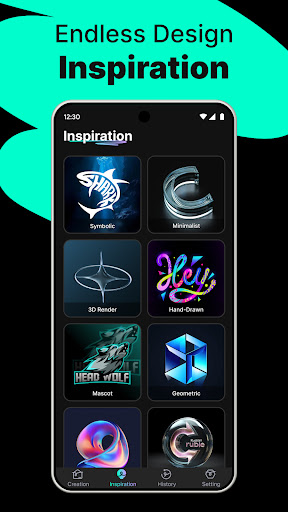
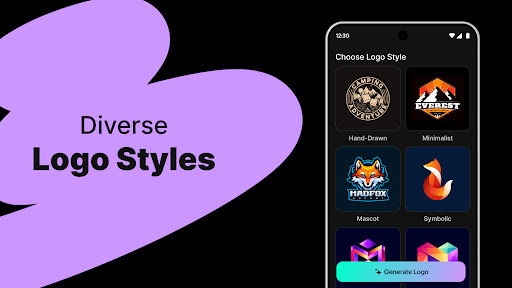
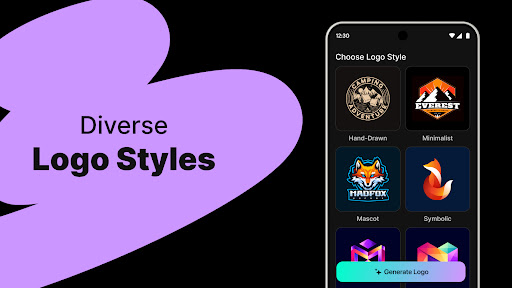
The app includes hundreds of customizable templates spanning various styles such as modern, minimalist, vintage, and hand-drawn. Its user-friendly editor allows effortless customization through simple drag-and-drop actions, making it accessible even to those without prior design experience.

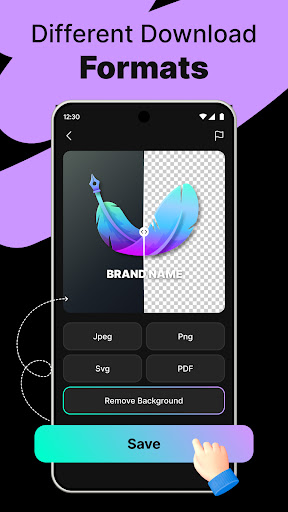
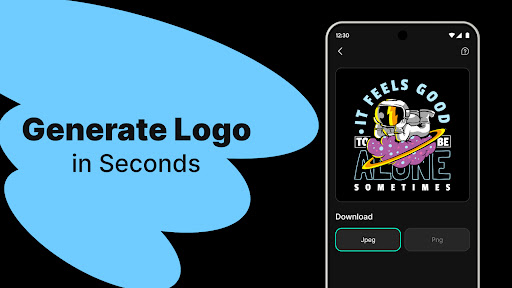
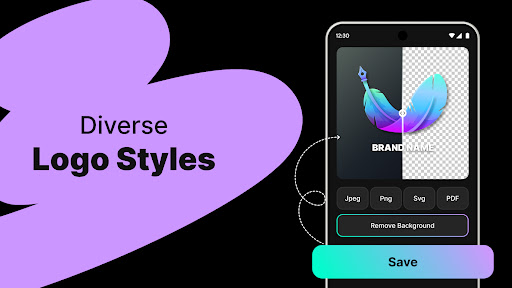
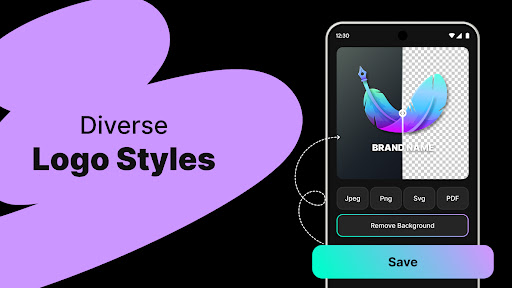
Additionally, Logo Maker supports high-quality exports in PNG and JPG formats, ensuring logos are suitable for websites, business cards, social media, and print materials. This combination of advanced technology and practical functionality makes Logo Maker a versatile choice for all branding needs.

Creative tool completeness

In the realm of digital design and branding, having access to comprehensive creative tools is essential for producing high-quality work efficiently. Logo Maker stands out by offering an extensive suite of features that cater to both novice designers and seasoned professionals. At its core, this application leverages AI-powered logo generation technology which allows users to input their brand name along with relevant keywords to instantly receive multiple unique logo concepts. This feature alone significantly reduces the time typically associated with brainstorming sessions and initial drafts. Additionally, Logo Maker provides hundreds of customizable templates spanning various styles including modern, minimalist, vintage, and hand-drawn aesthetics ensuring there's something suitable for every type of business or personal project. The user-friendly editor further enhances these capabilities by enabling drag-and-drop functionality alongside easy customization options without requiring any prior design experience. Users can effortlessly adjust elements such as colors, fonts, shapes, and layouts until they achieve their desired outcome. Moreover, once satisfied with their creation, individuals have the option to export their logos in high-quality formats like PNG and JPG suitable for use across different platforms ranging from websites and social media profiles to printed materials like business cards. Such versatility not only streamlines the design process but also empowers entrepreneurs, small businesses, freelancers, content creators, event organizers, among others, to establish strong visual identities quickly and cost-effectively.

Canvas/format flexibility

The ability to work flexibly within diverse canvas sizes and file formats is crucial when creating logos that need to maintain consistency across various mediums and applications. Recognizing this necessity, Logo Maker offers unparalleled flexibility in terms of canvas dimensions and output formats ensuring maximum adaptability for all types of projects. Whether you're designing a logo intended primarily for digital platforms such as websites or social media profiles, or one destined for traditional print media including brochures, banners, packaging, etc., this app has got you covered. It supports adjustable canvas settings allowing users to specify exact pixel dimensions tailored specifically towards their target usage scenario - be it web favicons needing compact resolutions or large format prints demanding higher DPIs. Furthermore, upon finalizing your masterpiece using the intuitive editing interface equipped with robust customization tools, you'll find yourself presented with several export choices encompassing industry-standard file types namely PNG (ideal for transparent backgrounds), JPG (suitable for general purposes due to smaller file size) amongst others. These versatile export options coupled with precise control over image quality parameters ensure that whatever your end goal might be - whether it involves integrating the logo into marketing collateral, promotional merchandise, digital advertisements, or even incorporating it seamlessly onto physical products - Logo Maker equips you with everything needed to execute flawlessly while maintaining brand integrity throughout every touchpoint.

Props

AI-Powered Design

User-Friendly Interface

Customizable Templates

High-Quality Exports

Budget-Friendly Solution

Cons

Limited Free Features

Internet Connection Required

Premium Export Fees

Template Repetition

Basic Editing Tools
Features and Functions

What is this app and what can I use it for?

Create professional logos using AI, perfect for branding

How do I download and install this app on my device?

Download from Google Play, install, and open the app

How do I get started after opening the app for the first time?

Enter brand details, select templates, customize

What are the main features and capabilities of this app?

AI logo generation, editing tools, export options

How can I customize my experience and adjust preferences?

Adjust colors, fonts, layout via the settings menu

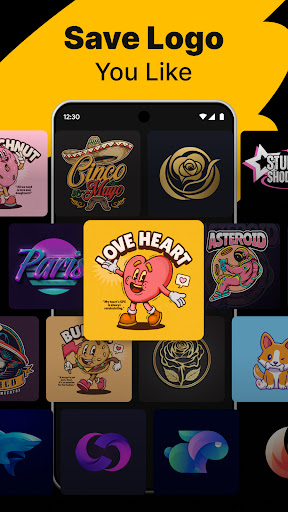
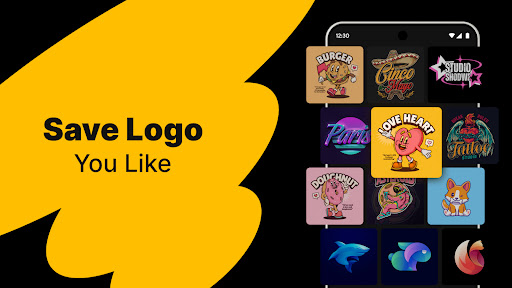
How do I save or bookmark my favorite content for later access?

Save favorite logos locally or in cloud storage

How can I share content with friends or on social media?

Share directly to social media or messaging apps

How do I access detailed information and explore more content?

Explore templates, categories, and customization tips

What permissions does this app need and how do I manage them?

Needs storage access, manage in app settings

How do I check for updates and keep the app running smoothly?

Check updates in Google Play Store for latest version
Show more

User Reveiws

{{ comment.reviewer_name }}
{{ comment.review_date_formatted}}
{{ comment.review_content }}
{{ tab.name }}
{{ comment.reviewer_name }}
{{ comment.review_date_formatted}}
{{ comment.review_content }}
No reviews with this rating