
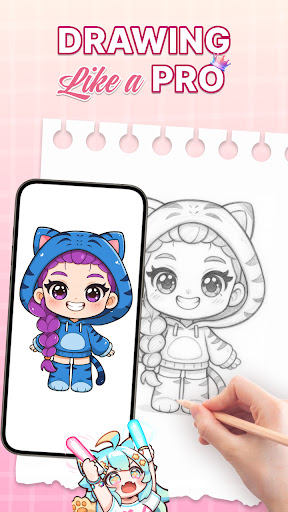

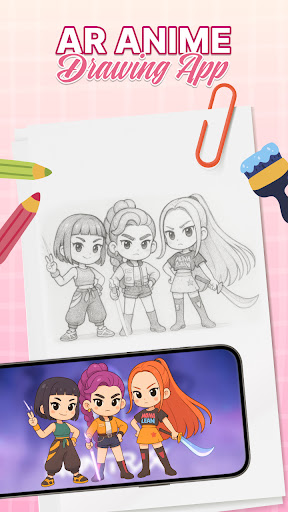
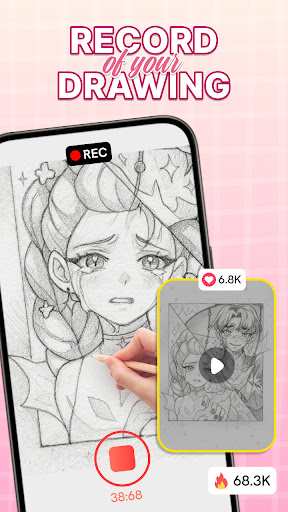

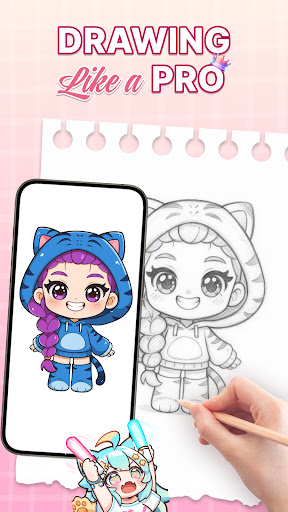
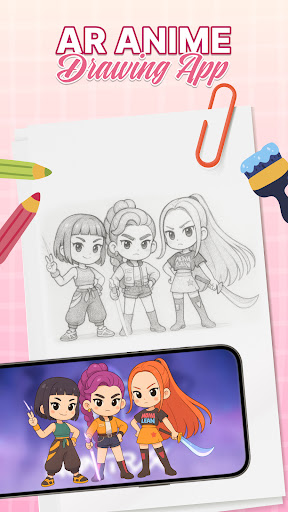
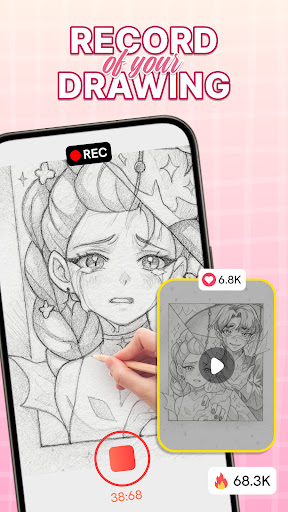
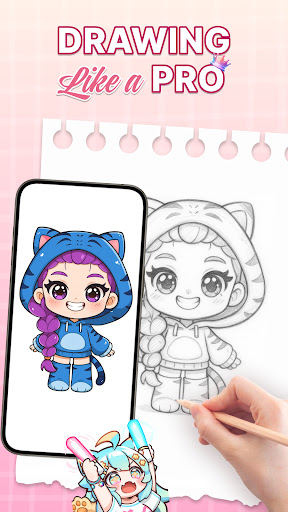
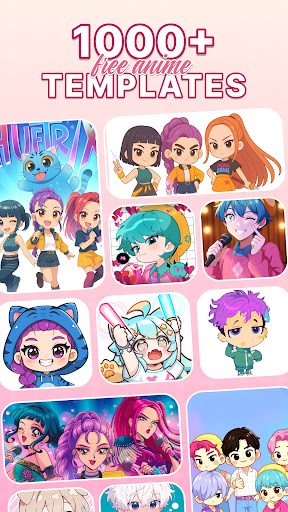
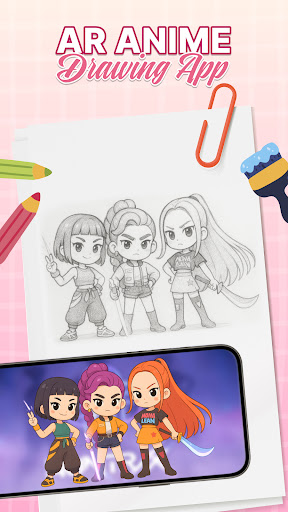
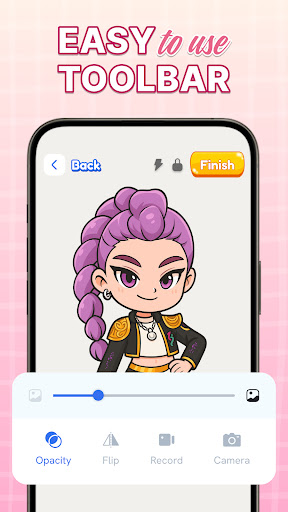
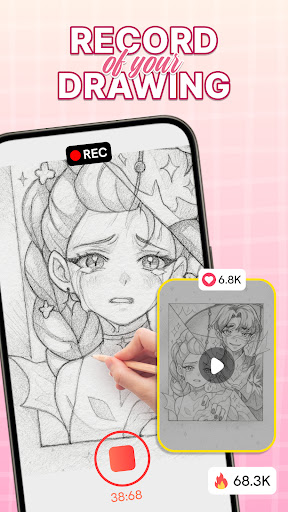
AR Drawing: Sketch & Trace is an innovative mobile application that merges augmented reality with artistic expression, allowing users to project any image onto paper for effortless tracing. This app serves as a comprehensive drawing guide, particularly beneficial for those interested in anime and cartoon art styles.
The application's core functionality lies in its ability to transform images into traceable templates through AR technology. By placing their device on a stable surface, users can project inverted images onto their drawing surface, making the tracing process intuitive and precise. The app caters to both beginners who want to learn basic drawing techniques and experienced artists seeking to refine their skills.
This creative tool finds excellent use in educational settings and family environments. Parents can engage with children in interactive drawing sessions, while students can utilize the app's diverse template library to develop their artistic abilities. The combination of traditional sketching methods with modern AR technology creates a unique learning experience that makes drawing more accessible and enjoyable.
One of the most remarkable aspects of AR Drawing: Sketch & Trace is its extensive feature set designed to enhance the drawing experience. The app's augmented reality tracing capability allows users to overlay digital images onto physical surfaces with remarkable accuracy, creating a seamless bridge between digital and traditional art forms.
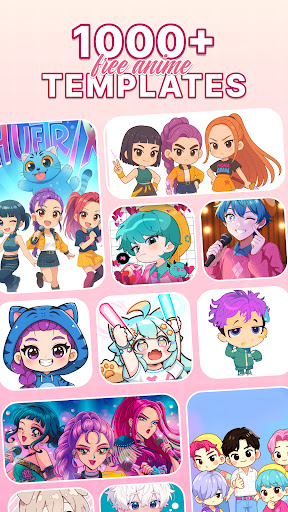
The application provides access to a vast collection of drawing templates spanning multiple categories including anime, animals, nature, and food illustrations. These professionally designed templates serve as valuable learning tools for artists at all skill levels. Additionally, the app incorporates comprehensive sketch and paint tools that enable users to add vibrant colors and intricate details to their artwork.
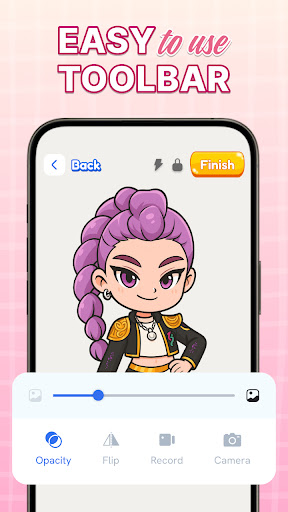
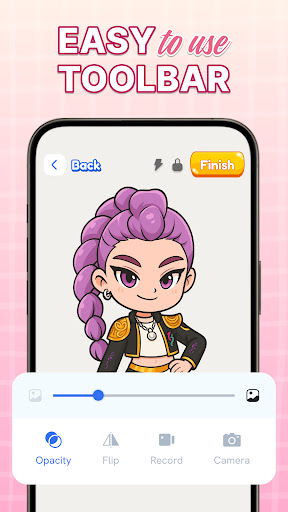
Practical features such as integrated camera support and adjustable flash settings make the drawing process more convenient, especially in various lighting conditions. The user-friendly interface ensures smooth navigation through different functions, while regular updates bring new content and improved functionality. These combined features create a robust platform for artistic development and creative exploration.
User-friendly interface
Extensive template library
Augmented reality integration
Vibrant color options
Regular content updates
Requires stable surface
Limited free content
Device compatibility issues
Learning curve for beginners
Battery consumption

AI generated images & photos, turn your words into drawing, painting & pictures.
 4.30
4.30
Download now for a stylish and functional timepiece
4.2
Convert image to JPG PNG HEIC PDF, support almost all kinds of image formats
4.70
Digital, Abstract, Classic - all types of color wheels in one app!
4.60
AI Art Generator transforms your words into AI generated art & paintings.
3.70
Draw glowing spinners, relax, and spin your creative art
4.60
Painting, drawing, & sketching
4.50
Beauty Camera - Selfie Camera is the ultimate beauty camera and selfie app
4.30
Video AI: Revolutionize Your Content Creation with Advanced Video Generation
4.50
Passport size photo maker, create ID photo and visa photo in seconds
4.80
Image resizer to resize, crop, rotate, flip, change dpi photo or picture in bulk
4.60
Digital Drawing: Draw & Paint
4.10
Get creative and make art with your Sesame Friends!
4.00
Sketch and paint on your device with the feel and freedom of drawing on paper
4.00
Paint with oils and sketch with natural tools on a realistic virtual canvas.
3.80
Apply cartoon, caricature, and portrait effects to make your photos stand out!
3.60
Create trending AI photos & videos with powerful effects and 3D styles.
3.20
Pose and morph realistic male and female models! 3D poser app
3.00
Retouch photos. Create or edit images. Endless capabilities.
2.70


User Reveiws