AR Drawing: Trace Anything

4.50

Information

Category:

Art & Design

Price:

Free

Rank:

28

Rating:

4.50

Overview

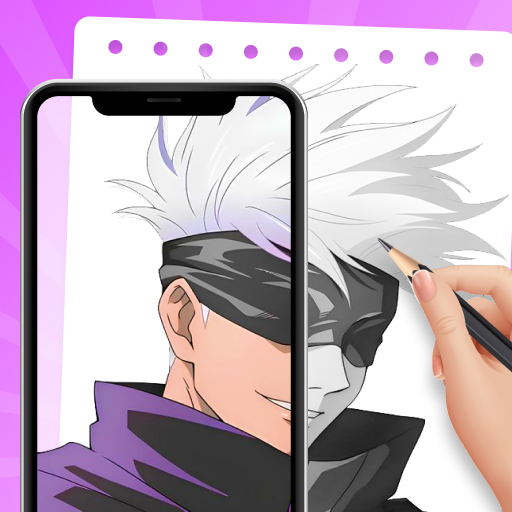
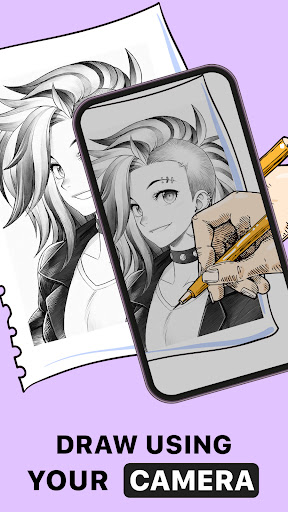
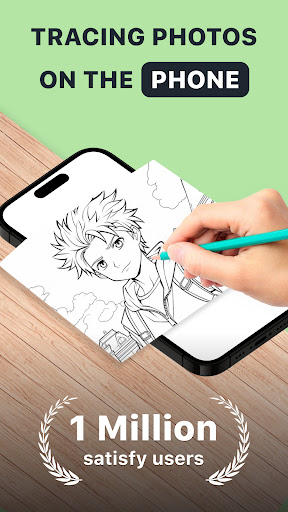
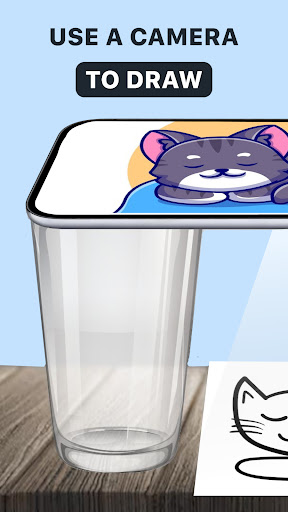
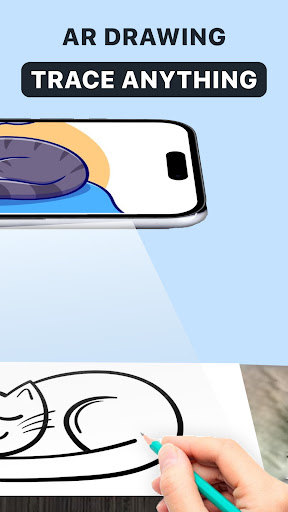
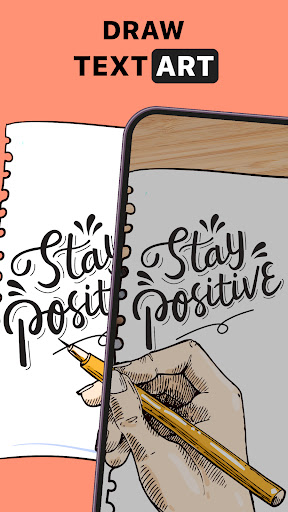
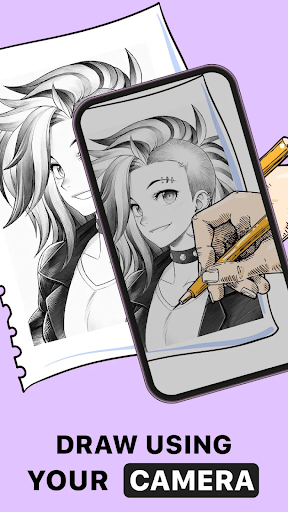
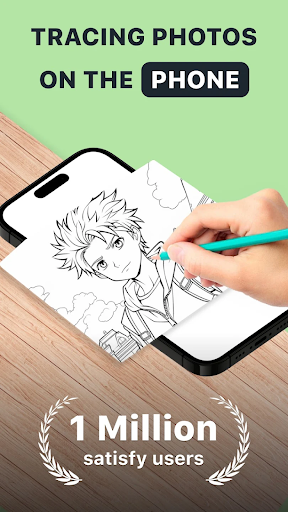
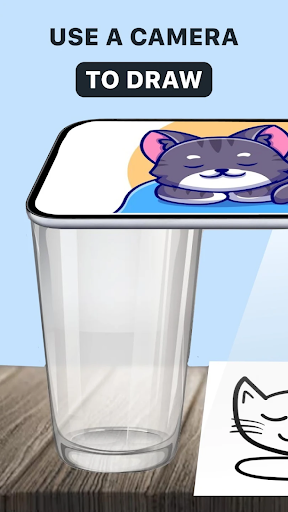
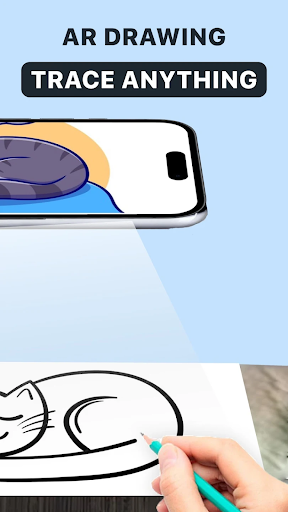
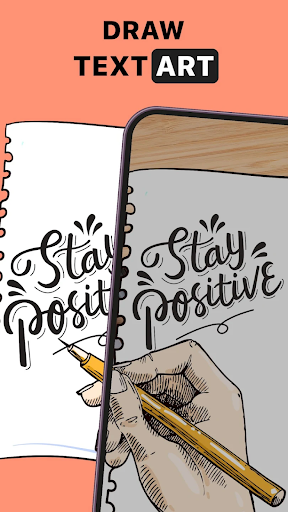
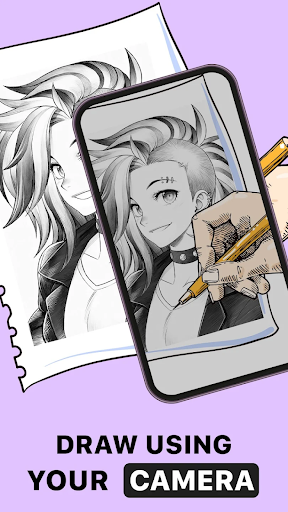
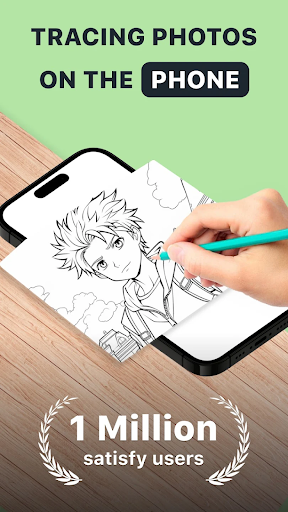
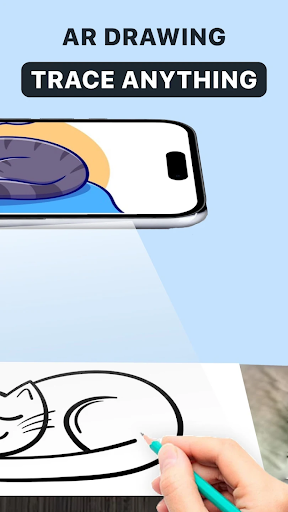
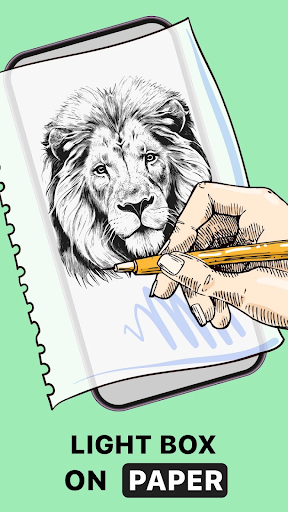
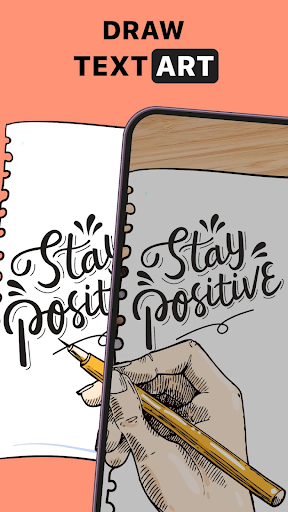
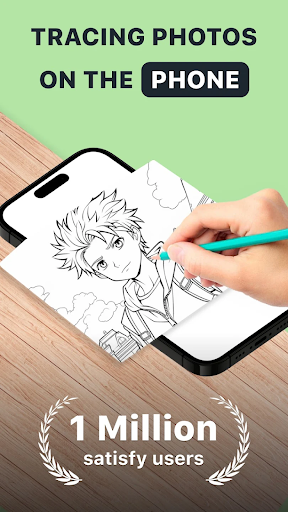
AR Drawing: Trace Anything is an innovative art application that brings augmented reality to the drawing experience. This app allows users to transform any picture into a traceable outline, enabling them to create impressive masterpieces with ease. Whether you're a beginner or a professional artist, the AR tracing and sketching features help refine your skills and make your artwork stand out.

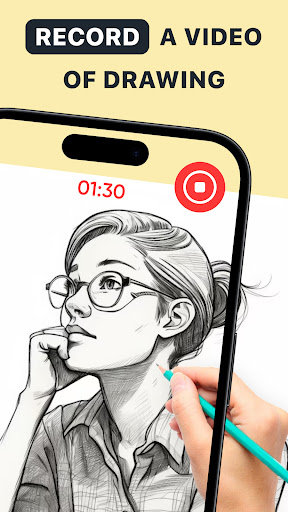
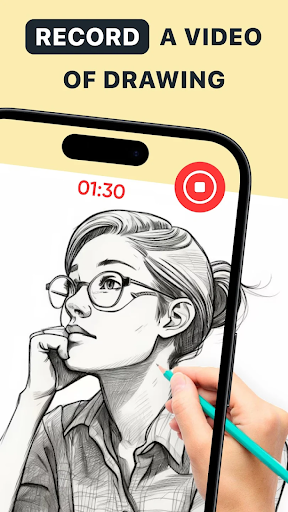
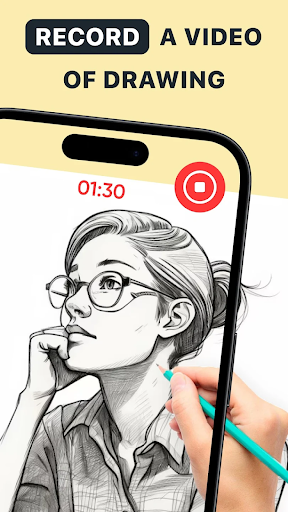
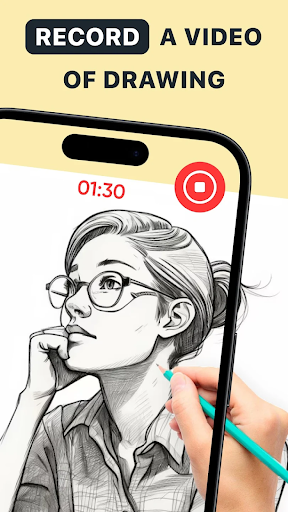
The app offers versatile tools for all types of artists, from anime creators to designers working on complex projects. With its user-friendly interface, AR Drawing makes art accessible anytime, anywhere. You can use it for family-oriented activities, educational purposes, or personal artistic growth. The ability to record time-lapse videos of your creative process adds another layer of engagement, making it perfect for sharing your work on social media.

By combining practical drawing tools with the convenience of mobile technology, AR Drawing: Trace Anything empowers users to express their creativity without limitations. Its unique features not only enhance traditional drawing methods but also open up new possibilities in digital art creation.

Features

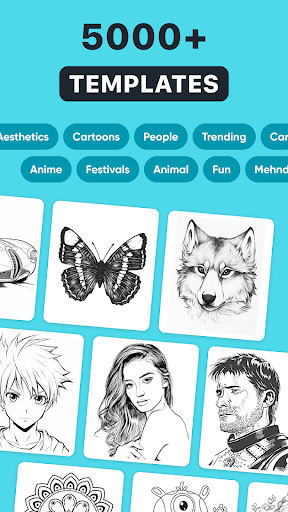
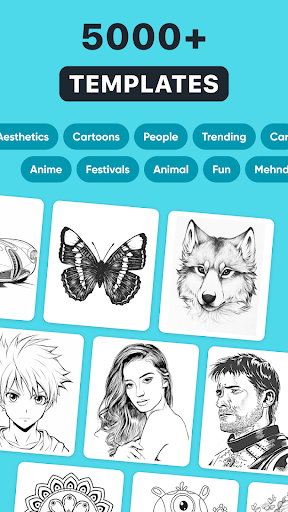
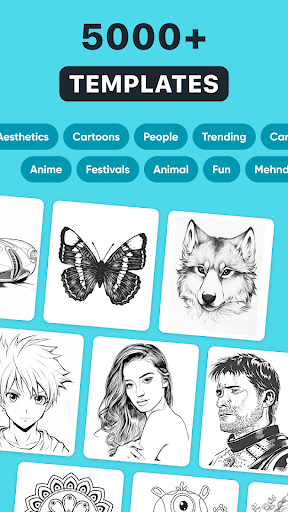
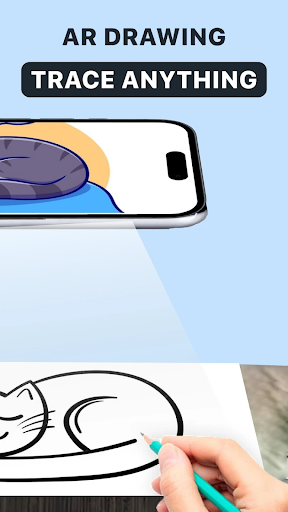
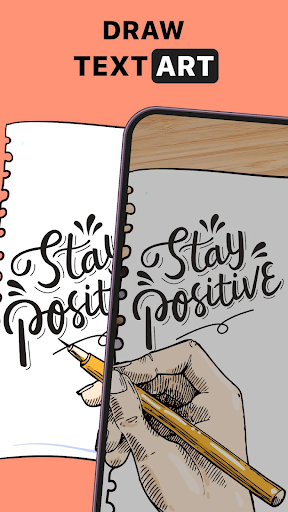
AR Drawing: Trace Anything stands out with its comprehensive set of features designed to enhance the drawing experience. The app's core functionality revolves around its powerful AR tracing system, which allows users to convert any image into a traceable outline. This feature works seamlessly with both personal gallery images and the app's extensive built-in library, providing endless creative possibilities.

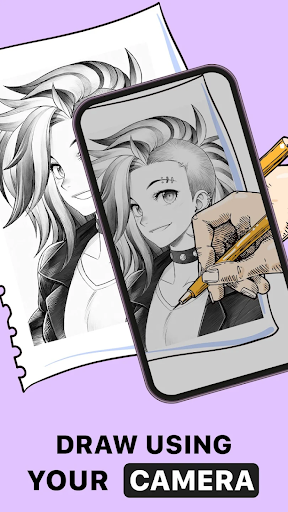
One of the most notable aspects is its adaptive learning system, which caters to artists of all skill levels. Beginners can benefit from guided tracing, while experienced artists can utilize advanced customization options. The app includes specialized modes for different art styles, including anime creation and detailed design work. Its unique AR drawing paint and sketch feature enables transparent line effects and customizable artwork settings.

Additional features include time-lapse recording for creating behind-the-scenes content, portable art capabilities that eliminate the need for traditional supplies, and an intuitive interface that makes digital art creation accessible to everyone. These features collectively create a robust platform for artistic expression and skill development.

Creative tool completeness

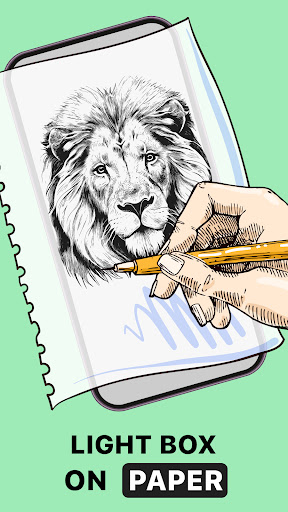
In the realm of digital art and design applications like AR Drawing Sketch Paint Trace Anything the completeness of creative tools is paramount This refers to the comprehensive suite of features and instruments that empower users to fully express their artistic visions The AR Drawing app excels in this area by offering a robust set of functionalities tailored for both novice and experienced artists alike At its core the application provides an AR drawing feature which allows users to trace and sketch with augmented reality guidance This innovative approach serves as a virtual tracing paper enabling artists to overlay digital outlines onto realworld surfaces Through this feature users can select images from their gallery or the app s extensive library and transform them into traceable outlines that serve as the foundation for their artwork Furthermore the app includes specialized tools such as AR trace drawing and sketchbook capabilities These features enable users to convert any photograph into a detailed sketch outline preserving the essential elements while allowing for personal interpretation and enhancement The inclusion of various drawing instruments adjustable line weights and transparency effects gives artists precise control over their creations Additionally the application supports diverse artistic styles accommodating everything from simple drawings to complex anime illustrations The versatility of these creative tools extends to practical applications as well Users can document their artistic process through time lapse recording functionality capturing their workflow from initial sketch to final piece This not only helps in creating educational content but also serves as a valuable self assessment tool for artists seeking to improve their techniques The app s commitment to creative tool completeness is further demonstrated through its accessibility features Artists can work anywhere using just their mobile device eliminating the need for traditional bulky art supplies This mobility combined with the app s comprehensive feature set makes it an invaluable resource for artists at all skill levels Whether working on detailed technical drawings or free form creative pieces users have access to a complete toolkit that supports their artistic journey from concept to completion

Canvas/format flexibility

Canvas and format flexibility represents a crucial aspect of digital art applications particularly in AR Drawing Sketch Paint Trace Anything where artists require adaptable working environments to realize their creative visions This flexibility encompasses several key elements including canvas size options output formats and adaptability to different working styles The application demonstrates exceptional canvas flexibility by allowing users to work with various image sources Users can import pictures from their personal galleries utilize the app s extensive built in library or even capture new images directly through their device s camera Once imported these images can be transformed into traceable outlines maintaining their original proportions while allowing for scaling and positioning adjustments The app s format flexibility extends beyond mere image handling It supports multiple drawing modes including AR trace drawing and traditional sketching each with customizable parameters Artists can adjust line weights apply transparency effects and experiment with different color schemes without being constrained by fixed formats Furthermore the application accommodates various artistic intentions from quick sketches to detailed masterpieces Users can create simple drawings complex anime illustrations or technical designs all within the same flexible framework The output flexibility is equally impressive Artists can save their works in multiple formats suitable for sharing printing or further digital manipulation This ensures that their creations can be utilized across different platforms whether for social media sharing professional portfolios or printing physical copies The application also addresses practical considerations by optimizing its canvas system for different devices While primarily designed for mobile use the app maintains consistent quality and functionality across various screen sizes and orientations This adaptability ensures that artists can work comfortably regardless of their device s specifications Additionally the app s flexible system allows for seamless integration between digital and traditional media Artists can use the app to create preliminary sketches then transfer their work to physical mediums or vice versa This bridge between digital and traditional formats expands the creative possibilities available to users The combination of versatile canvas options adaptable working formats and cross platform compatibility makes this application a powerful tool for artists seeking to explore different creative avenues without technical limitations

Props

User-friendly interface

Versatile art styles

Powerful AR tools

Extensive image library

Time-lapse recording

Cons

Limited free features

High system requirements

Occasional glitches

Subscription costs

Learning curve

Features and Functions

What is this app and what can I use it for?

An AR-based drawing app for tracing and creating art masterpieces

How do I download and install this app on my device?

Download from Google Play Store and install by following prompts

How do I get started after opening the app for the first time?

Select image, choose tracing mode, adjust settings as needed

What are the main features and capabilities of this app?

AR tracing, sketching, time-lapse recording, style customization

How can I customize my experience and adjust preferences?

Adjust line thickness, opacity, and color settings in menu

How do I save or bookmark my favorite content for later access?

Save works locally or bookmark favorite styles in library

How can I share content with friends or on social media?

Share creations directly to social media via app interface

How do I access detailed information and explore more content?

Explore detailed tutorials and advanced features in settings

What permissions does this app need and how do I manage them?

Needs camera and storage access; manage in app settings

How do I check for updates and keep the app running smoothly?

Check Google Play Store regularly for updates and enable auto-update
Show more

User Reveiws

{{ comment.reviewer_name }}
{{ comment.review_date_formatted}}
{{ comment.review_content }}
{{ tab.name }}
{{ comment.reviewer_name }}
{{ comment.review_date_formatted}}
{{ comment.review_content }}
No reviews with this rating