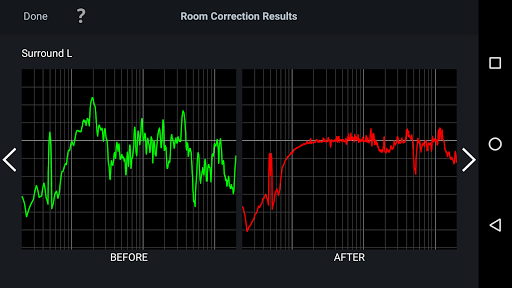
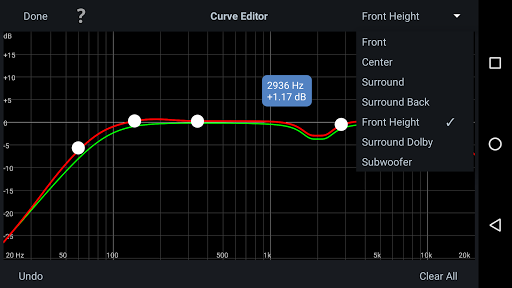
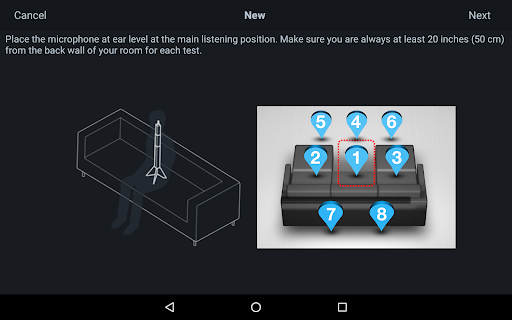
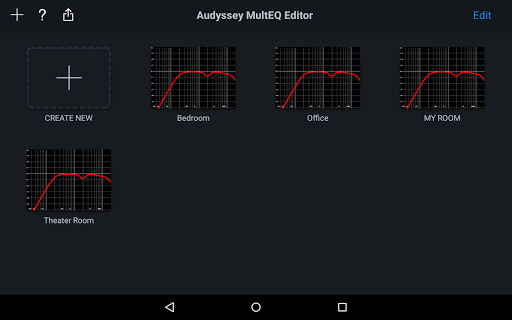
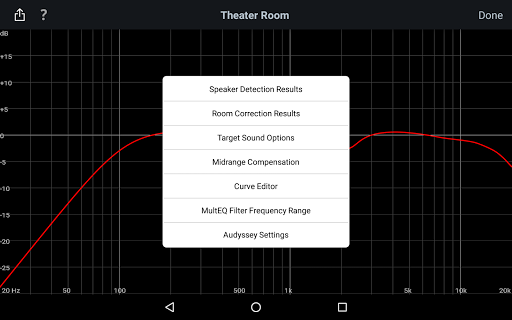
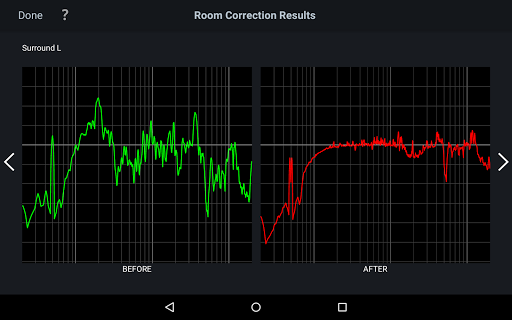
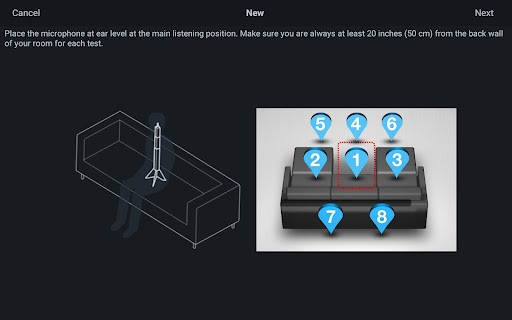
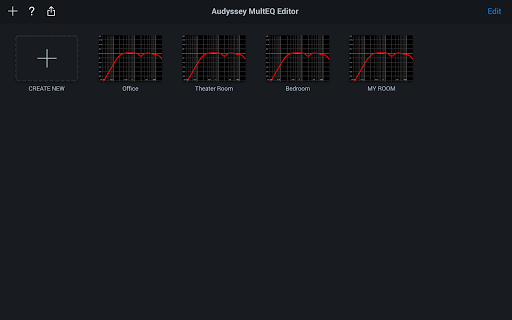
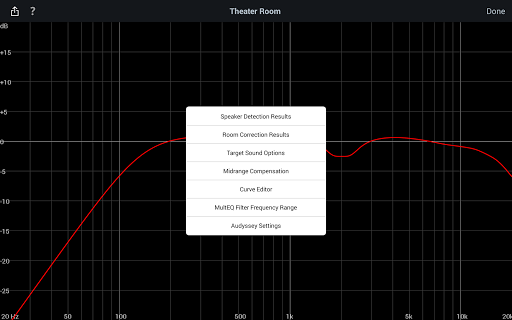
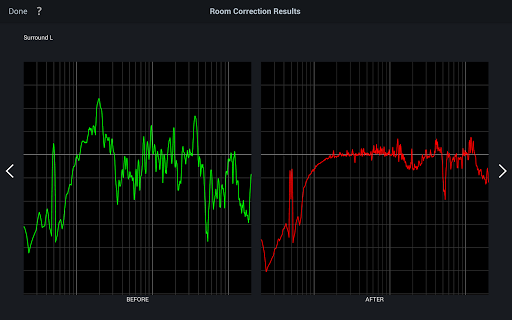
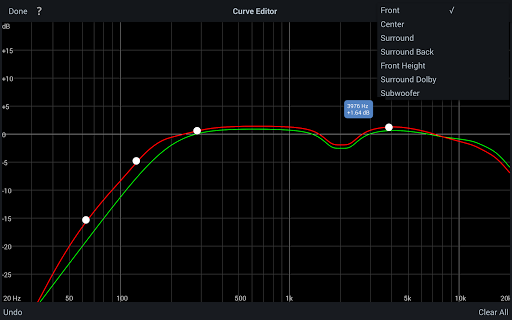
The Audyssey MultEQ Editor app is a powerful tool for audio enthusiasts who want to fine-tune their home cinema sound. Designed for use with specific Denon and Marantz AV receivers, this application allows users to go beyond the standard calibration process by providing access to detailed system settings.
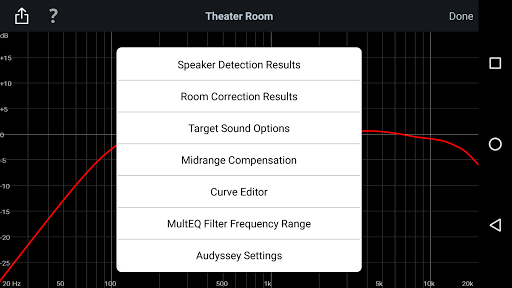
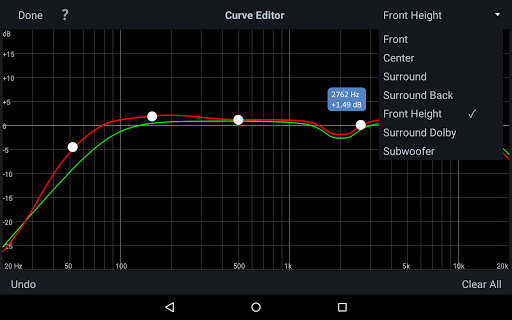
With this app, you can view speaker detection results, compare Audyssey calibration outcomes, and adjust target curves to match your personal preferences. It also offers advanced features like EQ frequency rolloff adjustments, high-frequency curve switching, and midrange compensation control. The app supports multiple languages and requires compatible hardware to function properly.
This level of customization ensures that your audio system can be precisely tailored to address specific acoustic challenges in your room while delivering a listening experience that matches your unique tastes. Whether you're an audiophile or a home theater enthusiast, the Audyssey MultEQ Editor puts professional-grade tuning capabilities at your fingertips.
The Audyssey MultEQ Editor app stands out with its comprehensive set of features designed for meticulous sound customization. One of its key strengths is the ability to view detailed speaker detection results, helping users verify correct installation and identify potential room acoustics issues.
Users can modify Audyssey target curves for each channel pair, adjust overall EQ frequency rolloffs, and switch between different high-frequency rolloff targets. The app also lets you enable or disable midrange compensation, giving you control over whether the sound should be brighter or smoother. Additionally, it provides options to save and load calibration results, making it easy to experiment with different settings.
These features collectively offer unprecedented control over your home cinema's audio performance. By allowing precise adjustments that cater to both room-specific problems and personal preferences, the app ensures an optimized listening experience that generic calibrations simply cannot achieve.
Advanced audio customization
Multi-language support
Save and load calibration
Detailed speaker analysis
Professional-grade tuning
Limited device compatibility
Requires specific hardware
No iOS version available
Complex for beginners
Additional purchase needed

Offline and always ad-free - stream in the highest quality available.
 4.10
4.10
Powerful beat maker & DJ mixer to remix tracks, make music, & perform DJ mix
3.70
Network/Cloud Streaming, Visualization, Graphic Equalizer and Sound Effects.
4.20
Next generation modular control surface
4.10
AI Music Maker: Generate And Compose AI Tunes & AI Songs & AI Music & AI Melody!
4.60
Enjoy singing any song, no matter how high or low it is
4.30
Full featured mp3 and audio player with Chromecast and Android Auto support.
4.40
Uninterrupted Tunes, Unmatched Vibes
3.90
One-tap booster for max volume - enjoy powerful sound with this audio booster
4.50
More downloads than any other metronome. Includes drum machine & tempo trainer.
4.80
Performance-Synthesizer & Multi-Track-Sequencer, polyphonic + multi timbral!
4.70
Super Sound Editor, Song Maker & Mixer, Vocal Remover, Voice Recorder & Changer!
4.60
Recording studio w/ 10k beats, pro vocal FX and a network of 20M rappers & fans!
4.60
Enhance the sound quality of your devices, listen to what you want
4.50
Play KORG’s revolutionary touch-based instrument on a variety of devices.
4.40
Equalizer, Bass Booster and Volume Booster (Eq & Bass) improve sound quality
4.30
The only true audiophile music player with Hi-Fi audio rendering and DSP engine
3.90
USB audio recording and playback finally possible on Android 3.1 or higher!
3.90
Remove ads permanently from Music Visualizer
4.5


User Reveiws