
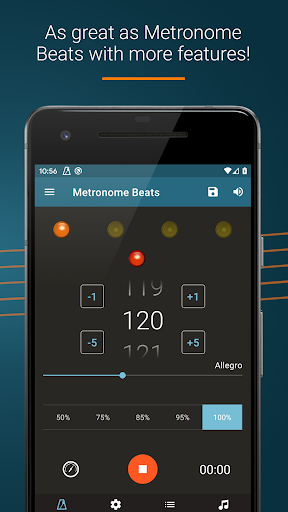
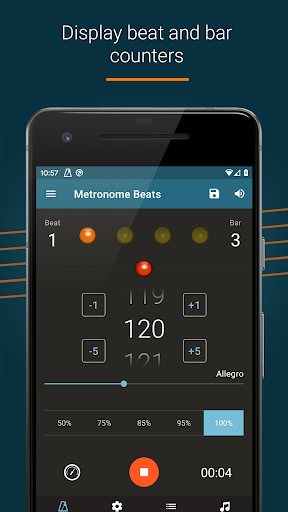
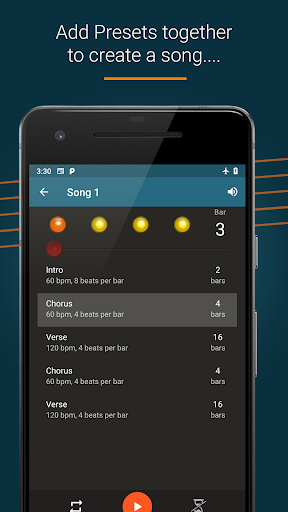
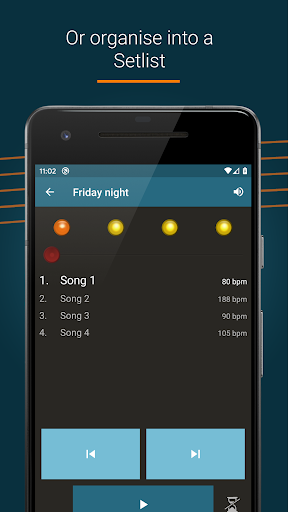
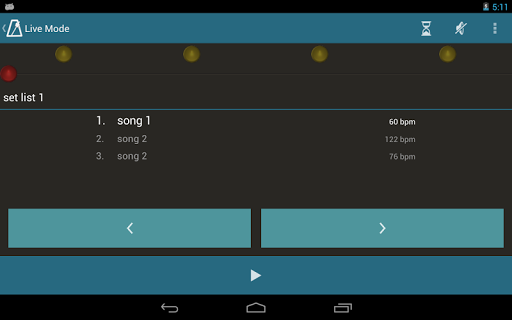
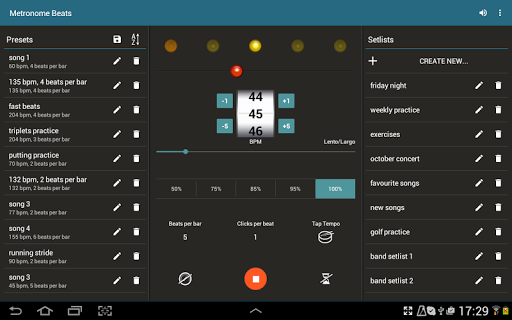
Metronome Beats Pro is a comprehensive music tool designed for musicians of all levels. This professional-grade metronome offers advanced features that go beyond basic tempo tracking. The app's standout feature is its 'Live Mode', which allows users to create and manage setlists for seamless practice sessions and live performances.
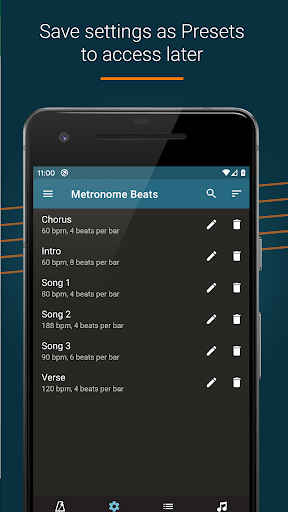
In addition to its core metronome functionality, the app provides a speed trainer, customizable sound settings, and visual beat indicators. These features make it particularly valuable for both individual practice and group performances. The ability to create songs with varying tempos and save custom presets enhances its versatility for different musical genres and practice routines.
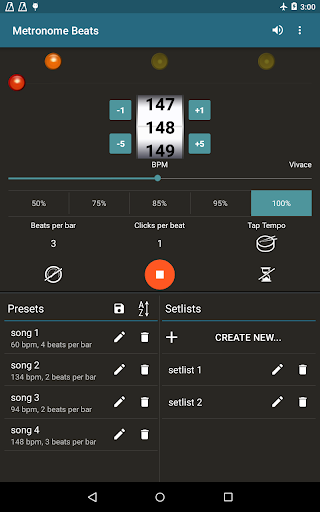
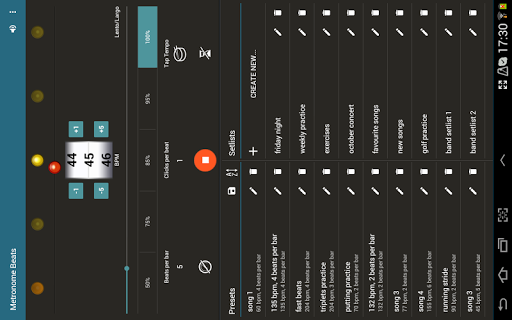
Musicians will appreciate the app's user-friendly interface that works seamlessly across devices. The specialized layout for tablets enables quick access to all features on a single screen. With its ad-free experience and professional-grade features, Metronome Beats Pro serves as an essential tool for improving timing and rhythm in musical practice.
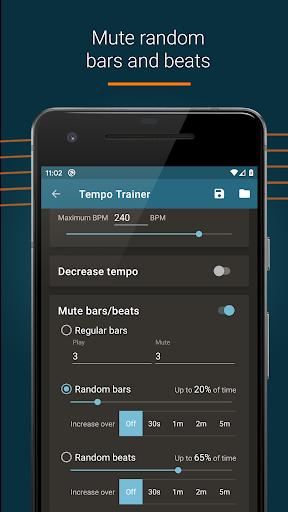
Metronome Beats Pro distinguishes itself through its extensive feature set tailored for serious musicians. The app offers precise tempo control from 1 to 900 beats per minute, with innovative options like randomised bar and beat muting for advanced practice techniques. Its unique 'Live Mode' enables performers to organize setlists and switch between songs with varying tempos effortlessly.
The application provides several professional-grade tools including beat and bar counters, Italian tempo markings, and up to 16 subdivisions per beat. These features help musicians master complex rhythms and time signatures. The tap tempo button simplifies tempo selection, while the pitch adjustment feature ensures the metronome remains audible over instruments.
Advanced functionality includes background operation capability, allowing simultaneous use with other music apps. The timer function offers flexibility for practice sessions, and automatic setting preservation ensures consistent workflow. These sophisticated features, combined with the ability to create and save custom presets, make Metronome Beats Pro a complete solution for musical timing and rhythm development.
Precise tempo control
Customizable sound options
Advanced practice features
User-friendly interface
Professional-grade tools
No free version available
Complex for beginners
Feature overload possible
Requires device space
Premium price point

Pay Once, no monthly payment
 4.60
4.60
Control your MIDI USB or Bluetooth devices in app and avoid some trampling
3.30
Listen to live FM radio stations, sports, music and news on global radios online
4.70
Enhance the sound quality of your devices, listen to what you want
4.50
The only true audiophile music player with Hi-Fi audio rendering and DSP engine
3.90
USB audio recording and playback finally possible on Android 3.1 or higher!
3.90
Offline Music Player & MP3 Player.Powerful equalizer, Lyrics, Themes, Tag Editor
4.80
The iconic iOS metronome app is now on Android.
3.70
Travel To The Music Universe
3.40
Voice recorder - Audio recorder. Best recorder for recording
4.90
Play your hearts out on TouchTunes jukeboxes & connect with fellow music lovers.
4.80
Gorgeous UI, Powerful music Search and Equalizer, the great choice for you!
4.70
Time Guru will strengthen your internal sense of musical time via random muting.
4.30
Equalizer, Bass Booster and Volume Booster (Eq & Bass) improve sound quality
4.30
Bass Booster Pro takes auto-equalizing to the next level!
4.30
Enjoy singing any song, no matter how high or low it is
4.30
Offline and always ad-free - stream in the highest quality available.
4.10
Permanently backup Now Playing. Maps, filters & listening stats.
4.00
Simply convert wav to mp3. Clear. Reliable. Safe.
4.0


User Reveiws