
Bose

4.30

Information

Category:

Music & Audio

Price:

Free

Rank:

11

Rating:

4.30

Overview

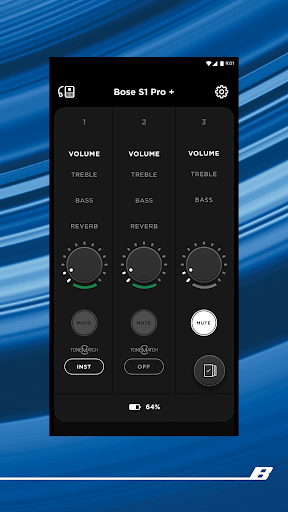
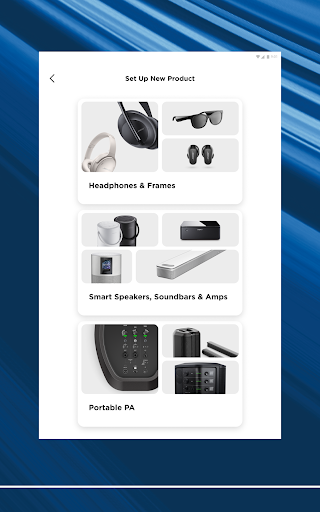
The Bose app is a comprehensive audio control center that allows users to manage all their Bose devices from one convenient location. Compatible with speakers, headphones, earbuds, and other audio products, the app ensures seamless integration across devices, enhancing your listening experience.

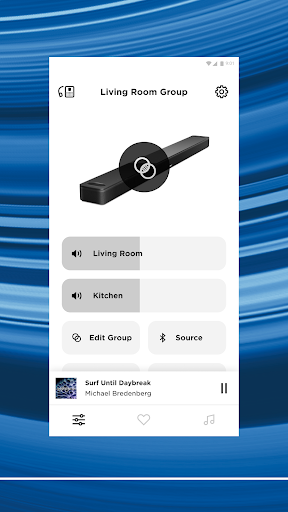
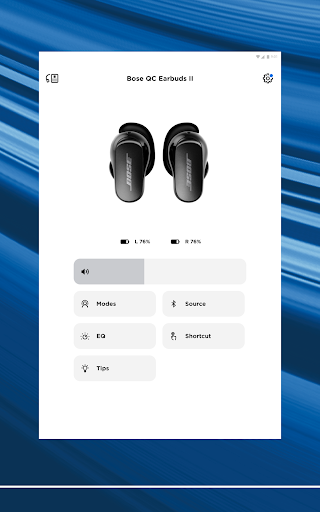
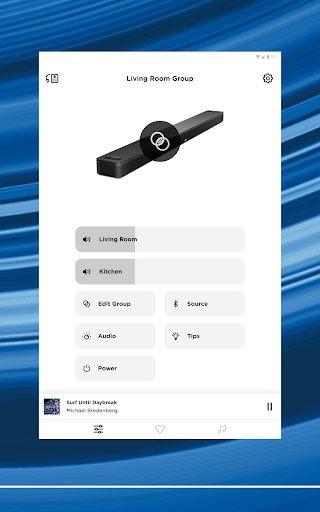
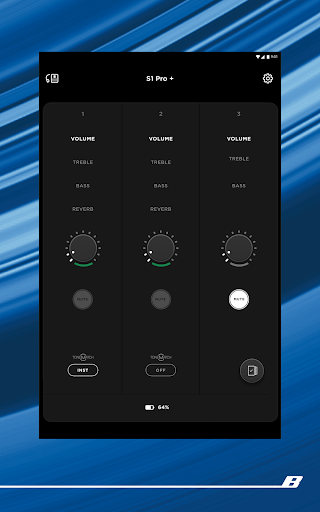
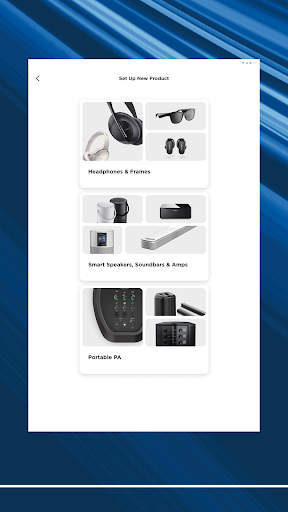
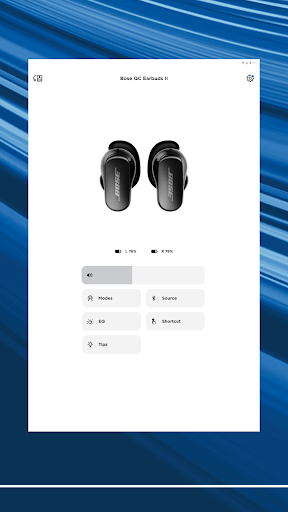
With features like controllable noise cancellation on QuietComfort products and customizable EQ settings, users can tailor their audio environment to their exact preferences. The app also supports easy setup of new devices and provides total control over audio playback throughout your home.

Whether you're adjusting sound settings or setting up presets for quick access to favorite playlists, the Bose app offers intuitive controls that make managing your audio ecosystem simple and enjoyable.

Features

The Bose app stands out with its extensive feature set designed to maximize user convenience and audio customization. One of its key features is the ability to personalize noise cancellation levels on QuietComfort products, allowing users to choose between full noise cancellation or awareness modes.

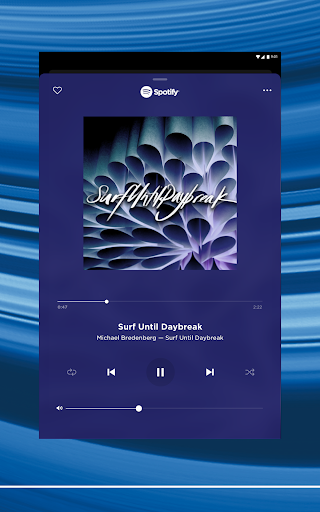
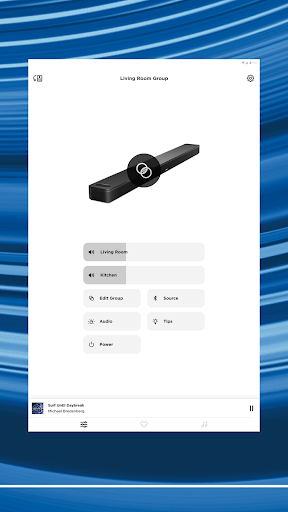
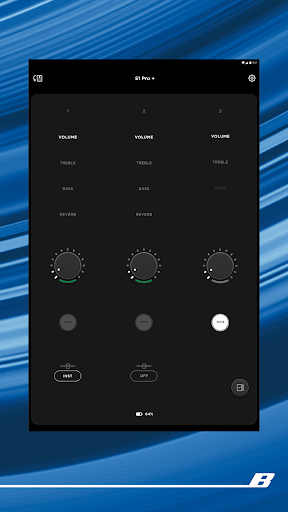
Users can fully customize their listening experience by adjusting EQ settings, creating on-device shortcuts, and controlling multiple Bose products simultaneously. The app's interface enables swift access to popular music services like Spotify, Pandora, and Amazon Music, consolidating all audio sources into one accessible platform.

Additionally, the one-touch access feature lets users save favorite playlists as presets, making it effortless to fill any space with preferred music at a moment's notice, whether through the app or directly via device controls.

Music library size & copyright authenticity

The Bose app offers a comprehensive music library that integrates multiple streaming services including Spotify, Pandora, Amazon Music, SiriusXM, iHeartRadio, and TuneIn. This extensive integration ensures users have access to a vast array of music genres and playlists all within one platform. The app's ability to consolidate these services not only enhances user convenience but also guarantees the authenticity of the music content provided. Each integrated service brings its own licensed content, ensuring that users are accessing legally distributed music. This is particularly important in the digital age where copyright infringement is a significant concern. By partnering with major music providers and adhering to strict copyright regulations, Bose assures users that they are engaging with legitimate music sources. Furthermore, the app allows users to personalize their listening experience by saving favorite tracks or creating custom playlists. This personalization extends to product settings as well, allowing users to adjust equalizer settings and other audio preferences directly through the app. Such features ensure that each user can tailor their experience to match their unique musical tastes while maintaining the integrity of the content's copyright. Overall, the Bose app successfully combines a large music library with stringent copyright compliance, offering an enriched and worry-free listening experience.

Audio quality options

Audio quality is at the core of the Bose app's offerings, providing users with various options to enhance their listening experience. The app supports high-quality audio streaming across its compatible products, ensuring that users receive the best possible sound output from their headphones, earbuds, speakers, and other audio devices. One notable feature is the Immersive Audio technology available in the Ultra line of products, which creates a rich and enveloping soundscape that elevates standard audio playback. Users can further customize their audio experience through adjustable EQ settings, allowing for personalized sound profiles that cater to individual preferences. Whether it's boosting bass for a more impactful beat or enhancing treble for clearer vocals, the app puts control directly into the hands of the listener. Additionally, the Bose app incorporates advanced technologies like ActiveSense, which intelligently adjusts noise cancellation levels based on environmental sounds. This ensures optimal audio clarity without compromising awareness of surroundings when needed. Another key aspect is the seamless integration between different Bose products, enabling synchronized high-quality audio throughout a home environment. Regardless of whether you're using a soundbar in your living room or portable speakers outdoors, consistent premium sound quality is maintained. These combined features underscore Bose's commitment to delivering superior audio experiences while empowering users with customizable options tailored to their specific needs and environments.

Props

Seamless device integration

Customizable audio settings

Intuitive user interface

Wide music service support

Personalized noise cancellation

Cons

Limited third-party compatibility

Occasional connectivity issues

Advanced features require specific models

Interface may overwhelm new users

Some features locked behind updates

Features and Functions

What is this app and what can I use it for?

A unified app to control all Bose audio devices

How do I download and install this app on my device?

Visit Google Play Store, search for Bose app, and tap install

How do I get started after opening the app for the first time?

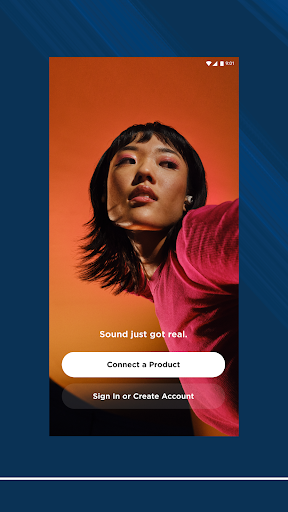
Follow the in-app setup guide to connect your Bose devices

What are the main features and capabilities of this app?

Device control, EQ customization, music service integration

How can I customize my experience and adjust preferences?

Adjust settings via the preferences menu in the app

How do I save or bookmark my favorite content for later access?

Use the preset feature to save favorite playlists

How can I share content with friends or on social media?

Share content using the app's built-in sharing options

How do I access detailed information and explore more content?

Explore detailed info through the app's organized menus

What permissions does this app need and how do I manage them?

The app needs basic device permissions managed in settings

How do I check for updates and keep the app running smoothly?

Enable auto-updates in Google Play Store for latest version
Show more

User Reveiws

{{ comment.reviewer_name }}
{{ comment.review_date_formatted}}
{{ comment.review_content }}
{{ tab.name }}
{{ comment.reviewer_name }}
{{ comment.review_date_formatted}}
{{ comment.review_content }}
No reviews with this rating