
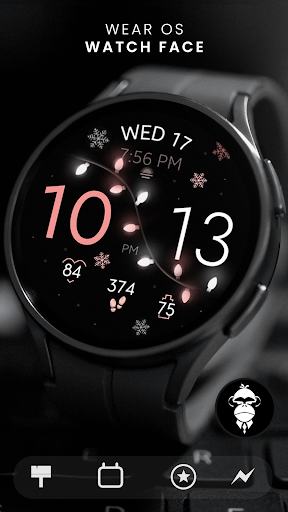
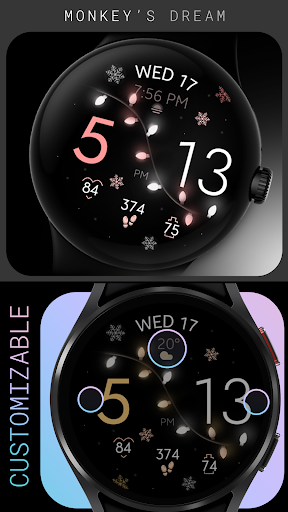
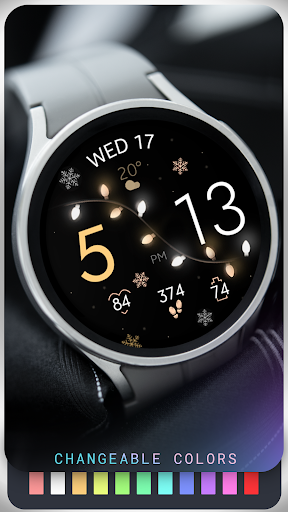
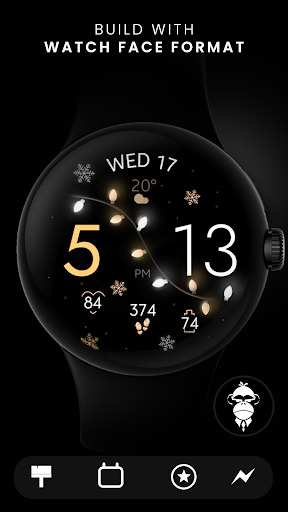
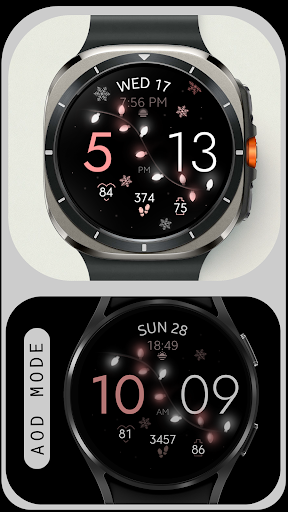
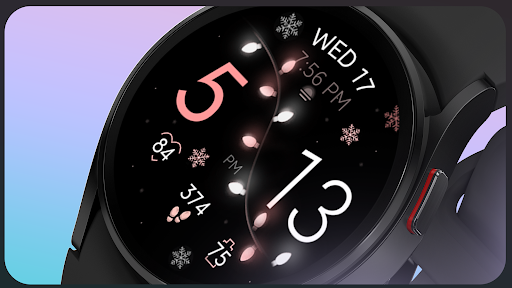
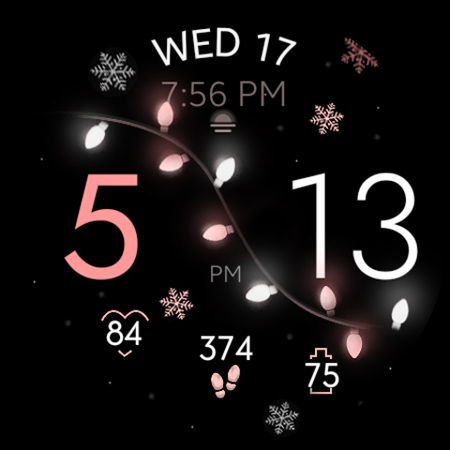
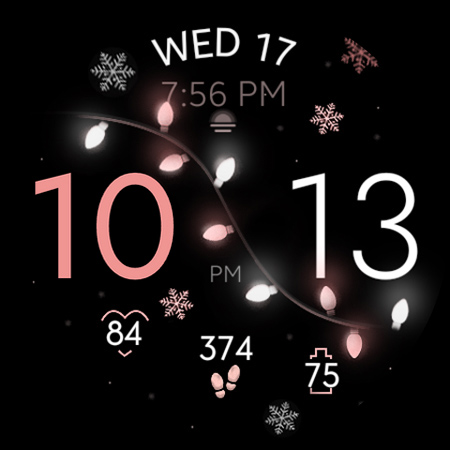
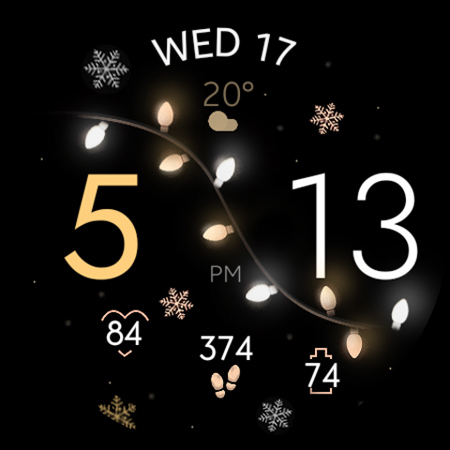

Christmas Lights is a festive watch face designed for Wear OS devices, bringing holiday cheer directly to your wrist. This elegant design combines a rose gold color palette with delicate snowflake accents against a dark background, illuminated by soft glowing Christmas lights.
The watch face offers dynamic animations through its GYRO effect, where wrist movements create an interactive experience with animated snowflakes and varying light intensity. It also displays essential information such as day, date, steps, heart rate, and battery level, while supporting customizable colors and complications.
Ideal for users seeking both functionality and festive aesthetics during the holiday season, this watch face works seamlessly on all Wear OS devices running API 33+, including Google Pixel Watch and Samsung Galaxy Watch series.
Christmas Lights watch face stands out with its unique combination of aesthetics and functionality. The GYRO effect creates an immersive experience by animating snowflakes and adjusting light intensity based on wrist movements, making the watch face feel alive.
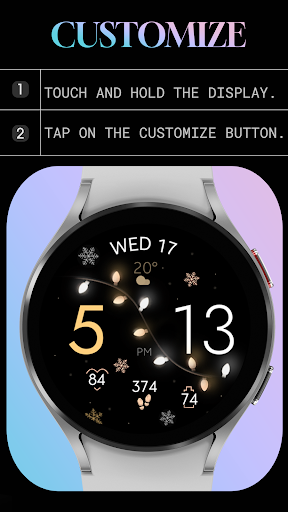
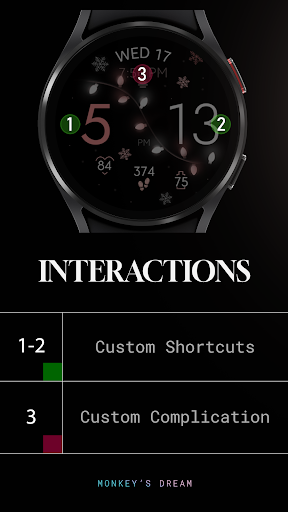
Users can customize their experience with changeable colors, two app shortcuts, and one customizable complication. Essential features like step tracking, heart rate monitoring, and battery status ensure practical utility while maintaining a festive appearance.
Additionally, the watch face supports Always-On Display (AOD) mode, ensuring visibility even when the screen is in low-power mode. Its compatibility with all Wear OS devices running API 33+ makes it versatile for various smartwatches, though it's not suitable for rectangular watches.
Festive Design
Interactive Animations
Customizable Colors
Essential Health Metrics
Wide Device Compatibility
No Rectangular Support
Limited Customization Options
Battery Intensive Animations
Requires Permissions Setup
Premium Feel Without Free Trial

A Wintery Snow Globe on Your Wrist; now celebrating Christmas!
 4.1
4.1
A watch face that fuses motorsport precision with contemporary smartwatch design
4.5
Your second brain for organizing your life: to-do, calendar, reminder.
4.70
To-Do List: daily schedule planner, task organizer, to do reminder app, calendar
4.60
The Chevron App allows you to pay for fuel from the comfort of your car!
4.80
Funny animated watch face for Thanksgiving
4.4
A modern hybrid informative watch face for Wear OS designed by BALLOZI
4.80
Daily Weather forecast with 15 weather images for Day & Night plus Big Bold time
4.10
Simple, helpful messaging by Google
4.60
Digital, flexibly customizable watch face. For Wear OS 5.0, API 34+ and later.
5.00
Diet tracker for weight loss - track calories, food and macros. Simple and easy!
4.70
Gym & home workout plans with strength training, exercise tracking, HIIT & more.
4.60
Connect to your Bluelink equipped Hyundai vehicle from your smartphone.
4.50
The ultimate destination for kids ages 3-8 to explore the Marvel Universe!
4.30
Connect, create, and collaborate with Gmail, part of Google Workspace.
4.10
Animated Watch Face and Customizable with 24 Backgrounds. Perfect for Christmas!
3.90
Structured watch face with seven complications and modular UI elements
3.90
Professional weather radar and more
3.90
Want to take charge of your health? Let Google Fit help you reach your goals.
3.50


User Reveiws