TickTick

4.70

Information

Category:

Android Wear

Price:

Free

Rank:

157

Rating:

4.70

Overview

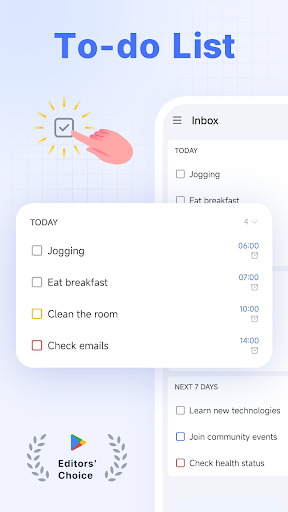
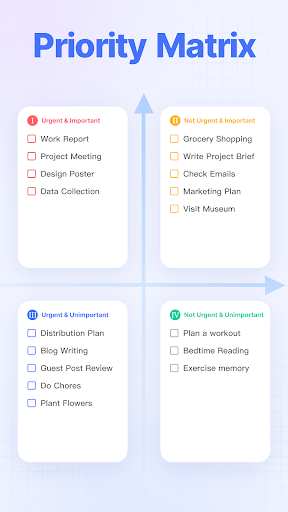
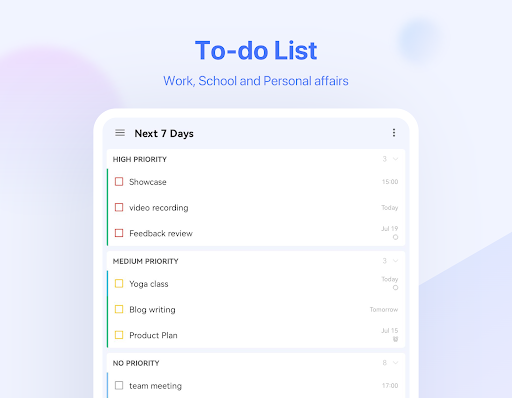
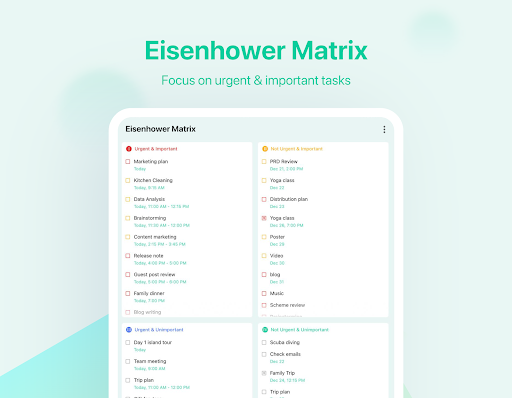
TickTick is a comprehensive productivity app designed to help users manage their tasks, schedules, and habits efficiently. As a multi-dimensional task manager, it consolidates all your to-dos, reminders, and calendars into one intuitive platform. Whether you're at home, in the office, or on the move, TickTick ensures you stay organized and make the most of every moment.

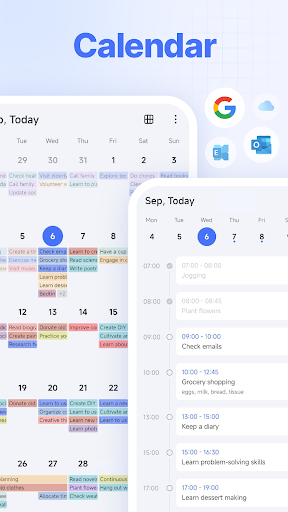
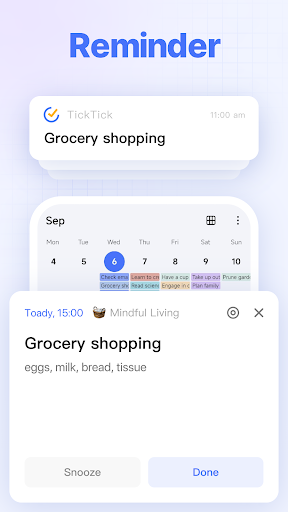
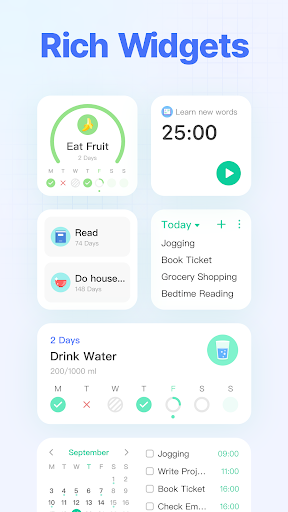
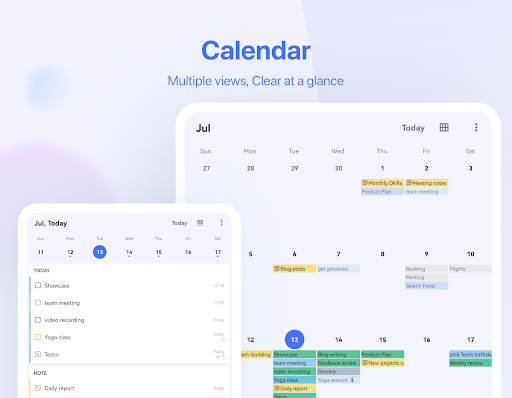
The app offers a range of powerful features including a Pomodoro timer for focus, habit tracking for personal development, and seamless synchronization across multiple devices. With its sleek calendar view, handy widgets, and instant reminders, TickTick provides a complete solution for both personal and professional productivity needs.

Features

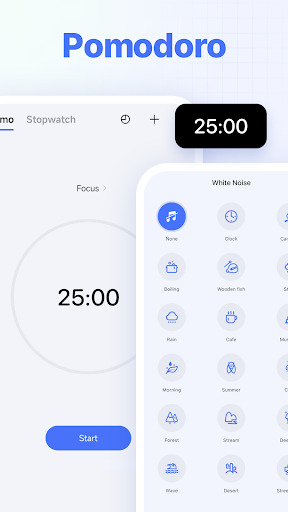
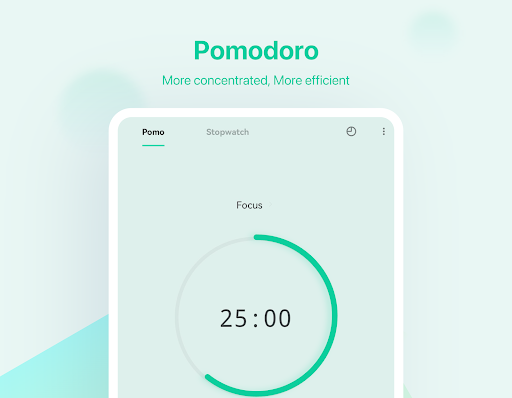
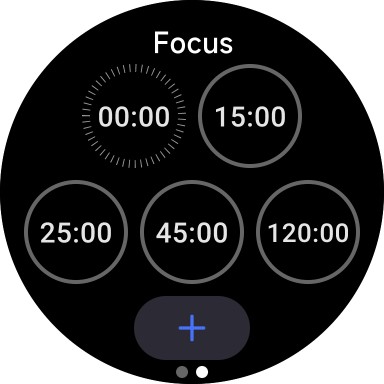
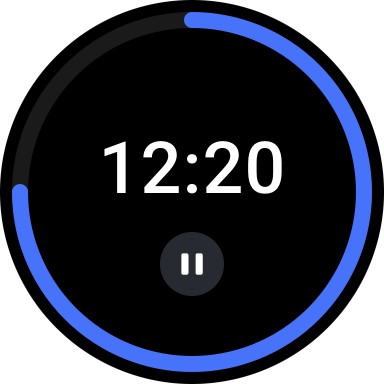
TickTick stands out with its diverse feature set tailored for productivity enthusiasts. The app includes an easy-to-use interface where tasks can be added swiftly, allowing users to concentrate on what truly matters. Its Pomodoro Timer and white noise feature are specifically designed to enhance concentration and reduce distractions during work sessions.

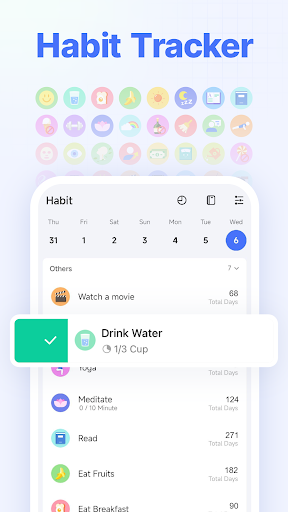
One of the notable features is the Habit Tracker, enabling users to build positive routines like meditation or exercise. The app also supports quick task creation through typing or voice commands, thanks to its Smart Date Parsing technology. Furthermore, TickTick facilitates effortless collaboration by allowing users to share lists and assign tasks to others, making teamwork more efficient and reducing the need for constant meetings or emails.

Companion app integration

Companion app integration refers to the seamless connection and data synchronization between a wearable device application and its corresponding mobile or web application. For TickTick, this means that users can effortlessly sync their tasks, notes, and reminders across various platforms including Android, Wear OS Watch, iOS, Mac, PC, and web browsers. This integration is crucial for maintaining consistency and accessibility of user data regardless of the device being used. TickTick achieves this by implementing real-time cloud-based syncing, ensuring that any update made on one platform is immediately reflected on all others. The benefits of such integration are manifold. Users can start a task on their Wear OS smartwatch, continue working on it via their smartphone during a commute, and then complete it on their desktop at home. This flexibility enhances productivity as it allows users to utilize the strengths of different devices according to their context. Furthermore, having access to a comprehensive set of features on both mobile and wearable platforms ensures that users can manage their time effectively without being tied to a single device. The ability to receive notifications and reminders on a smartwatch while keeping detailed notes and project plans on a more capable device like a PC creates a versatile productivity ecosystem. Overall, TickTick's companion app integration empowers users to stay organized and efficient across multiple devices, making it an invaluable tool for managing modern digital lifestyles.

Wear OS/device compatibility

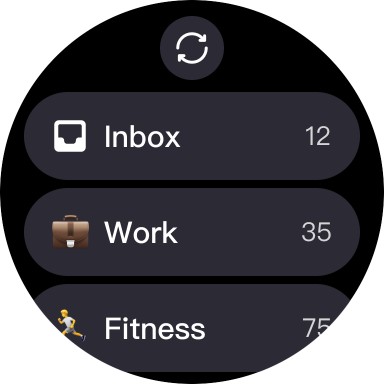
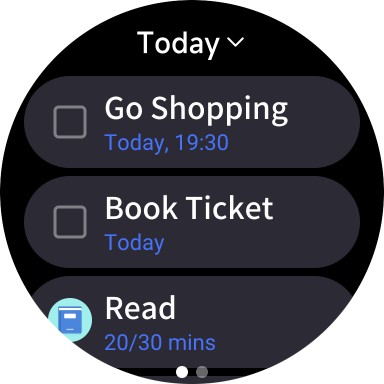
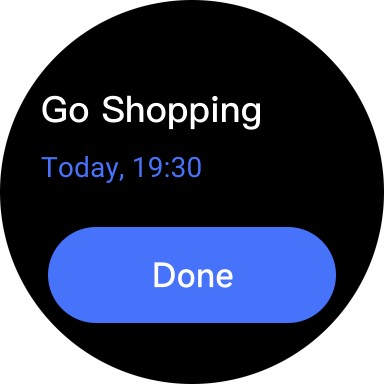
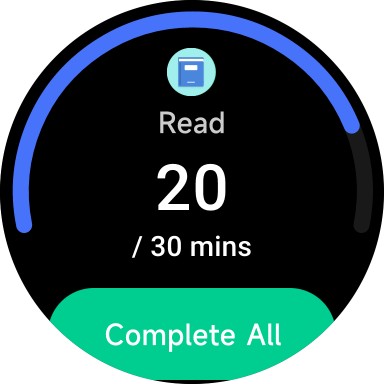
Wear OS/device compatibility pertains to how well an application functions on Wear OS powered smartwatches and its ability to leverage the unique capabilities of these wearable devices. For TickTick, ensuring robust compatibility with Wear OS devices involves optimizing the user interface for smaller screens, enabling voice commands, and integrating with health-related sensors if applicable. This compatibility is vital because it allows users to interact with their tasks and manage their schedules directly from their wrists, providing unparalleled convenience and immediacy. TickTick accomplishes this by designing a streamlined interface specifically for Wear OS, which includes large touch targets and simplified navigation suitable for quick glances and minimal interactions. Additionally, features such as voice input for adding tasks and setting reminders make use of the smartwatch's microphone, offering hands-free operation. The application also supports offline functionality, ensuring that users can access their most important tasks even without an active internet connection. By focusing on these aspects, TickTick delivers a superior user experience on Wear OS devices, allowing users to stay on top of their responsibilities without needing to pull out their phones. This level of integration not only enhances the practicality of wearable technology but also encourages consistent usage of the task management system throughout the day. Ultimately, TickTick's commitment to Wear OS/device compatibility demonstrates its dedication to providing a cohesive and adaptable productivity solution that meets the demands of today's fast-paced world.

Props

User-friendly interface

Effective Pomodoro timer

Comprehensive habit tracker

Seamless cross-device sync

Robust collaboration tools

Cons

Limited free features

Premium subscription cost

Occasional sync delays

Complexity for new users

Fewer themes in free version

Features and Functions

What is this app and what can I use it for?

A versatile task manager for organizing tasks and boosting productivity

How do I download and install this app on my device?

Visit Google Play Store, search for TickTick, and tap Install to download

How do I get started after opening the app for the first time?

Sign up for an account and start adding tasks using the plus button

What are the main features and capabilities of this app?

Task management, Pomodoro timer, habit tracking, and team collaboration

How can I customize my experience and adjust preferences?

Adjust notification settings and choose from available themes in settings

How do I save or bookmark my favorite content for later access?

Tap the star icon on tasks or notes to bookmark them for future reference

How can I share content with friends or on social media?

Use the Share option to send content via messaging apps or social platforms

How do I access detailed information and explore more content?

Browse the calendar view or search function to find detailed task information

What permissions does this app need and how do I manage them?

The app requires basic permissions like notifications and storage access

How do I check for updates and keep the app running smoothly?

Enable automatic updates in Google Play Store to keep the app current
Show more

User Reveiws

{{ comment.reviewer_name }}
{{ comment.review_date_formatted}}
{{ comment.review_content }}
{{ tab.name }}
{{ comment.reviewer_name }}
{{ comment.review_date_formatted}}
{{ comment.review_content }}
No reviews with this rating