
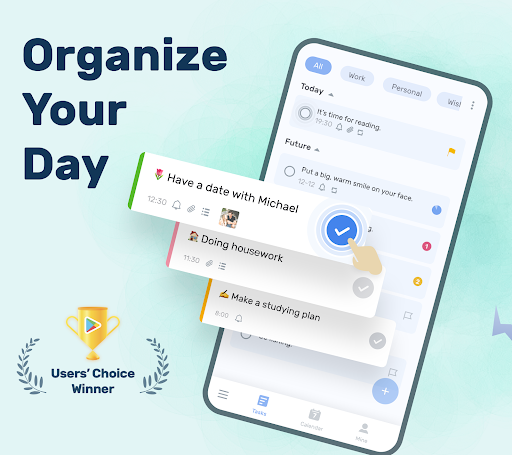
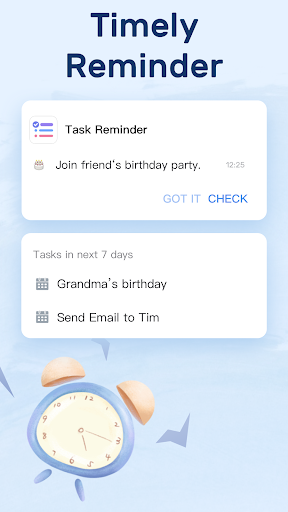


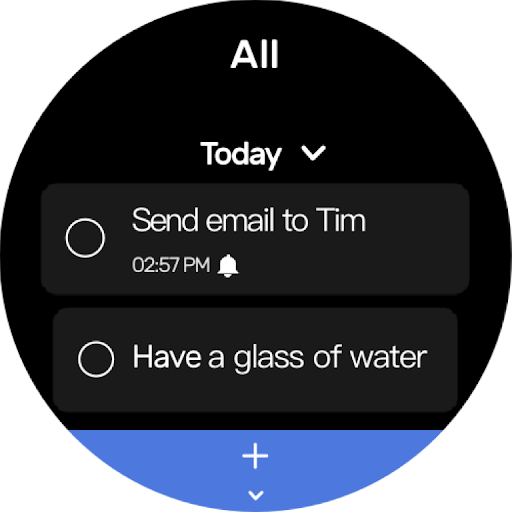
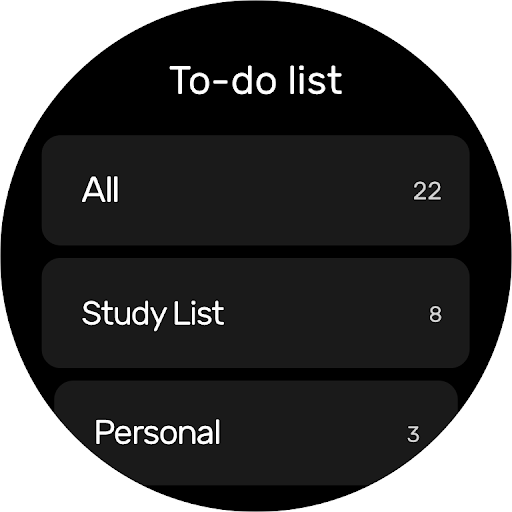
To-Do List is a comprehensive task management application designed specifically for Android Wear devices. This app allows users to efficiently organize their daily tasks, set important reminders, and manage their schedules with ease. The interface offers beautiful themes and a simple two-step process to create multiple task lists.
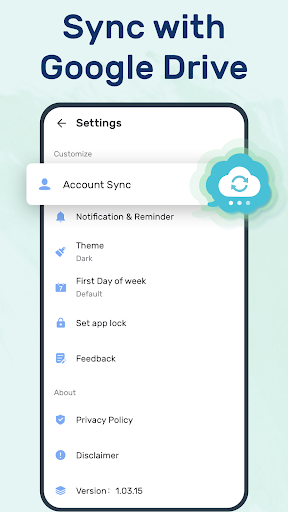
One of the standout features is its ability to sync and back up data via Google Drive, ensuring that users never lose their important information. With support for Wear OS, this app provides seamless access across different devices, making it an essential tool for those who value productivity and organization in both their personal and professional lives.
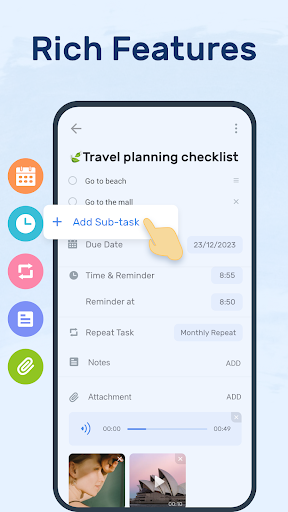
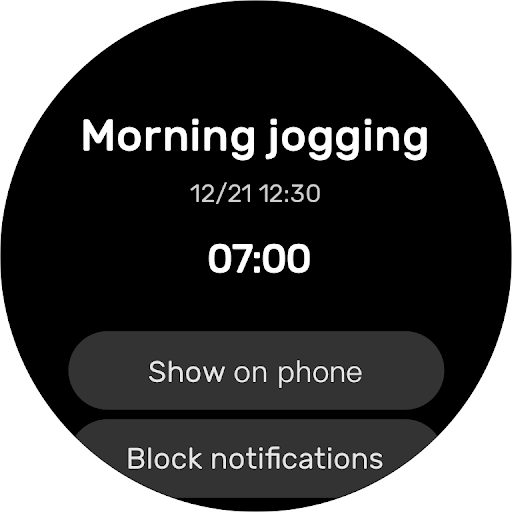
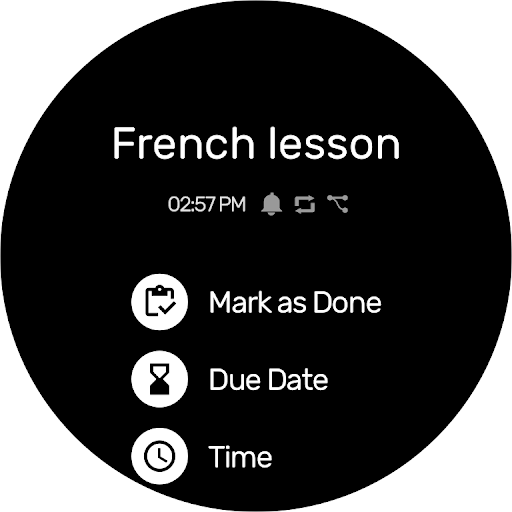
The To-Do List app boasts a variety of powerful features tailored to enhance productivity. Users can categorize tasks, set priorities, and even star important items for quick reference. The app supports recurring reminders, which simplifies the management of repetitive tasks by allowing users to turn on repeat notifications.
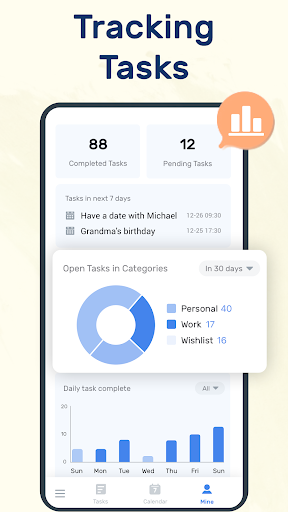
In addition to its robust task management capabilities, the app offers a calendar view that provides a comprehensive overview of daily, weekly, and monthly schedules. This feature is particularly useful for users who need to plan ahead and keep track of upcoming events. Furthermore, the inclusion of widgets allows for quick access and marking of task completion directly from the home screen, streamlining the user experience.
User-friendly interface
Syncs with Google Drive
Recurring task reminders
Beautiful theme options
Wear OS compatibility
Limited customization
No team collaboration
Basic analytics
Few integrations
Occasional bugs

Watch the sharpness of the sky on your wrist..
 3.70
3.70
The most customizable minimal watch face. For Wear OS 5.0, API 34+ and later
4.70
Authentic military-tactical design with ZULU time! Realistic and functional!
3.80
Digital watch face. For Wear OS devices.
4.40
Monitor health with the stress test and pulse checker in the heart rate app.
4.60
Hyperlocal rain alerts by MyRadar using patent-pending technology, radar & more
4.80
Get helpful reminders, take progress photos and find answers to your questions.
3.90
The most customizable hybrid watch face. For Wear OS 5.0, API 34+ and later
4.70
Back up your contacts & access them anywhere
4.30
Your second brain for organizing your life: to-do, calendar, reminder.
4.70
Nutrition, Macro tracker: Food, fitness & healthy diet tracking for weight loss
4.60
MyNISSAN® lets you remotely control your car from your phone.*
4.50
Embrace the holiday spirit with this magical animated watch face!
4.40
Digital watch face with big numbers and many customization for Wear OS devices
4.40
Your music, your playlists, and more—offline and unlimited.
4.20
Embrace the festive spirit with our Christmas Countdown watchface for Wear OS
4.10
A digital watch face that celebrates Christmas.
4.00
Professional weather radar and more
3.90
Precision analog watch face with 7 complications and style options
4.5


User Reveiws