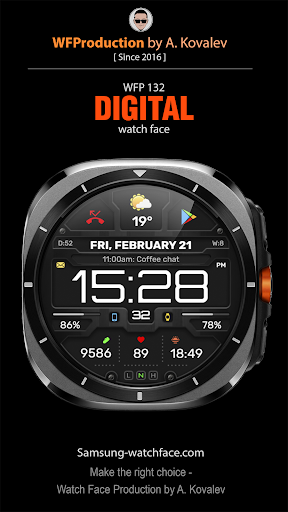
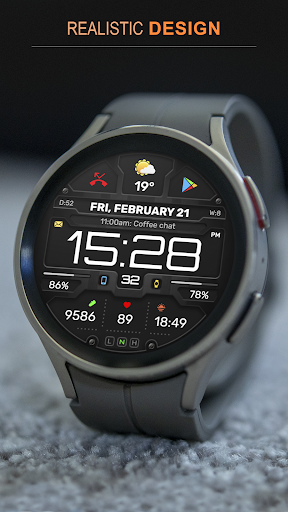
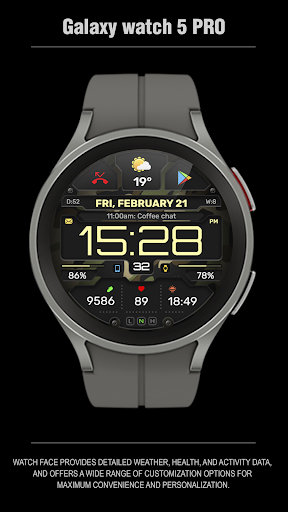
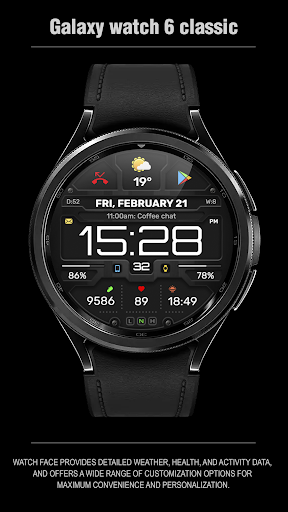
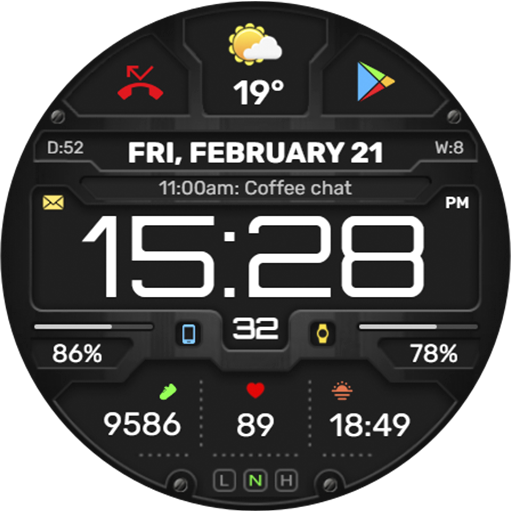
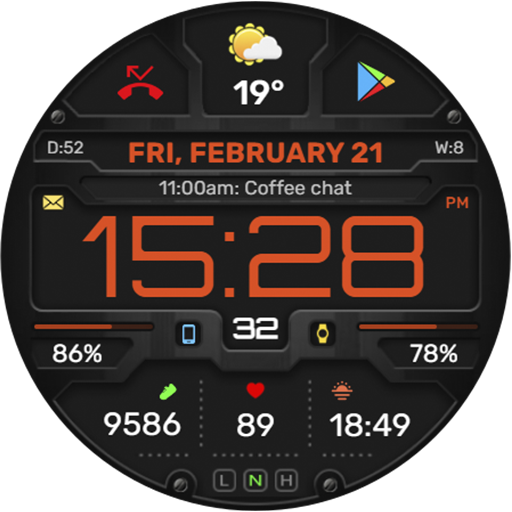
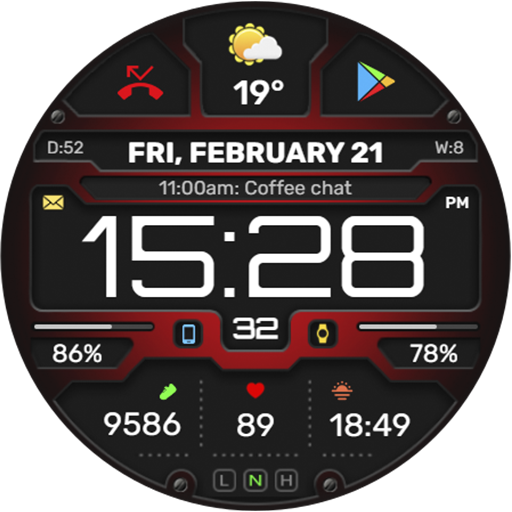
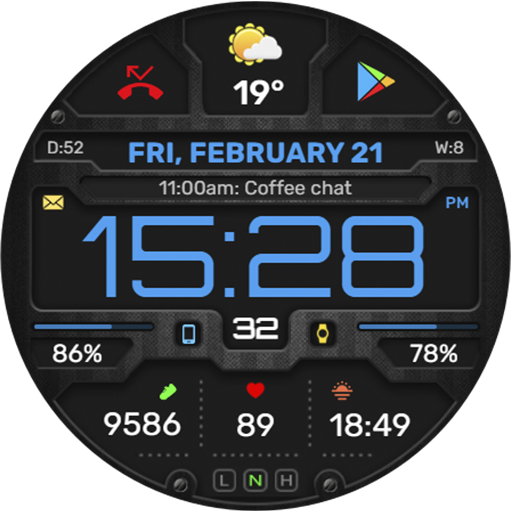
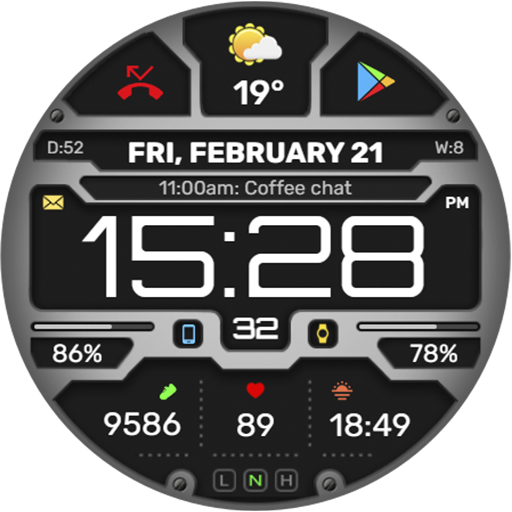
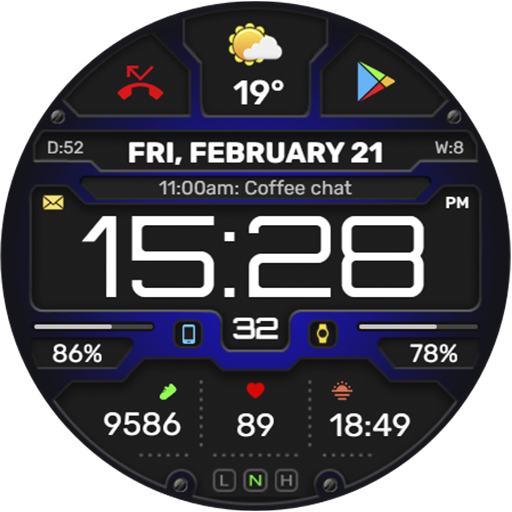
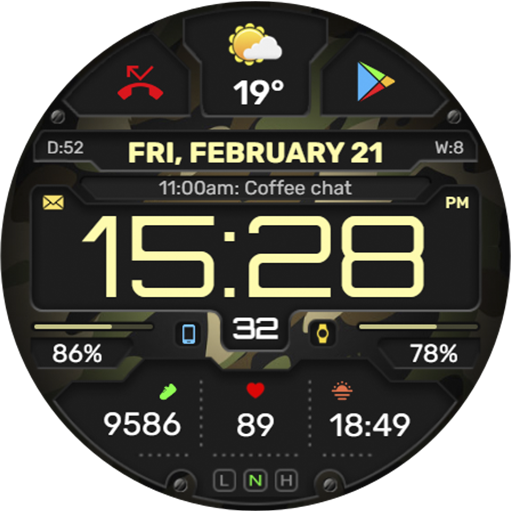
WFP 132 Digital watch face

5.00

Information

Category:

Android Wear

Price:

$ 0.19

Rank:

86

Rating:

5.00

Overview

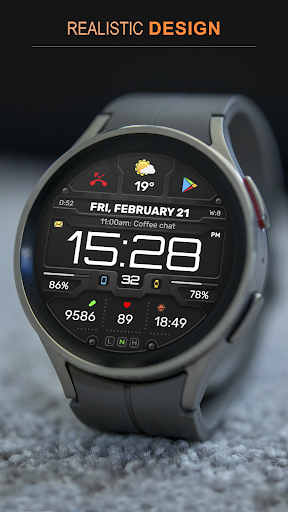
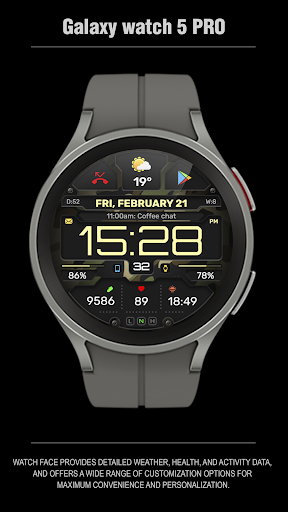
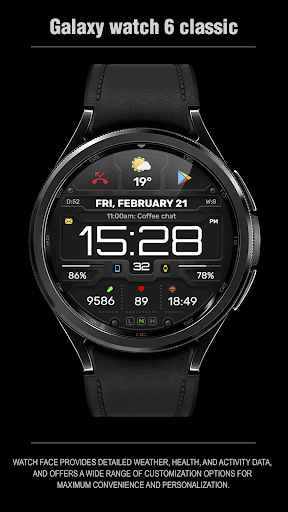
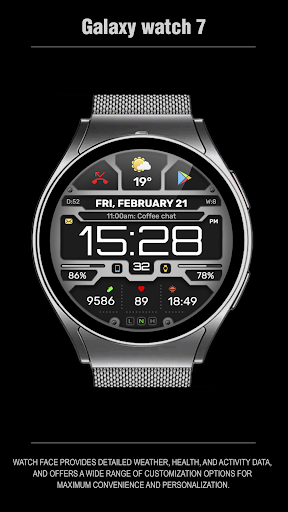
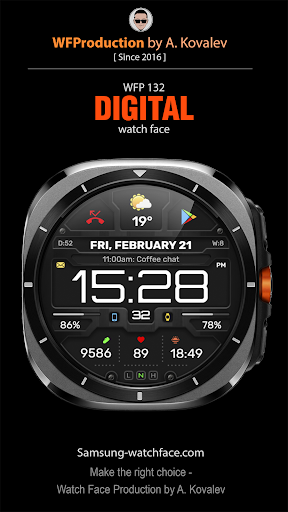
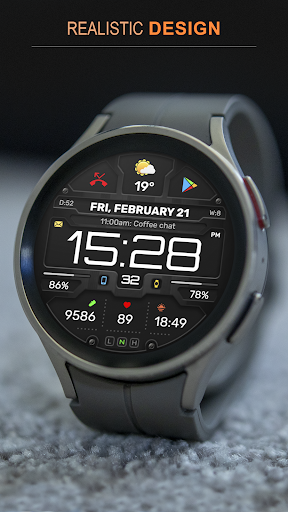
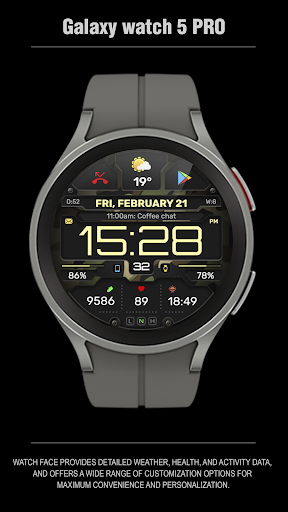
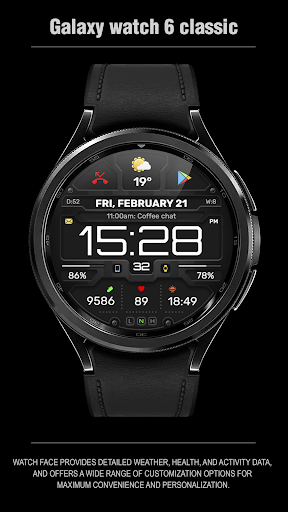
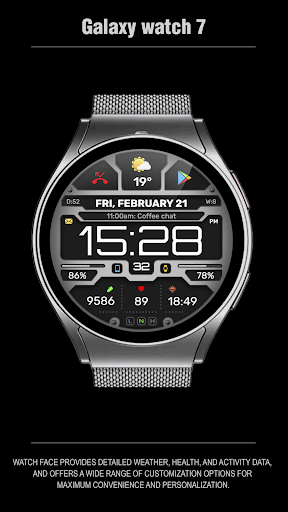
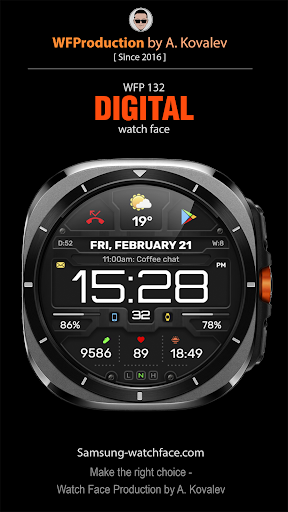
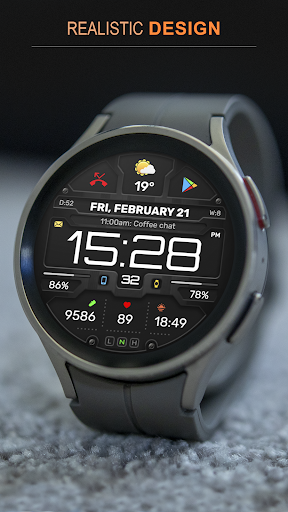
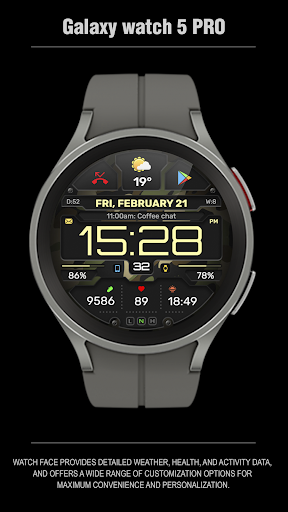
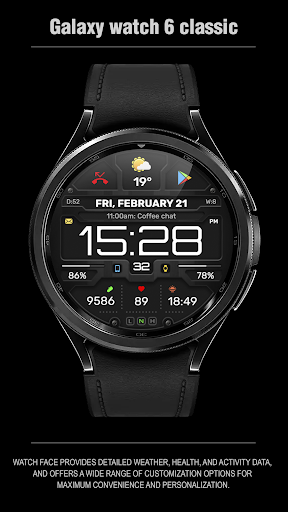
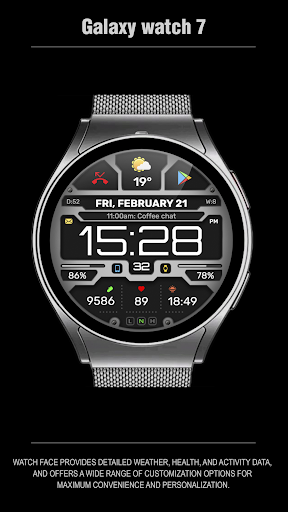
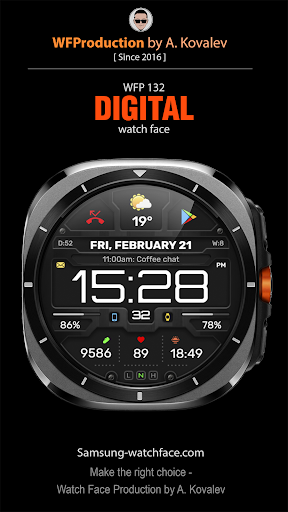
The WFP 132 Digital watch face is a stylish and functional accessory for your smartwatch, offering detailed weather forecasts, health tracking, and activity monitoring. With compatibility for devices running API 34+ and later, this watch face ensures broad usability.

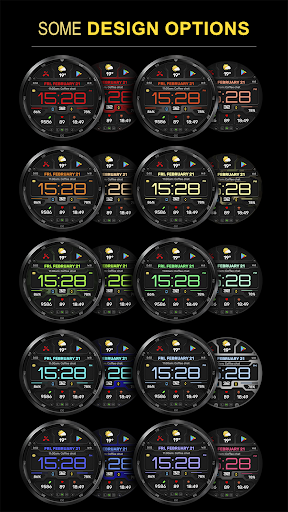
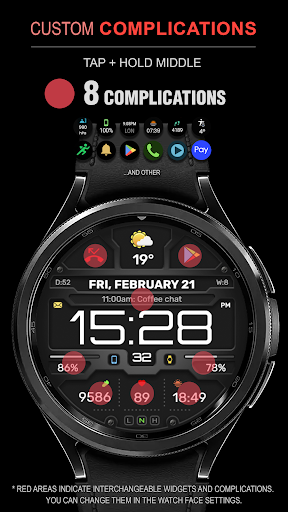
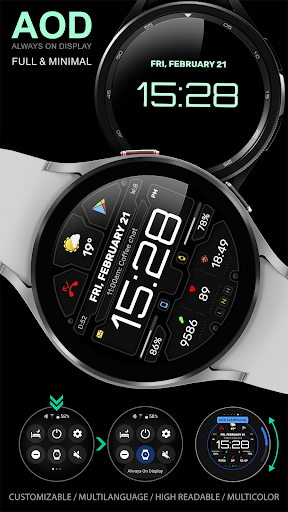
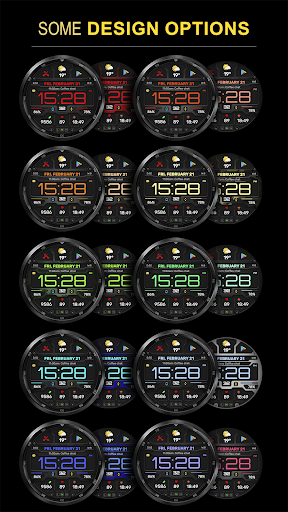
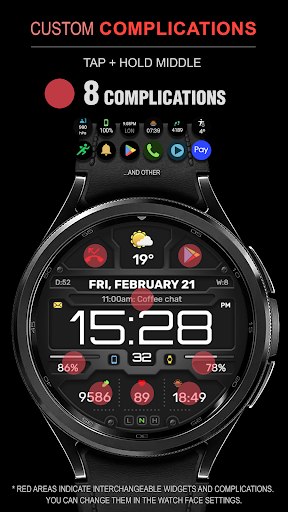
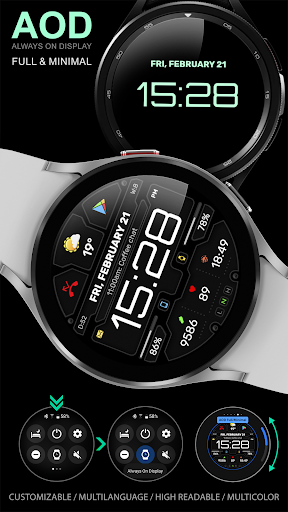
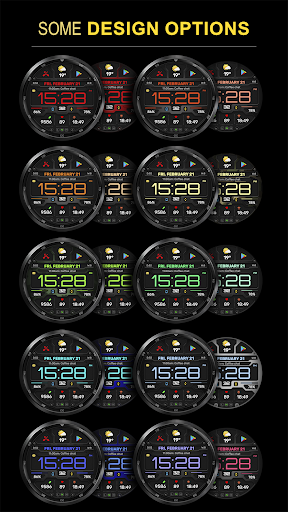
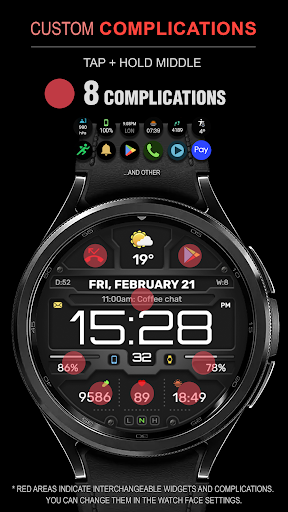
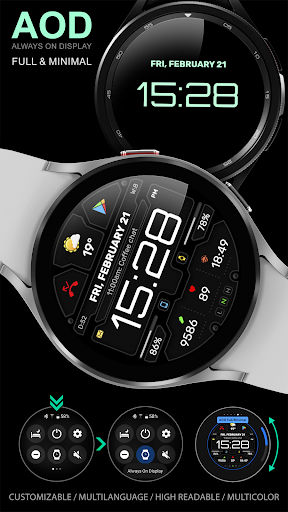
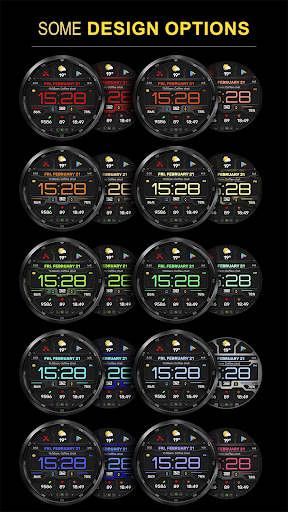
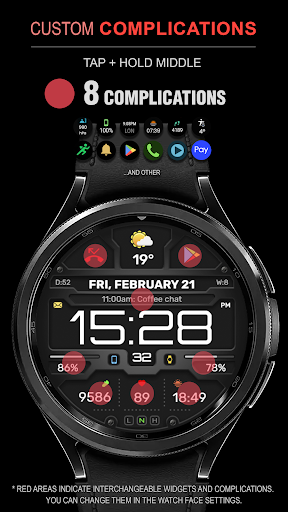
It stands out with its extensive customization options, including 8 complications and widgets, various color combinations, changeable backgrounds, and customizable Always-On Display (AOD) modes. Whether you're looking to personalize your watch face or optimize battery consumption, the WFP 132 meets diverse user needs.

Features

This digital watch face is packed with features that enhance both aesthetics and functionality. It includes an advanced weather forecast system displaying temperatures in Fahrenheit or Celsius, alongside health and activity metrics like calories and floors climbed.

Boasting high resolution and optimization, the WFP 132 ensures crisp visuals while maintaining low battery usage. Users can also enjoy multilingual support and take advantage of promotional offers such as 'Buy 1 - Get 1 Free' deals directly from their device.

Companion app integration

The WFP 132 Digital watch face demonstrates exceptional companion app integration which is crucial for users seeking a unified experience across their devices. This functionality allows the watch face to seamlessly synchronize with its companion app on the user's smartphone ensuring that all data and settings are consistently updated and accessible from both devices. The synchronization process includes detailed weather updates health metrics and activity tracking providing users with real-time information at their fingertips. Furthermore the customization options available through the companion app enhance personalization allowing users to tailor the watch face to their preferences with ease. For instance users can choose from a variety of color combinations changeable backgrounds and widget configurations directly from the app interface. This level of integration not only simplifies the management of the watch face but also enriches the overall user experience by offering extensive control over the device's appearance and functionality. Additionally the app provides comprehensive instructions for installation and settings adjustments ensuring that users can fully leverage the capabilities of the WFP 132 Digital watch face without any hassle.

Wear OS/device compatibility

Ensuring broad compatibility with Wear OS devices the WFP 132 Digital watch face supports devices running API 34+ and later making it accessible to a wide range of users. This compatibility is significant as it guarantees that the watch face will operate smoothly on various models providing a consistent experience regardless of the specific device in use. The watch face's high optimization contributes to its low battery consumption an essential feature for maintaining the longevity of wearable devices. Moreover the inclusion of multilingual support enhances accessibility allowing users from different regions to interact with the watch face in their preferred language. The availability of detailed weather forecasts in both Fahrenheit and Celsius along with health and activity data underscores the practicality of this compatibility. Users benefit from having critical information readily available on their wrists without needing to frequently check their smartphones. The watch face's stylish design coupled with its functional features such as customizable Always-On Display (AOD) modes further exemplifies how compatibility with Wear OS devices can lead to an enhanced and personalized user experience. By prioritizing compatibility and optimization the WFP 132 Digital watch face ensures that users can enjoy a sophisticated blend of style and utility on their smartwatches.

Props

Highly customizable

Low battery consumption

Advanced weather features

Health and activity tracking

Multilingual support

Cons

Requires API 34+

Complex setup for beginners

Limited widget options

No built-in games

Premium features cost extra

Features and Functions

What is this app and what can I use it for?

A stylish digital watch face with weather health and activity tracking

How do I download and install this app on my device?

Download from Google Play Store and install on your smartwatch

How do I get started after opening the app for the first time?

Follow on-screen instructions to set preferences and widgets

What are the main features and capabilities of this app?

Weather forecast health tracking and customizable design options

How can I customize my experience and adjust preferences?

Adjust preferences through the dedicated settings menu in-app

How do I save or bookmark my favorite content for later access?

Save favorites by pinning preferred widgets and settings

How can I share content with friends or on social media?

Share your customized watch face via social media links provided

How do I access detailed information and explore more content?

Access details through interactive widgets and menus

What permissions does this app need and how do I manage them?

Permissions include location and health data managed in settings

How do I check for updates and keep the app running smoothly?

Check for updates via the app's settings under About section
Show more

User Reveiws

{{ comment.reviewer_name }}
{{ comment.review_date_formatted}}
{{ comment.review_content }}
{{ tab.name }}
{{ comment.reviewer_name }}
{{ comment.review_date_formatted}}
{{ comment.review_content }}
No reviews with this rating