
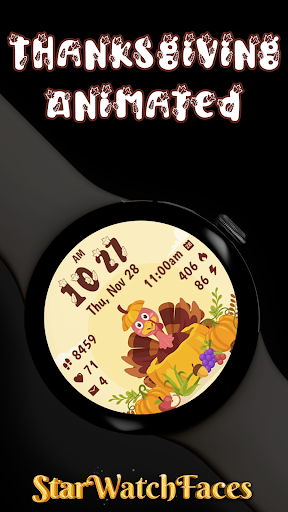
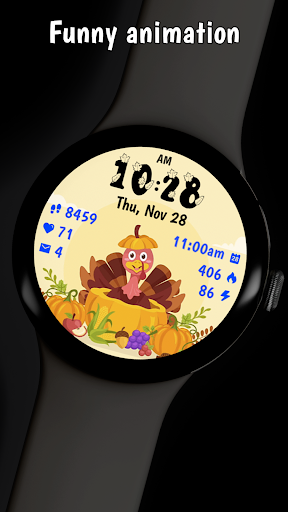

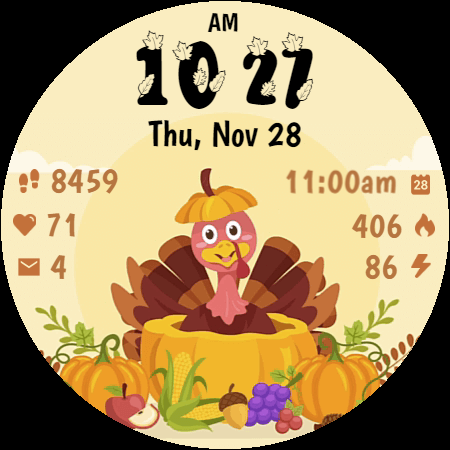
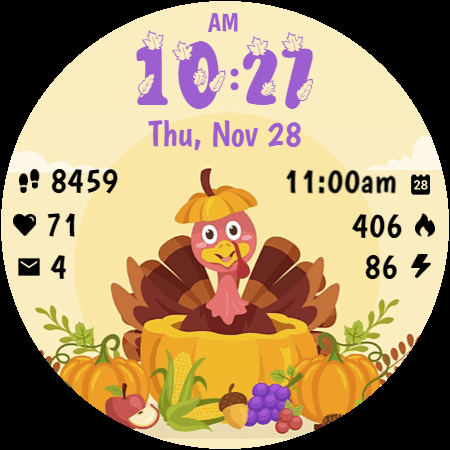
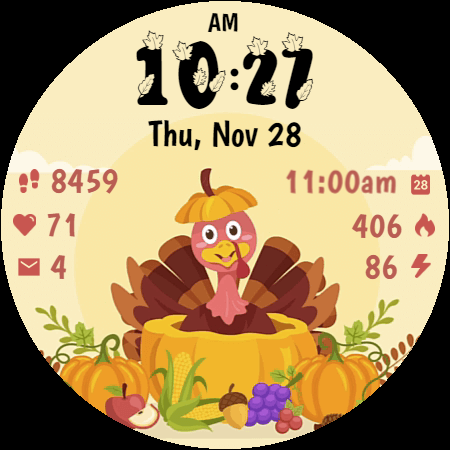
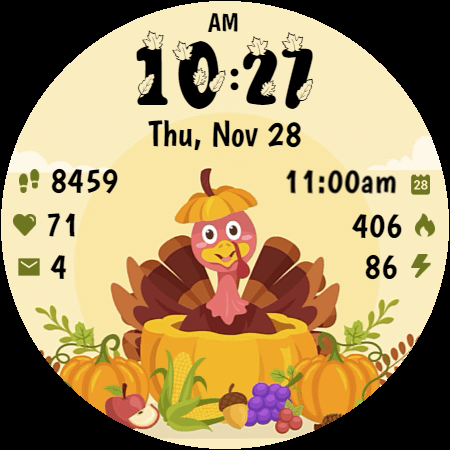
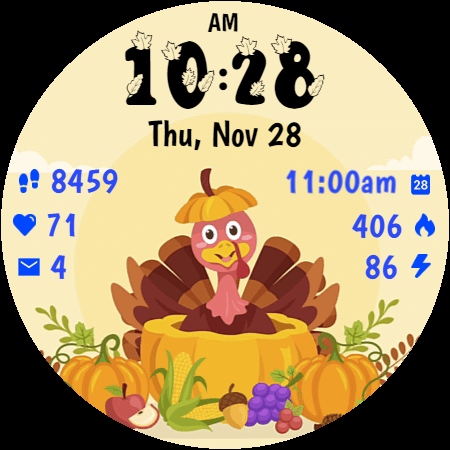
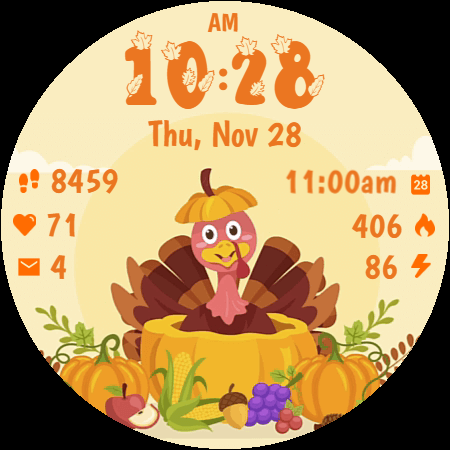
Thanksgiving Animated is a festive watch face designed specifically for Wear OS devices, bringing the charm of Thanksgiving and autumn to your smartwatch. This animated watch face features a friendly turkey and seasonal decorations, creating an engaging harvest scene right on your wrist.
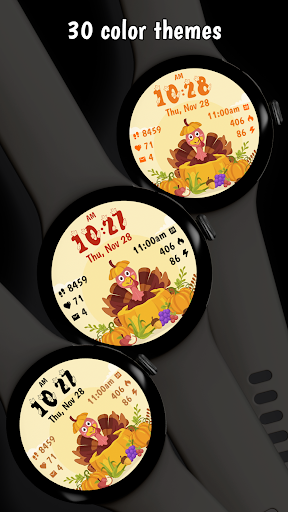
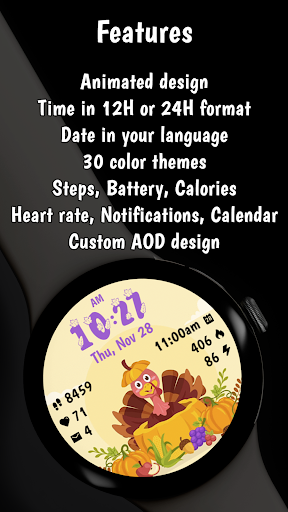
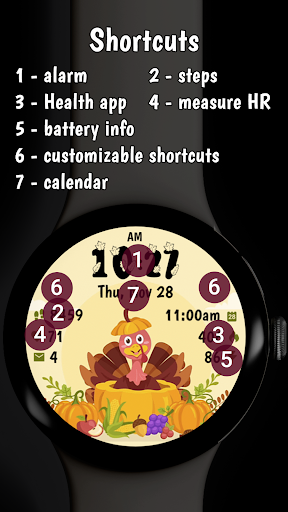
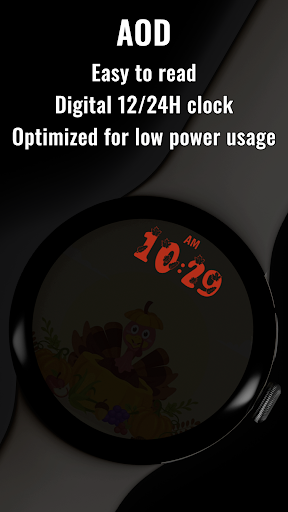
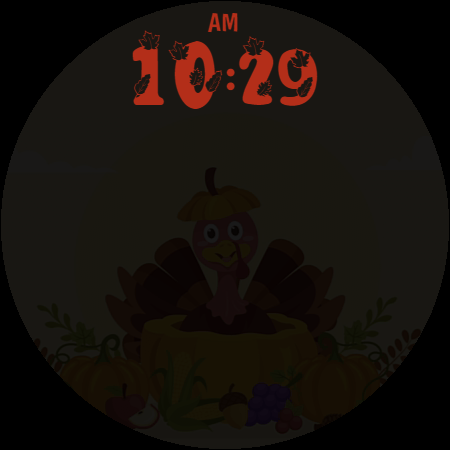
The watch face combines functionality with festivity, offering essential features such as digital time display, date display in your device's language, fitness tracking (step counter, heart rate monitor, calorie tracker), notifications, battery level indicator, and calendar integration. With 30 color themes and an optimized Always On Display mode, it provides both customization options and battery efficiency.
Perfect for users who want to celebrate the season while maintaining practical utility on their smartwatch, Thanksgiving Animated is compatible with Wear OS 4 and 5 devices, using the latest WFF format for optimal performance.
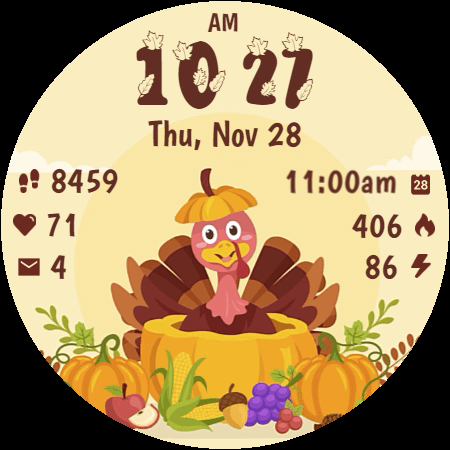
Thanksgiving Animated stands out with its delightful and functional features that cater to both style and practicality. The watch face showcases a cheerful animated turkey alongside beautifully designed harvest elements like pumpkins, corn, and autumn fruits, creating an eye-catching display.
Functionality is not compromised, as the watch face includes clear digital time display with a custom stylized font, date display, and essential fitness tracking features such as step counter, heart rate monitor, and calorie tracker. Users can also enjoy notifications, battery level indicators, and calendar integration. The inclusion of 30 stunning color themes and an optimized Always On Display mode ensures both personalization and energy efficiency.
With battery-efficient animations and compatibility with the latest Wear OS versions, this watch face delivers a perfect blend of festivity and usability, making it ideal for celebrating the autumn season while staying connected and active.
Festive design
Customizable themes
Battery efficient
Fitness tracking
Seasonal appeal
Limited year-round use
Premium price
Wear OS only
Complex setup
Notifications limited

WTW M17 is a premium and luxurious hybrid watch face
 4.70
4.70
Christmas - Festive - Christmas Village - Winter - Christmas lights
5.00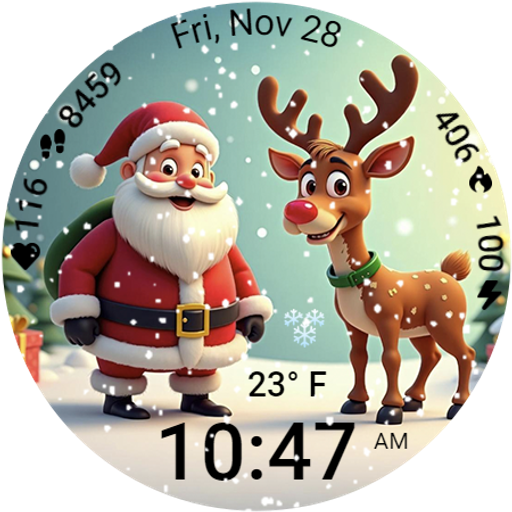
A heartwarming Christmas scene featuring a cute image of Santa and Rudolf
4.1
Digital watch face. For Wear OS devices.
4.40
Reliable phone calls with spam protection, caller ID and more helpful features
4.40
Real-time results, stats, schedules and player profiles for all leagues
4.60
The Chevron App allows you to pay for fuel from the comfort of your car!
4.80
Hybrid Vibrant Health Watch Face for Wear OS
4.1
Fast and smart typing with Emojis, GIFs, and more
4.50
Period, ovulation & pregnancy tracker. Fertility insights & menstrual calendar.
4.90
Be an elegant and classy secret agent, with this carefully detailed watch face
4.70
Kia Access makes getting your vehicle information easier than ever
4.60
To-Do List: daily schedule planner, task organizer, to do reminder app, calendar
4.60
Bold weather Digital watchface with forecast & optional animated background
4.40
A white realistic classic analog watch face with many customization options.
4.40
sleep, alarm, snoring, stress, healing, focus, sound therapy, circadian rhythm
4.10
Structured watch face with seven complications and modular UI elements
3.90
Watch face designed for Thanksgiving Day. 7 Background Styles included.
3.20
Minimalistic design modern digital watch face.
4.5


User Reveiws