
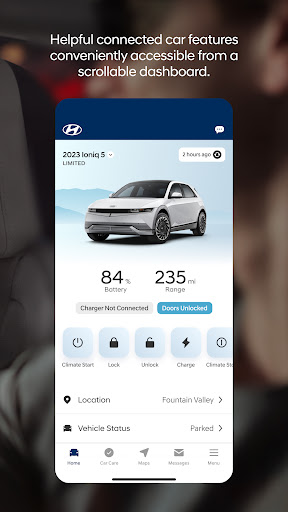


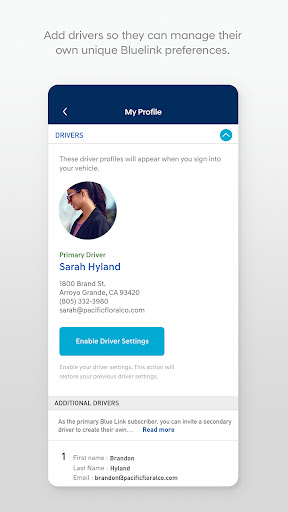

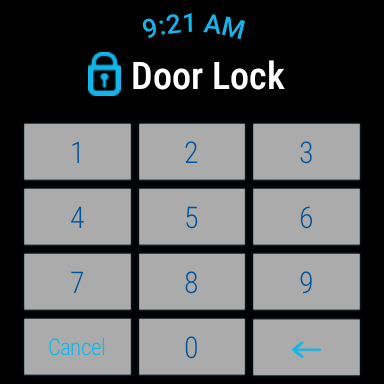
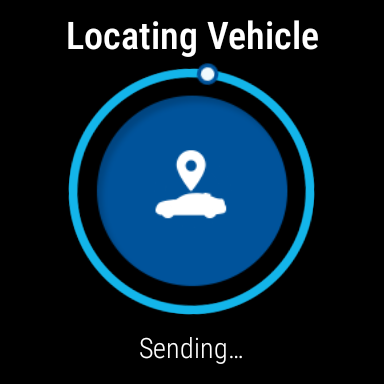
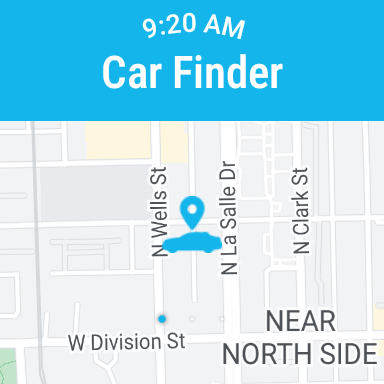
MyHyundai with Bluelink is a comprehensive vehicle management app designed specifically for Hyundai car owners. The application enables users to remotely interact with their Bluelink-equipped vehicles, providing unprecedented convenience and control. Core functionalities include remote start, door lock/unlock, horn and light activation, and vehicle location services.
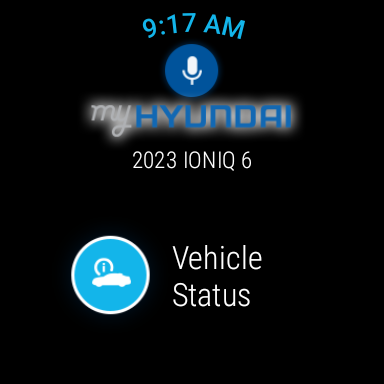
The app also offers advanced features for electric and plug-in hybrid vehicles, allowing owners to monitor charging status and manage charging schedules. Integration with Wear OS devices extends these capabilities to smartwatches, enabling voice command support and quick access to essential functions through wearable technology. Whether you're at home or on the move, MyHyundai with Bluelink keeps you connected to your vehicle.
This connectivity solution demonstrates particular value during inclement weather conditions when users can start their vehicle remotely to adjust climate settings before driving. The combination of smartphone and smartwatch functionality makes vehicle management more accessible than ever, while biometric authentication ensures secure access to all remote features.
The MyHyundai with Bluelink app distinguishes itself through its comprehensive suite of remote vehicle management tools. The remote start feature allows users to initiate their vehicle's engine from their mobile device, with the added ability to save custom presets for climate control settings. This functionality proves especially valuable in extreme weather conditions, ensuring a comfortable cabin temperature before driving.
A key innovation lies in its integration with both Android devices and Wear OS smartwatches. Through this dual-platform approach, users can execute commands either through traditional touch interfaces or hands-free voice commands via their smartwatch. The app's sophisticated security measures, including fingerprint and facial recognition authentication, ensure that only authorized users can access critical vehicle functions.
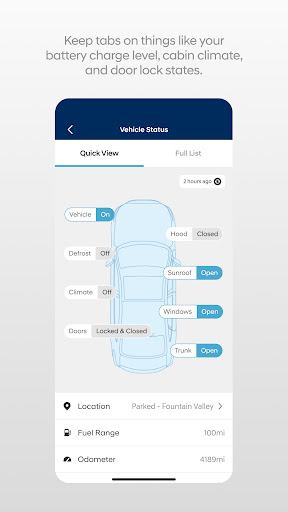
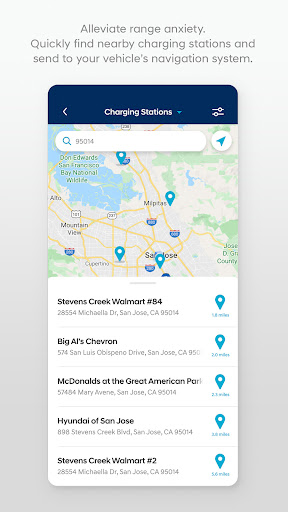
Additional notable features include Points of Interest (POI) search and send capability, maintenance scheduling, and vehicle status monitoring. These functions are complemented by practical tools such as parking meter reminders and EV-specific widgets. The app's modular design, requiring active Bluelink subscription packages for certain features, allows users to customize their experience based on their specific needs and vehicle capabilities.
User-friendly interface
Comprehensive vehicle control
Advanced security features
Wear OS integration
Customizable presets
Subscription required
Limited vehicle compatibility
Feature restrictions
Device-specific limitations
Connectivity dependency

"PER27 Galaxy Digital" is a digital Wear OS watch face designed by PERSONA
 4.10
4.10
A customizable Christmas watch face for Wear OS with a countdown.
4.20
Watch the sharpness of the sky on your wrist..
3.70
Wear Os Watch Face - Animated Snow - Sesonal for Christmas & Winter
4.3
Christmas is near, let's count together the days left until Santa comes
4.0
Beautiful artistic animated digital watch face, with a customizable layout!
4.40
Wear Os Watch Face - Animated Snow Effect & Magic Spark - 6 Scenes
4.10
Gym & home workout plans with strength training, exercise tracking, HIIT & more.
4.60
The #1 source of faces for your smartwatch!
4.00
A modern hybrid informative watch face for Wear OS designed by BALLOZI
4.80
Diet tracker for weight loss - track calories, food and macros. Simple and easy!
4.70
WTW M17 is a premium and luxurious hybrid watch face
4.70
Highly customizable hybrid watch face for Wear OS, perfect for everyday use.
4.60
Bold weather Digital watchface with forecast & optional animated background
4.40
Premium hybrid watch face with many customizations for Wear OS devices.
4.40
A white realistic classic analog watch face with many customization options.
4.40
The ultimate destination for kids ages 3-8 to explore the Marvel Universe!
4.30
Calming & relaxing sounds for sleeping and stress relief. Stay focused all day!
4.20
Get helpful reminders, take progress photos and find answers to your questions.
3.90


User Reveiws