
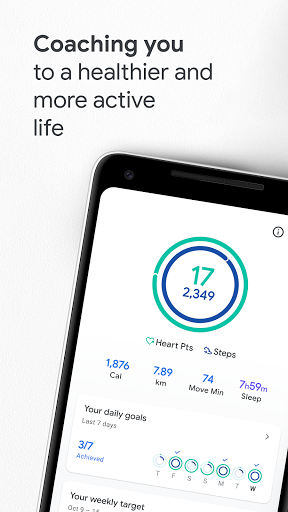
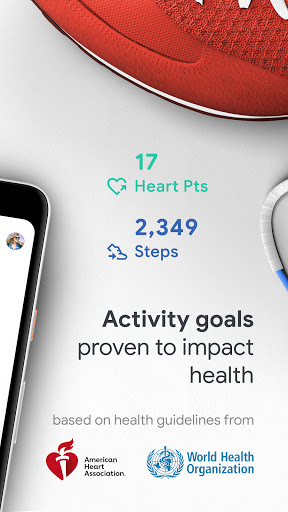

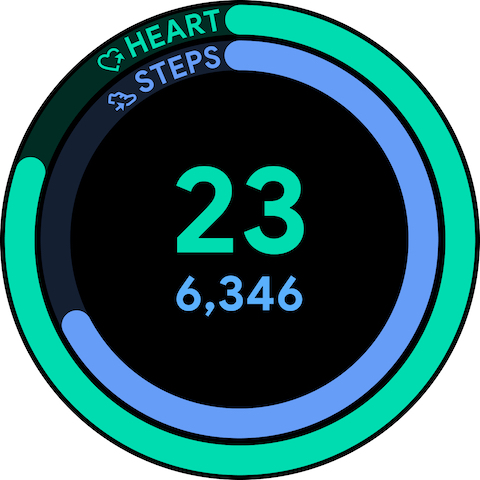
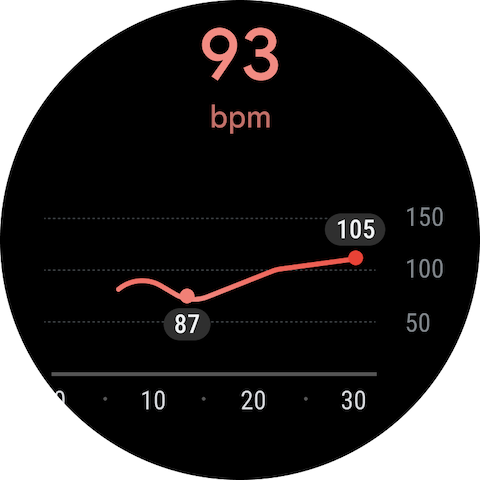
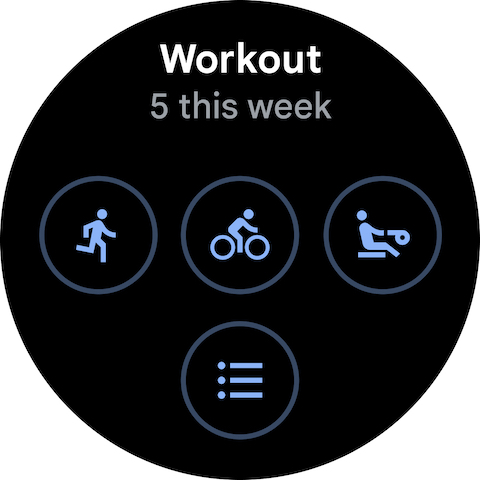
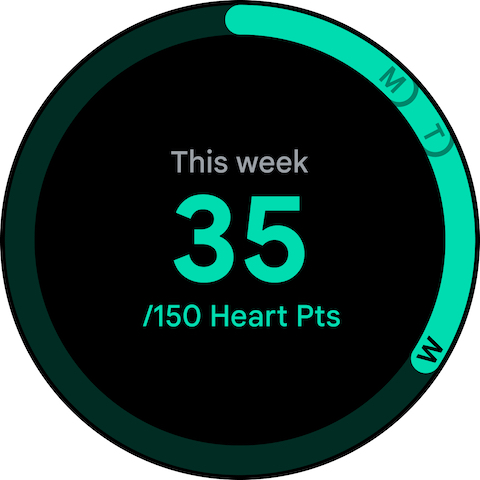
Google Fit is a comprehensive health and fitness application designed to help users achieve a healthier and more active lifestyle. Developed in collaboration with the World Health Organization (WHO) and the American Heart Association (AHA), it introduces Heart Points, an innovative activity goal system that promotes heart and mental health through moderate to intense physical activities.
The app tracks workouts using phone or smartwatch sensors, automatically detects daily movements, and integrates data from various third-party apps and devices. It provides real-time exercise stats, helps monitor goals, and offers features like respiratory rate measurement and heart rate monitoring. With its user-friendly interface and holistic approach to wellness tracking, Google Fit ensures users can conveniently manage their health journey.
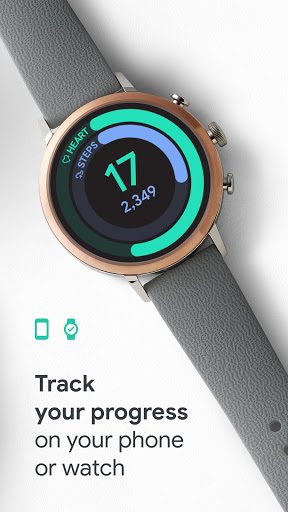
Google Fit stands out with its scientifically-backed Heart Points system, which assigns value to different types of physical activities based on intensity. The app uses Android phone sensors and Wear OS smartwatch heart rate monitors to deliver accurate real-time stats for runs, walks, and bike rides. This creates a seamless tracking experience across devices.
Another key feature is its automatic activity detection, which credits users for every step taken throughout the day. Users can also engage in specialized workouts such as paced walking or select custom activities like pilates and rowing. Integration with popular apps and devices provides a unified view of health metrics, while widgets allow quick access to daily stats directly from the home screen or watch face.
User-friendly interface
Accurate activity tracking
Integration with third-party apps
Real-time workout stats
Heart Points system
Limited advanced metrics
Requires Wear OS device
No built-in coaching
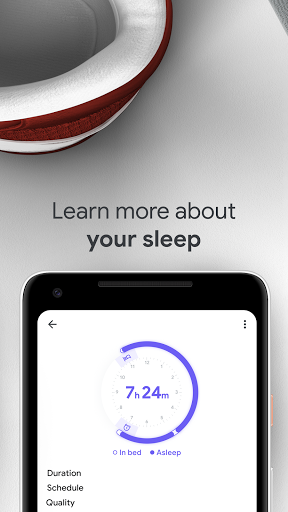
Basic sleep tracking
Premium features needed

Christmas Theme Watch Face for Wear Os
 5.00
5.00
Wear Os Watch Face - Animated Snow Effect & Magic Spark - 6 Scenes
4.10
Artistic Digital Watchface
4.0
Sleek, highly customizable watch face inspired by Galaxy Watch Circle Dashboard.
4.5
Bold, Modern Hybrid Watch Face for Wear OS. 10 Colors, Rich Info Display.
4.30
Period, ovulation & pregnancy tracker. Fertility insights & menstrual calendar.
4.90
Retro digital watch face with customizable colors and a unique lighting effect
4.60
A modern hybrid informative watch face for Wear OS designed by BALLOZI
4.80
Download full tracks, listen to music offline, make unlimited playlists.
4.80
Digital, flexibly customizable watch face. For Wear OS 5.0, API 34+ and later.
5.00
Gym Log & Workout Tracker | Fitness Journal, Training & Weight Lifting Planner
4.90
Hyperlocal rain alerts by MyRadar using patent-pending technology, radar & more
4.80
Kia Access makes getting your vehicle information easier than ever
4.60
Deck out your Wear OS Watch face with a beautifully decorated pine wreath!
4.50
Embrace the holiday spirit with this magical animated watch face!
4.40
Digital watch face with big numbers and many customization for Wear OS devices
4.40
A digital watch face that celebrates Christmas.
4.00
Watch face designed for Thanksgiving Day. 7 Background Styles included.
3.20
3 Complications. All shadow on/off. 30 Themes color palette...
4.5


User Reveiws