Google Messages

4.60

Information

Category:

Android Wear

Price:

Free

Rank:

53

Rating:

4.60

Overview

Google Messages is the official messaging app from Google, designed to enhance communication for Android users through Rich Communication Services (RCS). This protocol replaces traditional SMS and MMS, allowing users to share high-resolution media, engage in dynamic group chats, and connect seamlessly with iPhone users. The app offers a richer, safer, and more expressive messaging experience by integrating advanced features like end-to-end encryption, AI-powered suggestions, and cross-device compatibility.

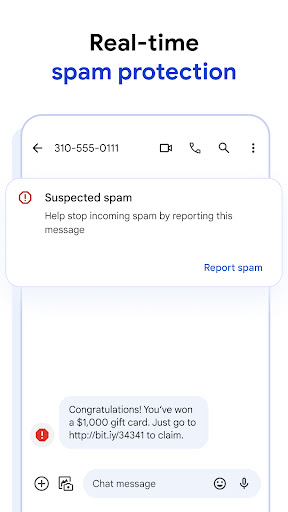
With RCS at its core, Google Messages ensures that users can enjoy modern texting capabilities such as seeing when friends are typing, customizing chat aesthetics, and accessing spam protection. Whether you're chatting on your phone, tablet, or Wear OS device, this app provides a consistent and reliable messaging platform across all your devices.

Features

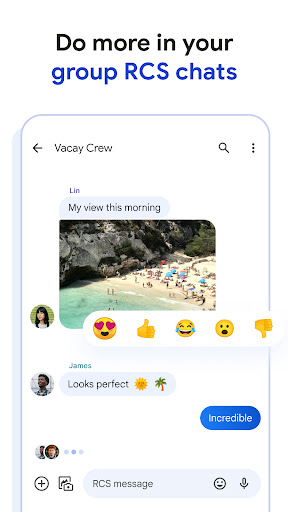
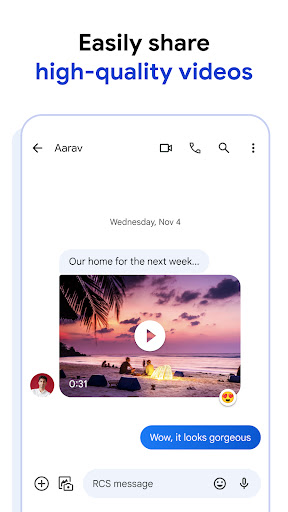
Google Messages stands out with its innovative features tailored to improve user interaction. The app leverages RCS technology to enable high-quality photo and video sharing, real-time typing indicators, and enhanced group chat dynamics. These features collectively create a more engaging and interactive messaging environment compared to standard SMS services.

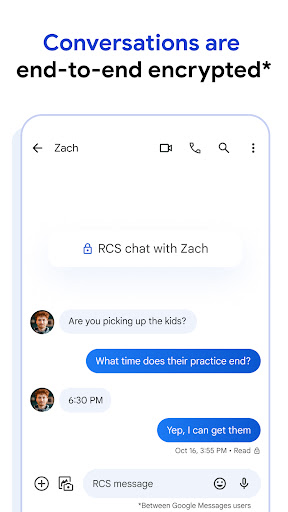
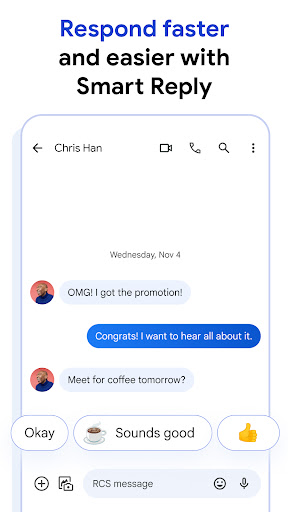
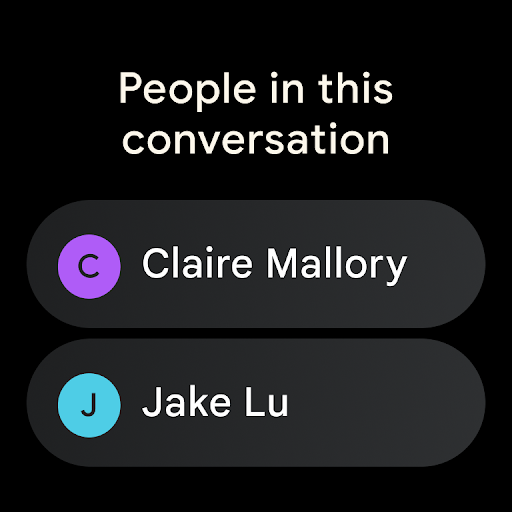
In addition to its core communication tools, Google Messages incorporates personalization options such as custom chat bubble colors and fun selfie GIFs. Privacy is prioritized with end-to-end encryption for messages between Google Messages users, ensuring secure conversations. Furthermore, AI-driven functionalities like Magic Compose assist users in crafting ideal responses, while seamless integration across multiple devices enhances accessibility and convenience.

Companion app integration

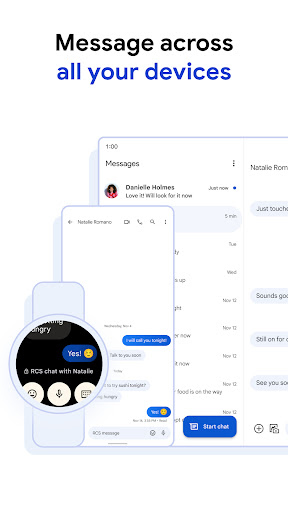
Companion app integration refers to the seamless connection and data sharing between a primary application and its wearable counterpart ensuring users can transition effortlessly between devices while maintaining consistent functionality and access to their information Google Messages excels in this area by providing users with the ability to continue their messaging experience across multiple devices including Wear OS devices When using Google Messages on an Android phone users can easily view and respond to messages directly from their paired smartwatch This integration is made possible through the app's robust synchronization capabilities which ensure that all conversations are up-to-date and accessible regardless of the device in use Furthermore the companion app functionality extends to tablets and computers allowing users to start a conversation on one device and seamlessly continue it on another The synchronization process is near real-time meaning users will see their latest messages notifications and even typing indicators across all linked devices This level of integration not only enhances convenience but also ensures that users never miss an important message regardless of where they are or what device they have at hand Additionally the companion app feature maintains consistent settings across devices so customizations such as chat bubble colors and notification preferences are preserved providing a uniform user experience The ability to access RCS features like high-quality media sharing and dynamic group chats from a Wear OS device adds significant value making communication more versatile and richer for users who rely on multiple devices throughout their day

Wear OS/device compatibility

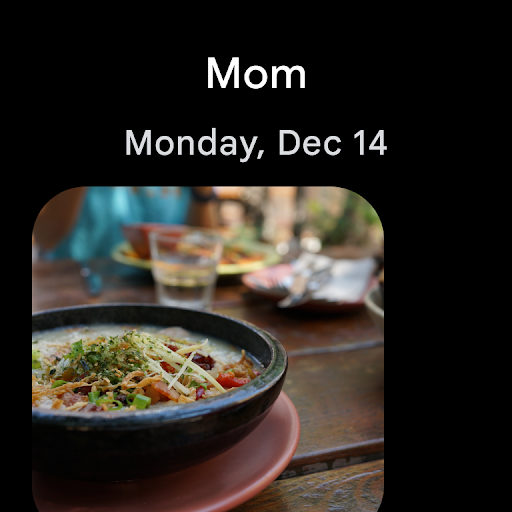
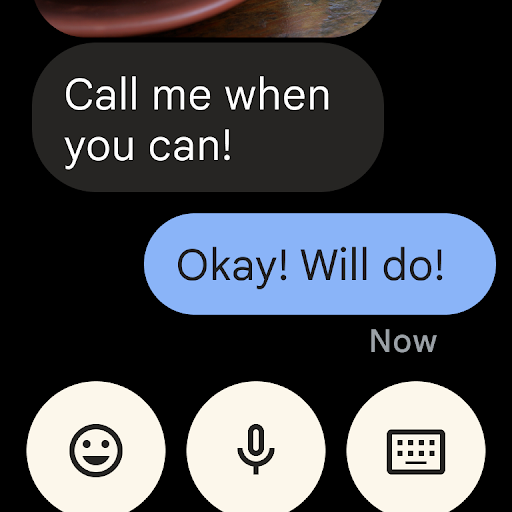
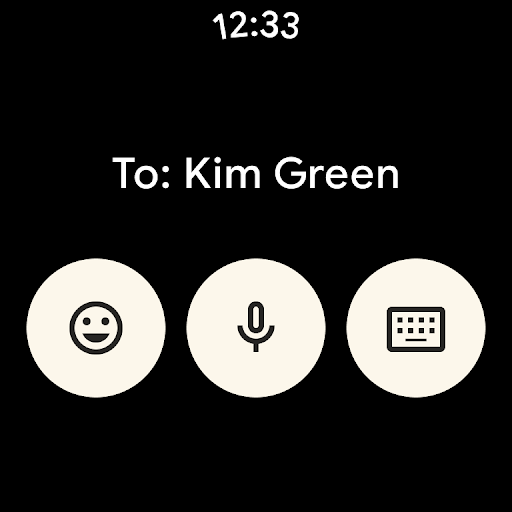
Wear OS and device compatibility ensures that an application functions optimally across various devices running the Wear OS operating system Google Messages demonstrates strong compatibility with Wear OS devices offering users a streamlined messaging experience directly from their smartwatches The app is designed to work harmoniously with the specific hardware and software configurations of Wear OS ensuring reliable performance and intuitive interactions Users can receive notifications view message previews and even send replies using voice input or pre-defined responses all from their wrist This level of integration is achieved through careful optimization of the app's interface which takes into account the smaller screen size and touch-based navigation typical of wearable devices Moreover Google Messages supports essential Wear OS features such as notification stacking and action buttons which enhance usability and efficiency when interacting with messages on-the-go The app's compatibility extends beyond just displaying messages it also includes support for advanced functionalities like RCS features enabling users to share high-resolution photos and videos or participate in dynamic group chats directly from their smartwatch Another key aspect of device compatibility is battery efficiency Google Messages is optimized to minimize power consumption on Wear OS devices ensuring that users can stay connected without significantly impacting their smartwatch's battery life Additionally the app undergoes regular updates to maintain compatibility with the latest Wear OS versions and device models ensuring that users always have access to the newest features and security improvements This commitment to compatibility makes Google Messages a reliable choice for users seeking a comprehensive messaging solution that works seamlessly across their entire device ecosystem

Props

High-quality media sharing

End-to-end encryption

Cross-device compatibility

AI-powered suggestions

Dynamic group chats

Cons

Limited RCS availability

Feature disparity by region

Beta testing required

Data plan necessary

Device-specific limitations

Features and Functions

What is this app and what can I use it for?

Google Messages is an official app for rich, secure texting with RCS support.

How do I download and install this app on my device?

Download it from Google Play Store and install by following on-screen instructions.

How do I get started after opening the app for the first time?

Sign in with your Google account and set preferences during initial setup.

What are the main features and capabilities of this app?

Key features include RCS, encryption, AI suggestions, and cross-device use.

How can I customize my experience and adjust preferences?

Adjust settings via the app menu to customize chat appearance and notifications.

How do I save or bookmark my favorite content for later access?

Save content by long-pressing messages or media to bookmark them locally.

How can I share content with friends or on social media?

Share content using the share button to send via other apps or social media.

How do I access detailed information and explore more content?

Tap on specific items or profiles to view detailed information and related content.

What permissions does this app need and how do I manage them?

The app needs storage and contact permissions; manage these in device settings.

How do I check for updates and keep the app running smoothly?

Check for updates in the Play Store and enable auto-updates for smooth operation.
Show more

User Reveiws

{{ comment.reviewer_name }}
{{ comment.review_date_formatted}}
{{ comment.review_content }}
{{ tab.name }}
{{ comment.reviewer_name }}
{{ comment.review_date_formatted}}
{{ comment.review_content }}
No reviews with this rating