
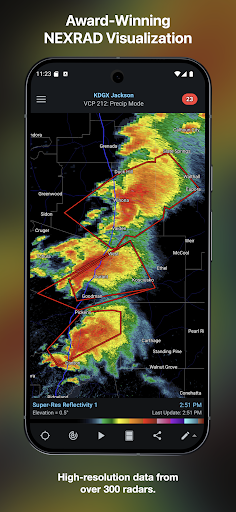
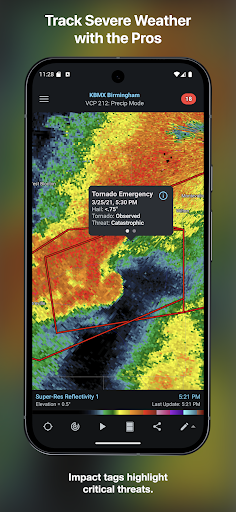
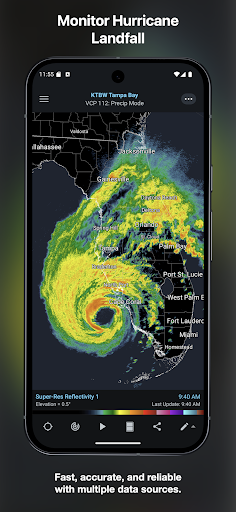
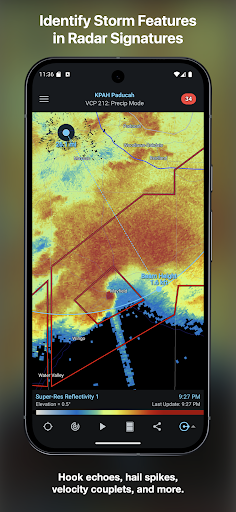
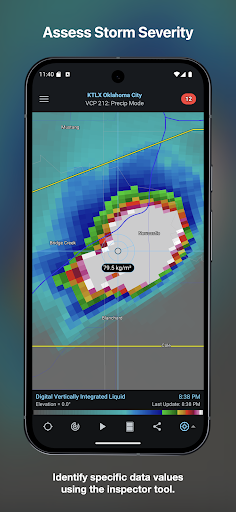
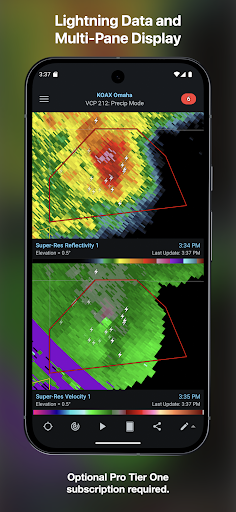
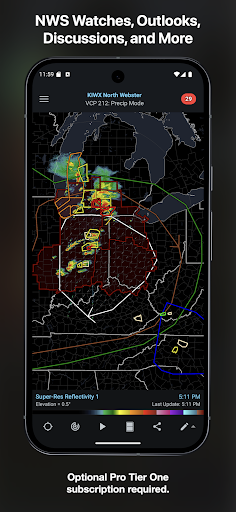
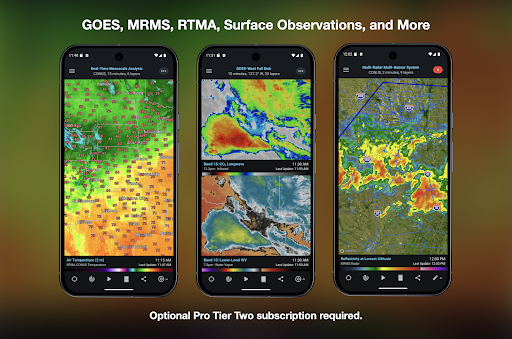
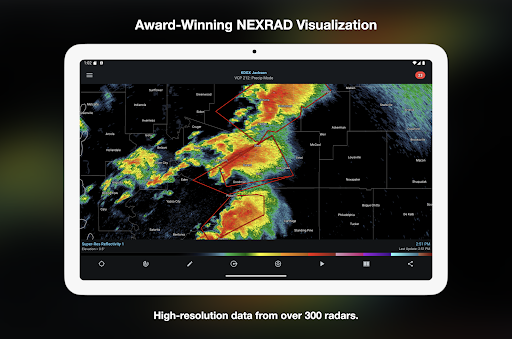
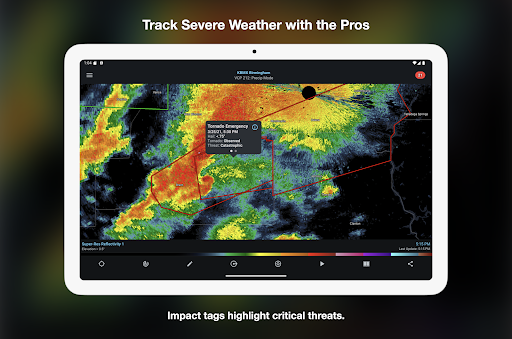

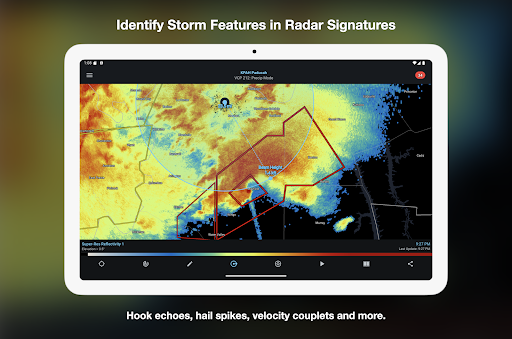
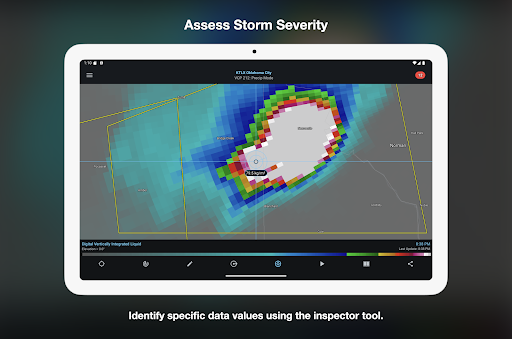
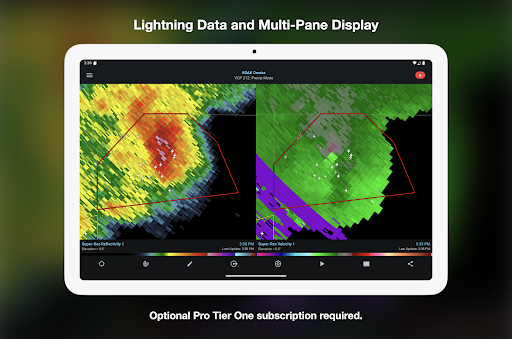

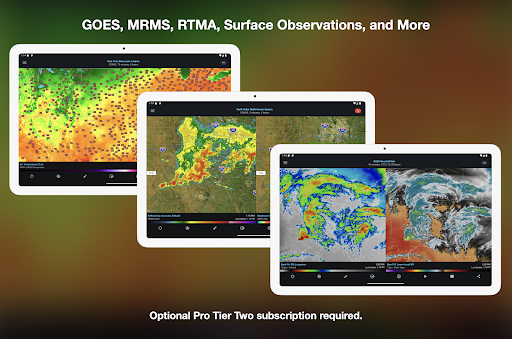
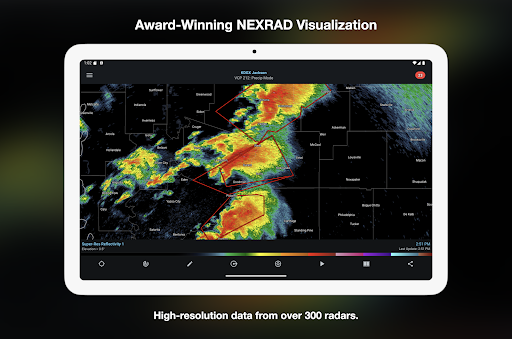
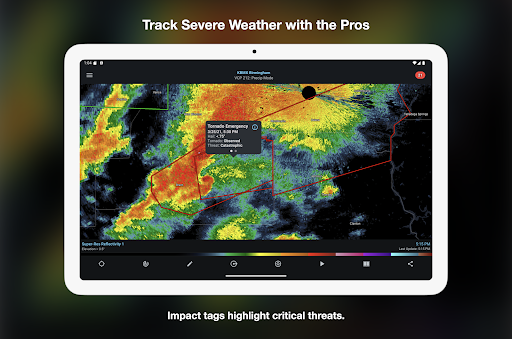
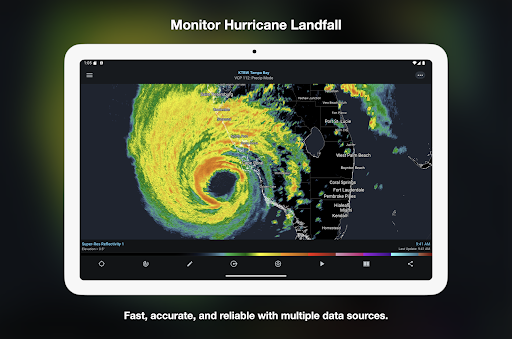
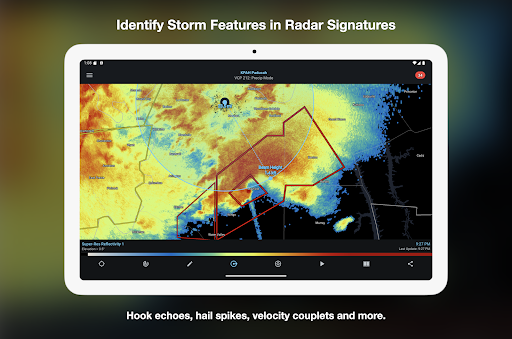
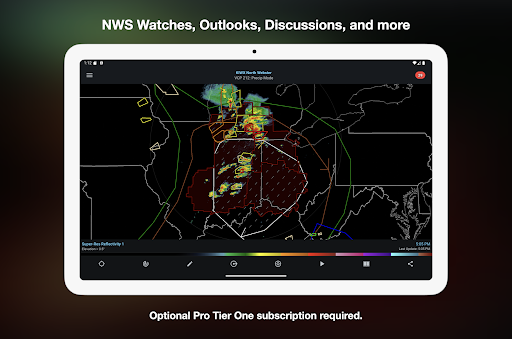
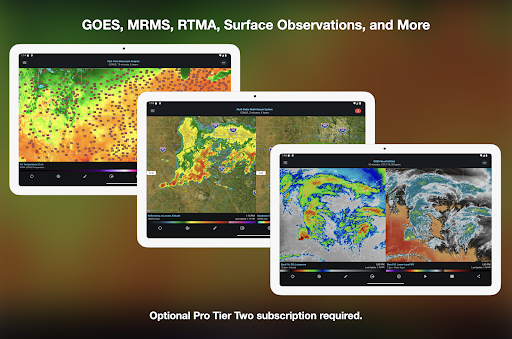
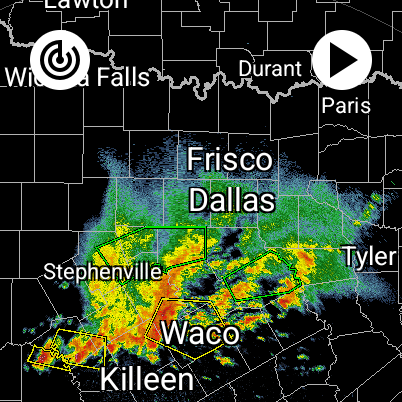
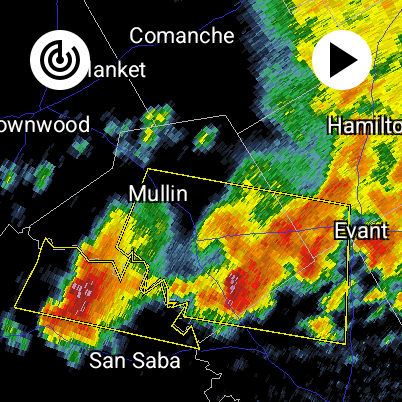
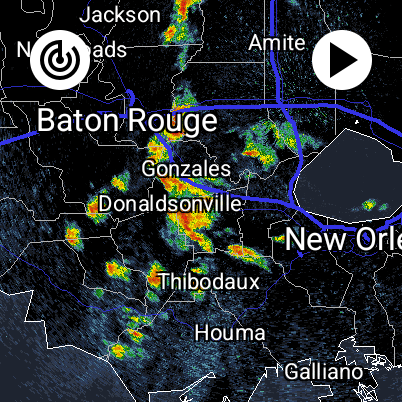
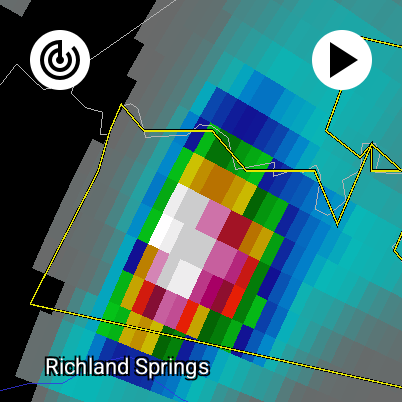
RadarScope is a professional weather visualization tool designed for meteorologists and weather enthusiasts. It provides real-time access to a comprehensive suite of single-site radar data and severe weather products across multiple countries. The app displays native radar data in its original radial format, offering users near-instant updates every two to ten minutes depending on the radar's scanning strategy.
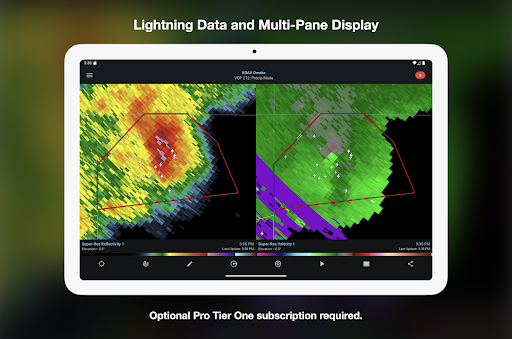
With its initial purchase, RadarScope includes essential features such as 6-frame radar loops, built-in radar data providers, and critical weather warnings. Advanced users can opt for RadarScope Pro Tier One or Tier Two subscriptions to unlock additional capabilities like longer radar loops, lightning strike data, and historical weather archives. Its support for Android and Wear OS devices makes it a versatile tool for tracking weather conditions anytime, anywhere.
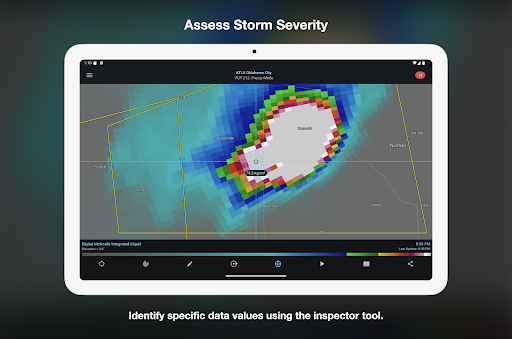
RadarScope stands out with its advanced radar visualization capabilities. The app offers a full suite of single-site radar products for regions including the US, Canada, and several European countries. Users can analyze radar data using tools like the Inspector and distance measurement features, while customizable color palettes allow personalized data interpretation.
For power users, RadarScope Pro subscriptions provide enhanced functionalities. Tier One adds 30-frame radar loops and severe weather outlooks, while Tier Two expands to include NEXRAD Level II data, GOES satellite imagery, and MRMS products. These tiers cater to professionals who require detailed and historical weather data. Additionally, the app integrates seamlessly with services like AllisonHouse and Spotter Network, enhancing its utility for storm reporting and analysis.
Real-time radar updates
Historical weather data
Customizable color palettes
Multi-platform support
Advanced Pro features
Subscription costs
Complex for beginners
Limited free features
High data usage
Regional limitations

A customizable Christmas watch face for Wear OS with a countdown.
 4.20
4.20
Christmas and New Year - Themed Watchface
4.5
Rose gold watch face with festive lights & customizable features.
4.60
The most customizable minimal watch face. For Wear OS 5.0, API 34+ and later
4.70
Stylish digital watch face for Wear OS devices with customizable features
4.0
Connect to your Bluelink equipped Hyundai vehicle from your smartphone.
4.50
Real-time weather radar with temperatures, warnings, hurricanes, and widgets
4.80
Hybrid watch face for Wear OS with customizable complications by Matteo Dini MD
4.70
From periods to pregnancy & perimenopause, Flo helps you track it all. Try now.
4.70
Hyperlocal rain alerts by MyRadar using patent-pending technology, radar & more
4.80
WTW M17 is a premium and luxurious hybrid watch face
4.70
Nutrition, Macro tracker: Food, fitness & healthy diet tracking for weight loss
4.60
A realistic hybrid watch face with many customization options.
4.60
Fast and smart typing with Emojis, GIFs, and more
4.50
Embrace the holiday spirit with this magical animated watch face!
4.40
Locate your family members by GPS phone location tracker everywhere and anytime
4.30
"PER27 Galaxy Digital" is a digital Wear OS watch face designed by PERSONA
4.10
Hyper-Realistic Airplane Dashboard Watch Face With 10 Skins and Custom AOD
4.00
Sleek, highly customizable watch face inspired by Galaxy Watch Circle Dashboard.
4.5


User Reveiws