Cinema FV-5

2.80

Information

Category:

Photography

Price:

$ 2.49

Rank:

35

Rating:

2.80

Overview

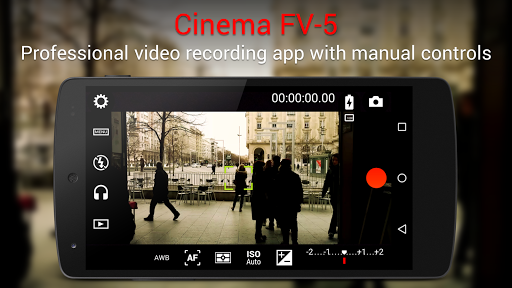
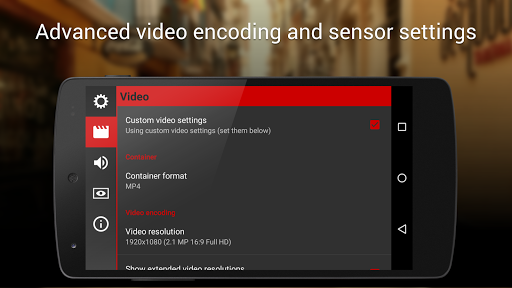
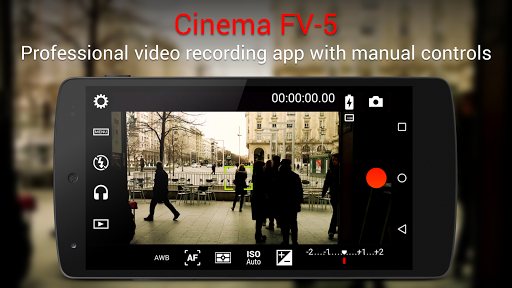
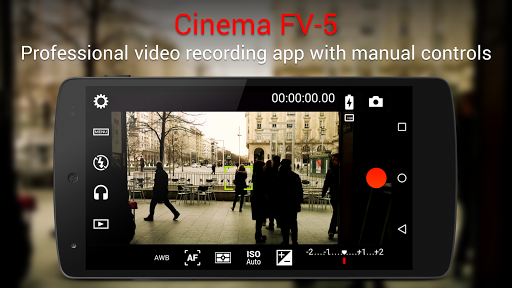
Cinema FV-5 is a professional-grade video camera application designed for mobile devices, offering advanced manual controls that empower videographers and filmmakers to capture high-quality footage. With its comprehensive suite of features, this app allows users to adjust critical image sensor parameters such as ISO, exposure compensation, focus modes, and white balance, even during recording. This level of control ensures optimal postproduction results, making it ideal for both amateur enthusiasts and professional creators.

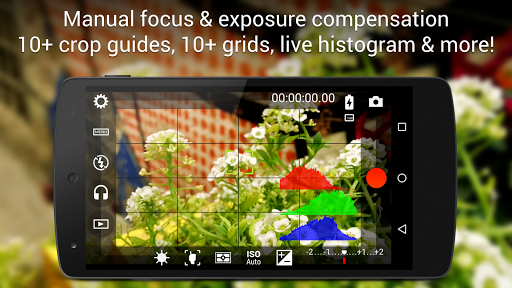
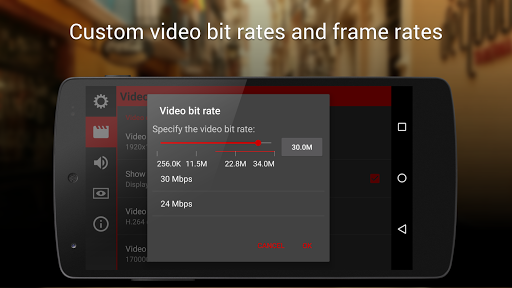
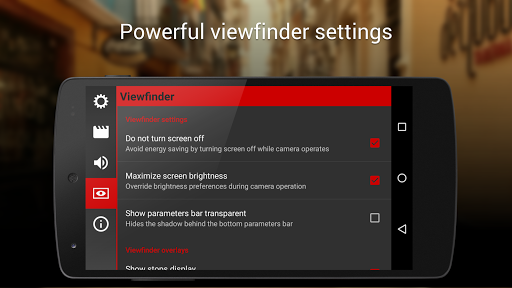
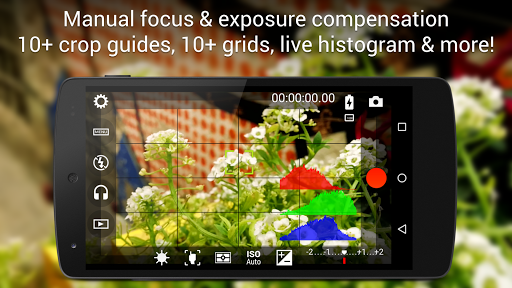
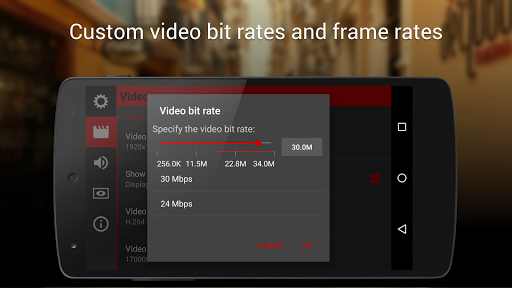
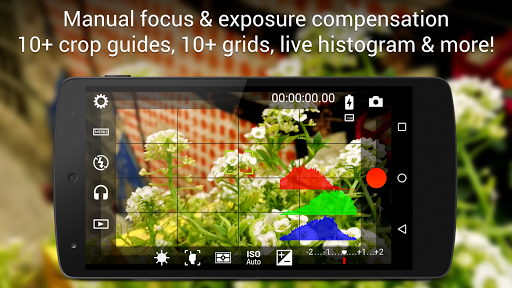
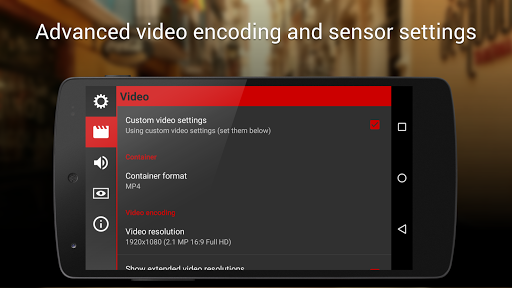
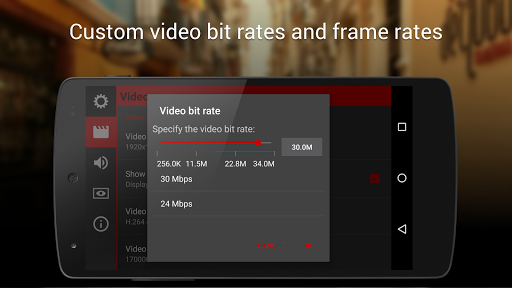
The app includes a professional viewfinder with over 20 compositing grids and crop guides, along with live RGB and luminance histograms for precise shot composition. It also supports various audio input sources, multiple codecs, and bitrate adjustments, enabling users to record in 4K UHD on compatible devices. Cinema FV-5 further enhances functionality by allowing the assignment of camera functions to volume keys and providing advanced video organization options. Whether shooting a short film or documentary, this app delivers exceptional performance and creative freedom.

Features

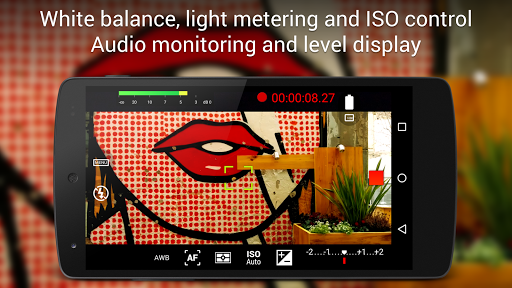
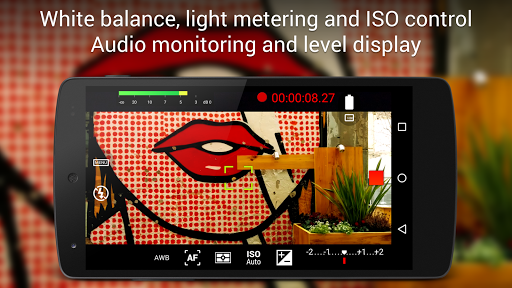
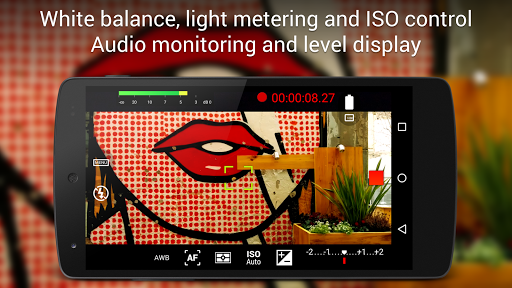
Cinema FV-5 stands out with its unparalleled range of professional video features tailored for filmmakers. One of its key strengths is the ability to modify all essential image sensor settings manually, including ISO, exposure compensation, light metering modes (matrix/center/spot), focus modes, and white balance. These adjustments can be made not only before but also during recording, giving users dynamic control over their footage. Additionally, focus lock and continuous focus adjustment capabilities ensure sharp and consistent visuals throughout the shoot.

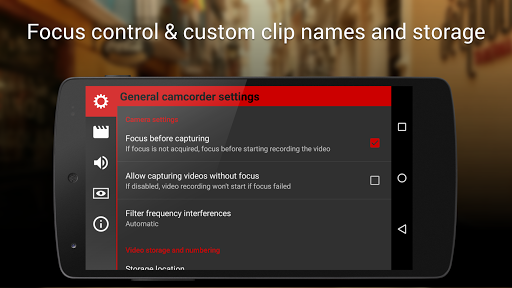
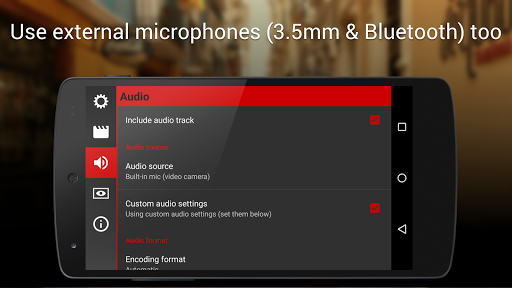
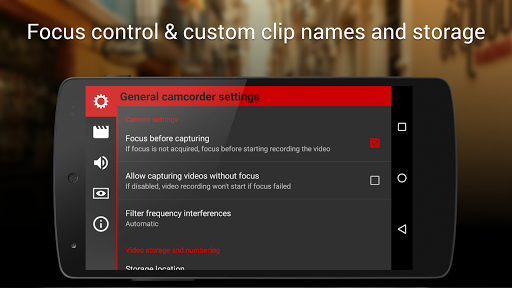
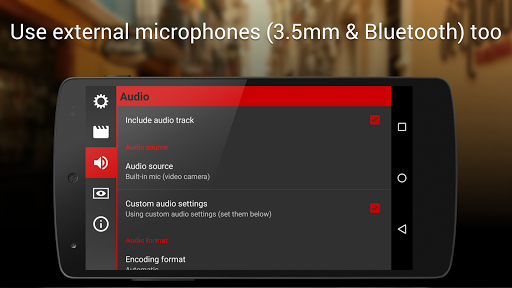
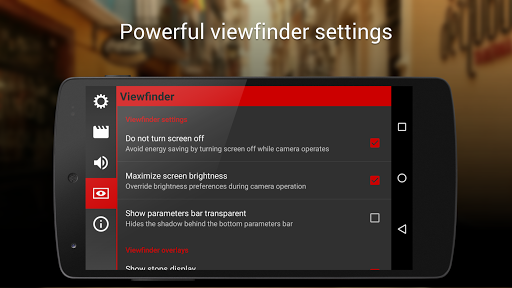
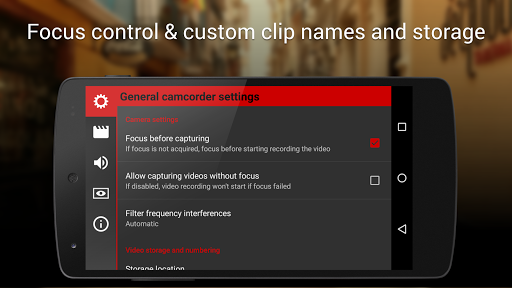
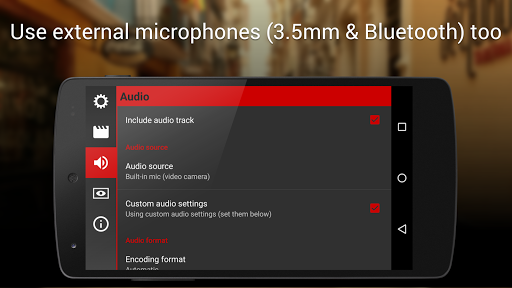
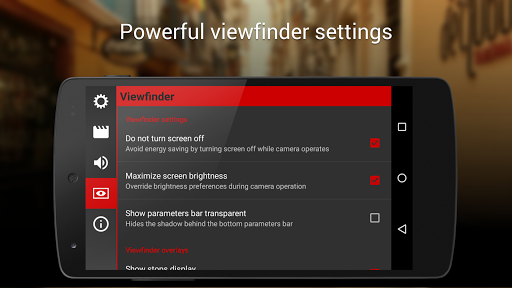
The app's electronic viewfinder is another highlight, featuring live RGB and luminance histograms, professional sound metering options, and customizable overlays like safe areas and gridlines. Users can choose from various audio input sources, including built-in microphones, external wired mics, or wireless Bluetooth headsets, ensuring superior audio quality. Furthermore, advanced organizational tools allow users to customize file names and storage locations, while support for 4K UHD recording and video geotagging adds versatility. With assignable hardware controls and compatibility with Android-based compact cameras, Cinema FV-5 provides an unmatched filmmaking experience.

Real-Time Capture & Preview

Real-time capture and preview functionality in a photography application refers to the ability to see exactly what the camera sensor is capturing without any noticeable delay providing users with an accurate representation of the final image or video before they press the record button This feature is crucial for videographers and filmmakers as it allows them to make precise adjustments to various settings ensuring optimal footage quality Cinema FV-5 excels in this area by offering users complete manual control over all essential camera parameters such as exposure compensation ISO light metering mode focus mode and white balance These controls are available both before and during recording enabling videographers to fine-tune their footage in real time The application also provides professional viewfinder options including 10+ compositing grids crop guides and safe area displays which help users frame their shots perfectly Additionally the most advanced electronic viewfinder feature displays live RGB and luminance histograms during recording allowing users to monitor exposure levels closely Another standout feature is the ability to adjust focus during recording With Cinema FV-5 users can lock focus on their subject before recording begins and change focus planes while recording ensuring that the subject remains sharp and clear throughout the clip The app supports different audio input sources like built-in microphones external wired microphones or wireless Bluetooth headsets and offers professional sound metering options displaying audio peaks and sound clipping warnings during recording This ensures high-quality audio capture alongside stunning visuals Overall Cinema FV-5's real-time capture and preview capabilities empower videographers to produce professional-grade content with confidence knowing that they have full control over every aspect of their recordings

AI Beauty & Enhancement Naturalness

AI beauty and enhancement naturalness in photography applications pertains to the use of artificial intelligence algorithms to improve the visual quality of images or videos while maintaining a realistic appearance This feature is particularly important for videographers who want to enhance their footage without making it look overly processed or artificial Although Cinema FV-5 does not specifically market itself as an AI-driven beauty enhancement tool it incorporates several advanced features that contribute to achieving natural-looking enhancements One key aspect is its ability to adjust all image sensor parameters manually Users can tweak settings like ISO exposure compensation and white balance to achieve the desired look for their footage These manual controls ensure that enhancements are applied precisely where needed without affecting the overall authenticity of the scene The application also offers professional viewfinder tools such as compositing grids crop guides and safe areas display which assist users in composing visually appealing shots By framing subjects correctly and utilizing these guides videographers can create aesthetically pleasing compositions that require minimal post-production editing Furthermore Cinema FV-5 includes powerful video clips organization options allowing users to store files in different locations and customize file names This organizational capability helps streamline the workflow making it easier to manage and edit footage efficiently While Cinema FV-5 may not rely heavily on AI for beauty enhancements its comprehensive set of manual controls and professional tools enables videographers to capture high-quality footage that looks natural and polished In summary Cinema FV-5 provides videographers with the means to enhance their footage naturally through precise manual controls and professional-grade features ensuring that the final output meets industry standards without compromising on realism

Props

Advanced manual controls

Professional viewfinder

4K UHD recording

Customizable settings

Audio input flexibility

Cons

Complex for beginners

No automatic mode

Premium price point

Requires learning curve

Limited device support

Features and Functions

What is this app and what can I use it for?

A professional video camera app with manual controls for capturing high-quality footage.

How do I download and install this app on my device?

Search 'Cinema FV-5' on Google Play Store, tap Install, and open after download.

How do I get started after opening the app for the first time?

Grant necessary permissions, explore the interface, and adjust settings via the menu.

What are the main features and capabilities of this app?

Manual controls, 4K UHD support, professional viewfinder, and advanced audio options.

How can I customize my experience and adjust preferences?

Adjust settings like ISO, exposure, focus modes, and audio preferences in the menu.

How do I save or bookmark my favorite content for later access?

Save clips using customizable file names and organize them into specific folders.

How can I share content with friends or on social media?

Use the share button to send videos directly to friends or social media platforms.

How do I access detailed information and explore more content?

Access detailed info through the professional viewfinder and histogram displays.

What permissions does this app need and how do I manage them?

Permissions include location for geotagging and storage access for saving files.

How do I check for updates and keep the app running smoothly?

Check Google Play Store for updates and enable auto-update in settings.
Show more

User Reveiws

{{ comment.reviewer_name }}
{{ comment.review_date_formatted}}
{{ comment.review_content }}
{{ tab.name }}
{{ comment.reviewer_name }}
{{ comment.review_date_formatted}}
{{ comment.review_content }}
No reviews with this rating