




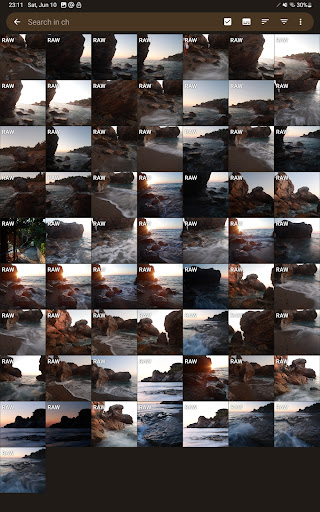
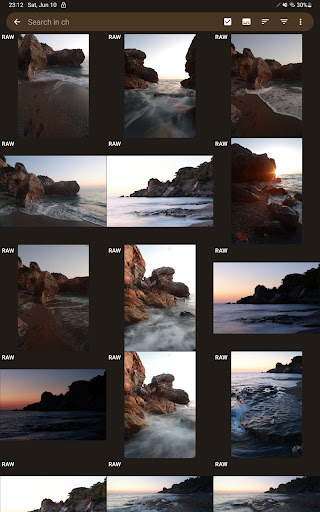
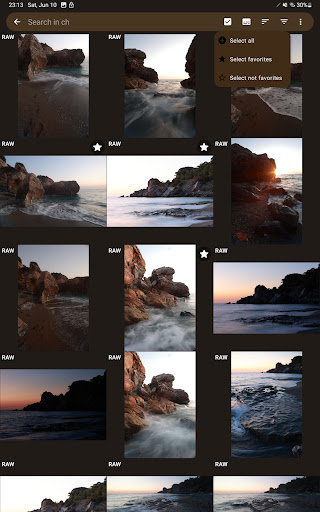

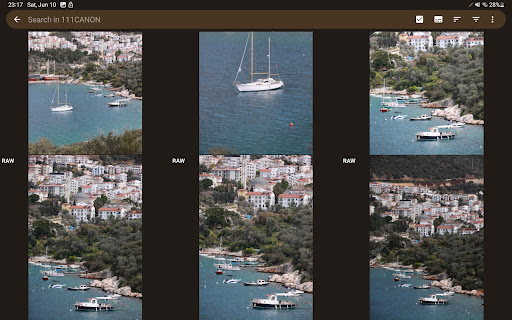
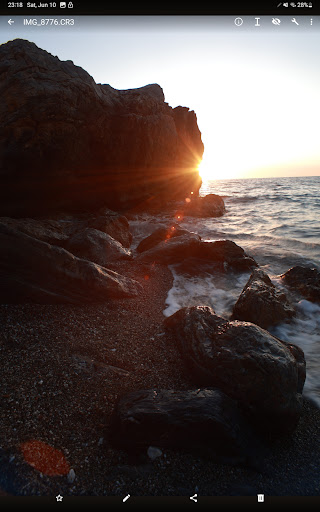
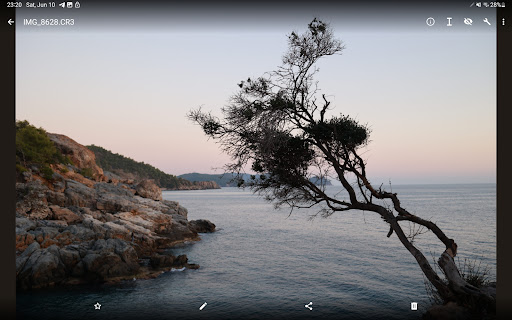


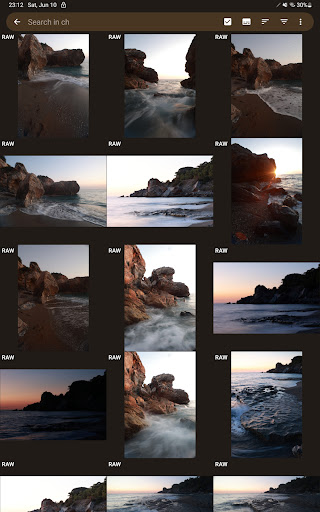
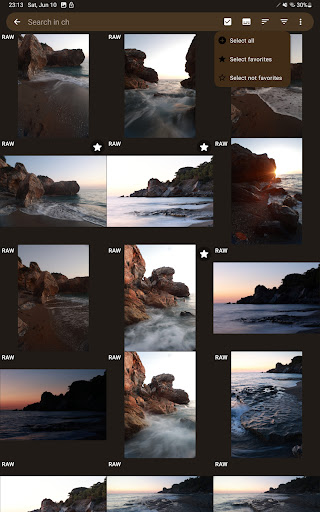

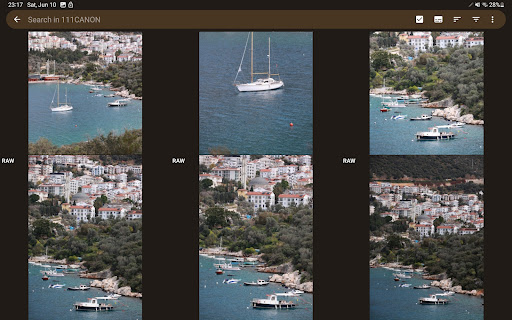
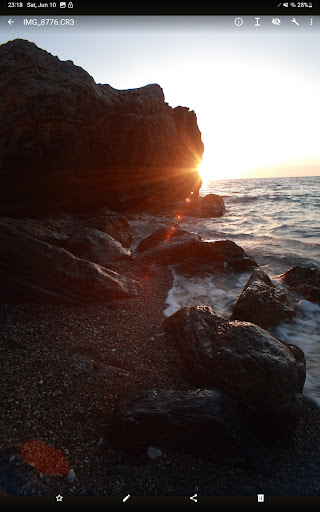
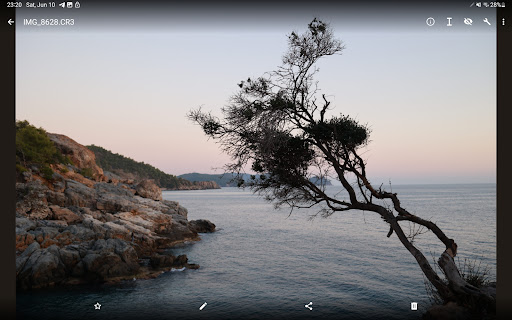

GalleryRAW is a specialized photography application designed for professional photographers and enthusiasts who need to manage and view raw image files on their Android devices. The app supports various raw formats including .cr2, .cr3, .nef, and .raf from leading camera brands like Canon, Nikon, Sony, and Fujifilm.
Beyond basic viewing, GalleryRAW functions as a comprehensive file manager. It allows users to import, view, and transfer raw files between USB storage devices such as HDD/SSD disks and camera flash drives connected via USB adapters. This makes it particularly useful for those needing to handle large volumes of images in full-screen mode with swipe navigation.
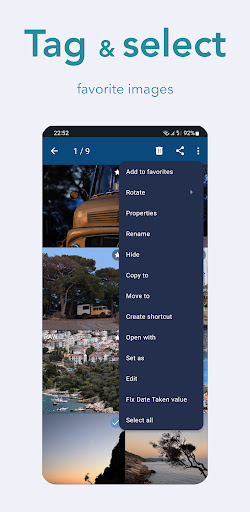
The app's standout feature is its ability to help users efficiently sort through hundreds or thousands of photos. Users can select specific images from camera flash cards connected via USB, copy them to the device's internal memory, and delete unwanted files to free up space for new shots.
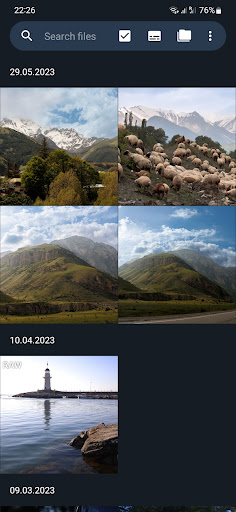
GalleryRAW offers an array of features that cater specifically to the needs of professional photographers. Its primary feature is the support for multiple raw image formats, making it versatile for different camera brands. The app provides full-screen viewing with intuitive swipe navigation through raw files, which significantly enhances the user experience when browsing through large collections of images.
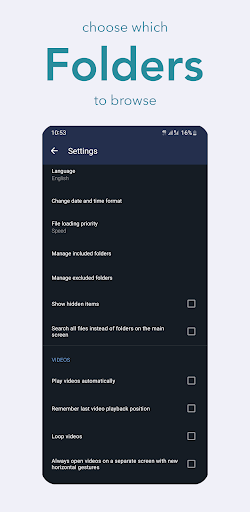
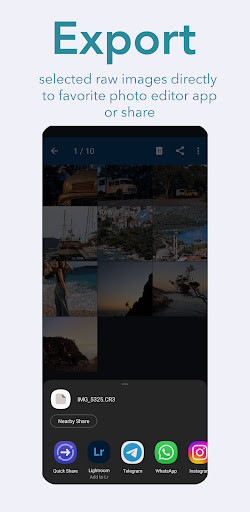
Another notable feature is its robust file management system. GalleryRAW enables users to connect external USB storage devices directly to their Android tablets or smartphones. This functionality facilitates seamless importing, viewing, and transferring of raw files without the need for a computer. Additionally, the app includes tools for managing these files efficiently, such as copying selected photos to internal memory and deleting unwanted ones from external storage.
Furthermore, GalleryRAW stands out by being the first Android application to offer quick viewing and selection capabilities for raw images. This unique feature allows photographers to work more efficiently by handling large batches of images directly on their mobile devices, thus streamlining their workflow and saving valuable time during post-production processes.
User-friendly interface
Wide format compatibility
Efficient file management
Full-screen viewing mode
Direct USB connection support
Limited editing capabilities
No cloud integration
Premium version required
Occasional performance issues
Steep learning curve

AI portrait generator and polaroid AI selfie, fun AI generated AI photo creator!
 4.30
4.30
Application for remote controlling DSLR
3.00
Superimpose one photo on top of another using the original Superimpose app!
3.20
Future baby face generator: AI kids generator, kid face! What my baby look like?
4.40
See your baby AI baby face generator AI baby maker Face generator babymaker fun!
4.70
Collage your moments in one tap: 1000+ layouts, filters, stickers, and texts.
4.90
Enhance, retouch & create your story - Share the moment with Photoshop Express.
4.60
Discover & download millions of art for The Frame TV or Hisense CanvasTV
4.60
Discover How to Plan any Sun, Moon and Milky Way Photo You Imagine in Seconds
4.70
The original Rarevision VHS look seen everywhere!
4.70
Viewfinder, Light meter, Reciprocity failure time, DOF & Bellows Extension
4.60
Light-weight Media Gallery app for Android made with Jetpack Compose
4.60
Automatically backup your photos and videos to computer, NAS and Cloud services
4.60
A must-have app for landscape photographers
4.60
Transform photos into videos! Create realistic or anime-style images easily!
4.50
Create AI Photos, Improve and restore quality of blurry, old or damaged pics.
4.20
A light meter for true photographers.
4.20
Catch sunlight, sunrise sunset times and sun phases with the AR sun tracker.
4.10
Create amazing frames with up to five photos. Rounded corners, effects and more!
3.60


User Reveiws