
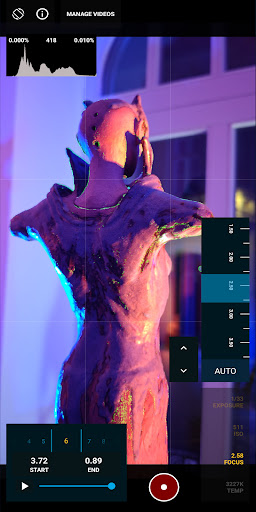


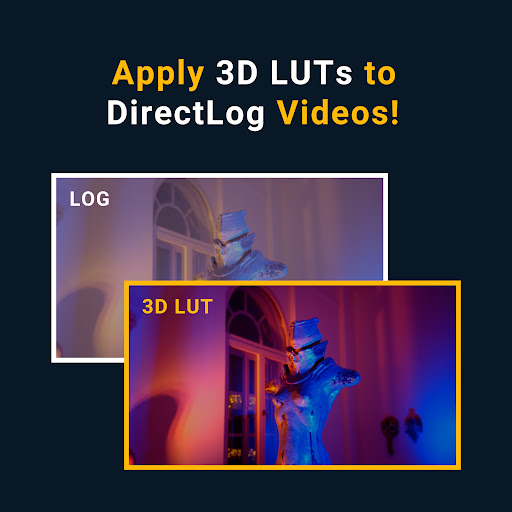
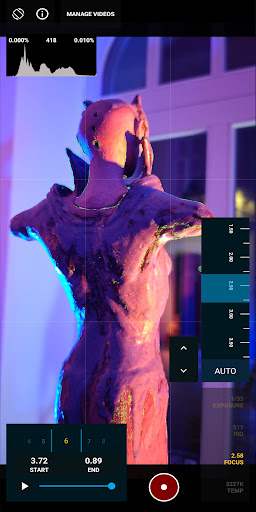

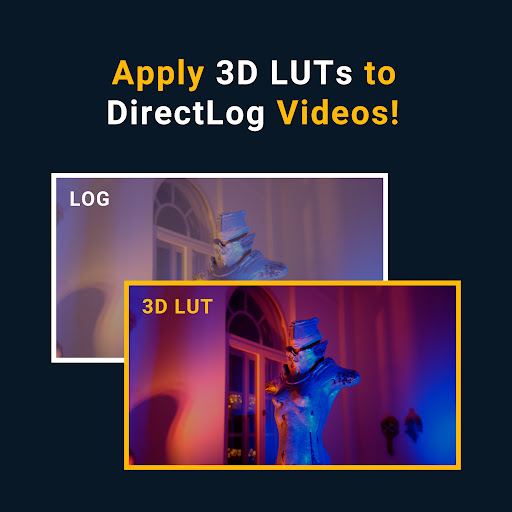
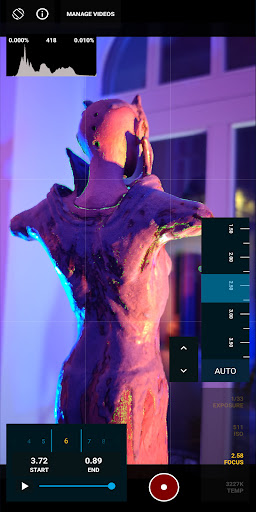

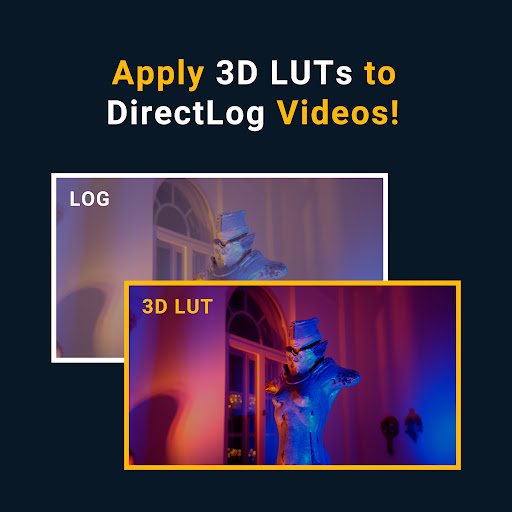

MotionCam Pro is a revolutionary photography and videography application designed to bring professional-grade tools to smartphone users. The app's standout feature is its ability to capture RAW video, a first for smartphone platforms. This allows videographers to retain maximum image quality and flexibility during post-processing.
In addition to its groundbreaking video capabilities, MotionCam Pro also enhances still photography through advanced computational algorithms. These algorithms replace standard camera software, enabling users to produce stunning photos with improved dynamic range, color accuracy, and low-light performance. Whether you're a professional photographer or an enthusiast, this app provides the tools needed to elevate your mobile photography game.
The app is particularly useful for content creators who require high-quality visual media for their projects. With MotionCam Pro, users can achieve DSLR-like results directly from their smartphones, making it an invaluable tool for on-the-go photography and videography work.
MotionCam Pro distinguishes itself through several key features that set it apart from other mobile photography applications. First and foremost is its pioneering RAW video capture capability, which gives videographers unprecedented control over their footage during editing. This feature alone makes it an essential tool for professionals seeking cinema-grade video quality from their mobile devices.
Beyond video, the app incorporates sophisticated computational photography algorithms that enhance still image capture. These algorithms work behind the scenes to optimize various aspects of image quality, including exposure, white balance, and noise reduction. Users can expect consistently beautiful photos regardless of shooting conditions.
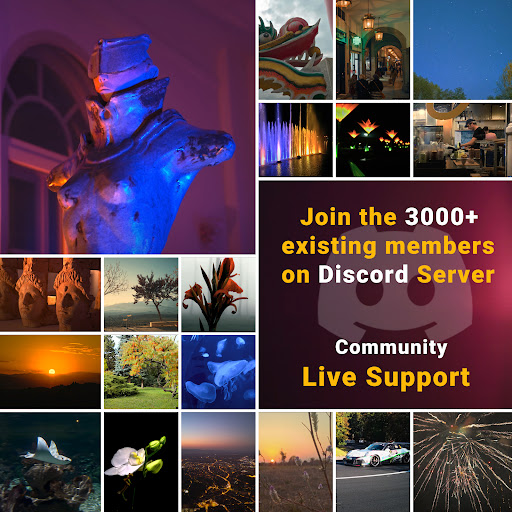
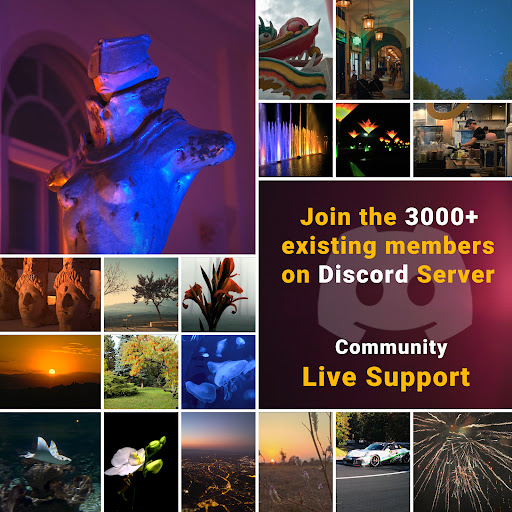
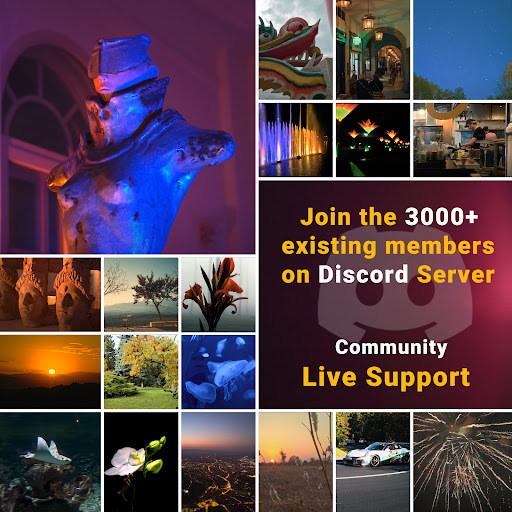
Additional features include advanced manual controls for both photo and video modes, customizable shooting parameters, and support for various file formats. The app also maintains an active community forum where users can share tips, showcase their work, and provide feedback to developers through their Discord channel.
Professional-grade tools
RAW video capture
Advanced algorithms
Manual controls
Active community
Steep learning curve
Premium pricing
High system requirements
Limited device support
Occasional bugs

Shooting photos and records video easily and efficient with professional Camera
 4.30
4.30
Create AI Photos, Improve and restore quality of blurry, old or damaged pics.
4.20
Gallery Slideshow is slideshow maker app for slideshow from your gallery photos.
3.90
Create amazing frames with up to five photos. Rounded corners, effects and more!
3.60
AI photo enhancer with Sora 2! Enhance, descratch, and colorize your old photos.
4.50
AI-powered video creator by MiniMax - Where ideas meet cinema
4.20
Astrophotography with your smartphone, photo live stacking and much more!
3.90
Pro version: AR sun/moon tracker for any date. Tool for photographers & planners
4.90
The original Rarevision VHS look seen everywhere!
4.70
Transform photos into videos! Create realistic or anime-style images easily!
4.50
Trendy TikTok time warp scan funny filter app brings you unique photos & videos.
4.40
[3DSteroid Pro] is a stereoscopic application for Android.
4.30
All-in-One Editor & AI Photo Enhancer, Beautify & Retouch, Collage, Cartoonify
4.20
Catch sunlight, sunrise sunset times and sun phases with the AR sun tracker.
4.10
Be your best in every shot! Fix, edit and retouch your face in selfies & photos.
3.70
GCamera allows all GCam features on all phone models! Better photos with GCamera
3.30
An interval timer to automate photo taking process for timelapse
2.90
Photo Album Watch Face shows your favorite pictures as a Watchface.
1.90
HD Photo gallery and photo manager to edit, hide private photos, videos & albums
4.5


User Reveiws