
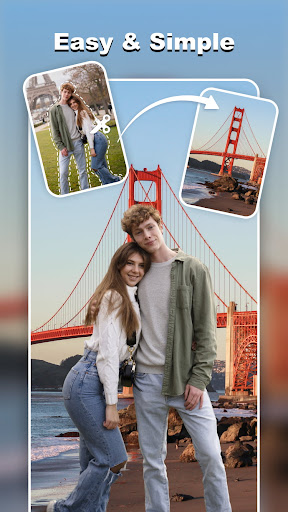
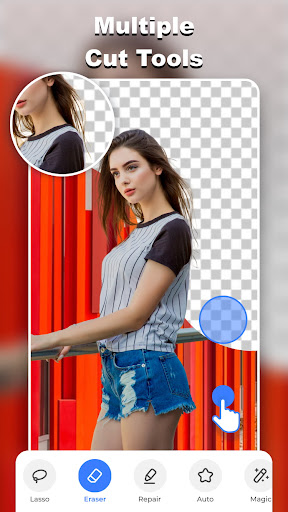
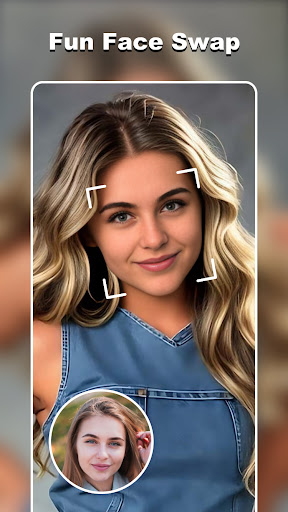

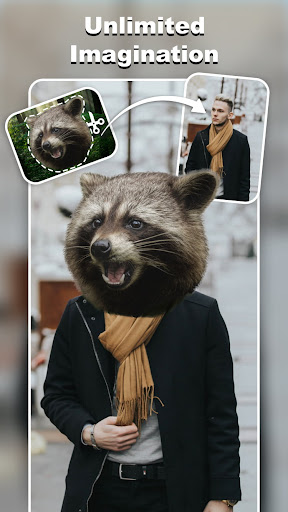
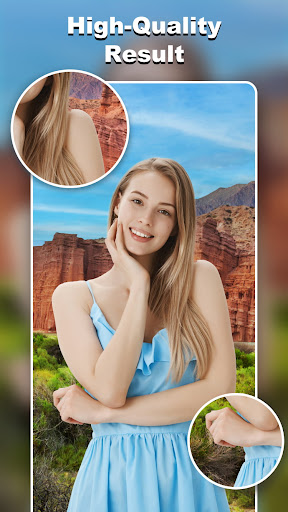
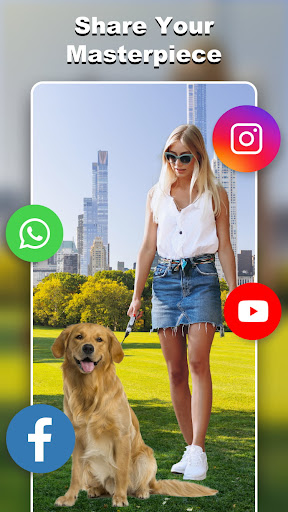
Cut and Paste Photo Editor is an innovative photography app that allows users to effortlessly cut, paste, and edit images with precision. The app utilizes advanced AI technology to provide a seamless editing experience, making it simple to create stunning photo collages, swap faces, remove backgrounds, and more.
With its intuitive interface and powerful tools such as the background eraser, lasso, and auto-cut features, this app caters to both casual users and professionals in need of high-quality image editing. Whether you're looking to enhance your personal photos or optimize product images for e-commerce platforms like Amazon and Etsy, Cut and Paste Photo Editor offers the necessary tools to achieve professional results.
The app also includes creative templates, an online background library, and decorative stickers, enabling users to fully customize their creations. From imaginative photo manipulations to practical business applications, this app provides limitless creative possibilities for Android users.
Cut and Paste Photo Editor stands out with its comprehensive suite of features designed to make photo editing accessible and enjoyable. One of the core functionalities is the AI-powered cutting tool, which allows users to remove objects from images with pixel-level accuracy. This feature supports both automatic and manual selection methods, ensuring precise control over the editing process.
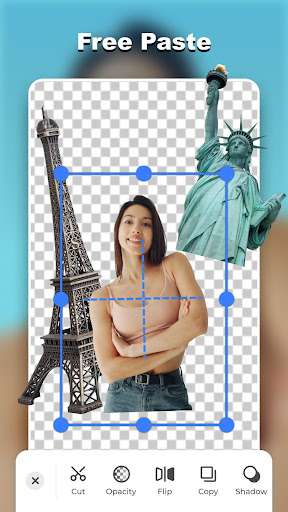
In addition to cutting, the app offers robust pasting capabilities that enable users to merge multiple elements into a single image seamlessly. Users can adjust colors, add neon backgrounds, flip images, and make copies of cutouts to perfect their compositions. The inclusion of ready-made templates and an extensive online background library further enhances the creative potential, providing countless options for customization.
For those engaged in e-commerce, the app's background remover tool is invaluable for creating clean, professional product photos. With additional features like text captions, face swapping, and easy sharing options, Cut and Paste Photo Editor delivers a complete package for unleashing creativity and achieving outstanding visual results on Android devices.
User-friendly interface
Advanced AI technology
Versatile editing tools
Extensive template library
Perfect for e-commerce
Occasional ads
Premium feature costs
Learning curve
Limited offline use
Device compatibility

Photo Album Watch Face shows your favorite pictures as a Watchface.
 1.90
1.90
Shooting photos and records video easily and efficient with professional Camera
4.30
AI photo editor with hair editor, retouch tools, hair color changer & filters!
4.50
Cartoon and artistic effects for your photos and videos
4.70
Automatically backup your photos and videos to computer, NAS and Cloud services
4.60
Create AI photos & videos with Enhancer; restore, fix, beautify, enhance photos
4.50
Smart, light, and fast photo and video gallery
4.30
Unlock the full potential of your DJI drone with Litchi
4.50
Welcome to ProShot, the most powerful camera app on Android.
4.20
Find time and duration of different sunlight phases at any location
4.90
The original Rarevision VHS look seen everywhere!
4.70
Enhance, upscale, and transform your images — on your device, without limits
4.70
Take videos and pictures with the popular TikTok TIME WARP SCAN filter.
4.60
Movie camera, supports pro recording settings for filming. Try it and be amazed!
4.50
Photo editor & gallery. Crop pictures & edit photos offline, no wifi!
4.50
RAW video capture with advanced controls
4.40
[3DSteroid Pro] is a stereoscopic application for Android.
4.30
All-in-One Editor & AI Photo Enhancer, Beautify & Retouch, Collage, Cartoonify
4.20
Over 800 film simulation recipes for Fujifilm. Black Friday Offer!
4.0


User Reveiws