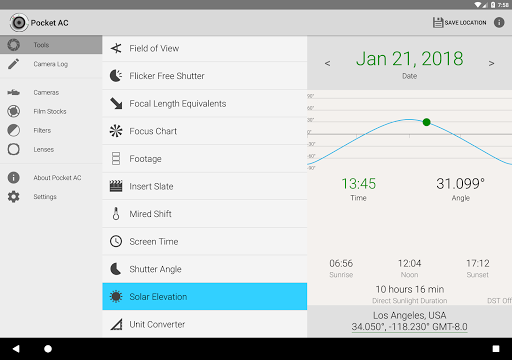
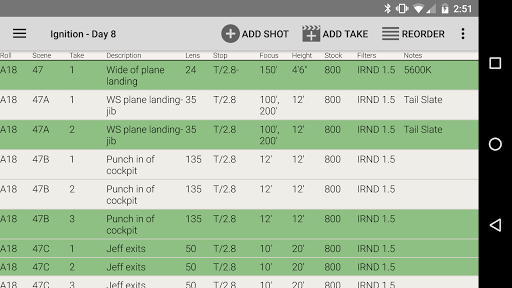
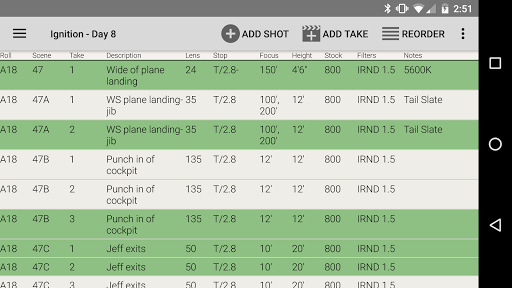
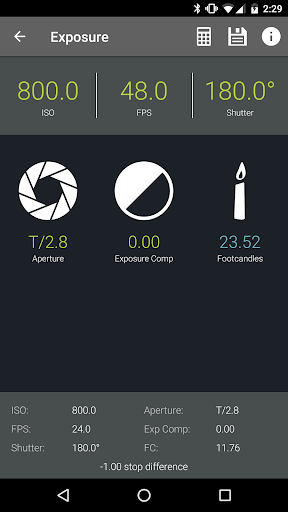
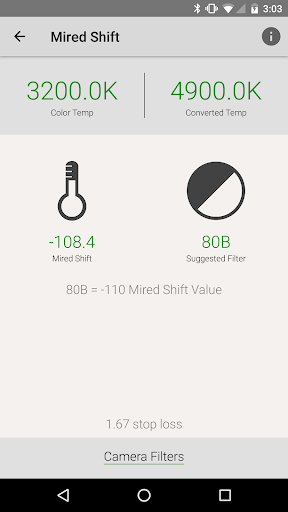
Pocket AC is an essential mobile application tailored for cinematographers, camera assistants, and videographers. It offers a comprehensive suite of tools including various calculators and reference charts that aid in production preparation and execution. The app's built-in camera log allows users to efficiently document shots and share daily setups via email.
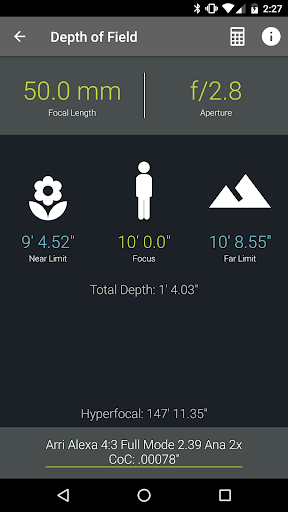
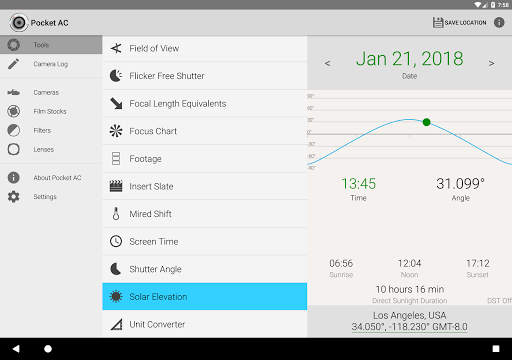
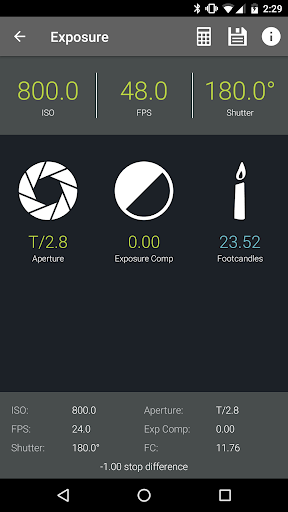
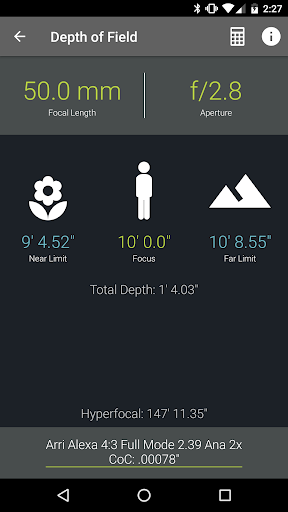
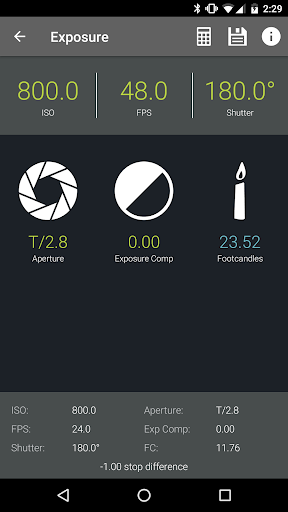
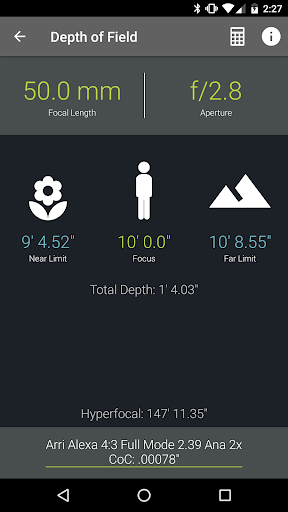
With specialized features like Depth of Field, Exposure calculators, and Flicker Free Shutter, Pocket AC supports professionals in achieving precise visual results. Its compatibility with over 140 film and digital cameras, along with a vast lens catalog, makes it an indispensable tool on set.
The app shines in collaborative environments where multiple users can work on the same camera log in real-time. Whether you're managing multi-cam productions or require detailed production statistics, Pocket AC delivers both functionality and convenience right at your fingertips.
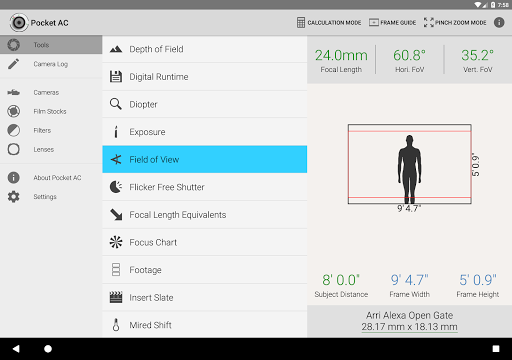
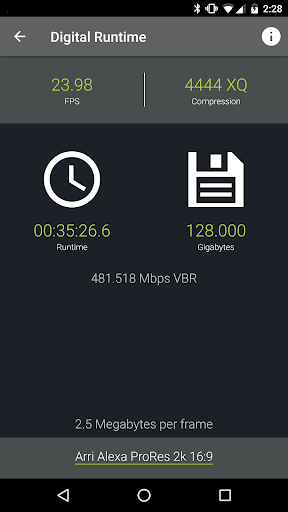
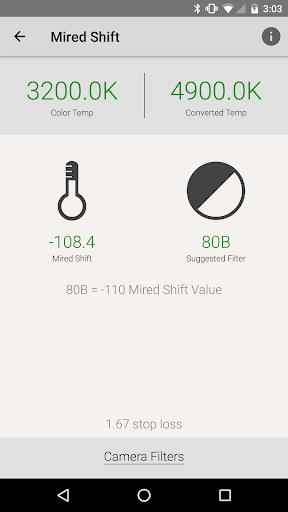
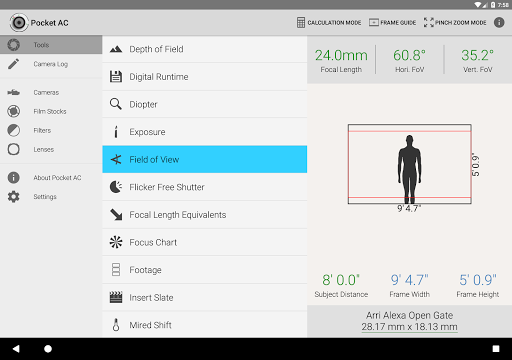
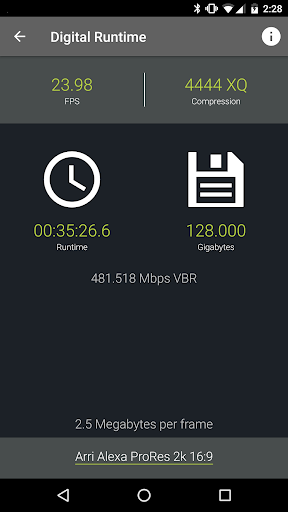
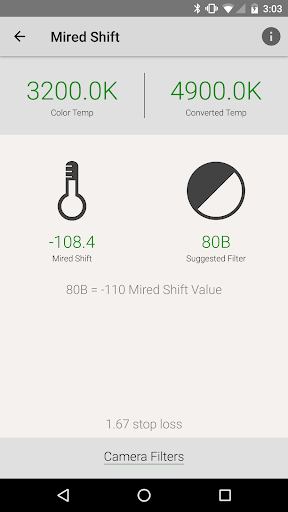
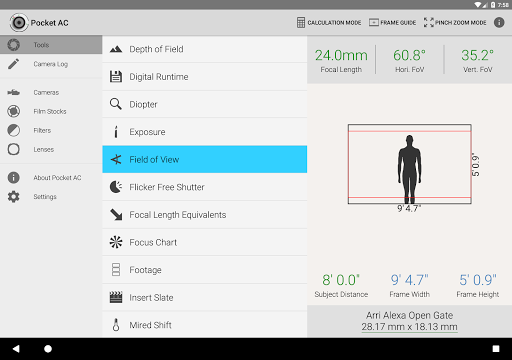
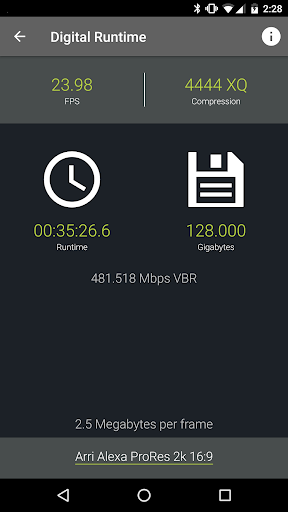
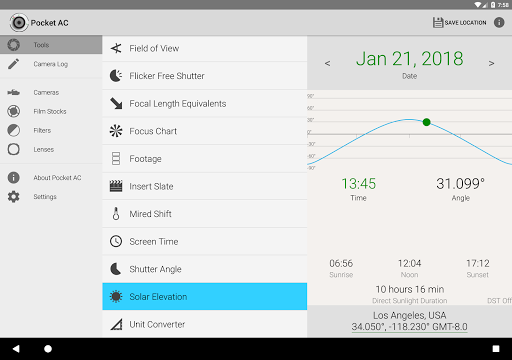
Pocket AC stands out with its extensive array of professional-grade tools. The app includes advanced calculators such as Data Transfer, Digital Runtime, and Mired Shift, alongside practical charts like the Focus Chart and Exposure tables. These resources are crucial for accurate shot planning and execution.
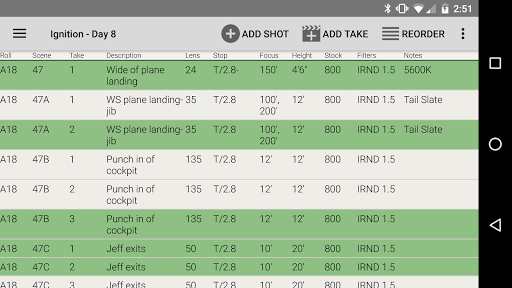
One innovative feature is the Camera Log, which revolutionizes how camera assistants track shots. With capabilities to export logs in multiple formats and real-time collaboration, it streamlines production workflows. Additionally, the app provides detailed camera specifications and lens catalogs, empowering users with critical information at their disposal.
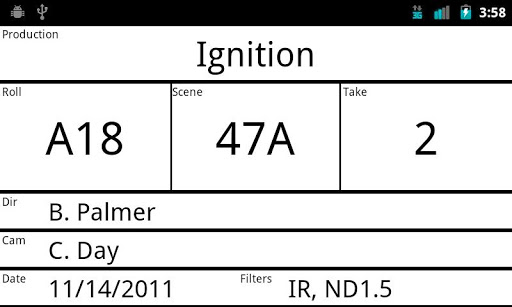
Furthermore, Pocket AC's support for various high-end cameras from brands like Arri, Blackmagic, Canon, and Sony ensures broad applicability across different equipment setups. This versatility, combined with intuitive functionalities such as the Insert Slate and Unit Converter, positions Pocket AC as a top choice for industry professionals seeking efficiency and precision.
User-friendly interface
Comprehensive toolset
Real-time collaboration
Wide camera compatibility
Detailed production stats
Complex for beginners
Requires constant updates
Limited free features
High cost for full version
Occasional bugs reported

Safe & smart flight with Go Fly drone controller for 40+ drone camera, zone map
 4.50
4.50
Application for remote controlling DSLR
3.00
Photo prints, cards, & gifts at Walgreens. Easy ordering & fast local pickup !
4.80
Light-weight Media Gallery app for Android made with Jetpack Compose
4.60
See your baby AI baby face generator AI baby maker Face generator babymaker fun!
4.70
Professional quality photo edits with the new Snapseed.
4.00
Use AI Video Generator to turn your words to ai generated videos.
4.50
Turn photos into cartoons & avatars! - Photo Editor, Cartoon Face!
3.90
Remote control the phone camera shutter from your smartwatch and take a picture
1.60
Enhance, upscale, and transform your images — on your device, without limits
4.70
1M influencer's special filter
4.60
Create collages easily! Nice pic collage maker & background eraser for Instagram
4.50
Transform photos into videos! Create realistic or anime-style images easily!
4.50
Search, tag and rate your way to an organized image gallery
4.40
Trendy TikTok time warp scan funny filter app brings you unique photos & videos.
4.40
Photobooth mini FULL app will allow you to add more fun to your parties
4.00
Perfect photos with body shaping, BG changer and object remover.
3.70
Be your best in every shot! Fix, edit and retouch your face in selfies & photos.
3.70
Add a dreamy vibe to your selfies and videos with soft style filters
4.4


User Reveiws