3DSteroid Pro

4.30

Information

Category:

Photography

Price:

$ 2.49

Rank:

31

Rating:

4.30

Overview

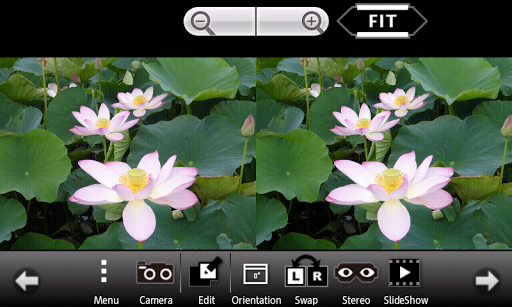
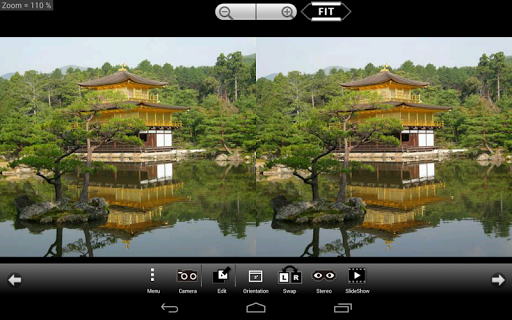
3DSteroid Pro is a premium stereoscopic application designed for Android devices, offering advanced 3D image editing and viewing capabilities. The app supports various input formats including L/R independent, SBS, and MPO files, making it versatile for different types of 3D photography needs.

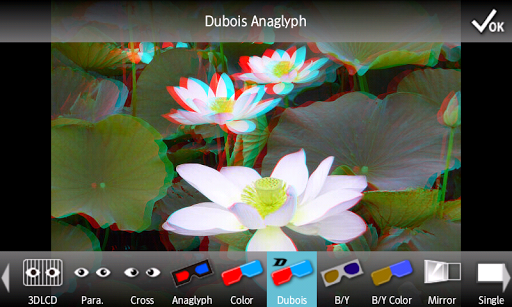
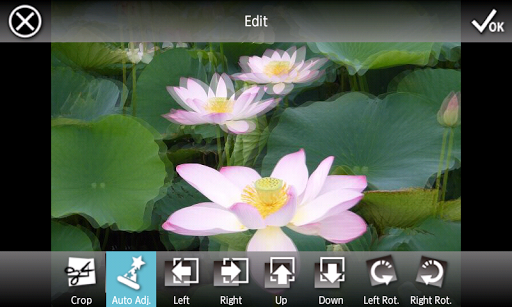
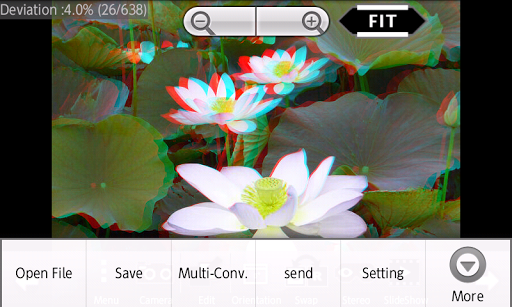
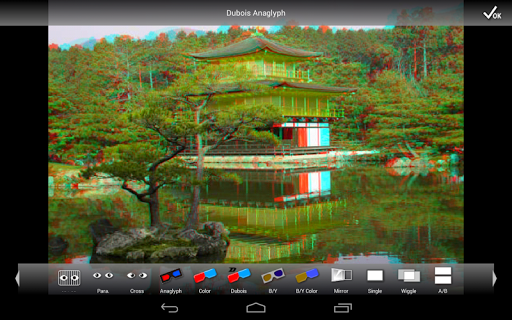
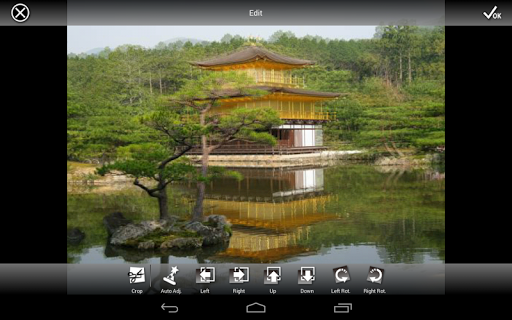
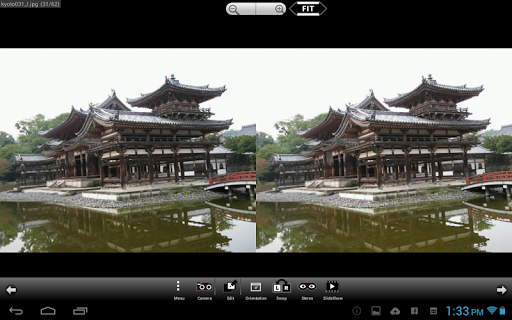
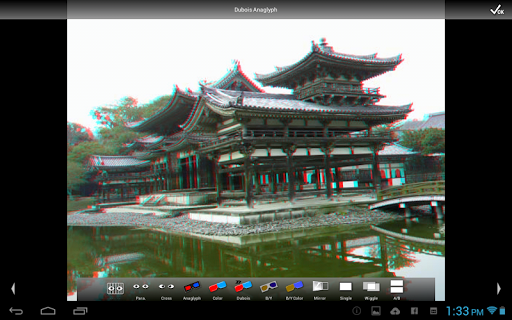
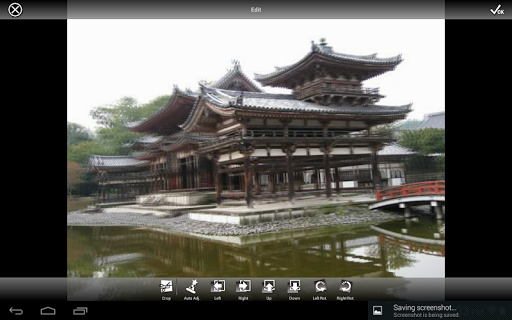
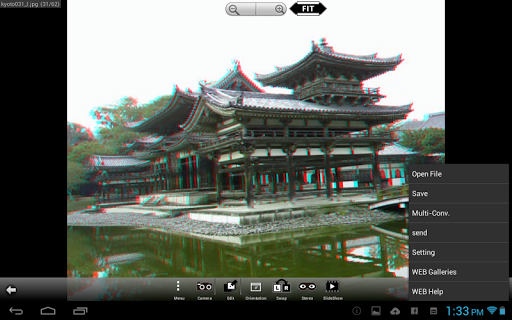
One of the standout features of 3DSteroid Pro is its ability to automatically align L/R images, adjust positions, rotation, and size errors, ensuring high-quality 3D image outputs. It also provides users with multiple display methods such as 3D LCD, SBS, Mirror, Wiggle, 2D, and Anaglyph, catering to diverse viewing preferences and devices.

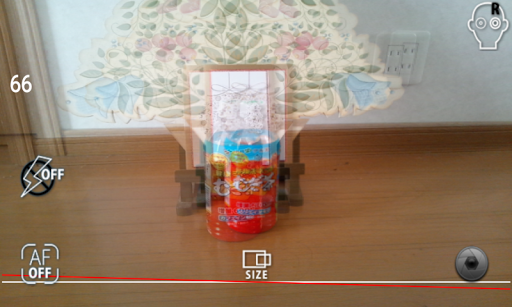
Ideal for both amateur and professional 3D photographers, this app allows you to take L/R pictures, perform batch conversions, and even save edited images directly to your device. With over 1000 images accessible via its WEB Gallery, users can explore a vast collection of stereoscopic content right at their fingertips.

Features

3DSteroid Pro boasts an array of powerful features tailored for 3D image enthusiasts. The Auto-Alignment function ensures that L/R images are perfectly matched, while the Image Saving feature (exclusive to the Pro version) lets users store their edited creations effortlessly.

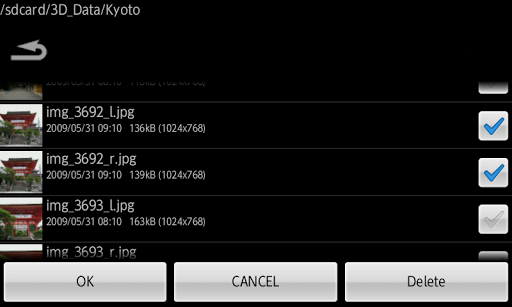
The app's Multi-Conversion capability allows for efficient processing of multiple files, supporting input formats like L/R independent, SBS, and MPO. Additionally, users can enjoy a rich viewing experience with display options such as 3D LCD (compatible with Freevi/PPTV/etc), SBS, Mirror, Wiggle, 2D, and Anaglyph modes.

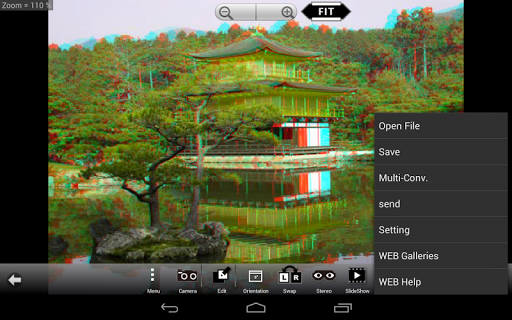
For those who love sharing their work, 3DSteroid Pro enables saving displayed images and sending the saved files, along with offering a Slide Show feature for presentations. The built-in camera functionality facilitates capturing L/R pictures, and the intuitive interface helps in fine-tuning image attributes such as position, rotation, and size.

Real-Time Capture & Preview

Real-time capture and preview functionality in photography applications refers to the ability to instantly view and adjust images as they are being captured allowing for immediate feedback and optimization of the photographic process This feature is particularly important in stereoscopic photography where alignment and composition of dual images can significantly impact the final 3D effect In 3DSteroid Pro this functionality enables users to take left and right pictures with the internal camera while providing tools to adjust positions rotation errors and size discrepancies between the two images The application supports various input formats including L/R independent SBS and MPO files and offers multiple display methods such as 3D LCD SBS Mirror Wiggle 2D and Anaglyph This versatility ensures that photographers can experiment with different styles and techniques while receiving real-time feedback on their adjustments Additionally the app provides auto-alignment of L/R images which simplifies the process of creating well-aligned stereoscopic images For users this means they can achieve professional-quality 3D images without needing advanced technical knowledge or additional equipment The instant preview allows for quick corrections and enhances the overall efficiency of the photo-taking process making it an invaluable tool for both amateur and professional stereoscopic photographers Furthermore the ability to save edited images and send the saved files adds another layer of convenience enabling seamless sharing and storage of the final compositions Overall the real-time capture and preview feature in 3DSteroid Pro empowers users to produce high-quality stereoscopic images with greater ease and precision

AI Beauty & Enhancement Naturalness

AI beauty and enhancement naturalness in photography applications pertains to the use of artificial intelligence algorithms to improve the aesthetic quality of images while maintaining a realistic and authentic appearance This feature has become increasingly important as users seek to enhance their photos without making them look overly processed or artificial In 3DSteroid Pro AI-driven enhancements focus on optimizing stereoscopic images ensuring that depth and realism are preserved during editing processes Although the description does not explicitly mention AI beauty features the app includes functionalities that contribute to image enhancement such as adjusting L/R image positions correcting rotation and size errors and aligning images automatically These features collectively ensure that stereoscopic images maintain their natural appearance while benefiting from technical improvements The importance of this lies in delivering a more immersive and believable 3D experience where the enhancements do not detract from the authenticity of the scene Users of 3DSteroid Pro benefit from these capabilities as they can create visually appealing stereoscopic images that retain their original essence and charm The app also supports saving and sending edited images which means users can apply these enhancements and immediately share their work with others Moreover the over 1000 images web gallery access provides inspiration and reference for achieving optimal results By focusing on natural enhancement rather than artificial manipulation 3DSteroid Pro ensures that users can elevate the quality of their stereoscopic photographs while preserving the integrity and realism that make 3D imagery so captivating This approach appeals to photographers who prioritize authenticity and seek to deliver genuine visual experiences through their work

Props

Auto-aligns images

Supports multiple formats

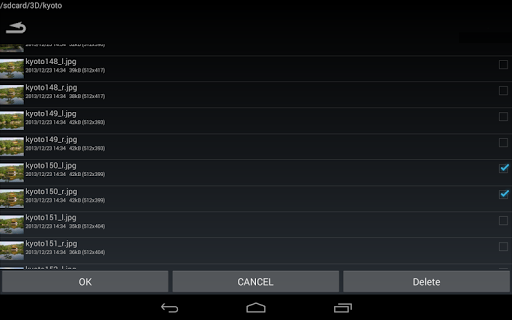
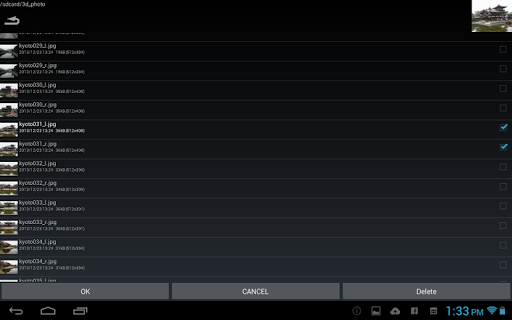
Batch conversion tool

Advanced editing options

Comprehensive gallery access

Cons

No MPO support on Android 11+

Limited to Picture folder

Old 3D LCDs unsupported

Premium priced

Complex for beginners

Features and Functions

What is this app and what can I use it for?

A tool for creating and viewing 3D images with various editing features.

How do I download and install this app on my device?

Search '3DSteroid Pro' on Google Play Store and install from there.

How do I get started after opening the app for the first time?

Grant necessary permissions and follow the setup wizard instructions.

What are the main features and capabilities of this app?

Includes auto-alignment, multi-conversion, and various display methods.

How can I customize my experience and adjust preferences?

Adjust settings via the Preferences menu to tailor your experience.

How do I save or bookmark my favorite content for later access?

Save images directly within the app and organize them in albums.

How can I share content with friends or on social media?

Use integrated sharing options to post on social media platforms.

How do I access detailed information and explore more content?

Browse the extensive web gallery and detailed info sections.

What permissions does this app need and how do I manage them?

Requires storage and camera access; manage in app settings.

How do I check for updates and keep the app running smoothly?

Check Google Play Store for updates and enable auto-update in settings.
Show more

User Reveiws

{{ comment.reviewer_name }}
{{ comment.review_date_formatted}}
{{ comment.review_content }}
{{ tab.name }}
{{ comment.reviewer_name }}
{{ comment.review_date_formatted}}
{{ comment.review_content }}
No reviews with this rating