

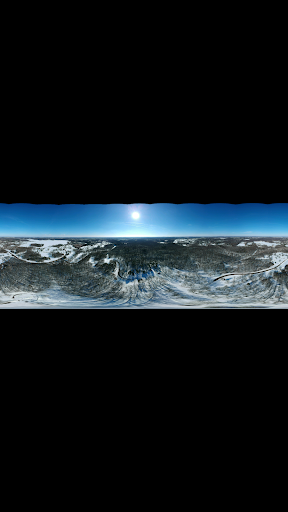
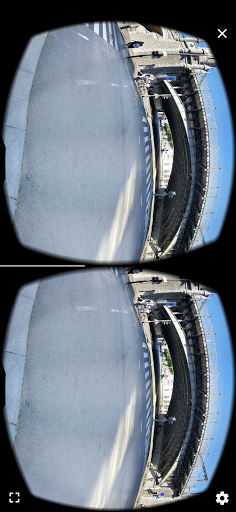

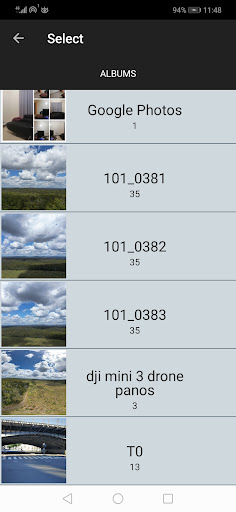
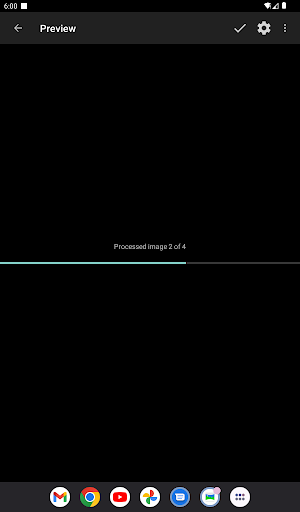

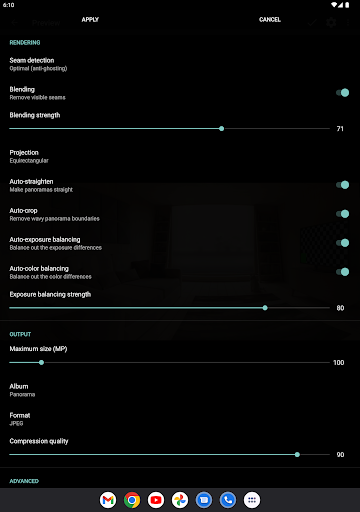

Bimostitch Panorama Pro is a powerful photography app designed for creating high-resolution panoramic images directly on your mobile device. The app utilizes advanced on-device stitching algorithms to automatically align and blend overlapping photos into stunning panoramas. Whether you're capturing landscapes, cityscapes, or unique perspectives with drones, this tool ensures professional-quality results without the need for bulky equipment.
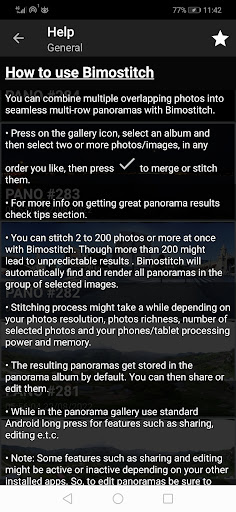
The application supports various panorama types including horizontal, vertical, 360°, and photospheres. With support for stitching 2 to 200+ images, it offers flexibility for both simple and complex projects. Its intuitive interface makes it accessible to users of all skill levels while delivering features typically found in desktop software. From automatic exposure balancing to lens distortion compensation, Bimostitch provides comprehensive tools that enhance image quality and save time during post-processing.
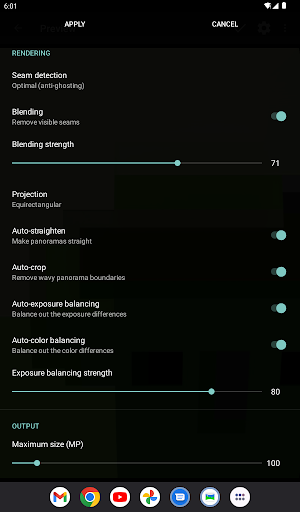
Bimostitch Panorama Pro stands out with its robust feature set tailored for panoramic photography enthusiasts. The app's automatic stitching capability handles multiple photo arrangements, from single-row to multi-row compositions, ensuring seamless blending of large image sets. It includes intelligent processing features like auto-exposure balancing, straightening, and color correction, which work together to produce natural-looking panoramas with minimal user intervention.
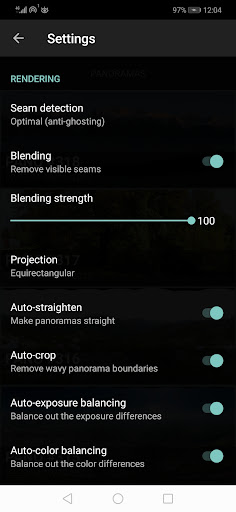
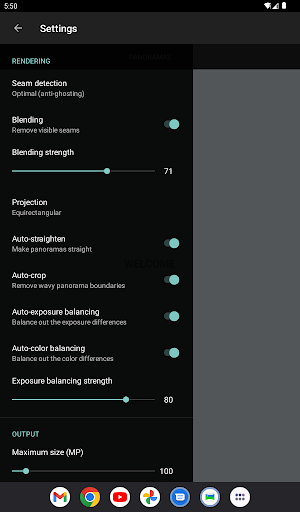
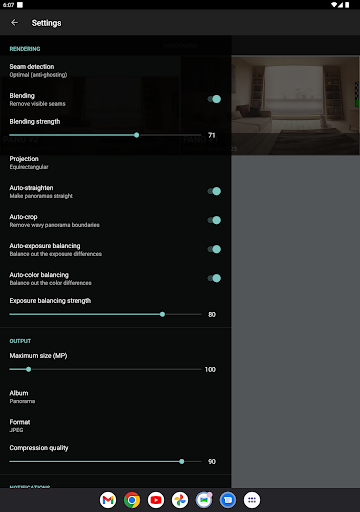
For advanced users, the pro version unlocks additional capabilities such as ultra-high resolution output up to 1 Gigapixel, video-to-panorama conversion, and detailed control over seam detection and blending intensity. The app also supports various output formats (JPEG/PNG) and offers space-saving compression for large files. These professional-grade features, combined with offline functionality and cross-platform compatibility, make Bimostitch an indispensable tool for creating impressive panoramic images anytime, anywhere.
User-friendly interface
High-quality stitching
Offline functionality
Wide device compatibility
Comprehensive pro features
Requires powerful hardware
Pro version is paid
Steep learning curve
Limited free features
Large file sizes

All-in-One Editor & AI Photo Enhancer, Beautify & Retouch, Collage, Cartoonify
 4.20
4.20
Create funny photos and videos with the popular Time Warp Scan filter.
4.90
Virtual makeup, hair filters & body tuner—edit from face to full body!
4.20
Android Native system HD camera app. Never been so simple and faster.
4.70
Pet Camera
3.70
Over 800 film simulation recipes for Fujifilm. Black Friday Offer!
4.5
Smart, light, and fast photo and video gallery
4.30
Easily create custom gifts, cards, photo books & more on the Shutterfly app!
4.60
Try an anime version, cartoon yourself, and generate AI hug or aging videos!
3.70
Pro version: AR sun/moon tracker for any date. Tool for photographers & planners
4.90
Unblur, enhance & restore photos with powerful AI photo enhancer tools.
4.60
AI photo enhancer with Sora 2! Enhance, descratch, and colorize your old photos.
4.50
RAW video capture with advanced controls
4.40
Create & Edit with AI: AI Remove, Enhance, Retouch, Filter
4.10
Transform Photos: Edit, Beautify and Craft Memories & Make Collages!
4.10
Catch sunlight, sunrise sunset times and sun phases with the AR sun tracker.
4.10
Photobooth mini FULL app will allow you to add more fun to your parties
4.00
Be your best in every shot! Fix, edit and retouch your face in selfies & photos.
3.70
Create amazing frames with up to five photos. Rounded corners, effects and more!
3.60


User Reveiws